Check the acquisition promise
Read the store headline, screenshots and description. What problem is the app promising to solve?
Study the storefront ↗
TP-LINK · iOS
Explore the ad evidence, study the storefront, and build your next acquisition hypothesis.
01 / Creative research
Read the store headline, screenshots and description. What problem is the app promising to solve?
Study the storefront ↗Explore apps with direct store-link matches. Compare their hooks and formats without assuming the same approach works here.
Browse observed advertisers ↗Store rankings and revenue estimates describe market context. They do not establish ad spend, conversions or ROAS.
Review the market context ↗02 / Storefront & product
Study the product story and store experience behind the acquisition funnel.



03 / Market context
Keep revenue, downloads and store rankings separate from advertising performance.
自从更新之后,觉得没有老版的好用了,老版的我在单位也能显示家里的路由器,还能控制孩子的上网禁用,现在好多时候再单位都不能显示家里的路由器,很不方便,还是老版好
这次最新的更新更加直白和人性化设计,更好的管理和了解各个设备的了解情况,希望以后能出更多的功能,比如把无线设备连接管理和lan口管理分开!
我一直以来都用TP路由器这次下载了这个软件发觉没什么用处或者说用处不大、我给点建议你们可以听听、1在软件上加一个网络测速或者网络环境监测、2在软件上加一个重启设置、因为现在路由器放的位置离自己比较远比较好手动重启很麻烦现在的人都懒。
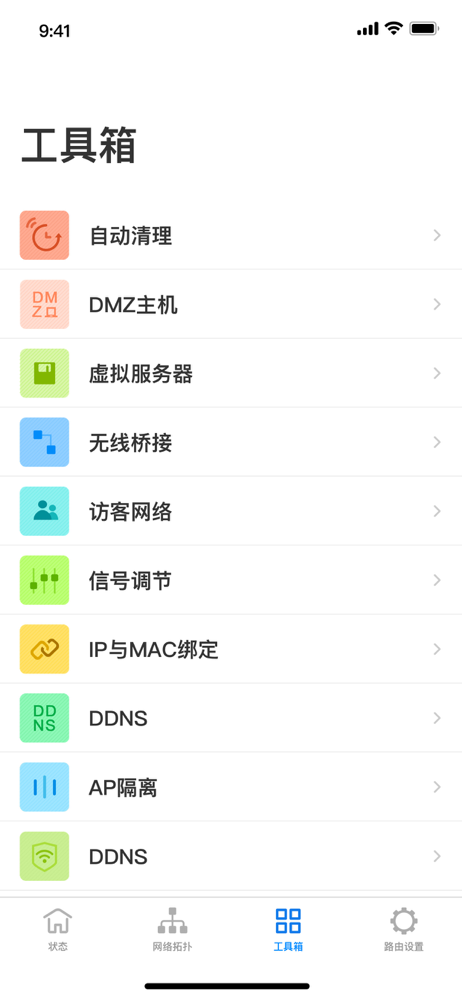
用于管理和设置TP-LINK云路由器的应用,可远程、本地管理TP-LINK云路由器。 【主要功能】 1. 登录TP-LINK ID可远程管理TP-LINK路由器; 2. 本地管理局域网内的TP-LINK路由器; 3. 实时获取路由器状态消息; 4. 管理已连接设备,支持一键禁止上网、设置上网时间限制...