Check the acquisition promise
Read the store headline, screenshots and description. What problem is the app promising to solve?
Study the storefront ↗
Sergei Shpygar · iOS
Explore the ad evidence, study the storefront, and build your next acquisition hypothesis.
01 / Creative research
Read the store headline, screenshots and description. What problem is the app promising to solve?
Study the storefront ↗Explore apps with direct store-link matches. Compare their hooks and formats without assuming the same approach works here.
Browse observed advertisers ↗Store rankings and revenue estimates describe market context. They do not establish ad spend, conversions or ROAS.
Review the market context ↗02 / Storefront & product
Study the product story and store experience behind the acquisition funnel.
03 / Market context
Keep revenue, downloads and store rankings separate from advertising performance.
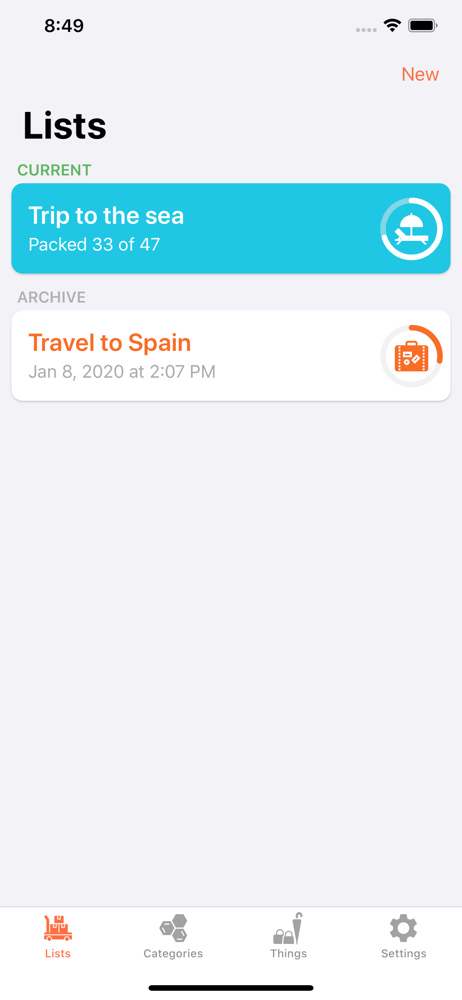
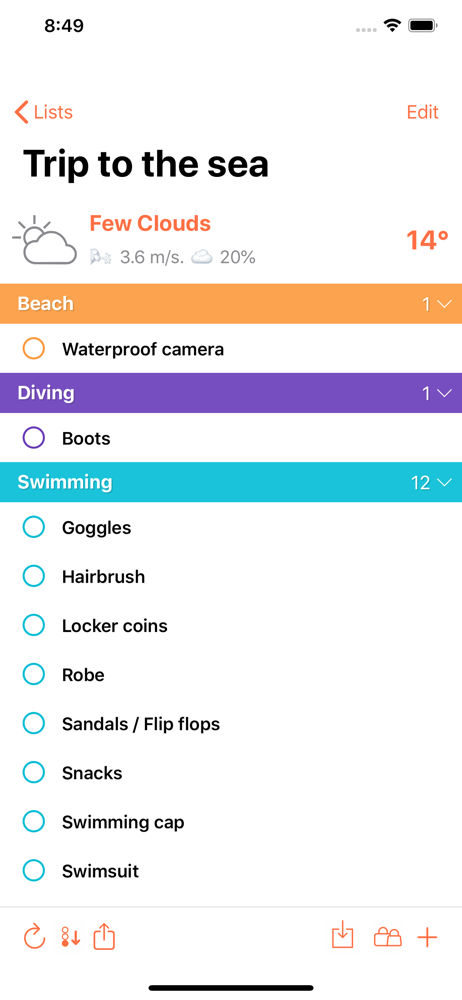
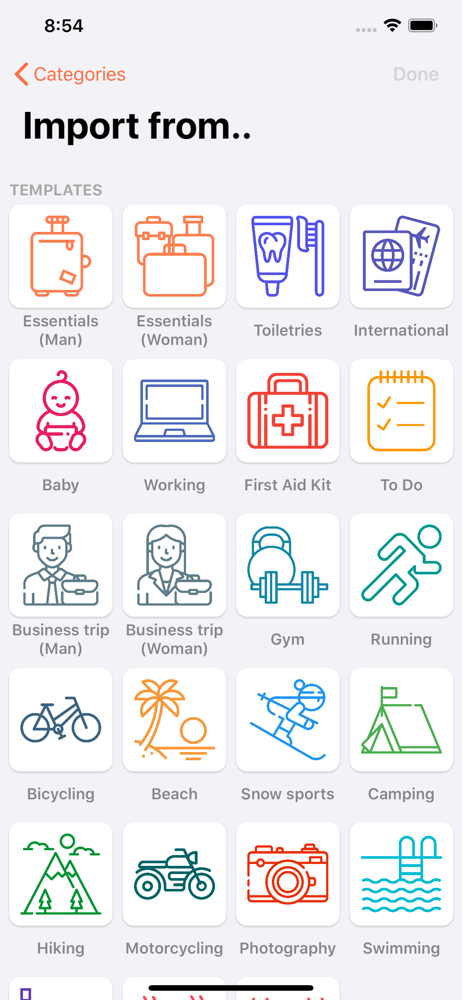
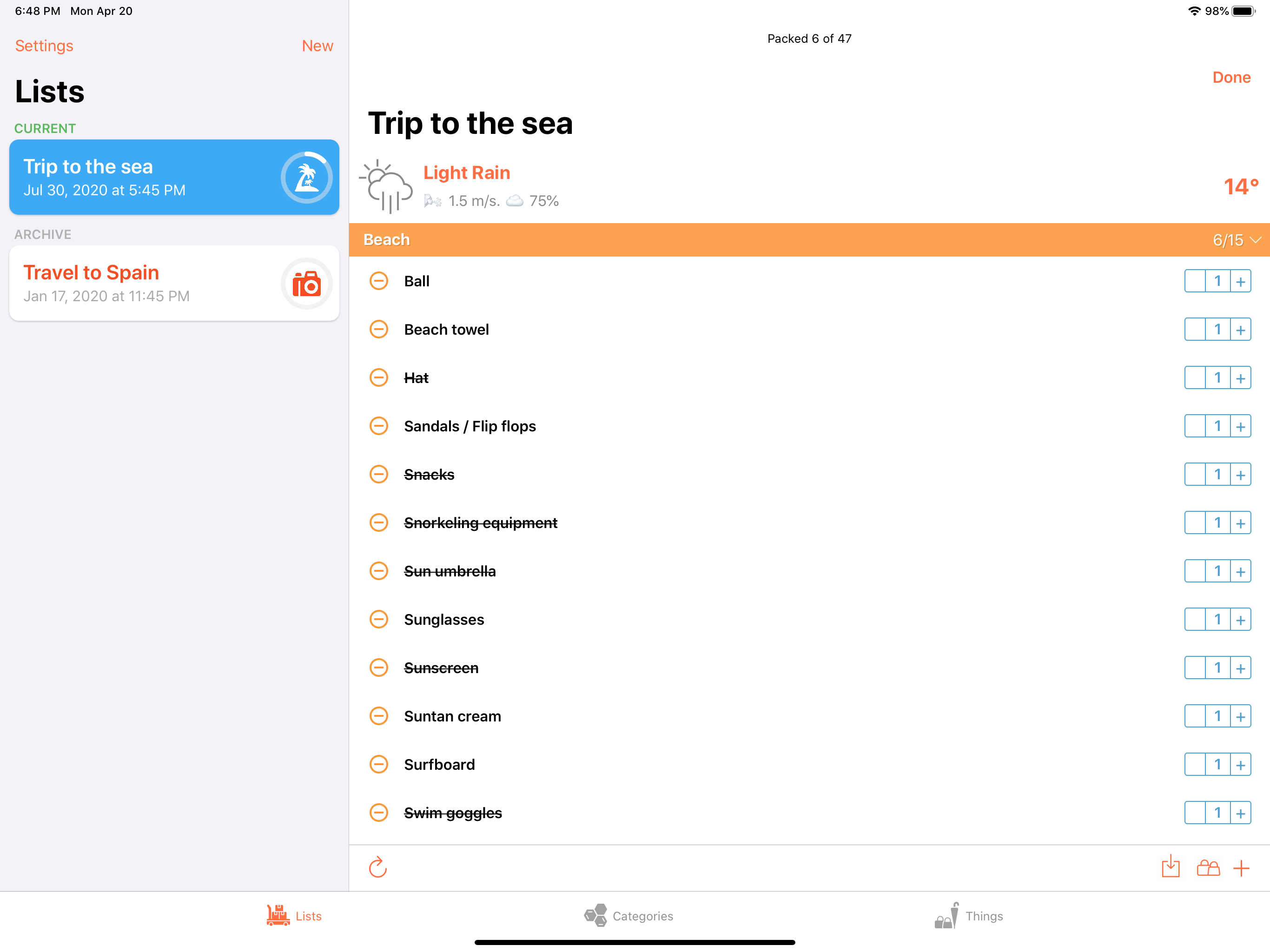
I want to quickly be able to add and remove checklist items and use one checklist as a template to create another. This app makes you go through too many manual efforts to create categories and things. Sure, you can import pre-defined stuff. But then I have to manually delete the items that are not applicable. (and deleting is one at a time with a confirmation prompt). Would be better if I can easily just import a text list, but I can’t. For my needs, it is a hundred times easier to instead use IOS Notes with the checklist feature.
Crashes immediately on iOS 15.6. Can only get app to start by going into airplane mode and turning off that setting. Hoping for a fix soon. Would otherwise be 4 stars as it’s been a great tool the several times I’ve used it. Especially useful for repeat trips. Loses one star for only offering support via Twitter.
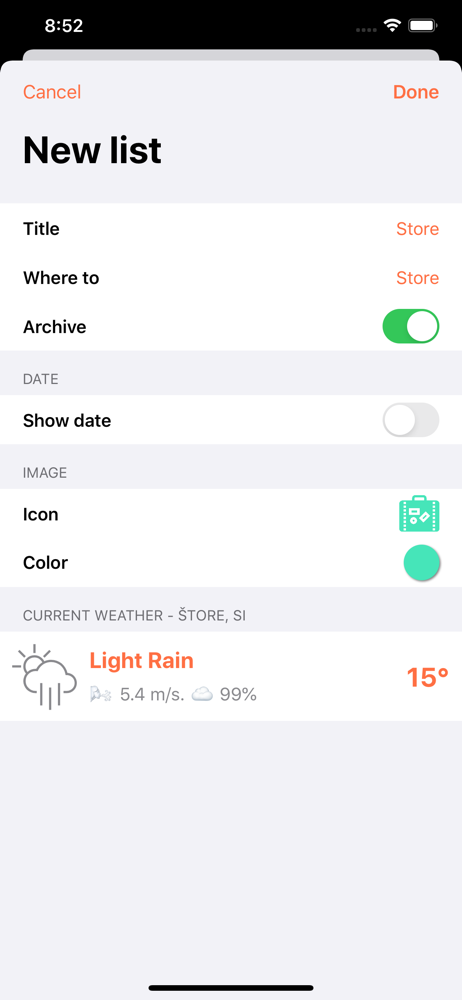
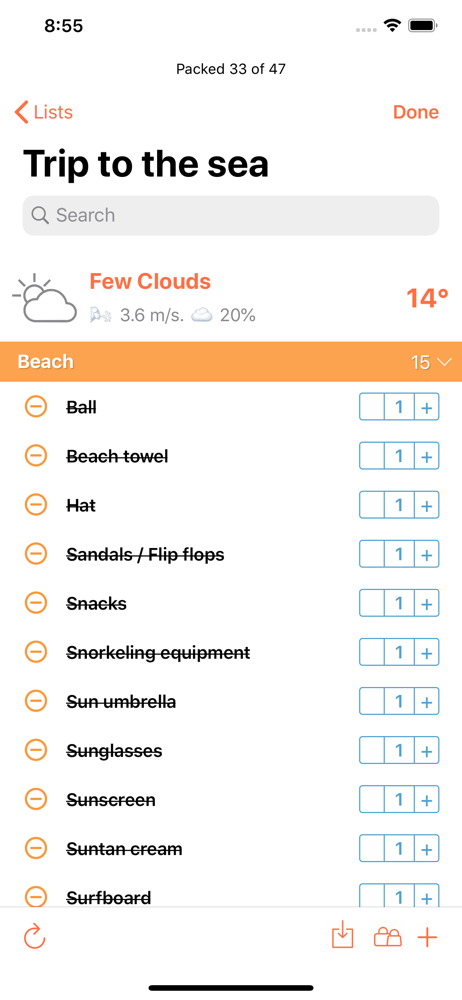
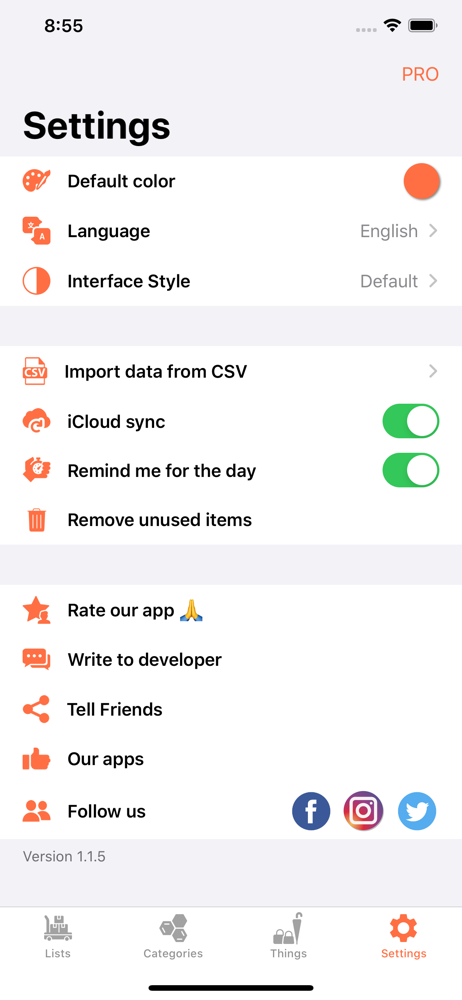
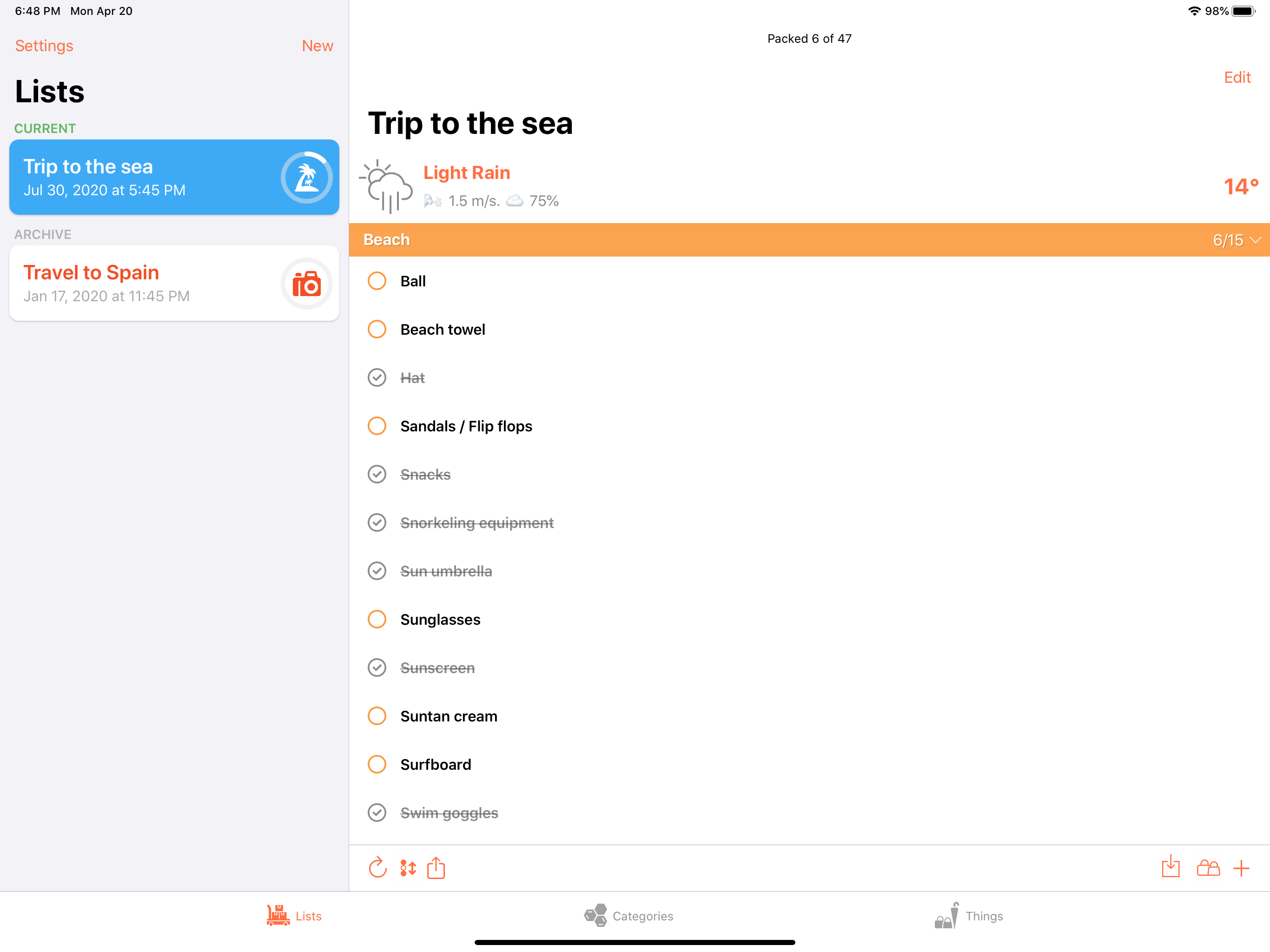
Aside from the super responsive support by the developer I very much like the fact that I can sync everything with iCloud so I can have my lists on my iPhone *and* my iPad. The iPad version works in horizontal mode which most other apps don’t support. I can also customize about everything – the colors of my lists and the colors if my categories. The most important feature for me is the ability to export lists to my computer as .csv files so my lists are never stuck here. I can also import .csv files that I have saved from Excel, Numbers or Google Sheets. This app is ingenious and I use it not only for packing my next trip. The little happy figure in the icon puts me into a good mood every time I launch the app. Bravo!
You don't want to forget something important on a trip. This app will help you. Create a list for trip and do not forget anything! Main features: — c...