Check the acquisition promise
Read the store headline, screenshots and description. What problem is the app promising to solve?
Study the storefront ↗
Yamaha Corporation · iOS
Explore the ad evidence, study the storefront, and build your next acquisition hypothesis.
01 / Creative research
Read the store headline, screenshots and description. What problem is the app promising to solve?
Study the storefront ↗Explore apps with direct store-link matches. Compare their hooks and formats without assuming the same approach works here.
Browse observed advertisers ↗Store rankings and revenue estimates describe market context. They do not establish ad spend, conversions or ROAS.
Review the market context ↗02 / Storefront & product
Study the product story and store experience behind the acquisition funnel.



03 / Market context
Keep revenue, downloads and store rankings separate from advertising performance.
Guys, it works perfectly fine! I have this app on my iPhone 13 Mini, iPad Mini, and my MacBook Pro - it all works! People either have no clue how bluetooth works or they haven't updated the firmware on their actual THR unit (it even says to do this in the latest release notes and it takes 5 min). I use this with the G10TII too and it works great. Yes I’ve seen it disconnect but it always reconnects within seconds. If you don’t want to deal with firmware updates/bluetooth you shouldn’t have gotten this kind of amp. I absolutely love my THR30II and the range of tones it produces. It’s a shame the people who don’t know how to read instructions or do the most basic troubleshooting are the ones leaving all the bad reviews.
I’d give this a 4 if it would connect to Bluetooth consistently and stay connected. There’s a slim chance chance it will actually connect when turned on, meaning that my device says it’s connected, but the app isn’t communicating with the amp. And then I have to go through the annoying dance of turning off and on the THR, closing and restarting the app in an attempt to get it to connect. Maybe I need to update the THR software? Idk but if so, the app should tell me if there is an update and how to install. Beyond the connectivity issue, which is by far the worst problem, there are lots of usability improvements that could be made: 1. I don’t want to swipe to access the other effects. These should be located at the bottom of the screen as category tabs. I don’t want to swipe 4 times to get to reverb. If there are too many categories to fit, make the tabs scrollable. 2. It would be nice if there was some kind of a tone guide to the different types of amps and cabinets and how to create specific tones by combining them. 3. Grouping the cabinets and giving more description about them 4. Remembering settings 5. Minor things such as being able to double tap the name of the preset to select all text, visual design padding is a mess. 6. A nice touch would be to have haptic feedback when you turn the dials.
When you spend $500 on a practice amp… you would expect the app for the amp to be pretty slick. Unfortunately, it seems like Yamaha cut every possible corner on this project. There are bugs everywhere, the UI doesn’t make much sense, it is super laggy, it doesn’t connect automatically when you open the app (even when Bluetooth is paired), changing a setting like turning on/off the LEDs re-sets whatever sound you had. It seems to kind of work the first time you power it on and load the app, but if you switch apps or come back 10 min later, nothing is connected/works. Did a QA team even look at this? The only upside to this app is you can add in a very good compressor and select a variety of pleasant reverb types which are unavailable on the physical amp. Makes a huge difference tonally.
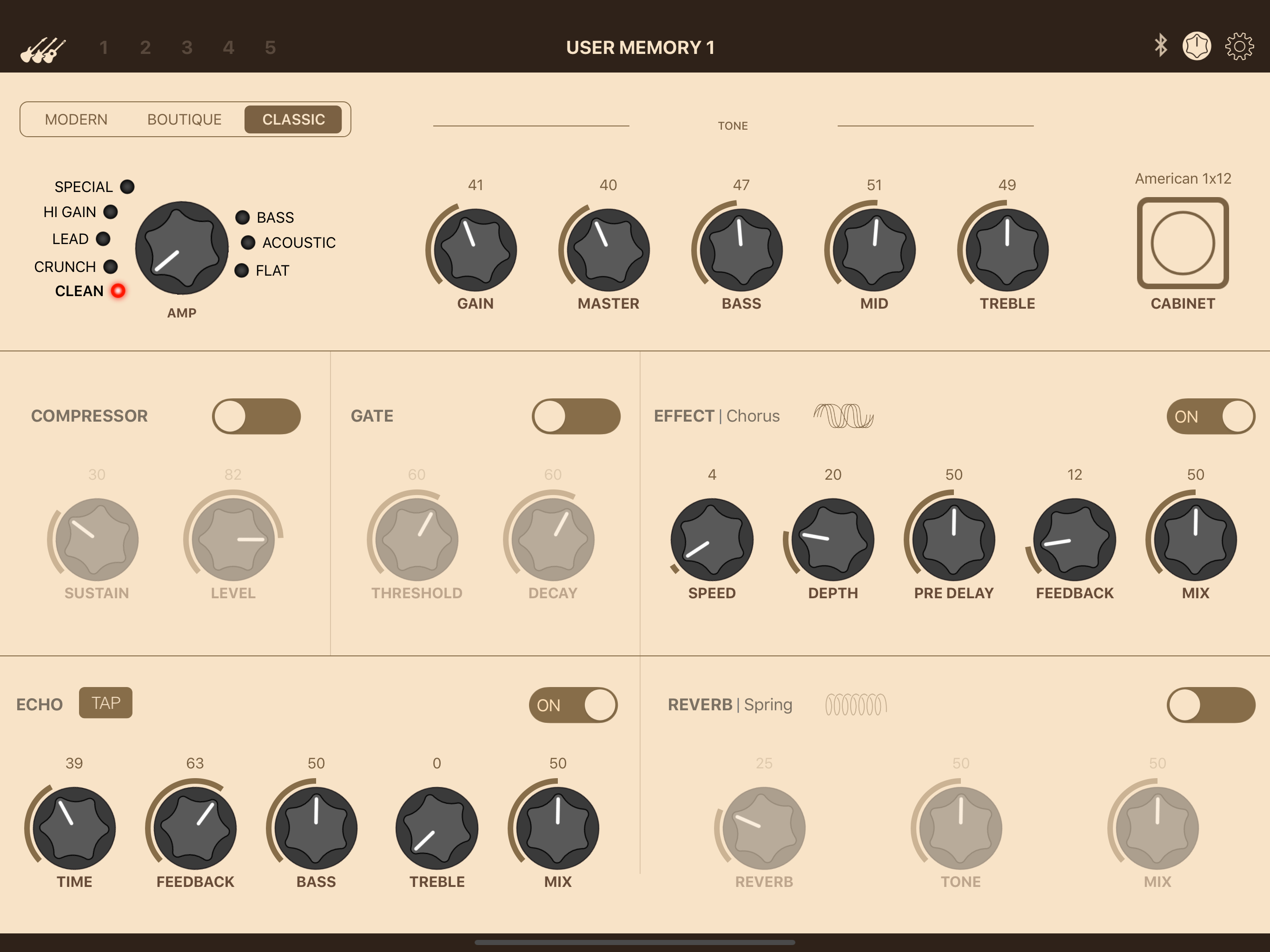
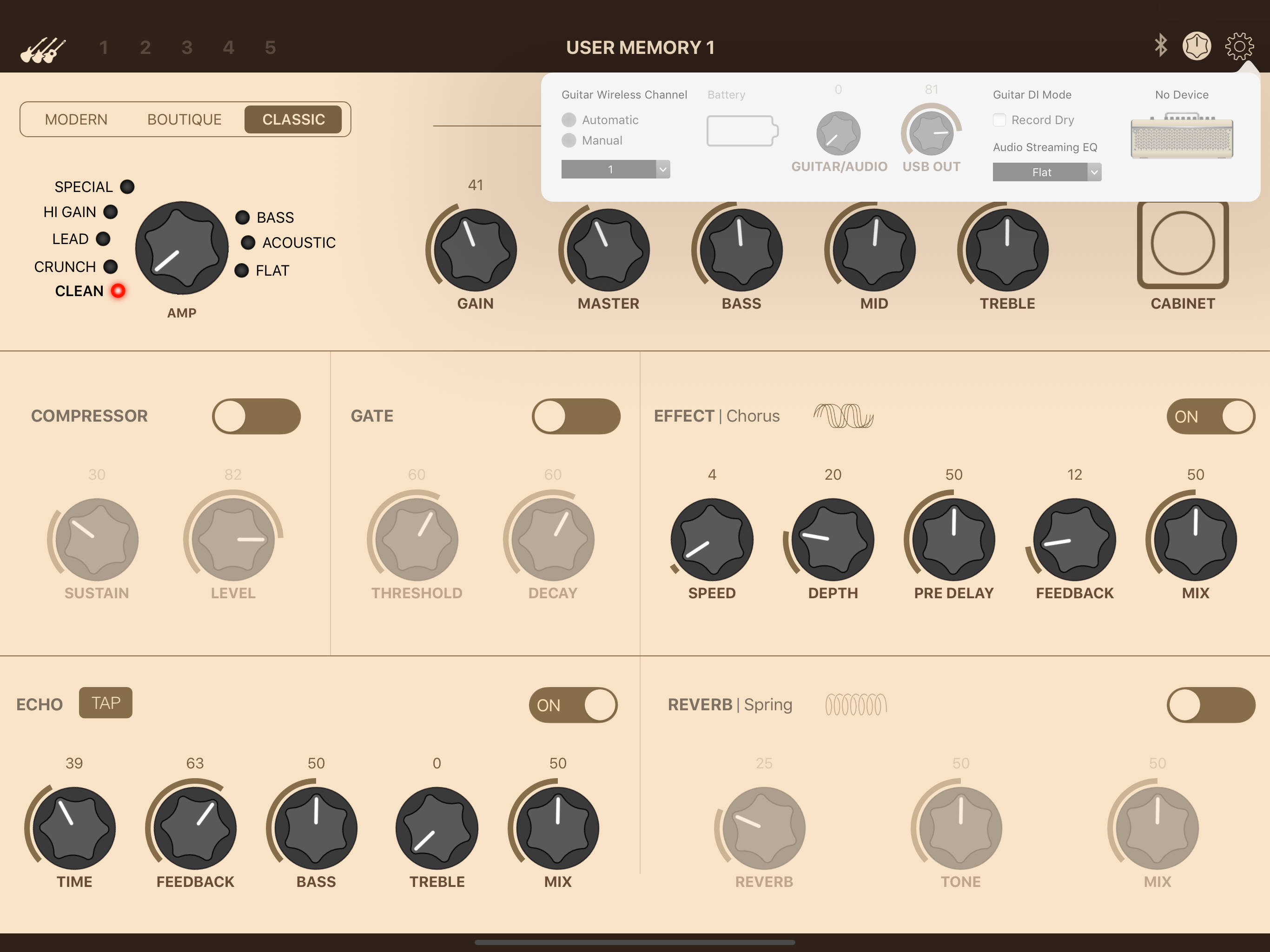
Description The THR Remote editor lets THR-II players sculpt their guitar tones wirelessly via Bluetooth, with additional parameters for deep editing....