
Check the acquisition promise
Read the store headline, screenshots and description. What problem is the app promising to solve?
Study the storefront ↗
Tesla Industries Private Limited · iOS
Explore the ad evidence, study the storefront, and build your next acquisition hypothesis.
01 / Creative research
Read the store headline, screenshots and description. What problem is the app promising to solve?
Study the storefront ↗Explore apps with direct store-link matches. Compare their hooks and formats without assuming the same approach works here.
Browse observed advertisers ↗Store rankings and revenue estimates describe market context. They do not establish ad spend, conversions or ROAS.
Review the market context ↗02 / Storefront & product
Study the product story and store experience behind the acquisition funnel.



03 / Market context
Keep revenue, downloads and store rankings separate from advertising performance.
The app is not connecting with the Inverter. I am unable to monitor the activity. The developer should look into it on urgent basis as this problem is persisting since long.
The app badly needs an update. It is doing very basic tasks but can be improved to quite an extent. It should give push notifications when lights go out, inform of amount of utility being used with solar energy, store previous data, have zoom capabilities with graphs, consolidate two parallel inverters data into one.
A few improvements suggested: 1 - energy graph may be zoom able 2 - energy savings may be selected by date and time 3 - energy savings may be downloadable in table (excel/csv) format 4 - utility (IESCO) usage may be recorded and shown in energy graph to track bill/usage. Will also serve as power outage record. 5 - setting inverter parameters requires turning off grid line, switching off the unit and then changing parameters within a few seconds while the unit has retained the power, this is very annoying process, an update in firmware to fix this issue is also highly recommended 6 - battery settings are confusing, some parameters call for values to be multiply by 10 or 100 while on other placed direct value needs to be entered. The firmware may fix this annoyance as well 7 - settings of inverter may be done via mobile app or a desktop app connected via network cable, as small lcd display is very difficult to control specially while entering WiFi password
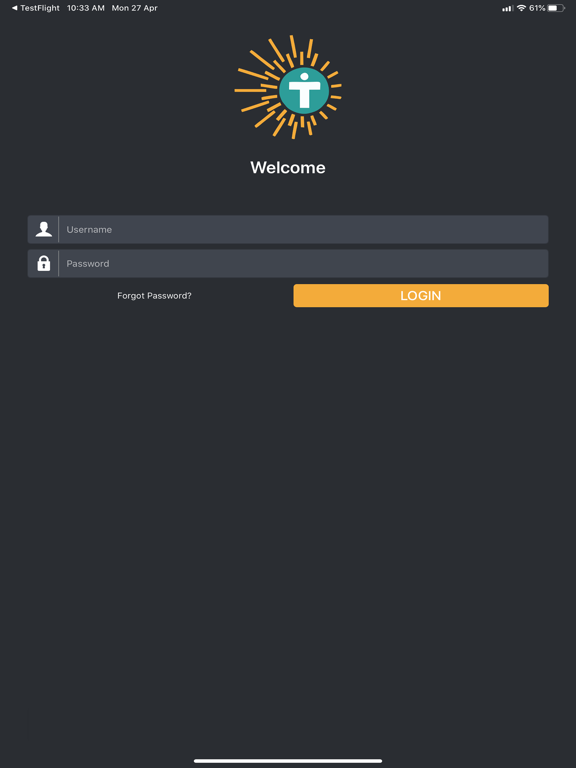
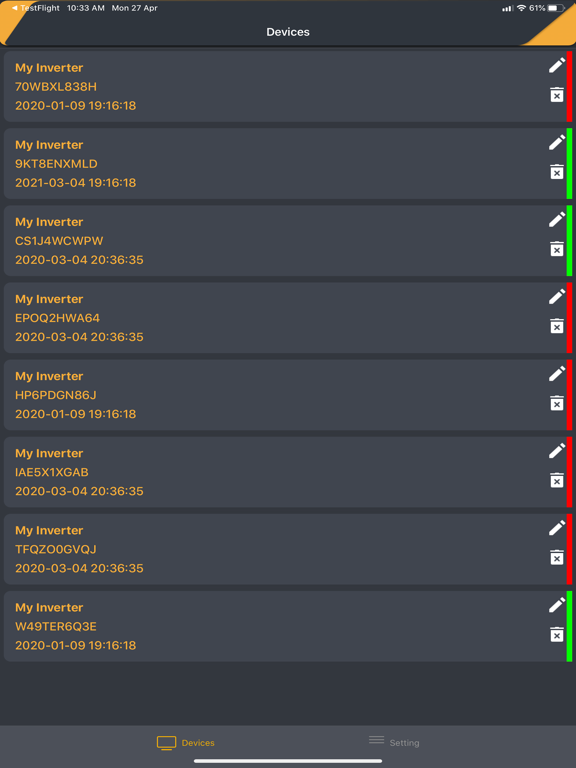
TESLA Live – Professional PV System Monitoring, Management, and Presentation Easy mobile access to the Pakistan's largest online portal for monitoring...


