Check the acquisition promise
Read the store headline, screenshots and description. What problem is the app promising to solve?
Study the storefront ↗
Thermal Master Technology Co.,Ltd. · iOS
Explore the ad evidence, study the storefront, and build your next acquisition hypothesis.
01 / Creative research
Read the store headline, screenshots and description. What problem is the app promising to solve?
Study the storefront ↗Explore apps with direct store-link matches. Compare their hooks and formats without assuming the same approach works here.
Browse observed advertisers ↗Store rankings and revenue estimates describe market context. They do not establish ad spend, conversions or ROAS.
Review the market context ↗02 / Storefront & product
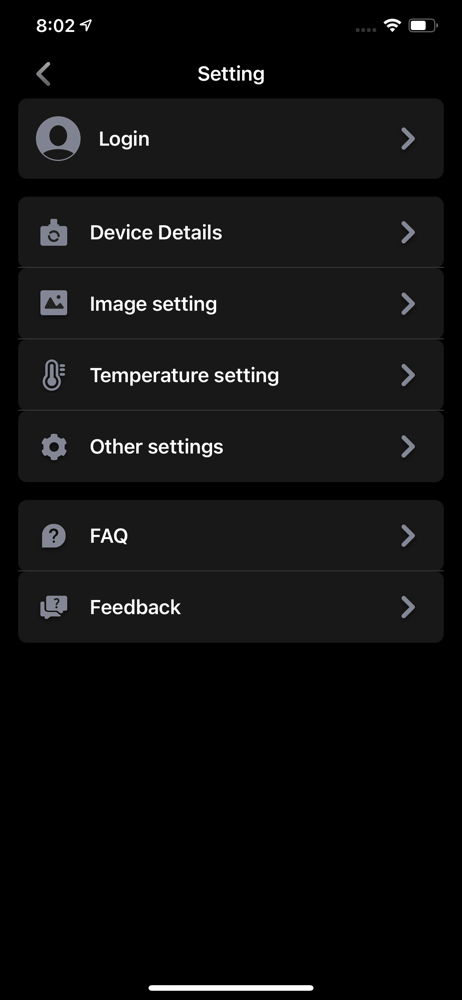
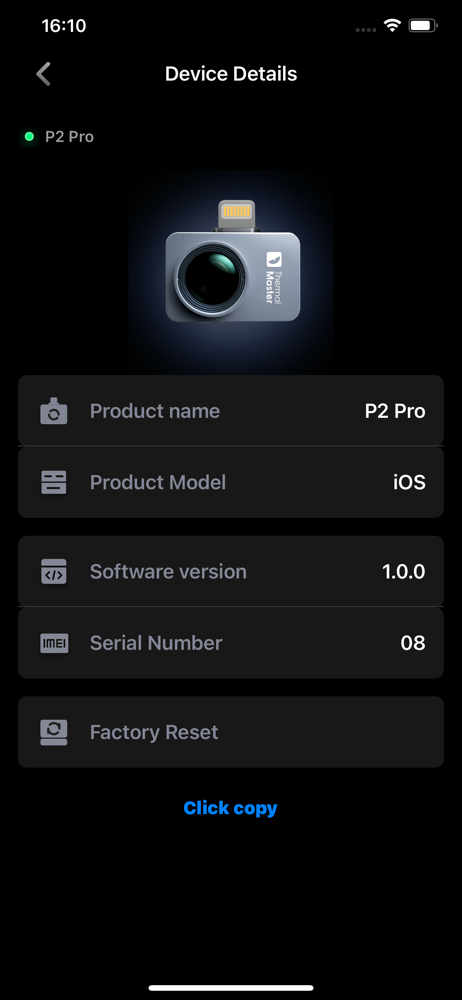
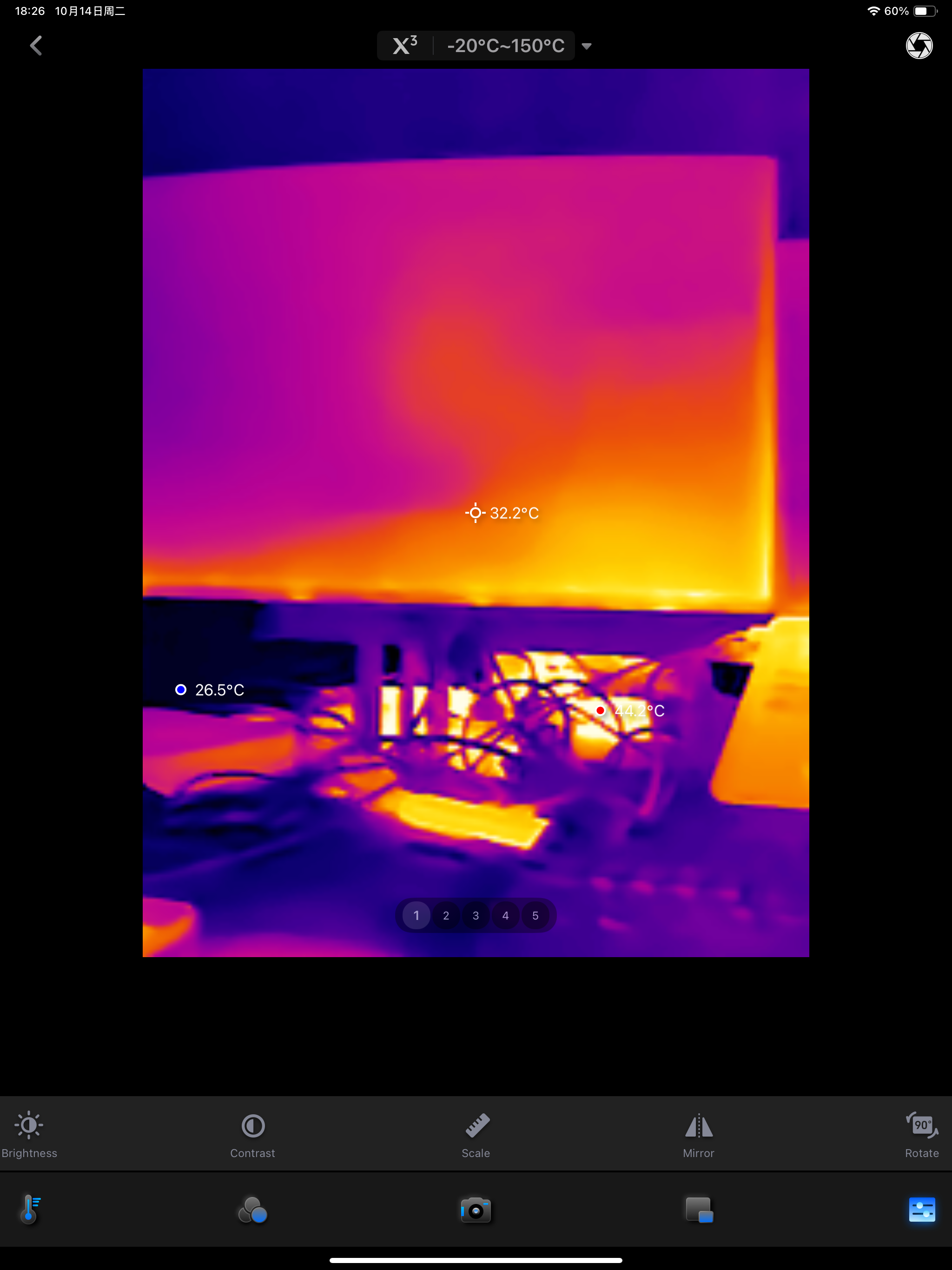
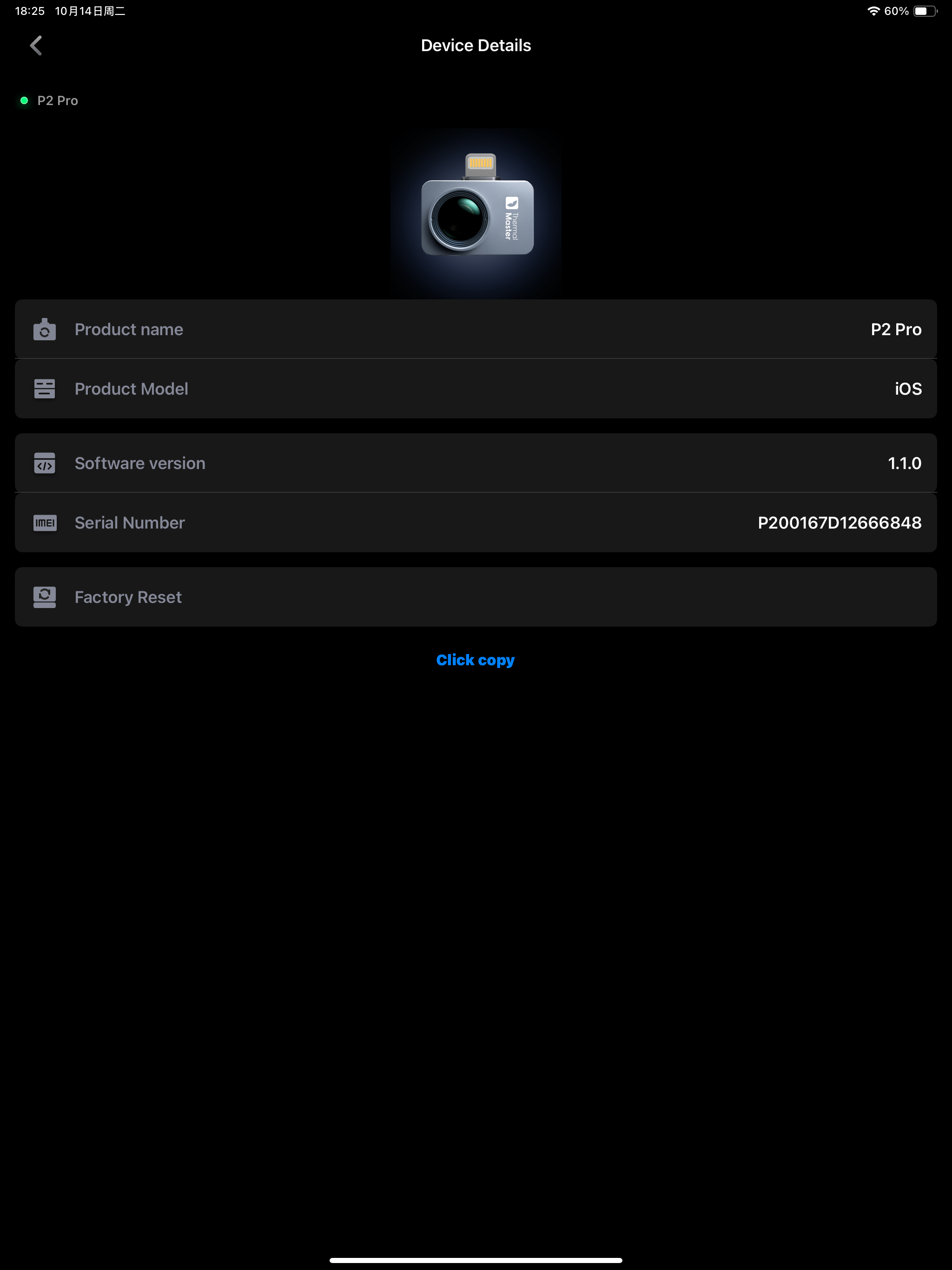
Study the product story and store experience behind the acquisition funnel.




03 / Market context
Keep revenue, downloads and store rankings separate from advertising performance.
The app works with my P1 for general use. The only minor gripes are sometimes the camera fails to load. Replugging it fixes it usually. Also manually editing the max and min temp values does nothing. They reset right away.
When zooming please add feature to zoom the phone camera too.
EDIT: Thank you for restoring this feature, it is working great now! This app used to be fantastic, but version 1.0.3 removed the ability to have the default measurement points on the screen. In 1.0.2 and prior, there was a measurement point in the center of the screen, as well as points for the hottest and coldest locations on the image which would update once every second. These points had their temperatures displayed next to them in a large, easy to read font, and they could be disabled if you so chose. Now in the latest version these points are not there and I cannot find how to enable them. The closest thing I can do to recreate the lost functionality is to draw a rectangle across the entire screen and place a point in the center as well. This is not a perfect workaround though, as the temperatures for all three points are displayed in a small font in the top left corner of the screen which makes it extremely difficult to track both the temperature and location of the points as they move around. The functionality of version 1.0.2 really needs to be restored. I also tried to submit this feedback in-app, but the submission fails with Error 500 saying something about an XSS detection problem.
Temp Master This app is exclusively compatible with the following Thermal Master devices: P1 / P2 Pro / P3. Thermal Master offers two main series of...