Check the acquisition promise
Read the store headline, screenshots and description. What problem is the app promising to solve?
Study the storefront ↗
Robin Guido Schmidt · iOS
Explore the ad evidence, study the storefront, and build your next acquisition hypothesis.
01 / Creative research
Read the store headline, screenshots and description. What problem is the app promising to solve?
Study the storefront ↗Explore apps with direct store-link matches. Compare their hooks and formats without assuming the same approach works here.
Browse observed advertisers ↗Store rankings and revenue estimates describe market context. They do not establish ad spend, conversions or ROAS.
Review the market context ↗02 / Storefront & product
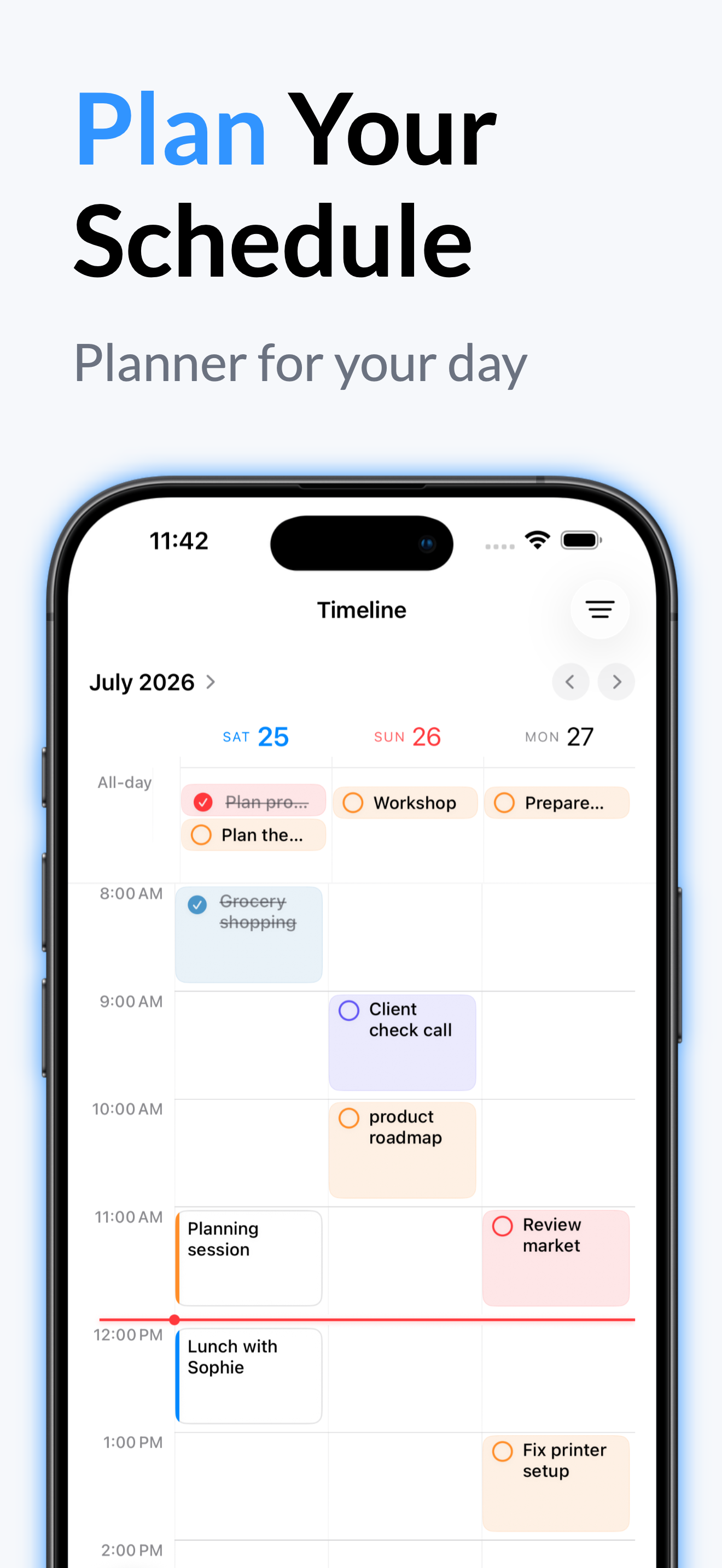
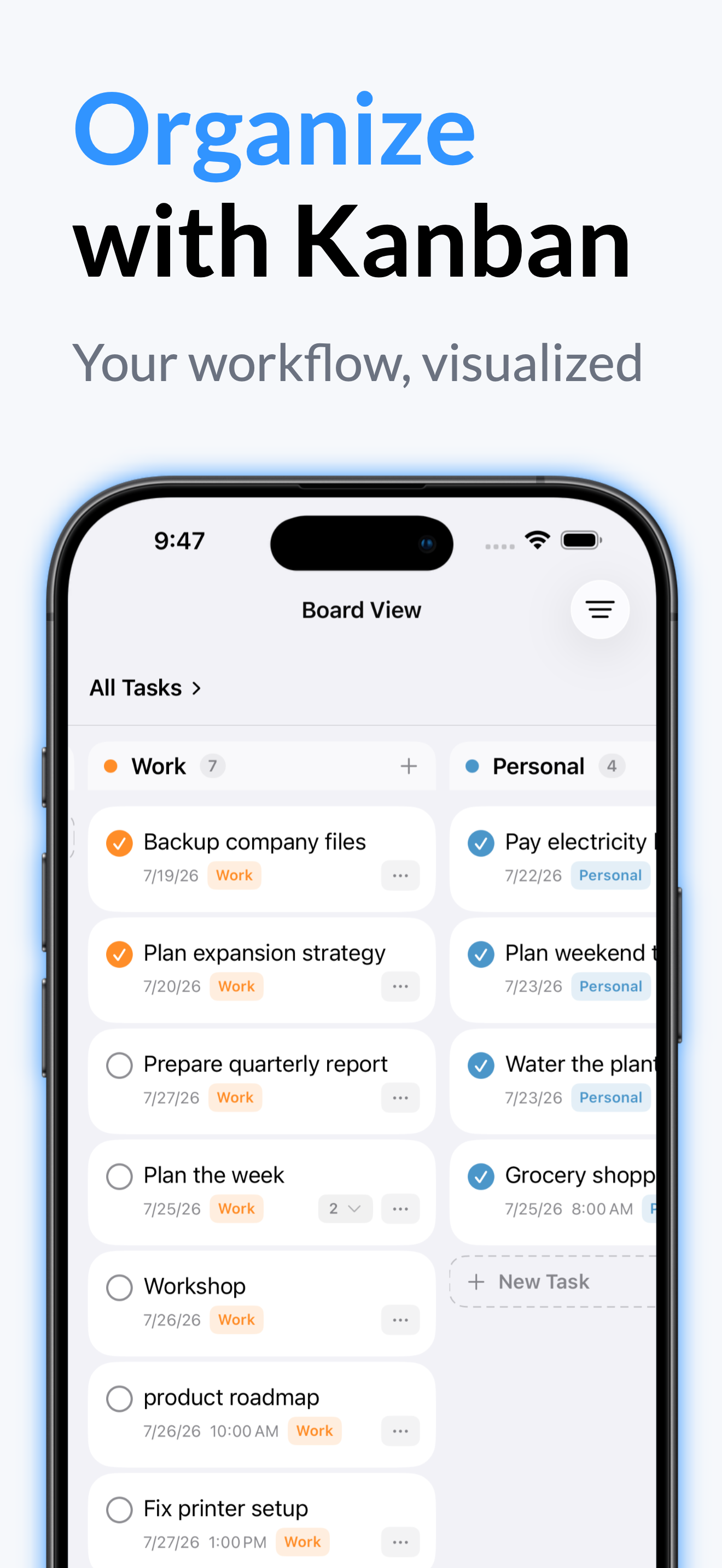
Study the product story and store experience behind the acquisition funnel.




03 / Market context
Keep revenue, downloads and store rankings separate from advertising performance.
But unfortunately can’t test out. For what it’s worth: you might want to consider resetting the trial for each major update. I wanted to test the new features but am forced to pay to try most of them. It feels like being coerced, rather than an encouraging invitation to test out the work you’ve done to get a good feel of everything under the hood. I do appreciate that you set it up so the tasks don’t require exact times. Major props for that. And for pulling off the Apple Watch which I was looking forward to testing. Previous Review: Every task has to be micromanaged to the level of an exact time, that would drive me nuts. No way to just simply add a task for the day, every task must be timed or undated.
The vision for this app is glorious — the multiple ways to track events and tasks are great, and the layout is simple yet elegant. However, my issues with the app center around the integration UX and syncing issues. I have installed the MacOS and iOS apps and they haven’t been able to fully sync on the iPhone, yet the desktop did fully sync but also imported duplicates (created dupe entries and folders). Additionally, when I attempt to delete a duplicate folder, my Macbook Pro hangs and spins up my fan… eventually having to force quit the app. Bugs aside, I can see myself using this app with a small handful of improvements: • ability to edit the entry’s date and time • ability to drag and drop entries in EVERY view • ability to fine-tune the due times (i would love 15 minute increments) • I want to be able to toggle between showing the folders and labels/tags… I don’t want to see both, (must fix the entries with both a folder and tag designated but only showing in tag column). • I would like to see calendar EVENTS as well as TASKS… and be able to manage events that last multiple days. • perhaps an improved and expanded icon selection UI would be cool?
I like be layout and how easy it’s to do things in the app no problems for me at all
Clear task management “TaskMind” is your digital daily planner for work and everyday life. Create and organize your tasks effortlessly. Organize them...
| Name | Price | Type |
|---|---|---|
| TaskMind+ Monthly | $2.99 | Monthly |
| Yearly TaskMind+: Task Manager | $17.99 | Yearly |
| TaskMind+ Yearly | $24.99 | Yearly |
| Lifetime premium discount | $69.99 | One-time |
| TaskMind+ one-time purchase | $79.99 | One-time |