Check the acquisition promise
Read the store headline, screenshots and description. What problem is the app promising to solve?
Study the storefront ↗
Audible Genius · iOS
Explore the ad evidence, study the storefront, and build your next acquisition hypothesis.
01 / Creative research
Read the store headline, screenshots and description. What problem is the app promising to solve?
Study the storefront ↗Explore apps with direct store-link matches. Compare their hooks and formats without assuming the same approach works here.
Browse observed advertisers ↗Store rankings and revenue estimates describe market context. They do not establish ad spend, conversions or ROAS.
Review the market context ↗02 / Storefront & product
Study the product story and store experience behind the acquisition funnel.


03 / Market context
Keep revenue, downloads and store rankings separate from advertising performance.
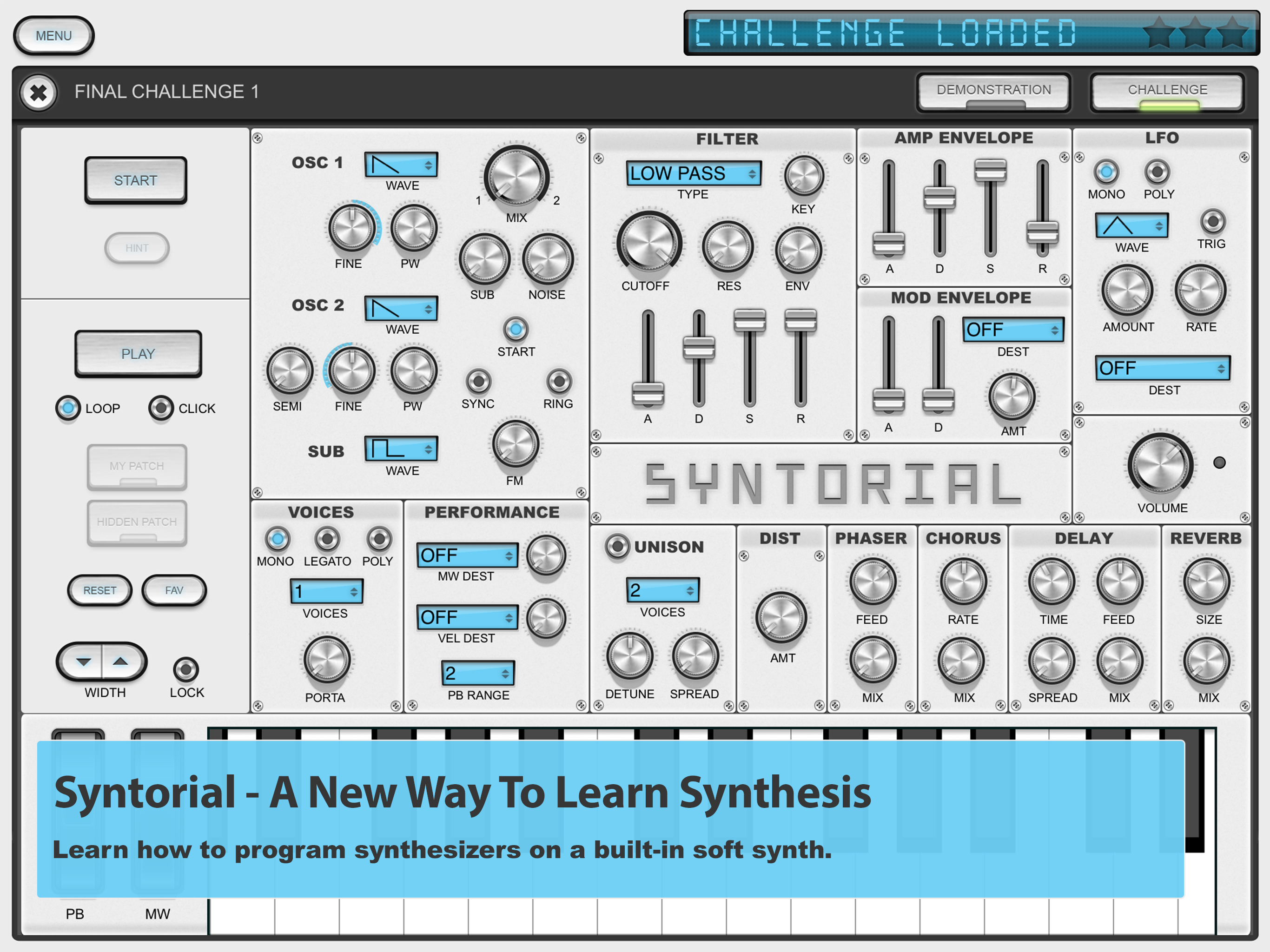
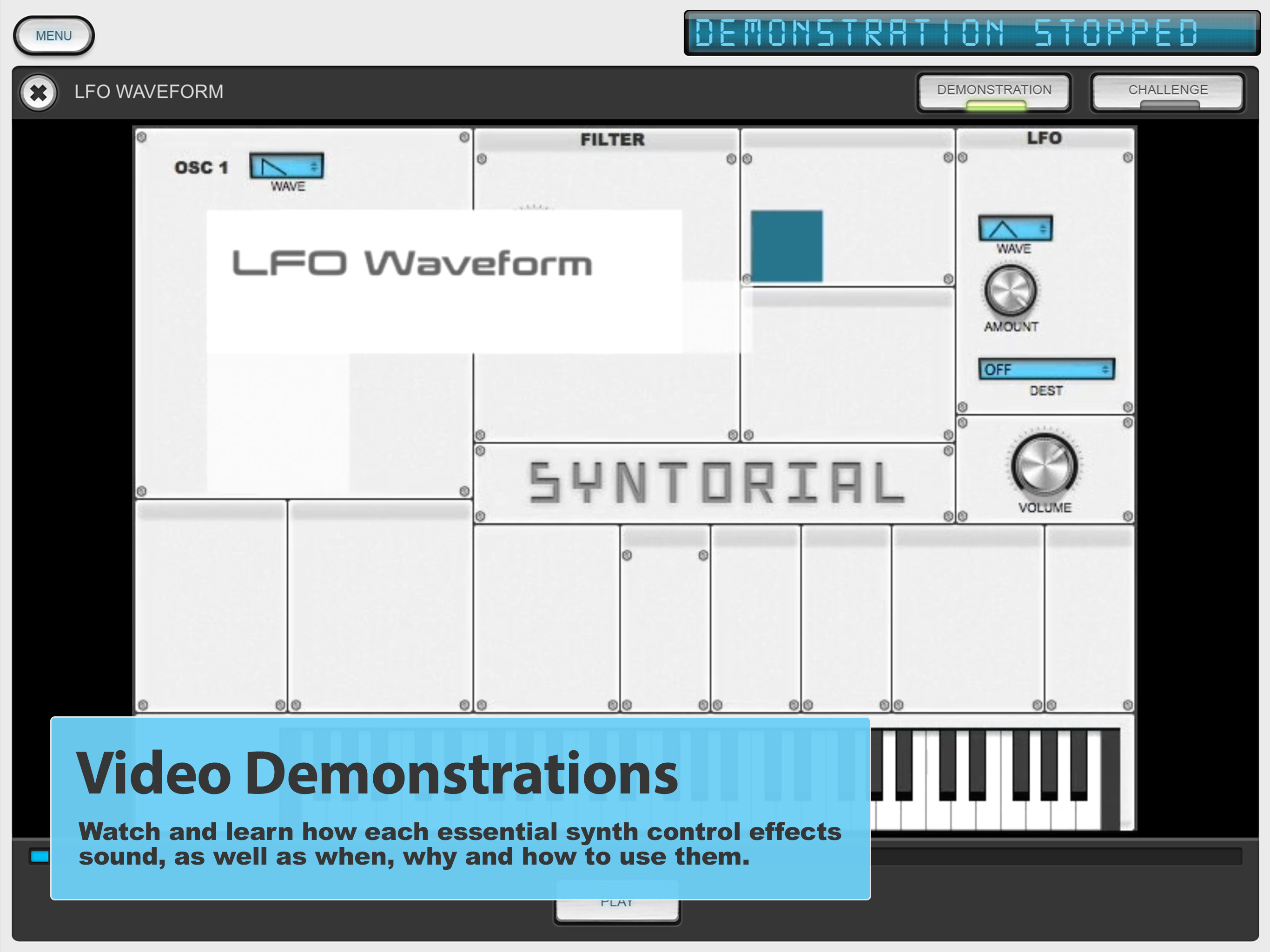
I am still quite new to synthesizers, and many synth enthusiasts talk about terms and parameters that are way over my head. A lot of this app is designed for you to use your ear to reproduce patches, which is something that I needed a lot of practice with. I have heard there is a 2.0 version in development, and I have a few suggestions for improvement. (These may have been addressed already, I’m not sure) On iPad the transition between the tutorial videos and the interactive sections is not seamless. The videos default to full screen, and when it finishes, you have to swipe in order to go out of full screen, and you only have a second to select the challenge button to proceed before it goes back to full screen again. The tutorials gradually build up the amount of parameters in each patch by adding one section at a time. Certain groups are more challenging than others. I think it would be great in the future if the user could enable/disable certain sections to focus on what they need to practice on. From the middle of the tutorials towards the end, the amount of parameters can get a little overwhelming. I did purchase the full content on sale, but I think the value is quite excellent, and there are not many products out there that are comparable for interactive synth learning!
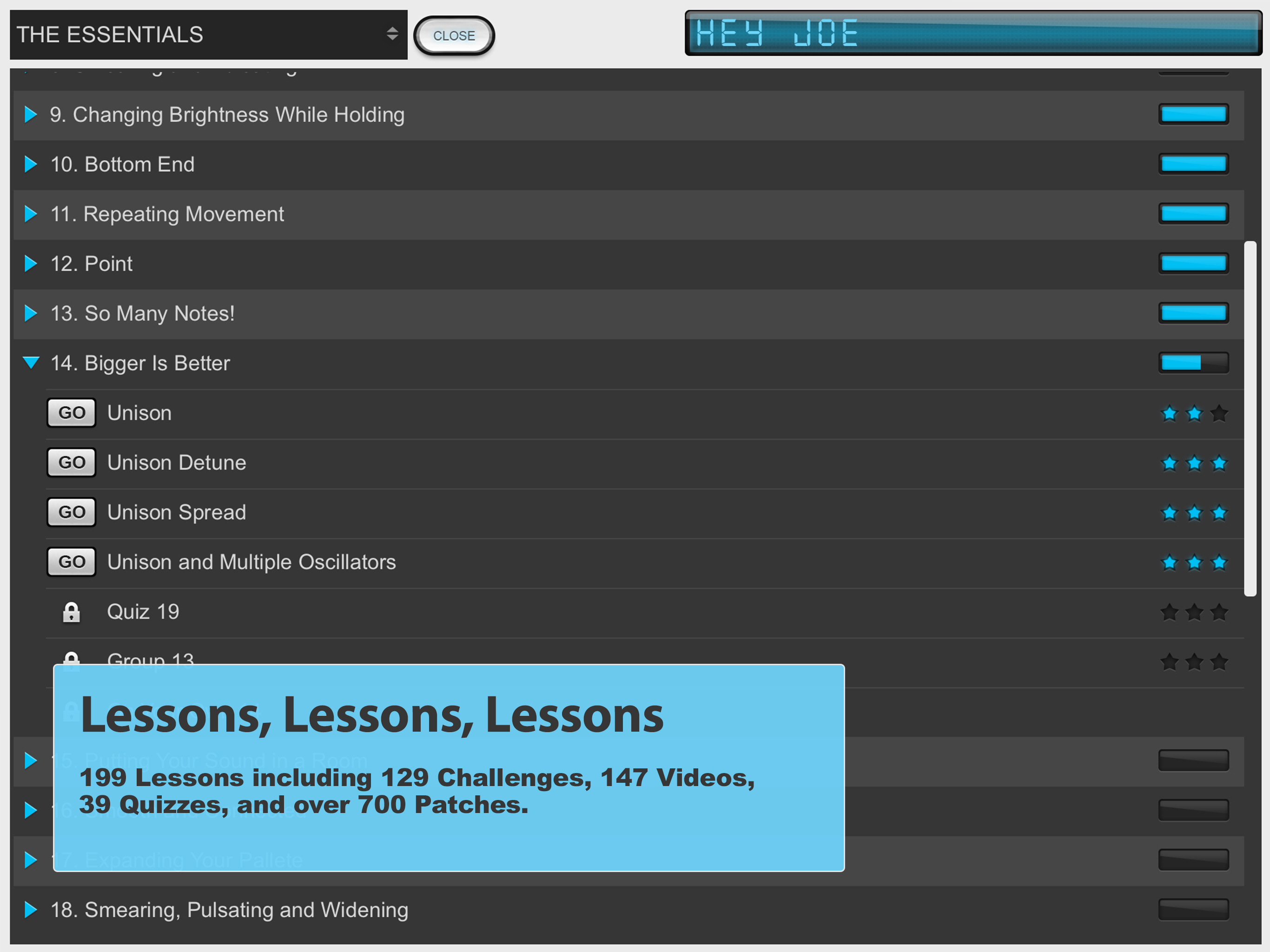
I’m a complete beginner to synth, and have been interested for a very long time to learn. Syntorial has made this possible! When learning it goes such a long way to actually be able to work through the steps and apply it yourself, which is exactly what this is. The way this enables you to learn different areas and focus solely on that at one time (while also showing you how well you’re doing) is so incredibly helpful to really grasping all the different areas of sound. Just amazing. I’m only about 20% percent through the lessons, and have already learned so much to apply to playing synth and creating patches. I’ve gained such a valuable foundation, and with 150+ more lessons to go. Absolutely well worth the money. Thank you SO much for creating Syntorial!!
Syntorial is the best computer based learning tutorial I have ever used, bar none. Being a 60 year old programmer, that’s saying something! It takes you through a synthesizer (included) control by control, training your ears to recognize what each sound wave modification sounds like, by using a gradually expanding set of tools to match a sound you hear. This both trains your ear (to recreate sounds you hear), while it increases your ability to create sounds by knowing what each part of a typical synth does. Yeah, it’s $130, but it beats paying more for various other ways to learn synthesis and not getting the same results (knowledge), only to try another one.
* WE'VE RELEASED A NEW & IMPROVED VERSION OF SYNTORIAL IN THE APP STORE. JUST SEARCH "SYNTORIAL 2" * Syntorial is a synthesizer training app, that wi...
| Name | Price | Type |
|---|---|---|
| Upgrade To Full Version | $129.99 | One-time |