Check the acquisition promise
Read the store headline, screenshots and description. What problem is the app promising to solve?
Study the storefront ↗
山 钟 · iOS
Explore the ad evidence, study the storefront, and build your next acquisition hypothesis.
01 / Creative research
Read the store headline, screenshots and description. What problem is the app promising to solve?
Study the storefront ↗Explore apps with direct store-link matches. Compare their hooks and formats without assuming the same approach works here.
Browse observed advertisers ↗Store rankings and revenue estimates describe market context. They do not establish ad spend, conversions or ROAS.
Review the market context ↗02 / Storefront & product
Study the product story and store experience behind the acquisition funnel.


03 / Market context
Keep revenue, downloads and store rankings separate from advertising performance.
I love this simple, useful app. I use it frequently, at least twice a week, and have never had a hiccup of any kind, no matter how unreasonable the burden of open apps with which I challenge my iPhone (iPhone 8, 64 GB w/36 GB available running iOS 11.4). I use it in notes I take to preserve various forms of technical info, of which I am the only reader. I like to fit all the data I can into a single page of the Notes app, without having to scroll or decipher abbreviations. I find that when I want to enter a temperature like 50°, enter a measurement like 24½", or use arrows to point at other parts of the current page, this app is quick and easy. I also use in with email, usually to write something more clearly than it would be using only words. Bravo!! Great tool!
I am a mostly homebound, disabled veteran. I spent a previous life enjoying great expectations of things to come, only to find myself confined to my apartment + bed, barely able to free myself from a type of solitary confinement. This wondrous little App allows me to create a little masterpiece when I’m typing to a friend, or posting to a site… Though some folks literally stop to ask, “What are you doing ? / Why are you doing ‘that?’” I want to create: If I had not lost my health long ago, perhaps I’d be carving Martin Luther King Jr’s visage into the side of a mountain… But in this purgatory-like state, I must battle to find small joys, and embrace them. This App allows me to do just that. Baba Booey; Howard Stern’s… I just realized the App considers this penning of a review to be within the App, and so this is pretty much the *only* time I can’t hop in and out of its Alexandria-like library of symbols, to create the art I’ve been spinning wax poetically about… C’est la vie. L°õ°L At least my lil’ mustachioed Mr. LoL made it to the party. [I know the iOS software keyboard shortcuts by heart, for that friend til the end.] § fin §
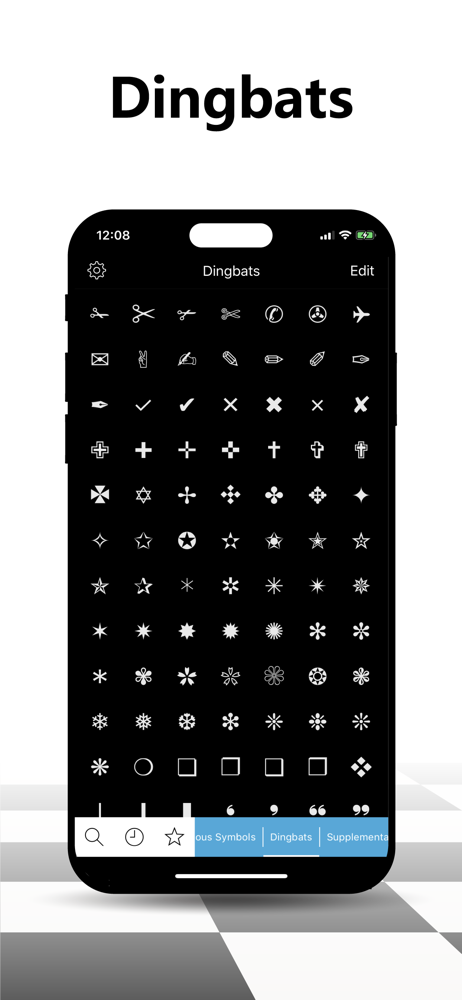
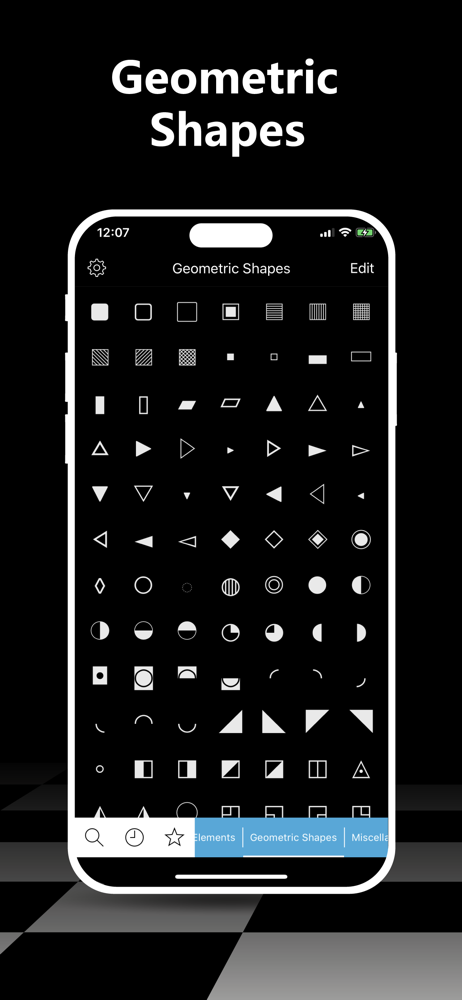
This app is surprisingly good! There are so many different symbols and categories that are offered, so it’s hard not to be satisfied. And, you can add this as a keyboard. When you open the app, it gives you the option to pick a category and a symbol. When you click on a symbol, you can copy it or add it to your favourites. It’s very handy for me, who always looks for ways to spice up my writing or messages. The only thing I would suggest needs improvement in this app is the interface. The categories at the bottom are not very efficient; it’s hard to scroll between them. It’s kind of frustrating to be honest. The app itself doesn’t look very attractive either. But other than that, it’s a great app, so I’m giving it four stars. EDIT: I have changed my rating from 4 stars to 3 stars. Not only were there ads added, but the new symbols and some of the old ones don’t show up. When you click on the folder, it’s blank. I’m disappointed.
Are you interested in Unicode symbols? There are over 50,000 characters and thousands of symbols. They can express your information totally.