Check the acquisition promise
Read the store headline, screenshots and description. What problem is the app promising to solve?
Study the storefront ↗
Refined Insight Ltd · iOS
Explore the ad evidence, study the storefront, and build your next acquisition hypothesis.
01 / Creative research
Read the store headline, screenshots and description. What problem is the app promising to solve?
Study the storefront ↗Explore apps with direct store-link matches. Compare their hooks and formats without assuming the same approach works here.
Browse observed advertisers ↗Store rankings and revenue estimates describe market context. They do not establish ad spend, conversions or ROAS.
Review the market context ↗02 / Storefront & product
Study the product story and store experience behind the acquisition funnel.


03 / Market context
Keep revenue, downloads and store rankings separate from advertising performance.
I had my finger in there open my secure pass password app I remember the password and it says it’s incorrect and it won’t take my thumb anymore how do I get the password so I can open it up to get to the rest of my passwords your help would be greatly appreciated Marilyn. Not recommended for this reason. No way to get your password if you don’t remember it. I have another backup password account and i put this password in that app. It still says it’s incorrect. If it weren’t for that I would give it 5 stars. I paid extra to get more passwords. Waste of money. I can’t find a way to take my thumb print off so I can just open it with my password. Terrible app. Again terrible app. Lost all my passwords. It wouldn’t take my thumb print so I put in the correct password I know because I had used it before and had it written down and my password. It still wouldn’t take it. No way to retrieve it when it doesn’t work. You can delete it and then try to download it again to start over but it won’t let you. Even if it cleared all the passwords you still can’t use it. Horrible app. In response to your answer I DIDNT FORGET MY PASSWORD. I HAD IT WRITTEN DOWN AND IN MY PASSWORDS IN YOUR APP. IT STILL WOULDN'T TAKE IT. IT WAS MY HUSBAND WHO HAD THE TROUBLE. SO DON’T DON’T DON’T DON’T tell me we FORGOT WHAT IT WAS. IT IS A GLICHE IN YOUR SYSTEM.
The app seems great but I only would like to understand why the app doesn’t show installed when I looked it on my iPhone 8 settings where all others installed apps appear? Is there anything from the app that prevents it to be shown on settings where all apps installed are listed ? So the app seems great but my worry is this, since the app somehow doesn’t show at the installed listed apps, I can’t control it to not use internet or cellular data, so you never know what is really going on on the background, Remember it’s a place you give away every possible information to login in everything you got, so if is using internet without the owner’s controlling it, safe is not!!! It sure it works offline but only if airplane mode is on, but I want to disable the app to use internet unless I allow it to do so...that’s where the app is strange because automatically doesn’t show listed on settings so you can control it...why????? Please why??? Maybe it’s just on *iPhone 8 • but I would like to hear from other customers as well...because giving away passwords and logins it’s serious business...and anything shady I would bounce off... *If i got an answer for the developers I would give an update for my review. Thank you I got an answer and updated my review to 5 stars, thank you.
After the developer of my last password manager abandoned the app, I was frantically looking for an offline password manager. Surepass is it! With Surepass, I’m able to manage my passwords on my device with an encrypted solution that does not involve the cloud. I was able to, with a bit of tweaking, import my passwords from my last password manager to Surepass. The app has an option that will also generate a password for you, but if you choose to create your own, Surepass will let you know if the password is weak or strong. Surepass is a great password manager that has been a flawless solution for helping me manage my passwords! Thank you!
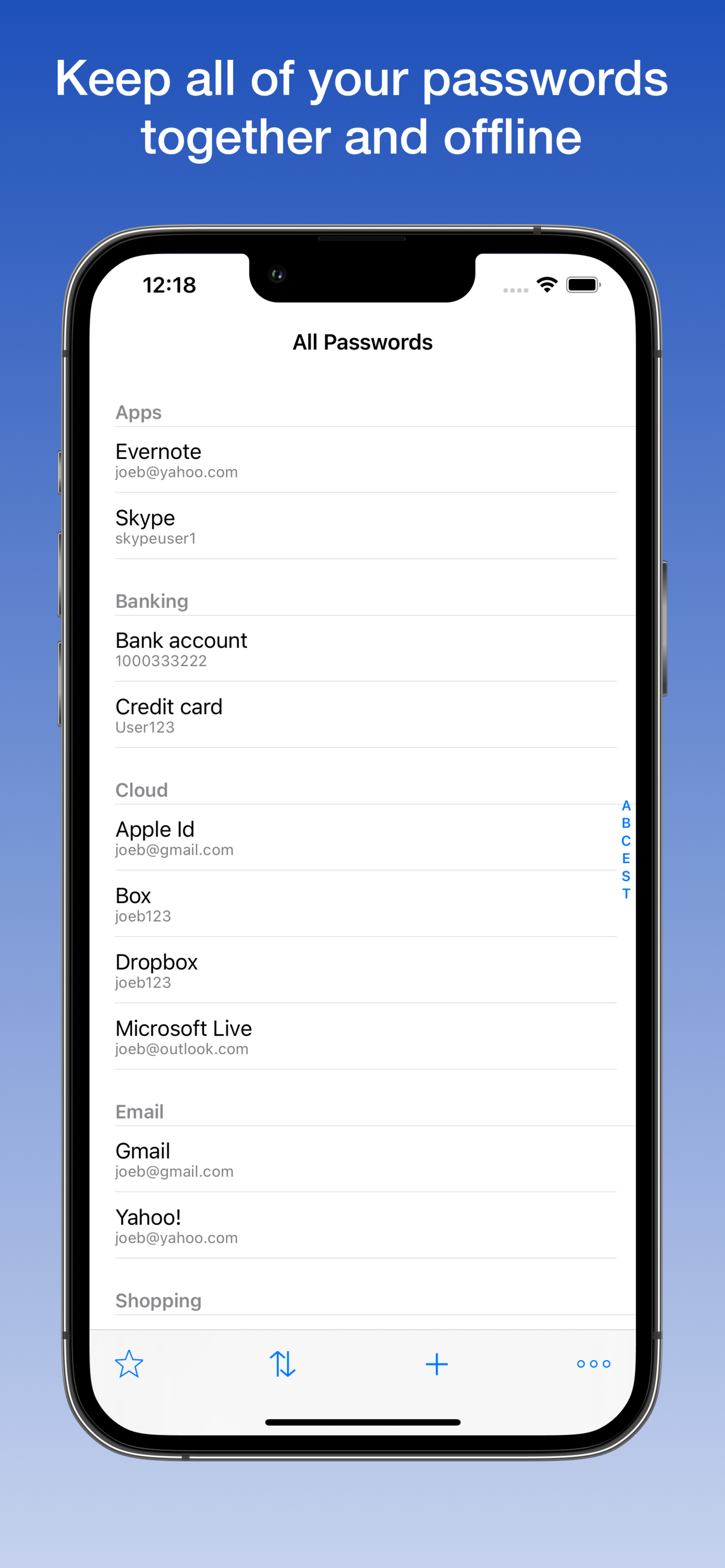
Don’t want your passwords in the cloud? Keep them local, offline and away from hackers. Sync multiple devices locally with AirDrop. NO subscriptions....
| Name | Price | Type |
|---|---|---|
| Unlimited Entries | $7.99 | One-time |