Check the acquisition promise
Read the store headline, screenshots and description. What problem is the app promising to solve?
Study the storefront ↗
Cirrus Weather Solutions, LLC · iOS
Explore the ad evidence, study the storefront, and build your next acquisition hypothesis.
01 / Creative research
Read the store headline, screenshots and description. What problem is the app promising to solve?
Study the storefront ↗Explore apps with direct store-link matches. Compare their hooks and formats without assuming the same approach works here.
Browse observed advertisers ↗Store rankings and revenue estimates describe market context. They do not establish ad spend, conversions or ROAS.
Review the market context ↗02 / Storefront & product
Study the product story and store experience behind the acquisition funnel.



03 / Market context
Keep revenue, downloads and store rankings separate from advertising performance.
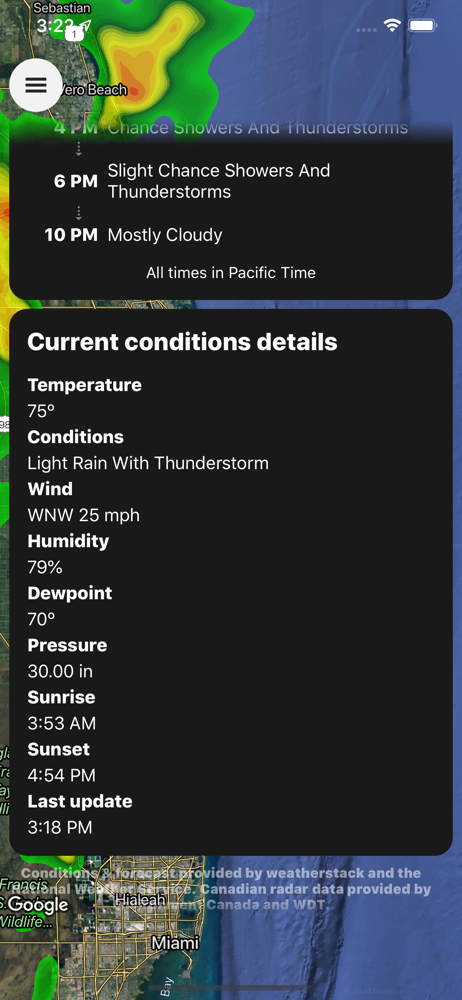
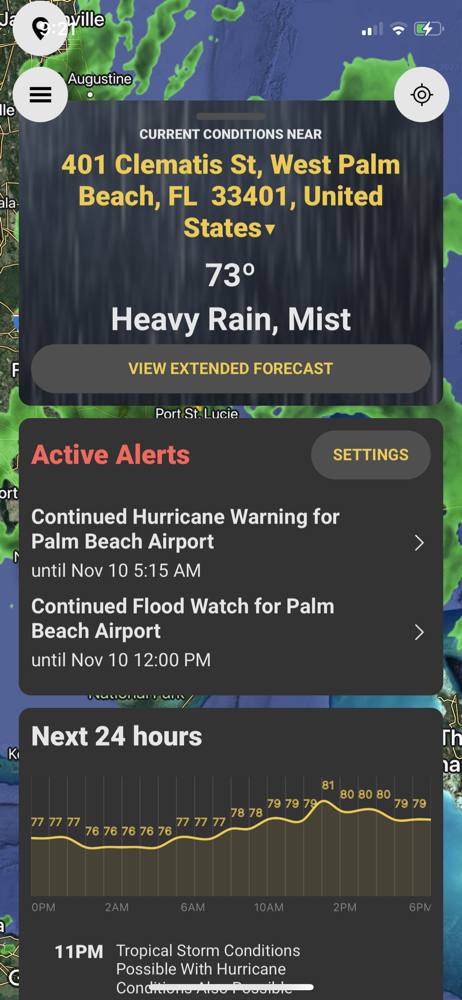
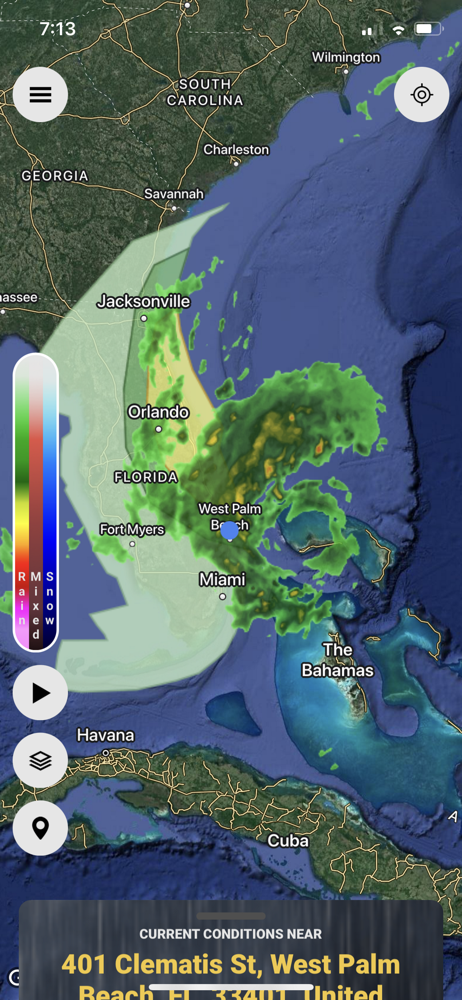
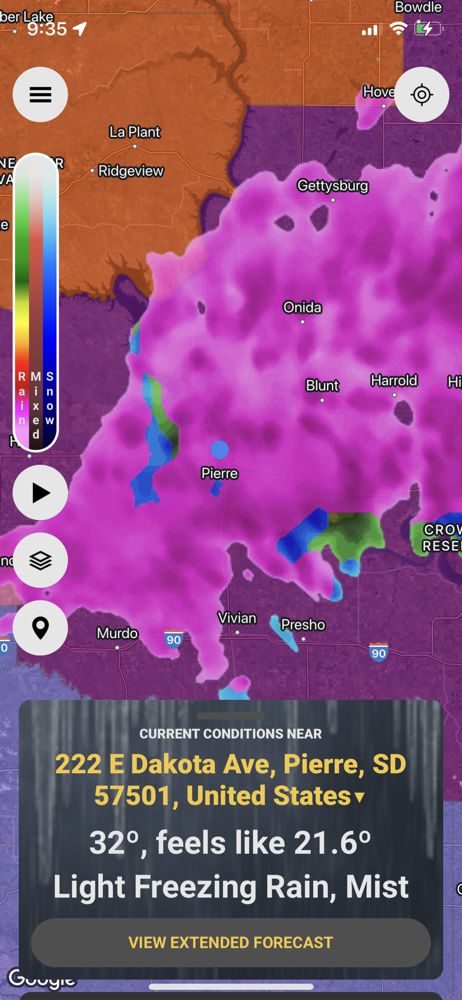
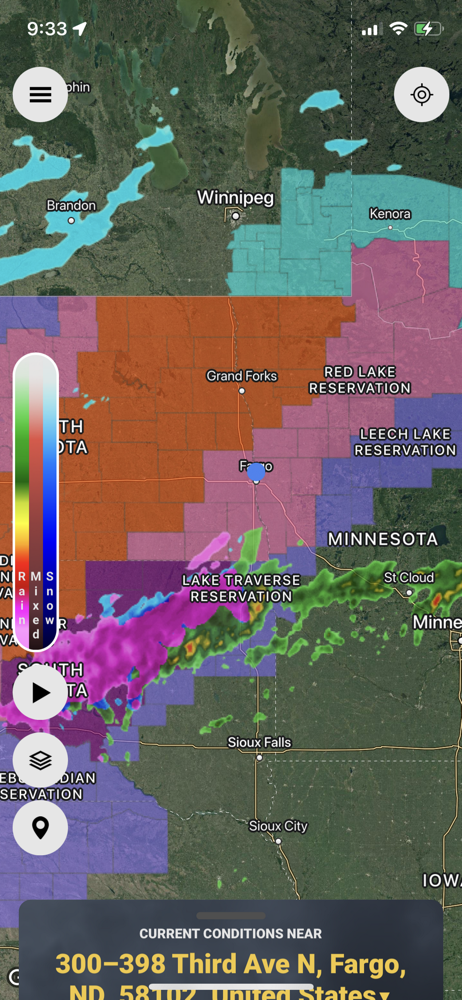
I’ve been using this app for several years now, even before the app was capable of critical alerts. It’s always been my go to for the alerts but honestly all the other features (radar, forecast, etc) were much better in other apps. Well that has all changed now. I follow them on Twitter and they’ve been extremely transparent during their entire rebuild over the past many months. It was obvious they were putting a lot of work into rebuilding the app. It shows! The radar works better than ever. NWS forecasts are there at the tap of a screen. Everything works much more smoothly and the interface is so polished. Here’s an example of how this app affects your life: I was vacationing in Austin last weekend. As is typical during a vacation I wasn’t staying up to date on news and weather. It was 65° and I got a notification on my phone for a Winter Storm Watch. Without that notification I would have had no idea that in short time the temp would start dropping. Sure enough by the next morning ice was starting to accumulate. Keep in mind if you enable emergency alerts in settings on your phone you will automatically get flash flood warning, potentially dangerous severe thunderstorm warning and tornado warning alerts directly from the EAS as long as the cell tower you’re pinging from is in the warning. But for all other alerts AND getting critical alerts for your EXACT GPS coordinates at all times this is your app. Plus now as soon as that alert pops up on your screen you are one tap away from the NWS’s forecast, the SPC’s severe weather outlook and radar. It’s well worth the investment, especially during severe weather season.
I paid $8.99 for this app because it was recommended by a local weather expert and I wanted notifications for my exact location as a backup to my NOAA radio. It never occurred to me that this app would not do the same things as my free Weather Underground app. For example, every time I open the app I have to choose my layers, while my WU app saves them until I change them. Also, when I see an area with a storm watch or warning, I can’t tap it to get the information, while my free WU app gives me the complete NWS watch / warning info just by tapping the shades polygon anywhere on the map. My free WU app will give me a complete extended forecast and an hourly forecast for anywhere, but this app only gives me a few highlights for one day. I can’t find anything that lets me look at a daily forecast for any location. Also this app takes more than two or three minutes to load every time I open it. My free WU app pops up immediately every time. And, regarding the push notifications for my area, it constantly notifies me that the watch is continuing ... I really don’t need reminding, trust me, when it comes to severe weather I am on alert all the time. It’s ironic that this app advertises no unnecessary notifications when every few minutes it beeps to say “your watch is still in effect.” And if that isn’t enough, in this morning’s storms this app’s radar was waaaayyy behind my free WU app’s radar. I am not happy and would like a refund. $8.99 a year is not worth it.
It’s an ok app but needs some RAID to iron out the bug of the inability to exit overlay menu. I changed the choice of radar to SPC day one and I was unable to change the zoom level on the radar nor was I able to swipe down to get rid of overlay menu. It may be user induced, dunno as there wasn’t any directions on how to return back to the radar. Also, not sure if a bug or it was intended, when I changed the overlay to SPC day one, it covered up the radar. I didn’t see a transparency option so I could see the radar echos within the day one map. I couldn’t access the radar to zoom out to see if it was me or a bug encountered in first paragraph. As far as alerts, I get free alerts from Red Cross as well as a couple of free apps such as MyRadar app., I don’t see any reason to pay 12 bucks a month on something that is timely and free, and it should be free here.
Featuring Critical Alerts that override Do Not Disturb settings for the most important alerts, StormWatch+ aspires to be your daily weather app of cho...
| Name | Price | Type |
|---|---|---|
| SW+ Alerts (1 Month) | $1.09 | Monthly |
| SW+ Alerts (1 Year) | $9.99 | Yearly |