Check the acquisition promise
Read the store headline, screenshots and description. What problem is the app promising to solve?
Study the storefront ↗
Noctua Software Ltd · iOS
Explore the ad evidence, study the storefront, and build your next acquisition hypothesis.
01 / Creative research
Read the store headline, screenshots and description. What problem is the app promising to solve?
Study the storefront ↗Explore apps with direct store-link matches. Compare their hooks and formats without assuming the same approach works here.
Browse observed advertisers ↗Store rankings and revenue estimates describe market context. They do not establish ad spend, conversions or ROAS.
Review the market context ↗02 / Storefront & product
Study the product story and store experience behind the acquisition funnel.




03 / Market context
Keep revenue, downloads and store rankings separate from advertising performance.
Overall I really like Stellarium. But there is one design choice that is so frustrating that it really makes me want to use other sky apps for Astro. Specifically, when you are required to enter a number, you can’t just type it in. No, the developer has fallen for the fallacy that it’s better to use spinners and sliders. Even worse, when entering a focal length, you need to use not one - BUT TWO - sliders. So a 1377 mm focal length you have to sin the first spinner u til you hit 13, then spin the second spinner till you hit 77. So instead of taking two seconds to type 1377, it takes 15 to 20 seconds to spin it in. It’s ridiculous. I know it seems like a small thing. But when you have Stellarium on your phone and on two iPads, and they don’t sync with each other, and you routinely are adding new scopes or cameras, well, the frustration becomes real. A classic example of interface over function. This is literally the only thing I dislike about the app. In all other aspects it great. But this one point is just needlessly complicated and frustrating.
I have been a Stellarium user for quite a few years now, so I am familiar with the app’s features and user interface. What has really motivated me to write a review is Stellarium’s most recent update. I had been recently looking for a way to view my backyard obstructions in a planetarium software, and was well aware of the ability to import your own backyard panorama into Stellarium, but the problem that held me back was the fact that I image from several places in my backyard for different constellations. Long story short, Stellarium’s new AR feature has really upped my game to be able to view any deep sky objects path from any point in my backyard. This is much more versatile than creating and importing many panos into the software! Thank you! If I had one suggestion, if you could implement the ability to zoom in AR mode, that would be great! All in all, in my opinion, Stellarium is the best planetarium app/software to use for both Visual and Astrophotography!
This app is such a joy to use! I’m not an astronomer, I don’t have a telescope or anything more than my iPhone’s night mode, but I do have the good fortune to live in a light free area where the panoply above me is regularly on view. When I wander around at night or early in the morning, Stellarium opens up the omniverse for me, showing and naming the constellations and stars that would otherwise just be little lights. Through it, I have started to appreciate the vastness that surrounds us, even to understand how different cultures saw what I can see, so that it places me both physically and historically. I don’t know of any better way to use a smartphone than that. A totally unique application. Kudos to the developers!
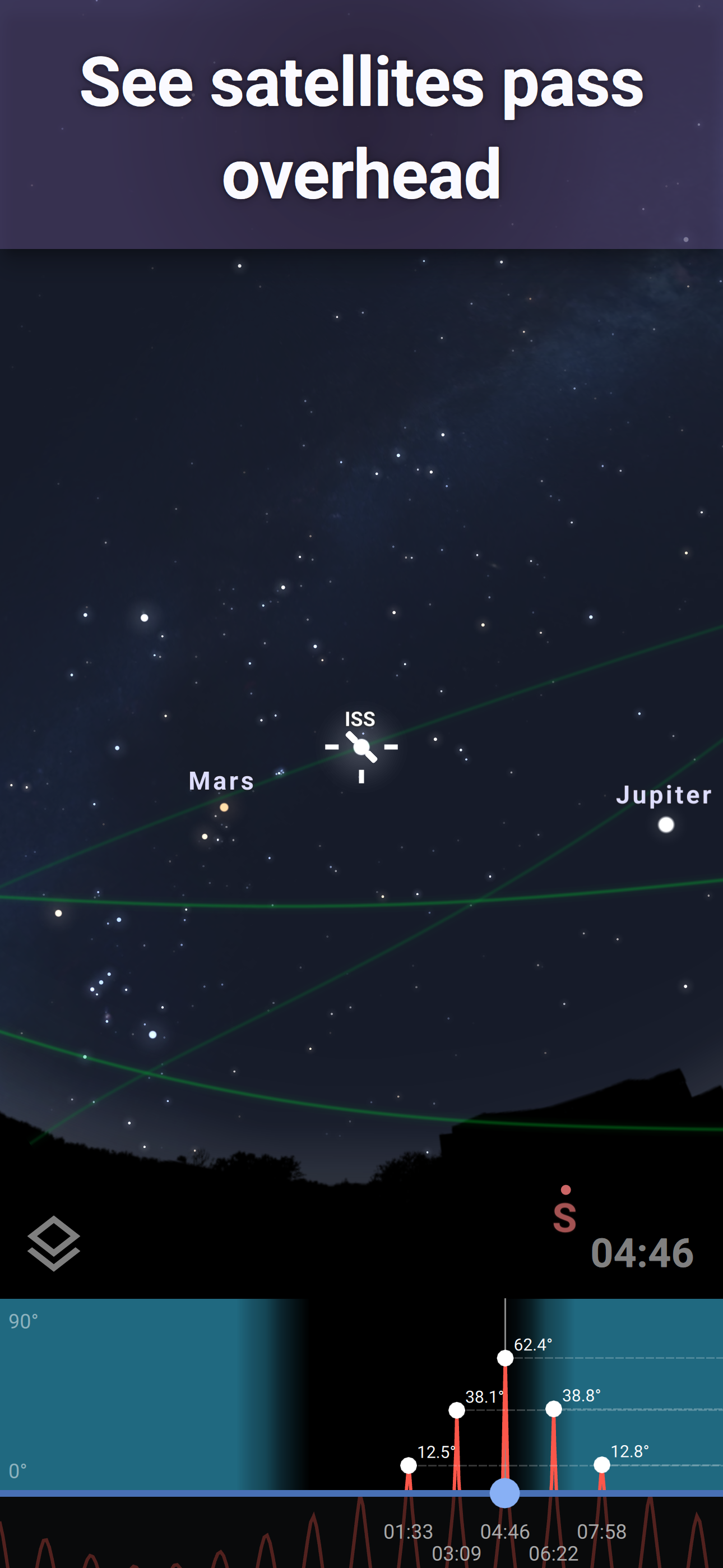
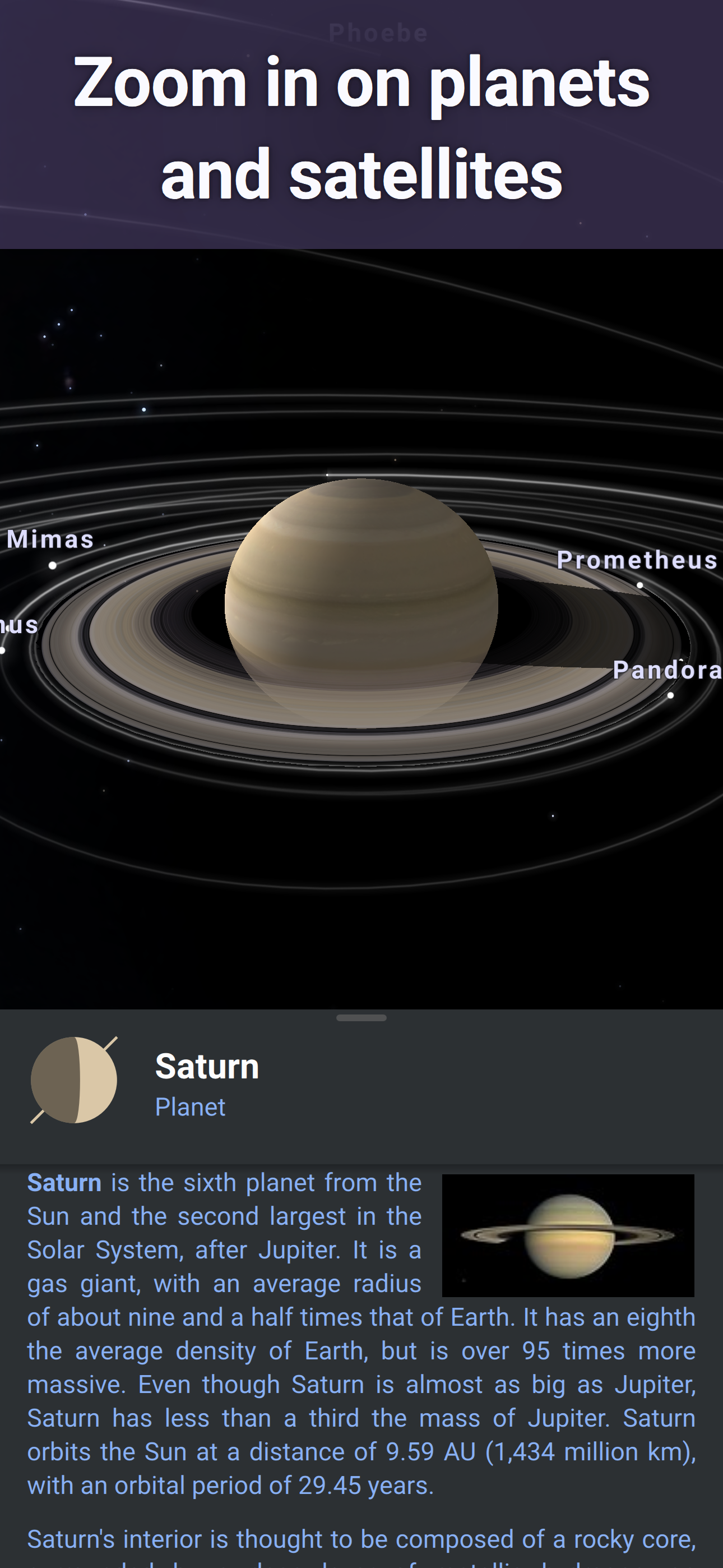
Stellarium Mobile is a planetarium app that shows exactly what you see when you look up at the stars. Identify stars, constellations, planets, comets...
| Name | Price | Type |
|---|---|---|
| Stellarium PLUS (Monthly) | $1.99 | Monthly |
| Stellarium PLUS | $18.99 | One-time |