Check the acquisition promise
Read the store headline, screenshots and description. What problem is the app promising to solve?
Study the storefront ↗
BEST MUSIC VIDEO & IMAGE MAKER LIMITED · iOS
Explore the ad evidence, study the storefront, and build your next acquisition hypothesis.
01 / Creative research
Read the store headline, screenshots and description. What problem is the app promising to solve?
Study the storefront ↗Explore apps with direct store-link matches. Compare their hooks and formats without assuming the same approach works here.
Browse observed advertisers ↗Store rankings and revenue estimates describe market context. They do not establish ad spend, conversions or ROAS.
Review the market context ↗02 / Storefront & product
Study the product story and store experience behind the acquisition funnel.


03 / Market context
Keep revenue, downloads and store rankings separate from advertising performance.
I tried top print a spreadsheet from an attachment. My mac always printed before now it's decided i have choose an app. Go to app store. I did and there no way for me print what I want. It says select an app and I click that and this thing doesn't even show a choice. Why is everythig so convoluted and difficult to use. It want to know who I am a teacher professional retiree, WHO CARES, YOU DON'T NEED TO KNOW FOR ME JUST PRINT SOMETHING. As soon as I figure out how to get this off my computer it is gone. It there anything outr there that when I hit print from an attachment that will print regardless if it is a document or a spreadsheet? honestly, so frustrating.
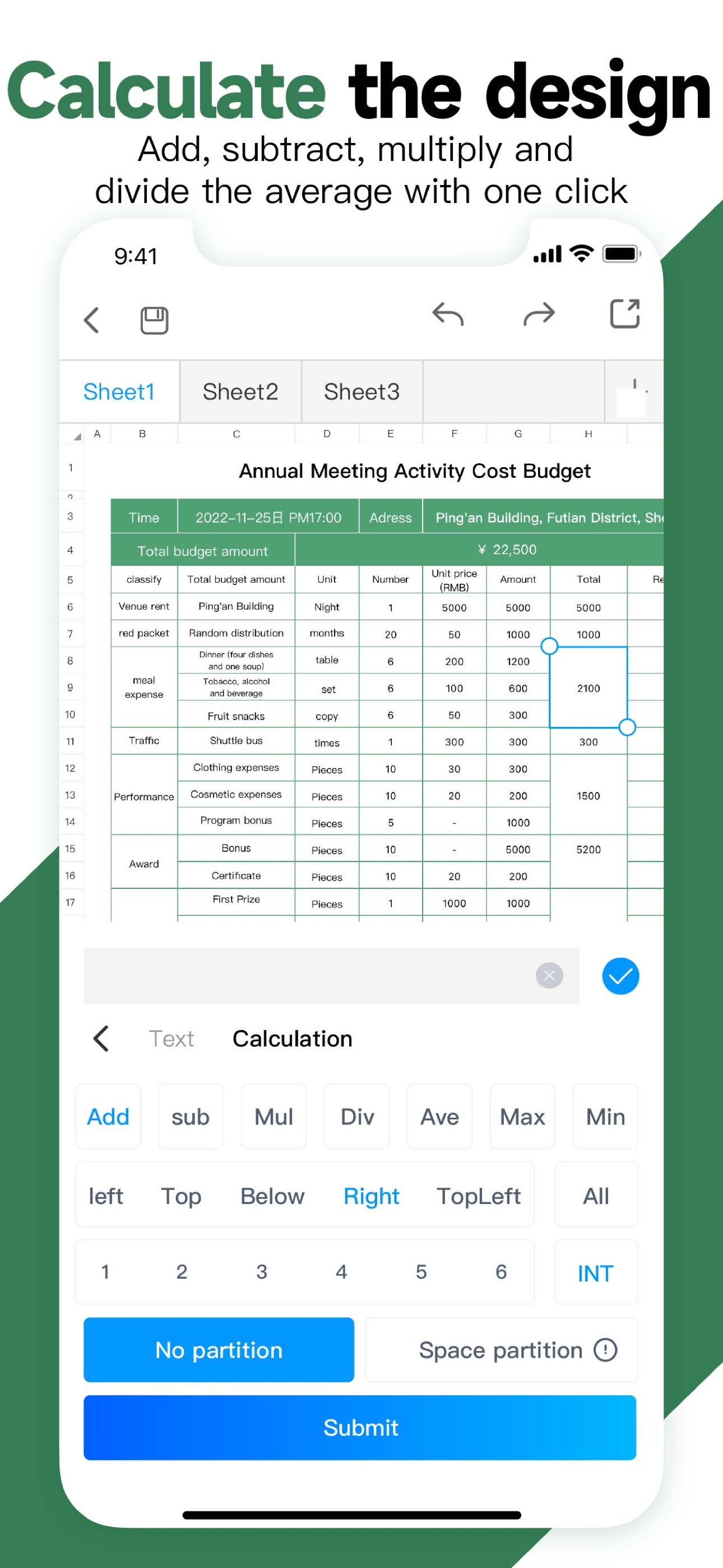
I checked all the reviews and it was a day in the park for every ‘reviewer’. All but 1 posted their review on the same day - June 17. OK, a stacked deck perhaps but I’m not deterred. So, I download it and start rummaging through it. I tried the tutorials and they’re all in chinese written and audio language. That’s ok, but not for me since I can’t read or understand the language. So, I’ll continue to muddle through to see if I can figure out how to do the basic calculations I’ve done on excel spreadsheets through this app. There are some tips written english but the mini-video that goes with each is also in chinese so they’re of limited value. The developer illustrated doing a summation of some cells but it’s not straightforward as the park walkers may be suggesting. Good luck if you try it. If I get some success I’ll post again and share it.
With this product, I can budget my income and expenses in a monthly format. I created an interactive program in a monthly format to see our family finances. This allows me to see current and projected future balances for any given day of the month. Throughout the month, cash levels in bank accounts are constantly changing. With my phone, I can see a spreadsheet for the whole month. ✅
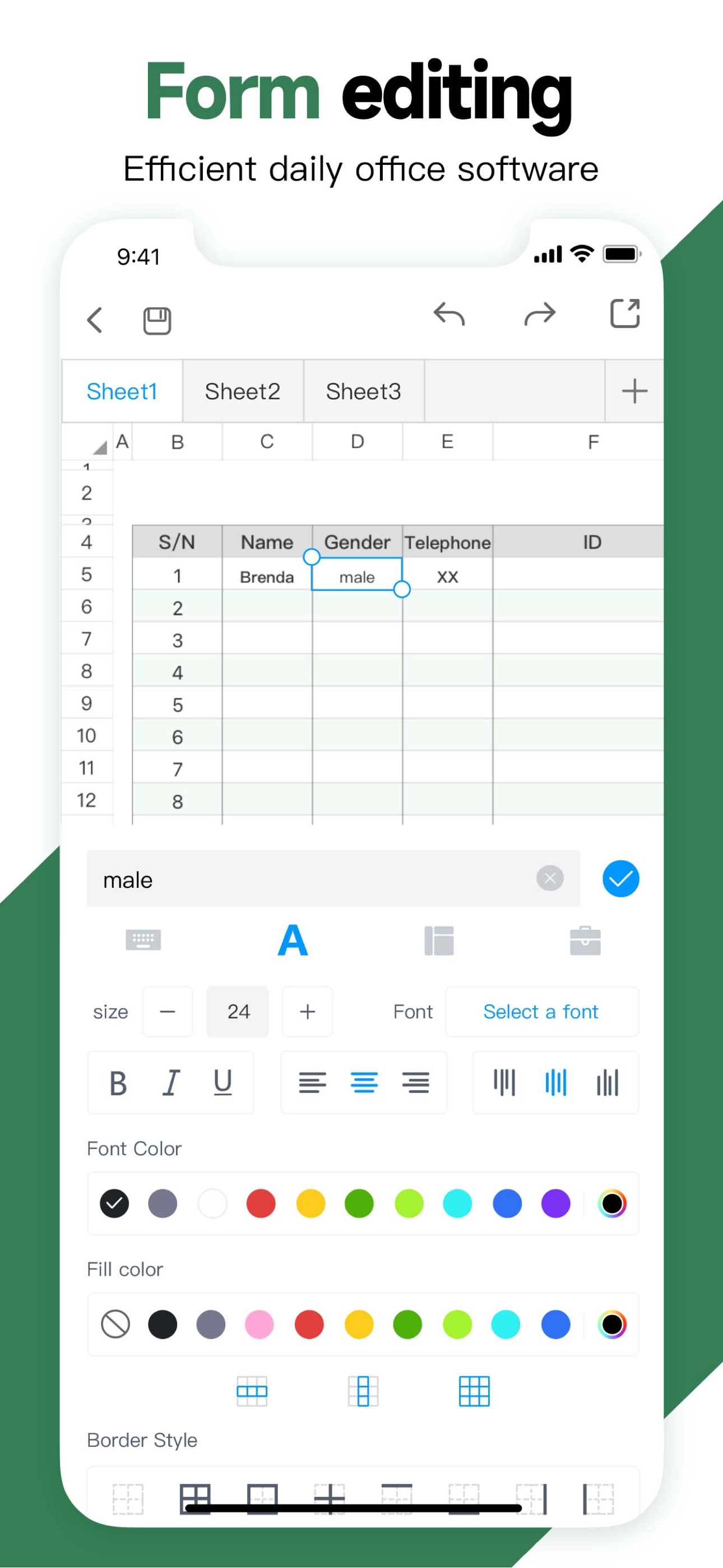
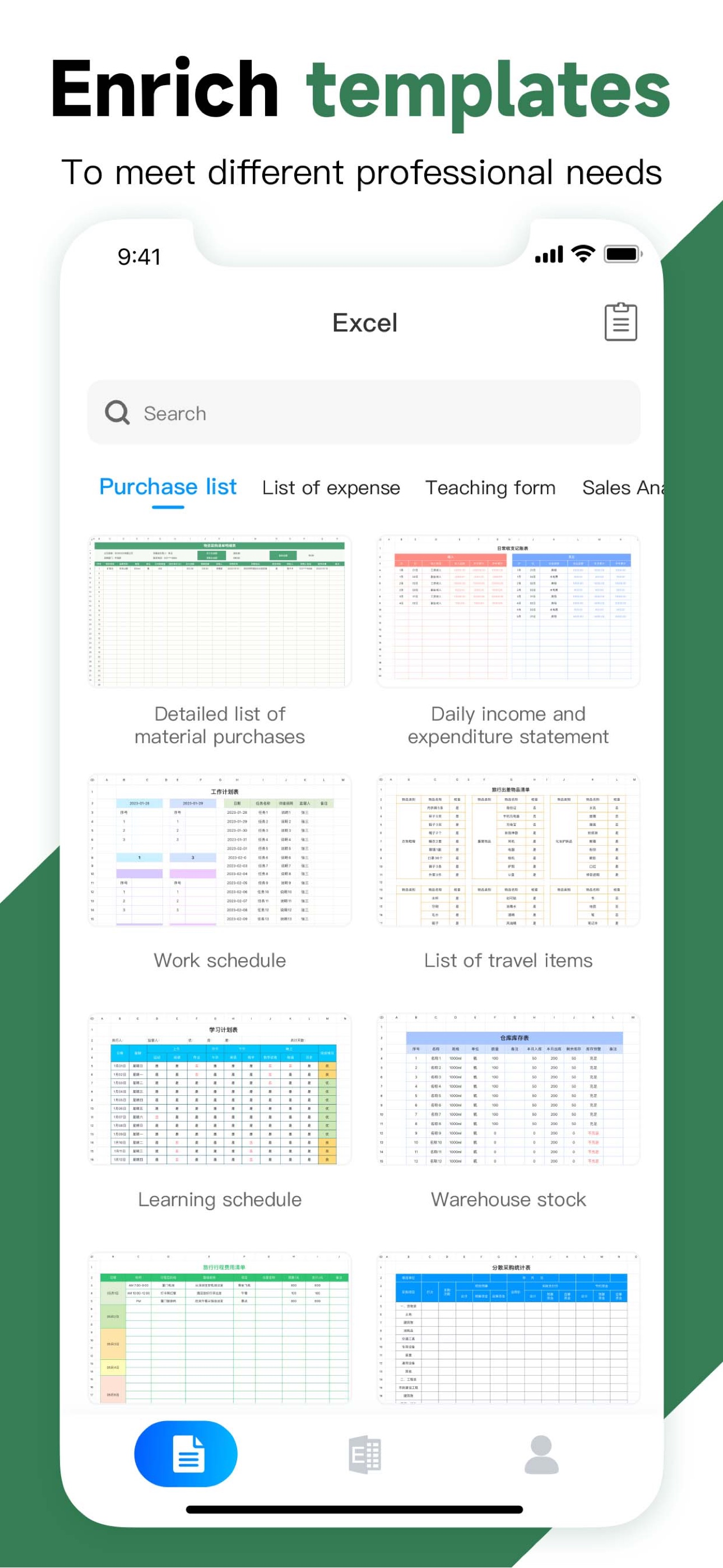
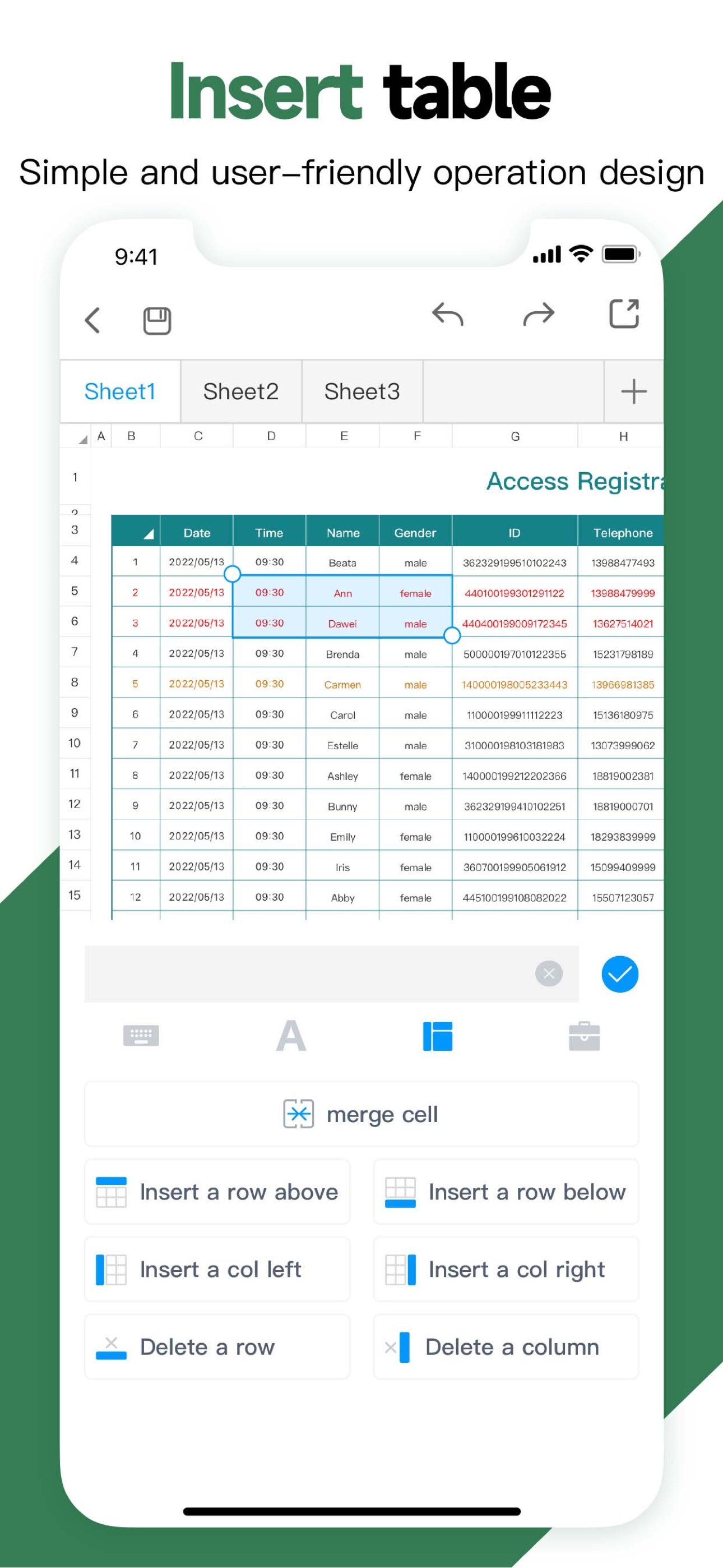
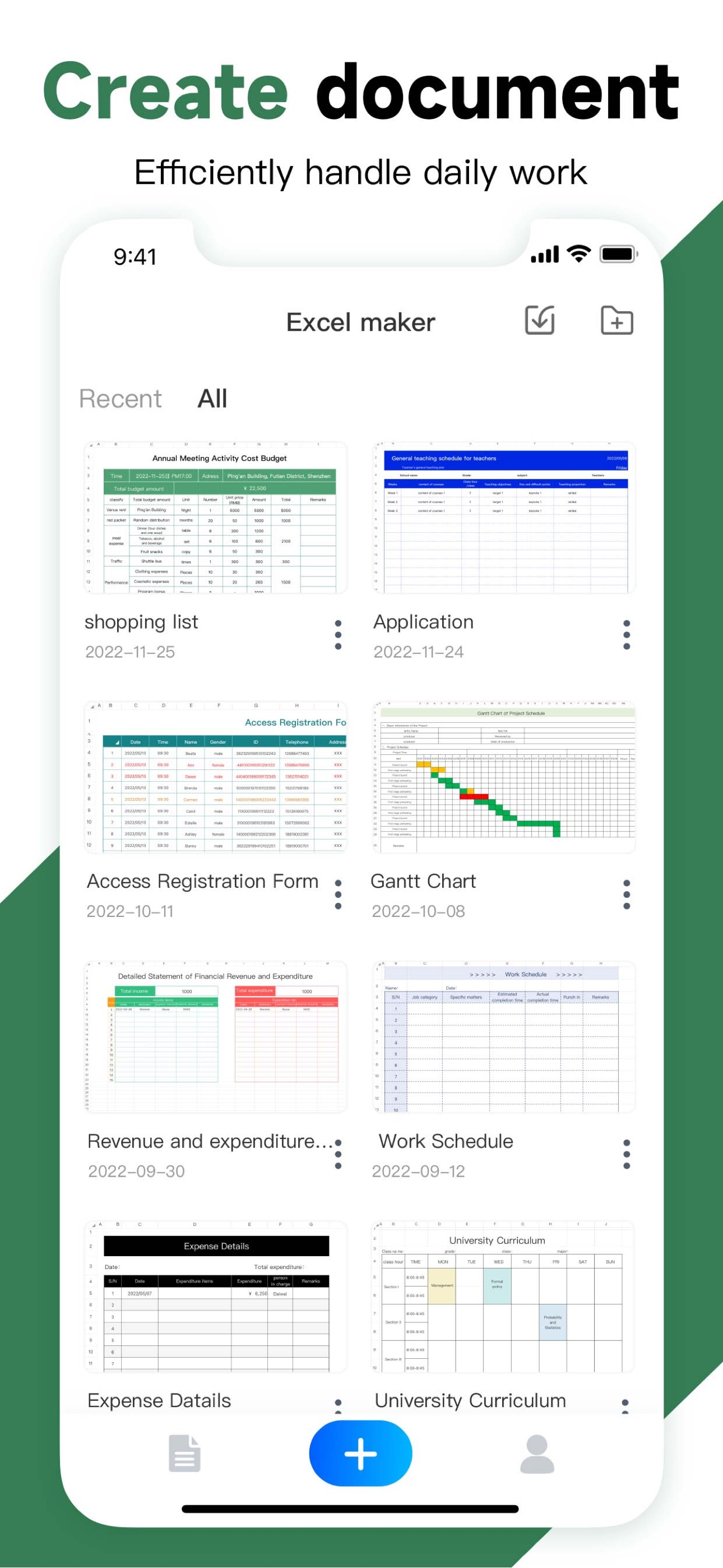
Main Features: - Quickly create form. - Large number of form templates, to meet different professional needs. - Powerful text function, support variou...
| Name | Price | Type |
|---|---|---|
| Template Monthly Membership | $4.99 | Monthly |
| 周会员 (Weekly) | $5.99 | Weekly |
| Weekly membership | $5.99 | Weekly |
| Limited-time offer (Weekly) | $5.99 | Weekly |
| Free trial for three days | $5.99 | Weekly |
| Free trial for 7 days | $5.99 | Weekly |
| Monthly VIP Subscription | $8.99 | Monthly |
| Annual membership | $25.99 | Yearly |
| Yearly VIP Subscription | $25.99 | Yearly |
| Permanently VIP | $39.99 | One-time |