Check the acquisition promise
Read the store headline, screenshots and description. What problem is the app promising to solve?
Study the storefront ↗
Jet Propulsion Laboratory · iOS
Explore the ad evidence, study the storefront, and build your next acquisition hypothesis.
01 / Creative research
Read the store headline, screenshots and description. What problem is the app promising to solve?
Study the storefront ↗Explore apps with direct store-link matches. Compare their hooks and formats without assuming the same approach works here.
Browse observed advertisers ↗Store rankings and revenue estimates describe market context. They do not establish ad spend, conversions or ROAS.
Review the market context ↗02 / Storefront & product
Study the product story and store experience behind the acquisition funnel.


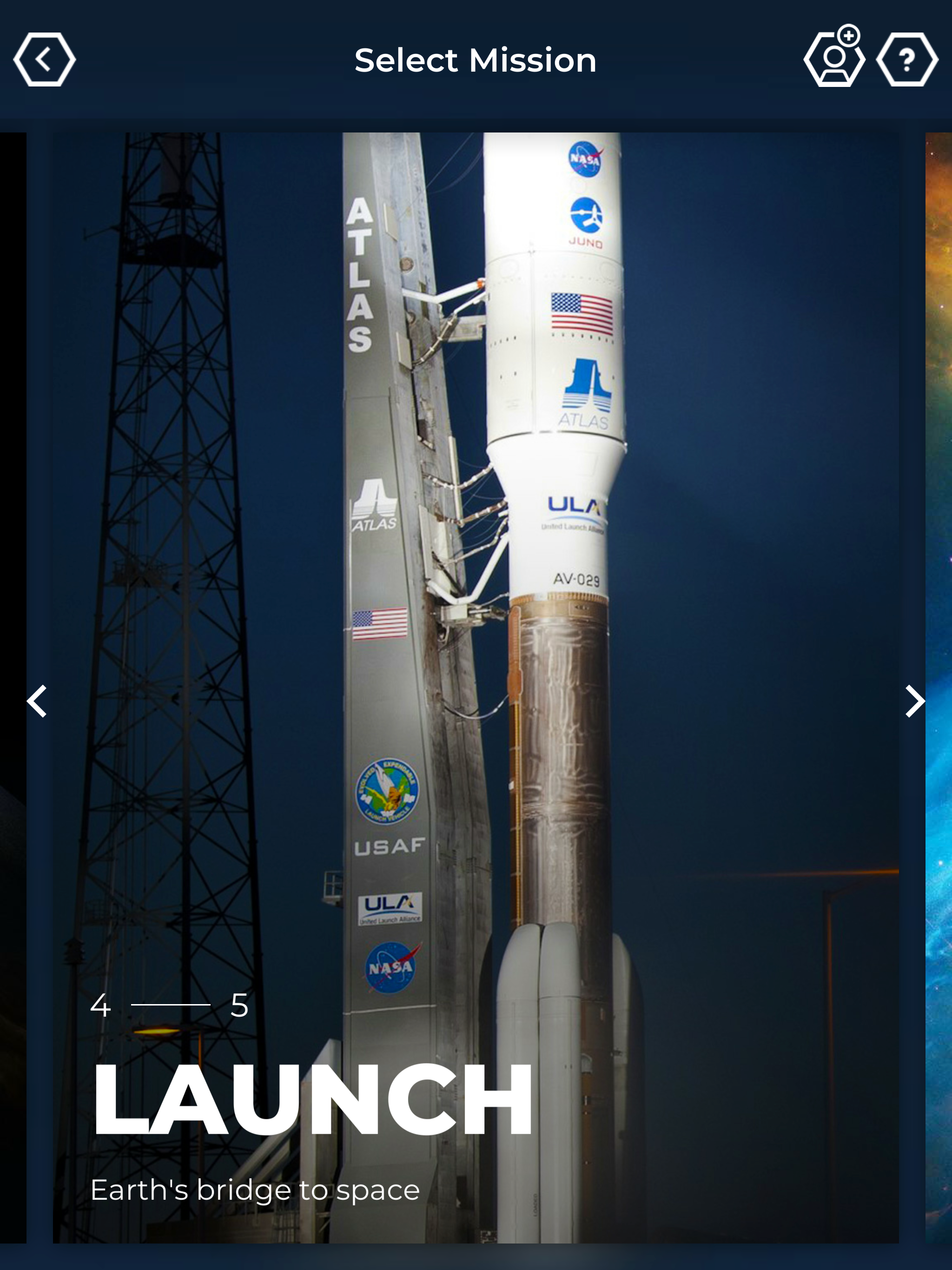
03 / Market context
Keep revenue, downloads and store rankings separate from advertising performance.
The app itself is okay enough, my son has fun playing around with it, but when we go to join together in a mission, he shares a code with me and my device hangs on the connecting screen. 👎🏼
Take a look at the InSight lander. The arm is looking weird… The arm is upside down. Can you please fix this very unexpected model glitch? Otherwise the AR app is a good way to pretend to place a 10 ton item on your siblings. From a very good fan
I had the same experience as Clancy W, only on an iPad Air 2 running OS 12.4. I was never prompted for camera access and it’s not an option in settings. I also tried reinstalling the app. Also, there’s no spacecraft to choose from under the Earth section. NASA’s Spacecraft 3D is a great alternative. It works on every device I’ve ever tried it on (and I tried a lot since I work in a planetarium) and offers many of the same models.
Created by NASA’s Jet Propulsion Laboratory, this stunning educational app uses native mobile augmented reality to bring spacecraft explorers from acr...