Check the acquisition promise
Read the store headline, screenshots and description. What problem is the app promising to solve?
Study the storefront ↗
Dmitriy Kharutskiy · iOS
Explore the ad evidence, study the storefront, and build your next acquisition hypothesis.
01 / Creative research
Read the store headline, screenshots and description. What problem is the app promising to solve?
Study the storefront ↗Explore apps with direct store-link matches. Compare their hooks and formats without assuming the same approach works here.
Browse observed advertisers ↗Store rankings and revenue estimates describe market context. They do not establish ad spend, conversions or ROAS.
Review the market context ↗02 / Storefront & product
Study the product story and store experience behind the acquisition funnel.





03 / Market context
Keep revenue, downloads and store rankings separate from advertising performance.
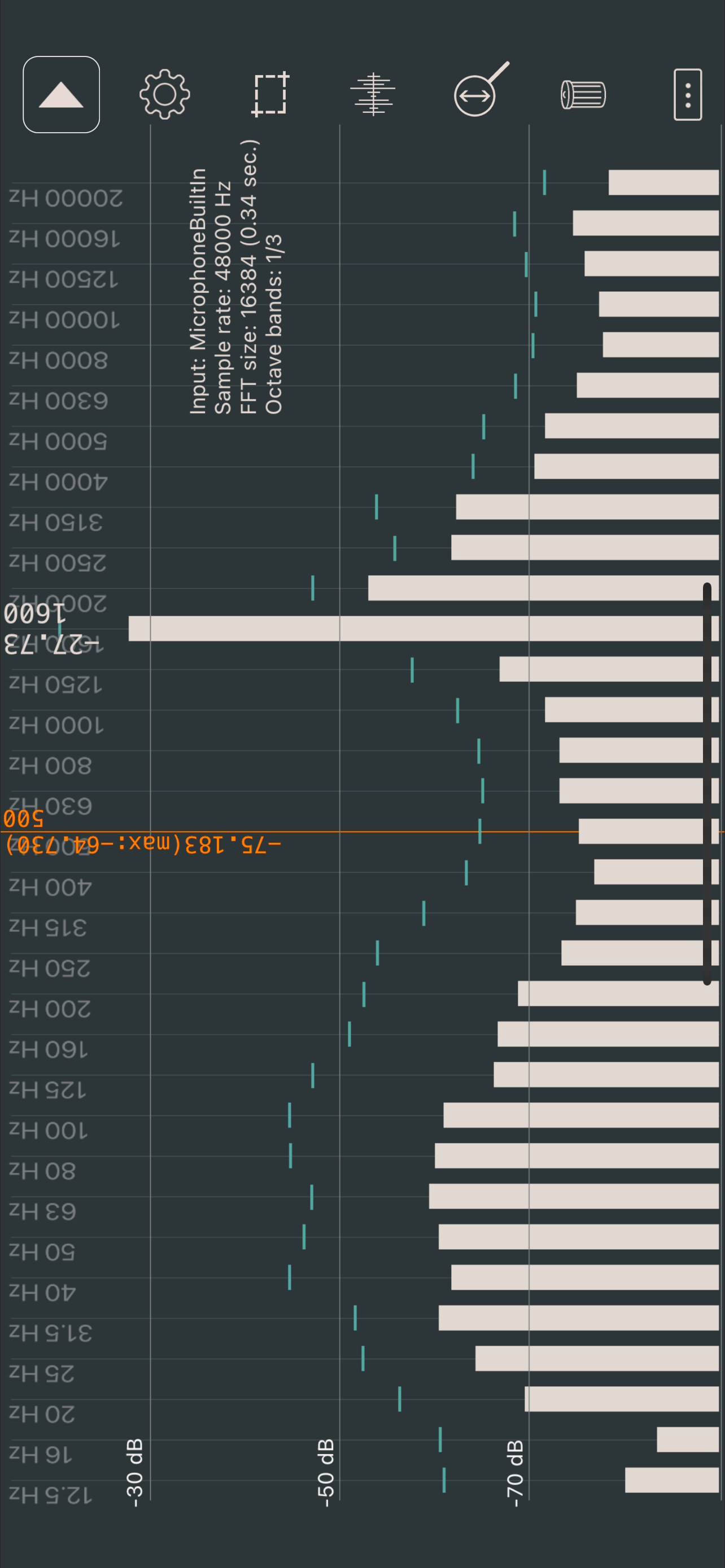
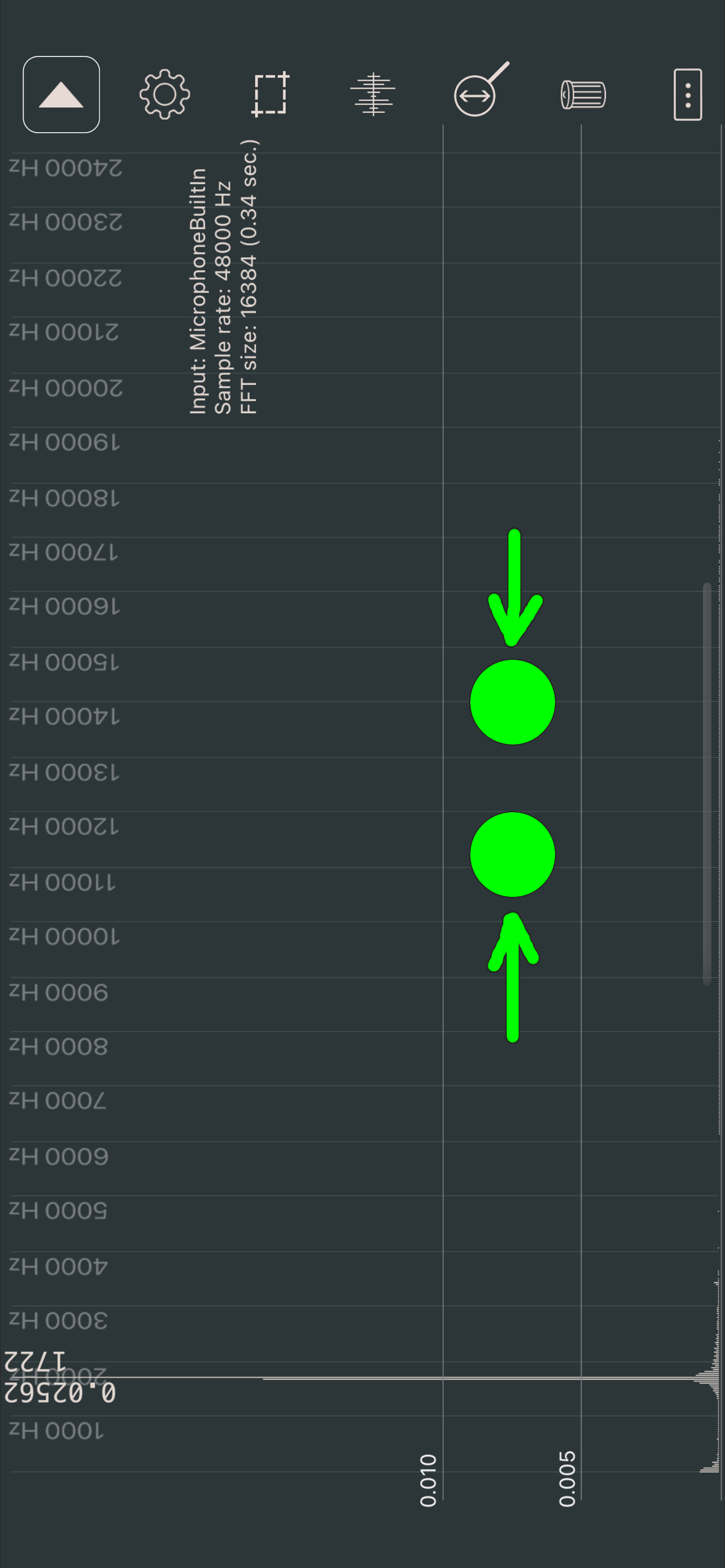
My only problem is that I cannot easily select the frequency range I want to look at. The pinch adjustment only works to look at higher frequencies, whereas I want the window to be able to be set not just to exclude low frequencies. Perhaps the ability to set the range manually… type in lower limit, type in upper limit. I have not yet tried with various calibration files yet, but when I get an external microphone I will do this and see how well it works. I basically need this app to measure sound sweeps and pink noise from various devices to check flatness of frequency response, and it seem to do ok at this. Price is right, and it has many options that will make most casual users happy.
I’m a novice speaker builder. I had designed some speakers, used WINISD and Vituix CAD to design the box and crossovers and had the speakers hooked up. I had tried to used Room EQ Wizard, but to no luck. I had problems with a calibrated Mic, getting the software to work right etc. So, I needed some tool to measure the speakers and found this. This tool allows the IMM-6 mic and gives me enough to measure the speakers. The support is fantastic, timely and thorough. I can get the data out, screen grab the graph etc. The price is fantastic, and for those that had problems with the tool not giving them enough for free, it’s only a couple bucks. And for what the designer provides, that’s more than fair. For anyone building their first speakers (maybe even more advanced) this is a great tool.
Somewhat confusing to use. Not enough “tweaking” available to the user, such as allowing the user to select a specific frequency band. Only has 5 pre-selected bands. Also, has no indication or selection of which microphone on the iPhone is active. Doesn’t even explain if it’s using a specific mic, or an average of all the mics. Instructions for use could use better detail and explanations for users not so versed in audio analysis. Still, I like the app, but hope it gets better.
The application is designed for analysis of a sound spectrum in real time (with a microphone). Besides, the application can be used as a measuring ins...
| Name | Price | Type |
|---|---|---|
| Full version | $2.99 | One-time |