
Check the acquisition promise
Read the store headline, screenshots and description. What problem is the app promising to solve?
Study the storefront ↗
Yeow Jin Gan · iOS
Explore the ad evidence, study the storefront, and build your next acquisition hypothesis.
01 / Creative research
Read the store headline, screenshots and description. What problem is the app promising to solve?
Study the storefront ↗Explore apps with direct store-link matches. Compare their hooks and formats without assuming the same approach works here.
Browse observed advertisers ↗Store rankings and revenue estimates describe market context. They do not establish ad spend, conversions or ROAS.
Review the market context ↗02 / Storefront & product
Study the product story and store experience behind the acquisition funnel.





03 / Market context
Keep revenue, downloads and store rankings separate from advertising performance.
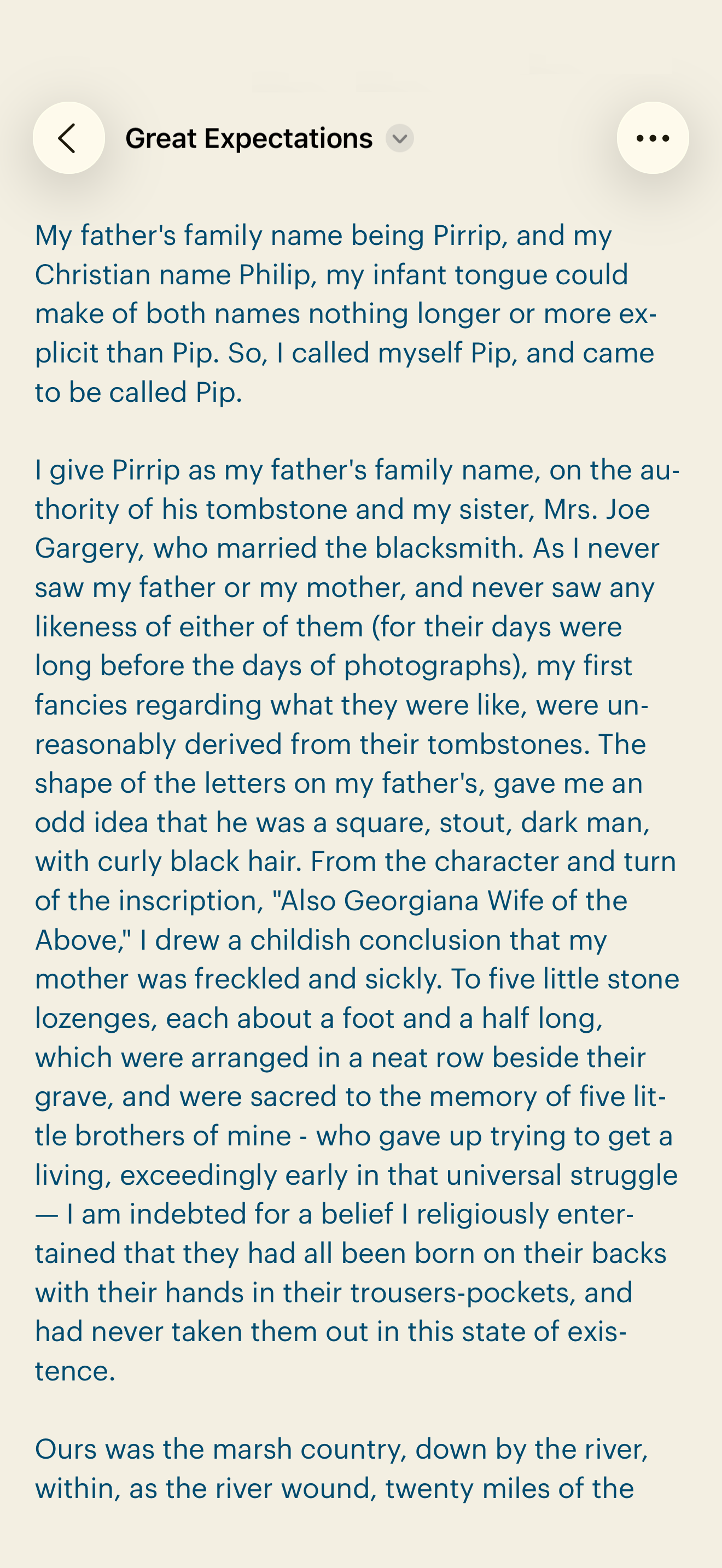
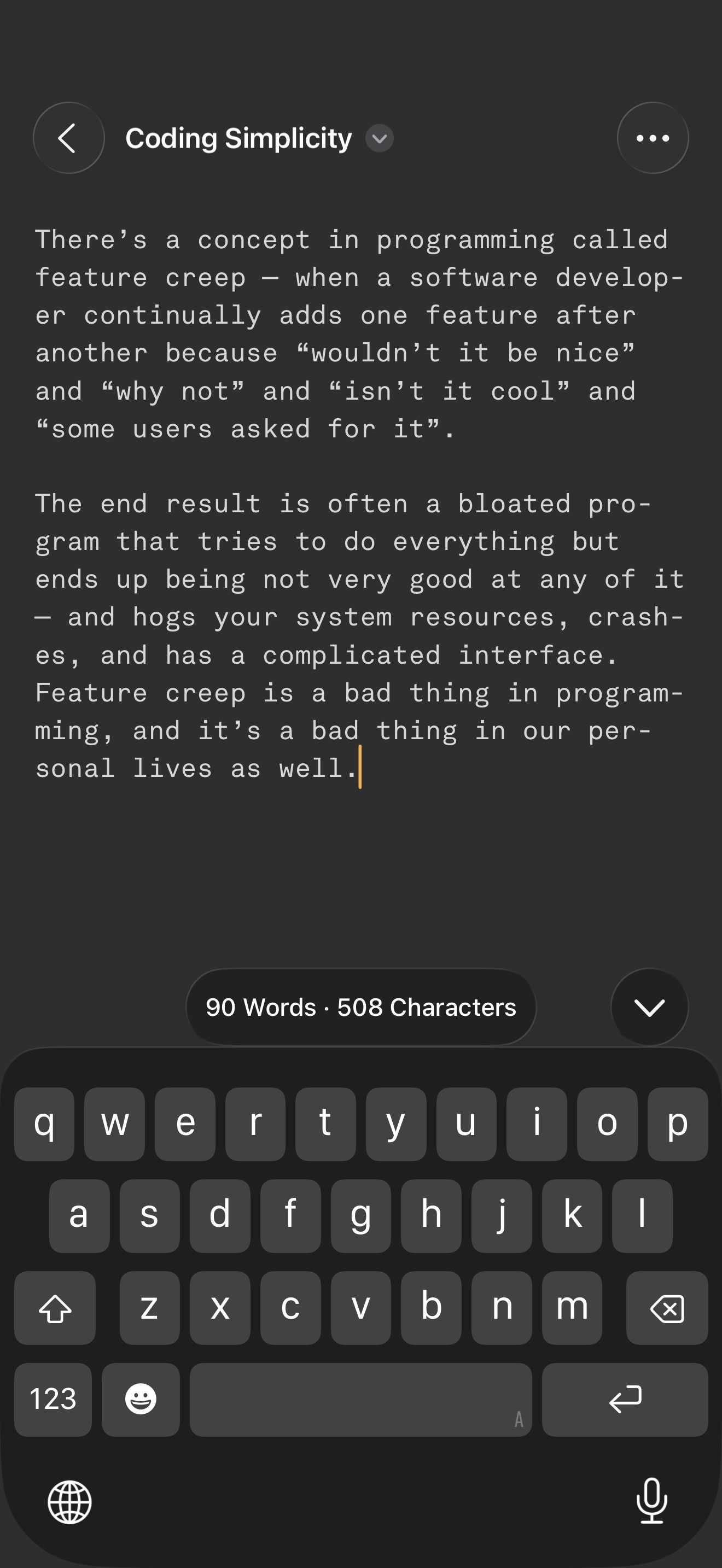
User Pro-tip. I love the light and dark mode screenshot examples they show here in the app listing screenshots. I wanted to set up my Simpletext app like it shows in them so I went to the Simpletext menu VIEW -> COLORS and for each field (background/text) I tap the swatches to get the color picker to show up and then tap the inkwell icon to choose a color on the screen to sample from. I just sampled the screenshots to get those exact colors into my Simpletext color settings. It is such a pleasure to use these colors instead of Apple’s hard light/dark mode defaults. I know this is a minimal app and I love it that way so I’m not saying “Add these color settings to the app” because that’s "too extra". But I want to share how I got the effect in my own app so people can do it too. Thank you for making this incredibly stunningly minimal typing app. p.s. TYPEWRITER MODE... this is a dream innovation from the past I'm so thankful you offer here. I regularly type on my 63' Ollivetti Lettera 22 and getting that typewriter mode feeling in here is such a pleasant surprise! CHEERS!
I had hoped to replace the notes app with this app because I am so sick of notes not sticking to just the text I am trying to copy and paste into it. This app does really great with this part of my situation. Unfortunately I found out after writing hundreds of notes within the app that I can’t do search for a word inside one of the files created in the same way I can in the notes app. It’s a great app, but I can’t use it if I can’t find what I am looking for later.
On the iPhone, screen space is limited, so, when a plain text app has line spacing that could have been smaller, without sacrificing readability, and hence can pack more lines on one page, it should try to maximise it. Comparing SimpleText with Paper, I was able to see only 28 lines on SimpleText versus 38 lines on Paper with the same font size per screen. In fact the Paper font size was a little bigger than the smallest extra small font size setting on Simpletext but yet it could display more lines. Cut the line spacing so that we can have more lines per screen. Many people read rather quickly so having to keep scrolling is a tad annoying. Finally it would be more productive to have the search button appear straightaway on top of the keyboard when the keyboard appears, instead of having to first click the hamburger. In fact, why have the hamburger when you can put all the selections (Preferences, Search, Copy All, Select All) right there in place of the hamburger? The extra step is really unnecessary. Edited: Thanks for the clarification. My bad. The typewriter mode was indeed turned on. Once I’ve turned it off, I was able to select text without problem. On the last point, perhaps you can allow users to select which shortcuts they want to place on the keyboard?
The Simplest Writing App for Mac, iPad and iPhone There are many writing apps for you to choose from today, so why bother with yet another one? Becau...


