Check the acquisition promise
Read the store headline, screenshots and description. What problem is the app promising to solve?
Study the storefront ↗
Benedikt Hirmer · iOS
Explore the ad evidence, study the storefront, and build your next acquisition hypothesis.
01 / Creative research
Read the store headline, screenshots and description. What problem is the app promising to solve?
Study the storefront ↗Explore apps with direct store-link matches. Compare their hooks and formats without assuming the same approach works here.
Browse observed advertisers ↗Store rankings and revenue estimates describe market context. They do not establish ad spend, conversions or ROAS.
Review the market context ↗02 / Storefront & product
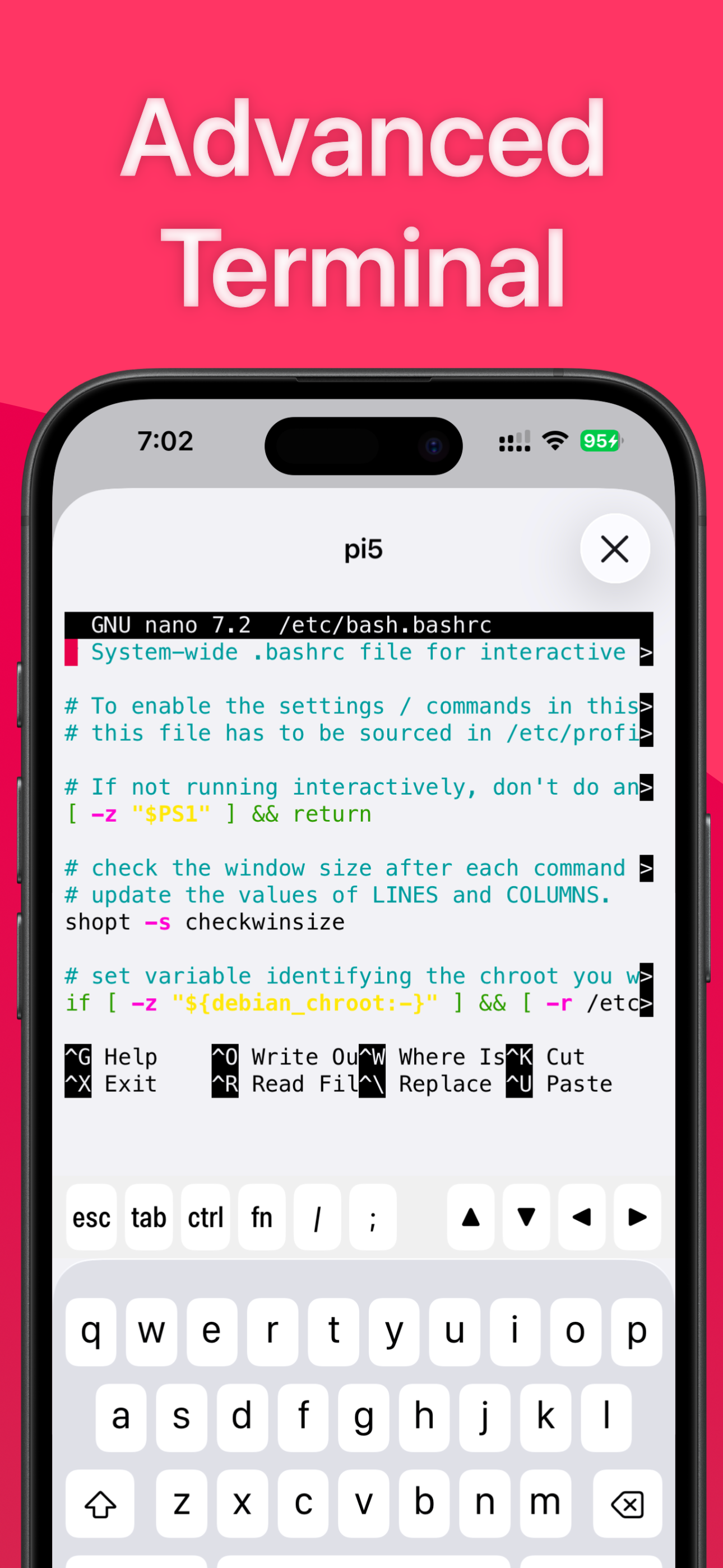
Study the product story and store experience behind the acquisition funnel.




03 / Market context
Keep revenue, downloads and store rankings separate from advertising performance.
I used the app once, and it seemed decent. I came back a while later, and it’s requiring me to pay a subscription fee to do anything. If it were a flat amount, I might be willing to pay it. However, this new SaaS (Software as a Service) trend is absurd. I wouldn’t have even bothered to download the program if I’d noticed it was *strictly* a subscription-based app. This program isn’t a service. If the creator goes out of business and/or ceases to exist, there’s no reason that this program couldn’t keep functioning exactly as-is until whatever framework it’s written against is no longer supported by Apple. Don’t try to sell your program on a subscription model unless you have regular expenses involved in keeping a non-updated program functional. Don’t do it unless you’re actually offering a service.
After about half an hour of trying, I can’t figure out how to remove a command I added from the list, and more importantly I can’t see any option at all for how to view the results log. Tapping on the command in the list runs it and you get a green check mark but then i can’t look up the results unless the command was created using the show results on completion option.
It’s been refreshing to use SimplePi to remotely manage my Raspberry server. Coming from ocassional GUI-based Linux to server monitoring via command line was rocky for me. This app has really made it so easy for me to automate and organize those periodic checks and commands, and launch them directly from my mobile. I have a lot less needs to connect via desktop. The visual design, organization, and cleanness of the app makes it very appealing and it shows the developer cares about much more than base functionality. In this category of niche utilities this app stands out. Responsive support too!
SimplePi is the Swiss army knife utility app for monitoring, controlling, and managing your Raspberry Pi using your iPhone and iPad. MONITOR ACTIVITY...
| Name | Price | Type |
|---|---|---|
| Full Access (12 months) | $4.99 | Yearly |