
Check the acquisition promise
Read the store headline, screenshots and description. What problem is the app promising to solve?
Study the storefront ↗
Karen Grigorian · iOS
Explore the ad evidence, study the storefront, and build your next acquisition hypothesis.
01 / Creative research
Read the store headline, screenshots and description. What problem is the app promising to solve?
Study the storefront ↗Explore apps with direct store-link matches. Compare their hooks and formats without assuming the same approach works here.
Browse observed advertisers ↗Store rankings and revenue estimates describe market context. They do not establish ad spend, conversions or ROAS.
Review the market context ↗02 / Storefront & product
Study the product story and store experience behind the acquisition funnel.


03 / Market context
Keep revenue, downloads and store rankings separate from advertising performance.
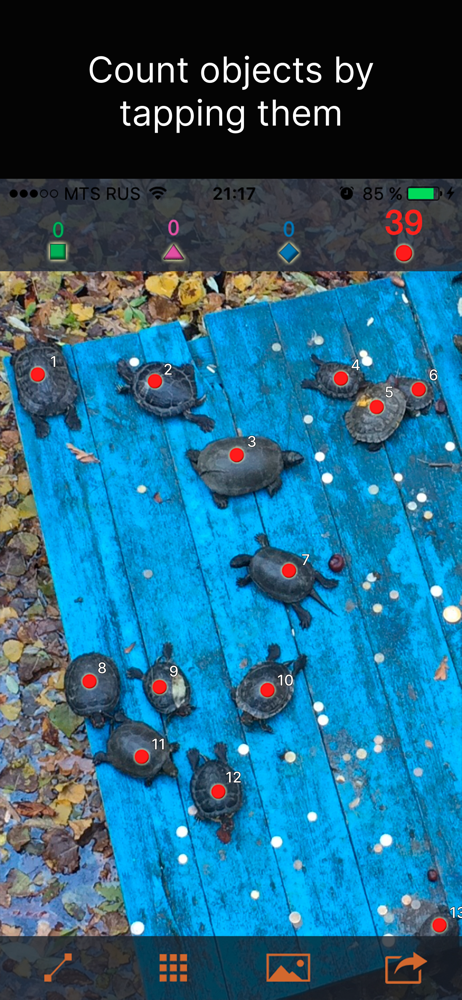
This app is phenomenal! I am terrible at counting in my head, so this becomes so so valuable for me. I would pay for this in a heartbeat if there was an option to do so. I’ve tried other apps that attempt to determine what you’re counting and select the countable objects automatically, but they are grossly inconsistent. I tap on the objects myself to count them, which is so much more reliable. This just works — it does one thing and it does it flawlessly
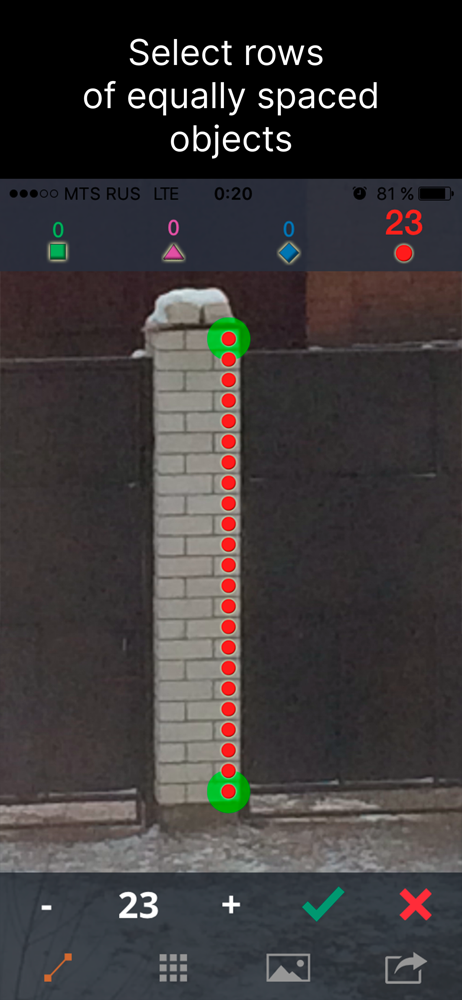
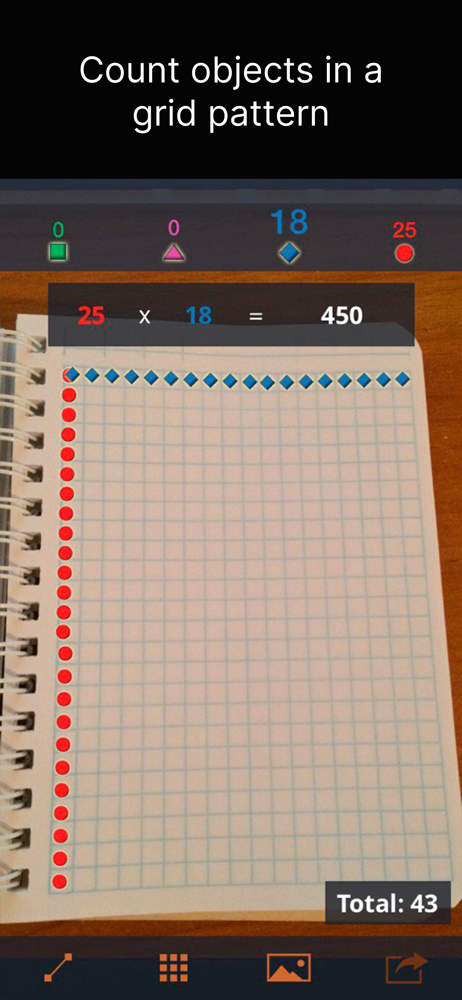
As an inventory control specialist in a steel warehouse I use this app on a weekly basis and it is a lifesaver. I have tried many counting apps but this is my favorite. It allows you to take a picture to count from inside the app and allows you to maintain 4 different counts in the same picture. It indexes the count nodes and the nodes do not resize according to zoom level, which is very helpful. This is a very clean and useful app.
This is a fairly simple app without a ton of bells and whistles but I've used it in many scenarios to make my life easier. I showed the guys in our warehouse at work and they use it to verify their order picking qty.
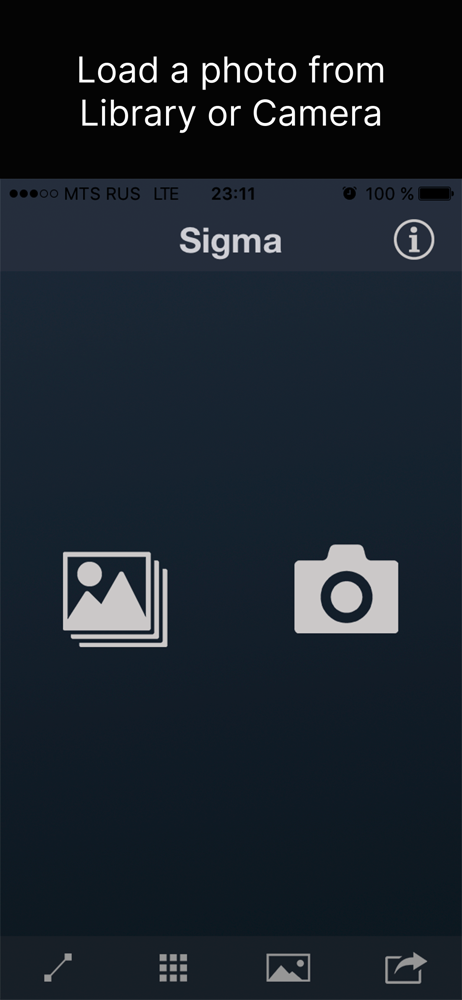
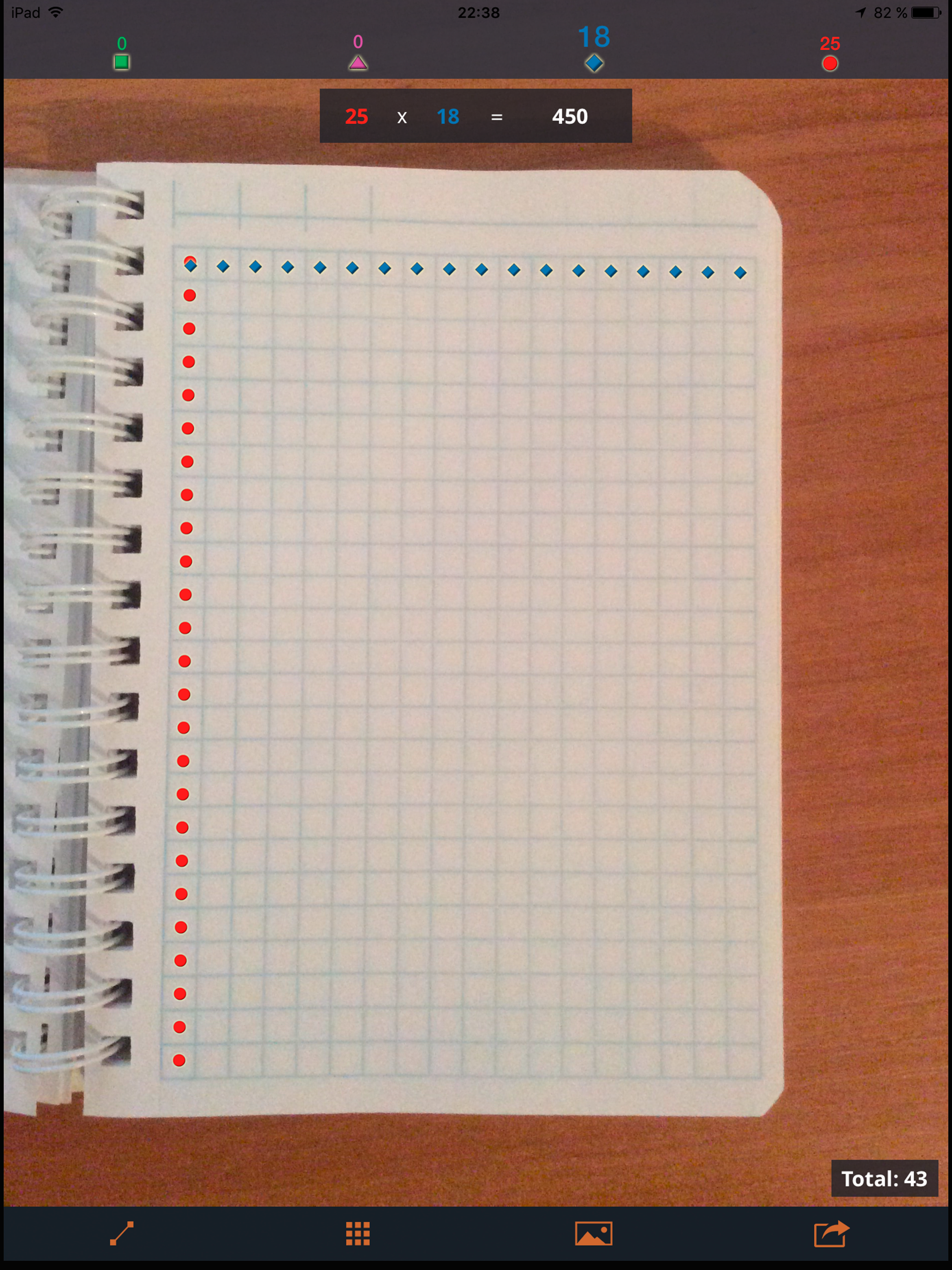
Take a new photo or pick a photo from your photo library and then count objects on it by tapping them. Save screenshots and/or share them via email...


