Check the acquisition promise
Read the store headline, screenshots and description. What problem is the app promising to solve?
Study the storefront ↗
4Pockets.com · iOS
Explore the ad evidence, study the storefront, and build your next acquisition hypothesis.
01 / Creative research
Read the store headline, screenshots and description. What problem is the app promising to solve?
Study the storefront ↗Explore apps with direct store-link matches. Compare their hooks and formats without assuming the same approach works here.
Browse observed advertisers ↗Store rankings and revenue estimates describe market context. They do not establish ad spend, conversions or ROAS.
Review the market context ↗02 / Storefront & product
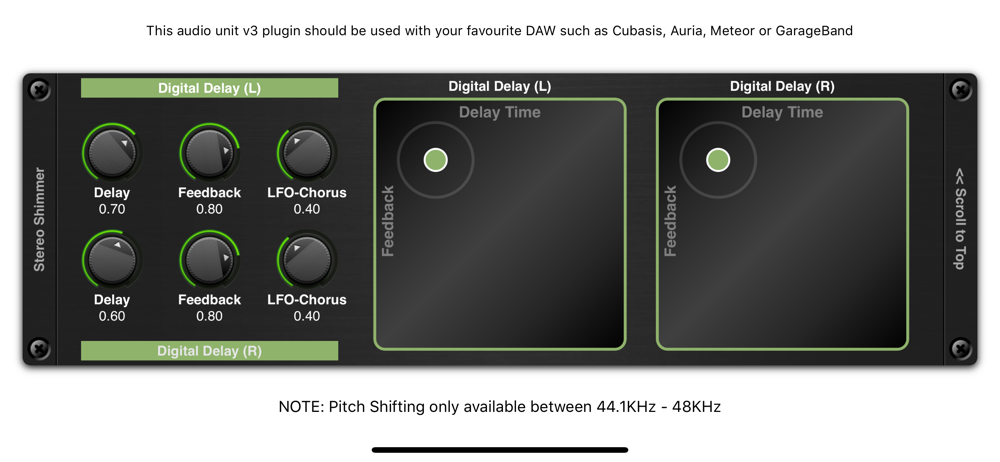
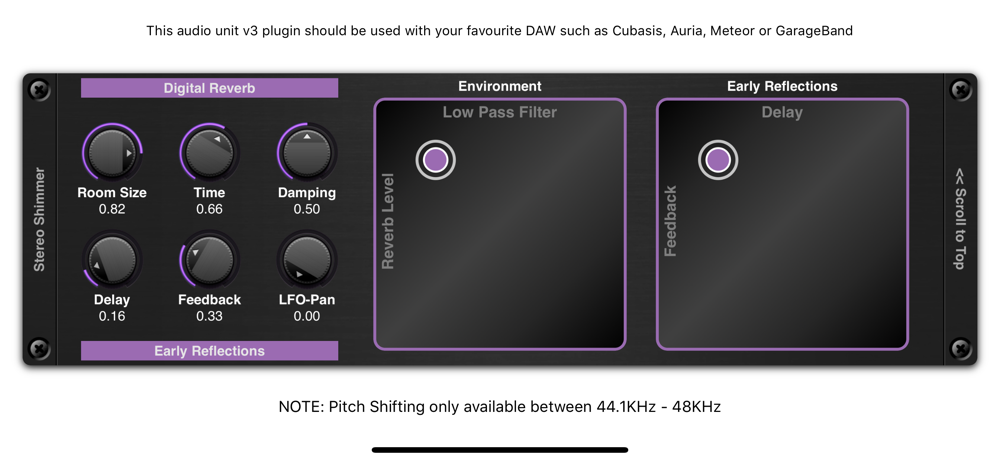
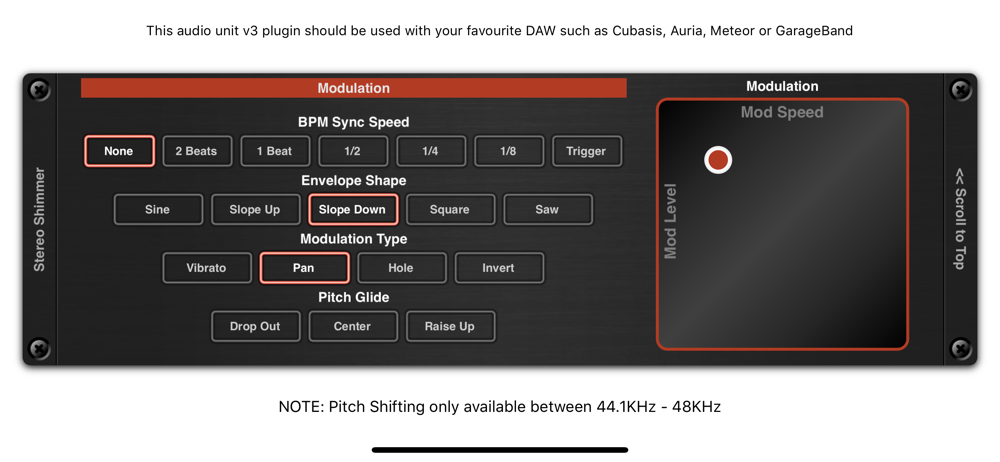
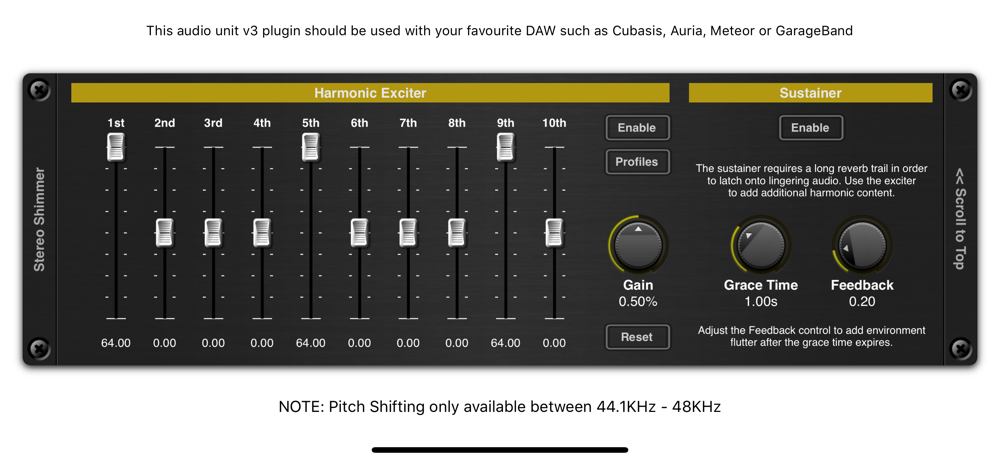
Study the product story and store experience behind the acquisition funnel.




03 / Market context
Keep revenue, downloads and store rankings separate from advertising performance.
This effect works well with the touch instruments in GarageBand but I purchased it for use with my guitar and that’s where it comes up short. There’s seemingly no way to make it work the way I’d prefer and there doesn’t seem to be any sort of documentation/support. It’s unfortunate because playing around with the piano demonstrates a really flexible, interesting effect that I would really like to use.
It looks great, and the fx sounds pretty good too. But UI is a bit heavy on resources makes this iPad (Pro 10”) crackle with just a few apps running. But the 2-stars rating is because this *AUv3* plugin doesn’t have a way to save settings. You can save settings using your DAW, but not inside ShimmerFX so you can’t have a preset list that you would use between apps. There’s a preset list, but it’s only for the ones that come with the app - can’t save yours there. So it’s like a “demo” preset list. Edit2: Just to clarify, the actual fx when active is not that heavy on resources (Zeeon is more heavy, for example). But the UI, (when you open the plugin to tweak controls) is very heavy, one of the heaviest I’ve tried so far, in fact. Similar to RE-1 (which also got a pretty heavy UI when opened). Edit: Thanks for the reply and considering adding the presets! On a PC where people usually use just one DAW (Cubase for me) it wouldn’t matter, because it just does everything. But on iOS there are several DAWs/tools each having sought-after features, yet falling short (or not designed for) others. The beauty of AUv3 is that it can just be seamlessly used between them, whether you want to re-use some preset in new project, or carry over existing project from one place to another. For an actual example, though I’m not much into DAW-less approach, and prefer to always be able to hit Rec and have midi + audio tracks readily available, I just can’t resist using ApeMatrix which is an amazing tool for coming up with sound ideas. You can complete the whole project in it (and many people do this in fact), just like in AUM or AudioBus, but these tools don’t have multitracking and can only record (output) audio files. So I often start projects in ApeMatrix+Xequence, come up with sound/song ideas quickly and then carry them over to Cubasis or Beatmaker (and soon NanoStudio, once it gets audio capability) for further completion. And for this to work, it requires internal presets for each instrument and fx.
I have most of the 4Pockets apps. They are very useful. This one is crazy good. Highly recommended!
This is an AUv3 compatible effect which must be used as plugin with your favourite DAW such as Cubasis, Meteor, Auria or GarageBand. It supports a mod...