Check the acquisition promise
Read the store headline, screenshots and description. What problem is the app promising to solve?
Study the storefront ↗
Seneye · iOS
Explore the ad evidence, study the storefront, and build your next acquisition hypothesis.
01 / Creative research
Read the store headline, screenshots and description. What problem is the app promising to solve?
Study the storefront ↗Explore apps with direct store-link matches. Compare their hooks and formats without assuming the same approach works here.
Browse observed advertisers ↗Store rankings and revenue estimates describe market context. They do not establish ad spend, conversions or ROAS.
Review the market context ↗02 / Storefront & product
Study the product story and store experience behind the acquisition funnel.



03 / Market context
Keep revenue, downloads and store rankings separate from advertising performance.
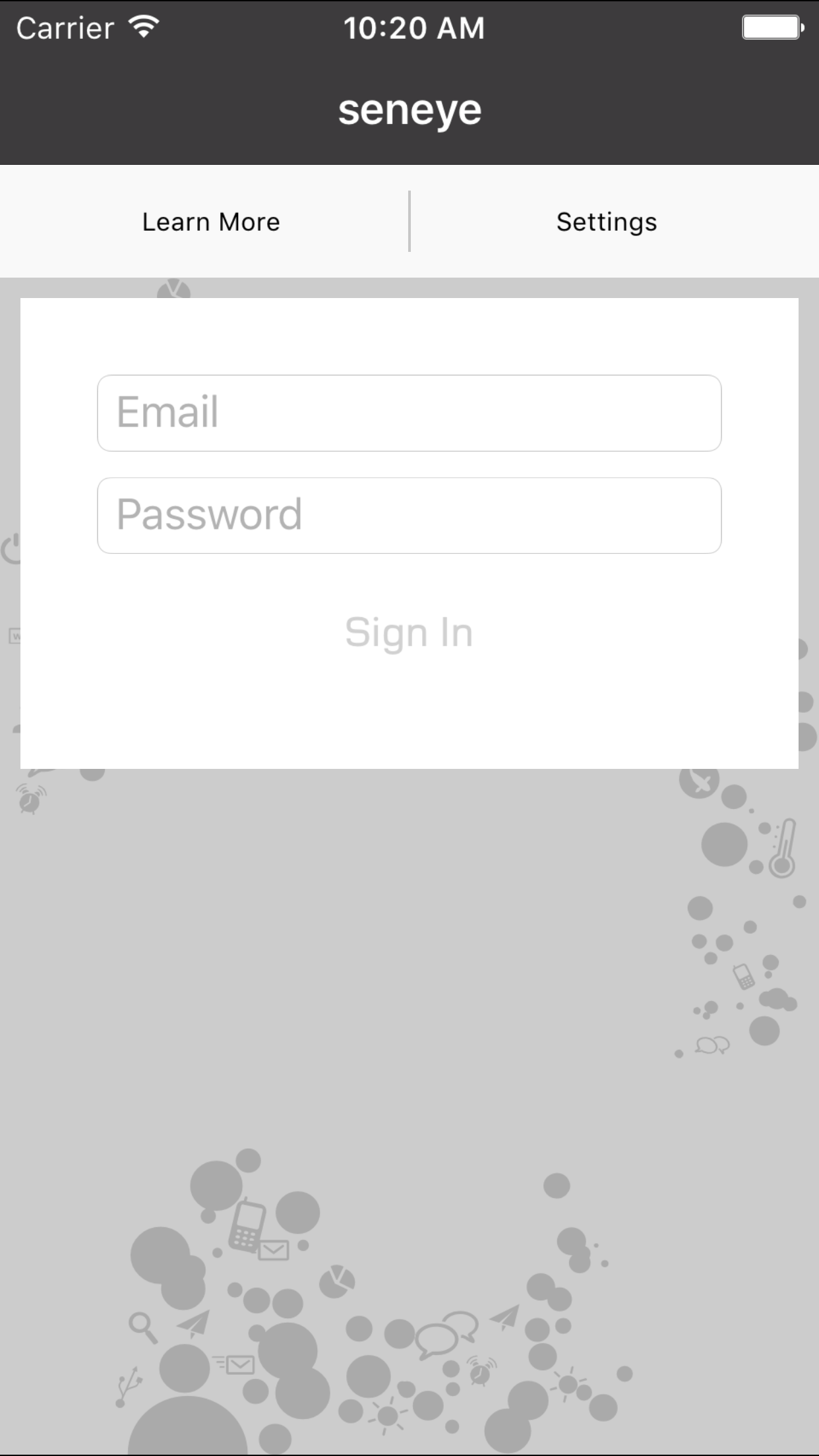
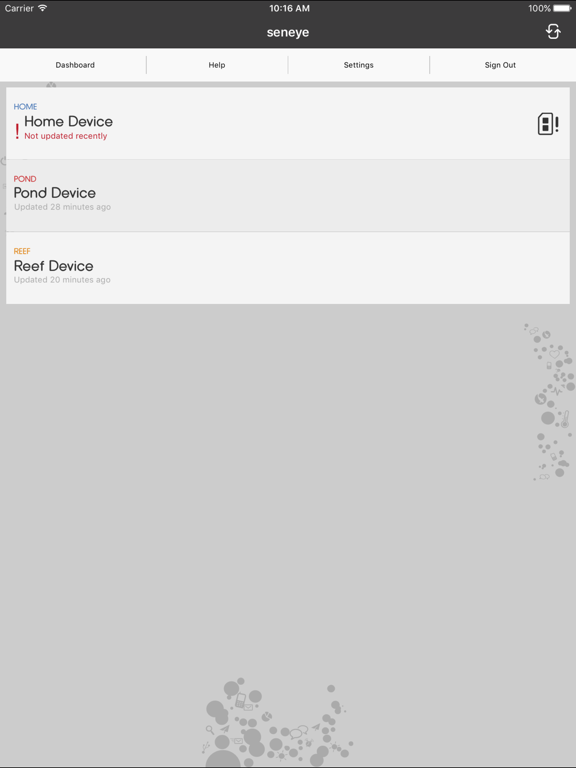
While this device offers excellent information about my reef system, it has very crude web and app support. The website offers simple trend graphs and simple modifications. Not very intuitive. This app provides virtually nothing. The only information displayed is the last reading taken by the device. Any attempt to learn/see more redirects you to the Seneye website. Much easier to bookmark the website for status information on a phone/tablet. This is a bare minimum solution to check a box for users.
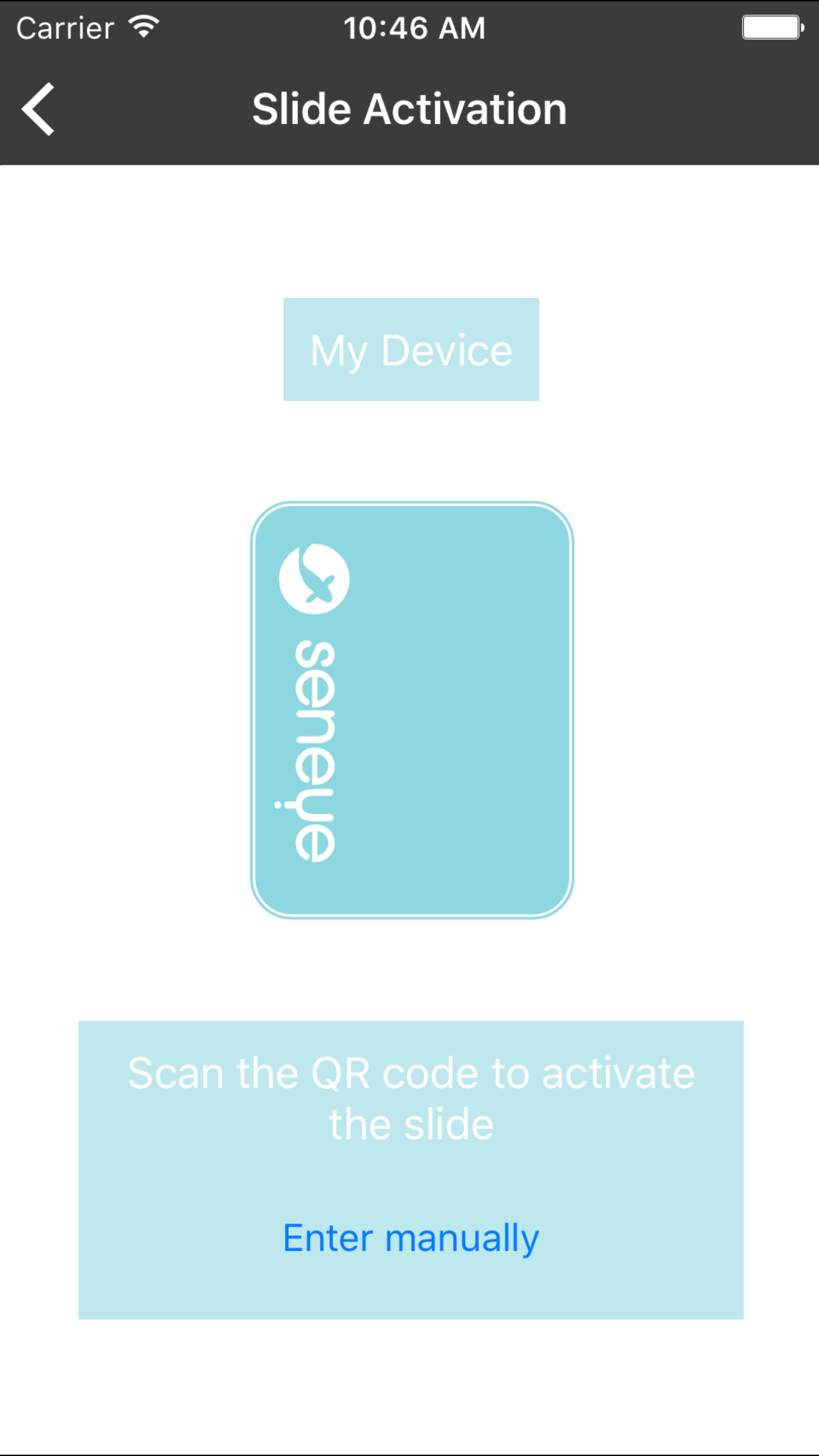
I’ve used this app for several years now with all the iPhones and iPads I’ve had. I can change setting even in my iMac. It works quite good. I can monitor the pond and the Koi. Each year the app gets better working with Apple products. Yes, you can set it up for both Celsius and Fahrenheit. It’s in the dashboard. If set up is confusing e-mail support. I’ve found them to be quite helpful.
App works like a charm, but I’d love to see the option for Fahrenheit in it like the web interface.
Save your fish by having your aquarium or pond information everywhere you go in the palm of your hand. This is an app for displaying water parameters...