Check the acquisition promise
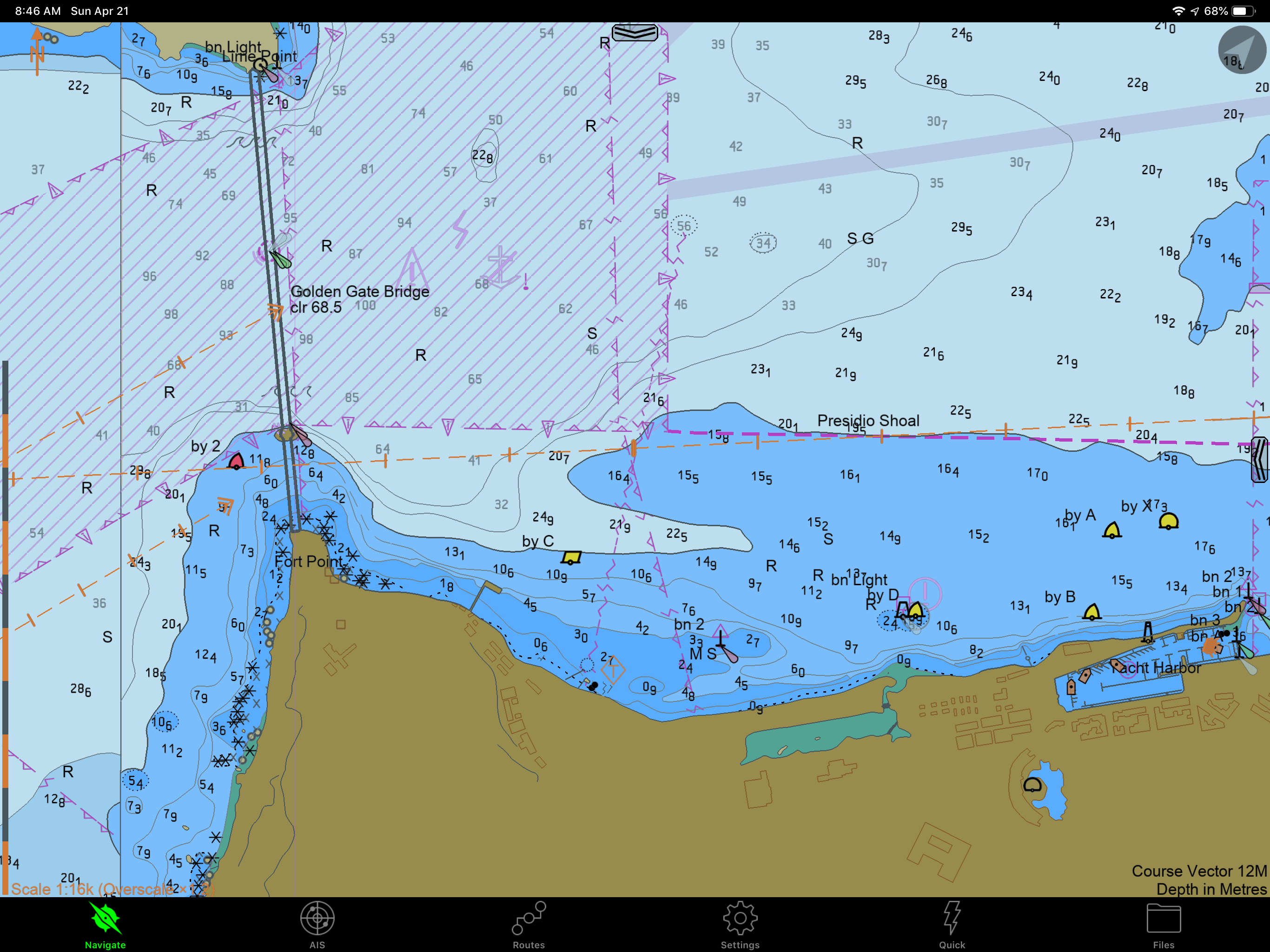
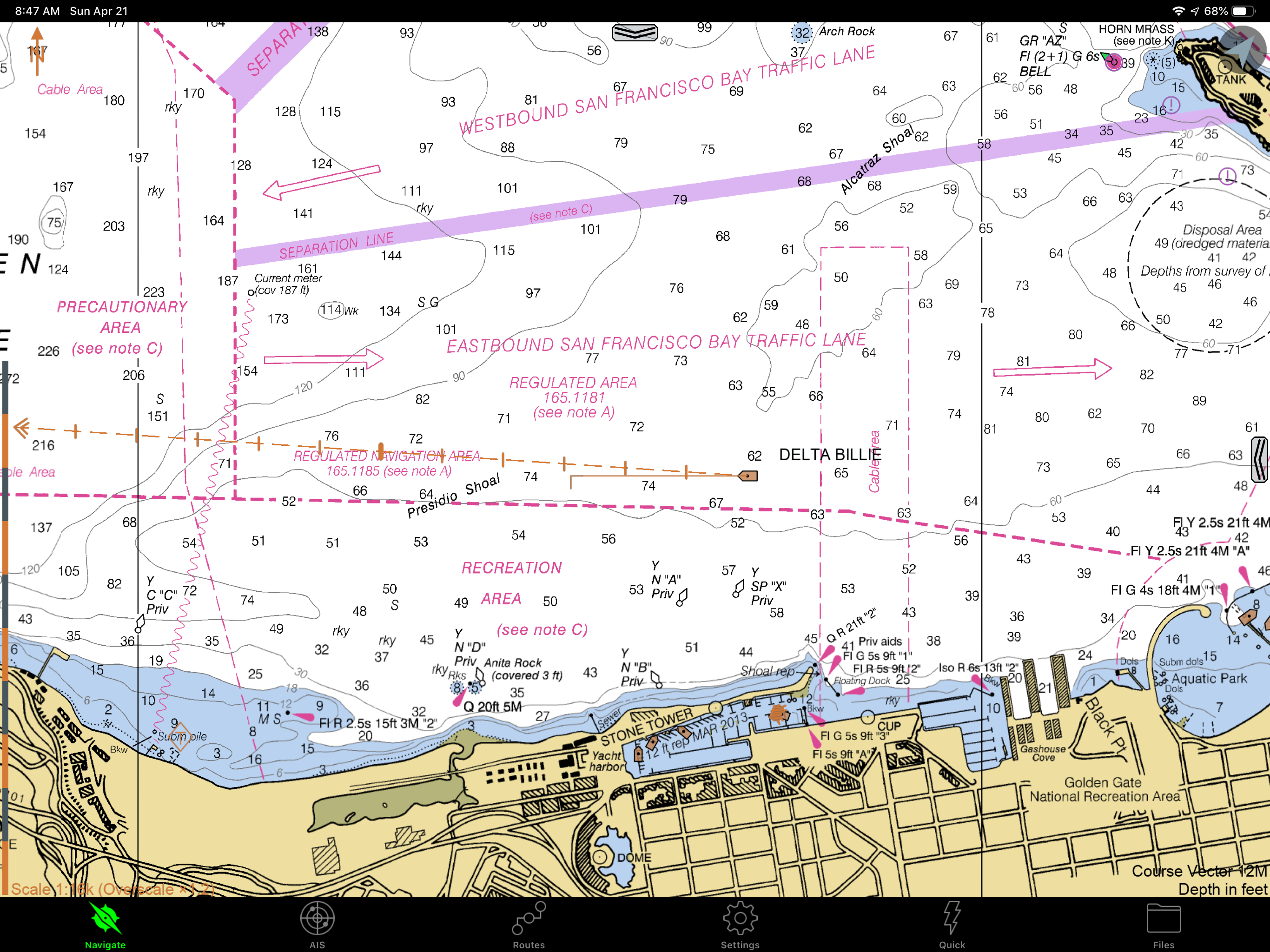
Read the store headline, screenshots and description. What problem is the app promising to solve?
Study the storefront ↗
Sakhalin · iOS
Explore the ad evidence, study the storefront, and build your next acquisition hypothesis.
01 / Creative research
Read the store headline, screenshots and description. What problem is the app promising to solve?
Study the storefront ↗Explore apps with direct store-link matches. Compare their hooks and formats without assuming the same approach works here.
Browse observed advertisers ↗Store rankings and revenue estimates describe market context. They do not establish ad spend, conversions or ROAS.
Review the market context ↗02 / Storefront & product
Study the product story and store experience behind the acquisition funnel.
03 / Market context
Keep revenue, downloads and store rankings separate from advertising performance.
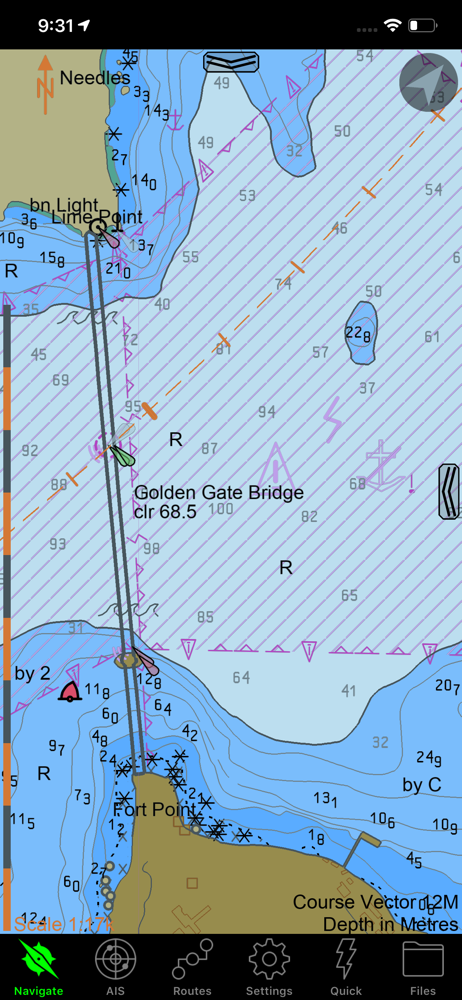
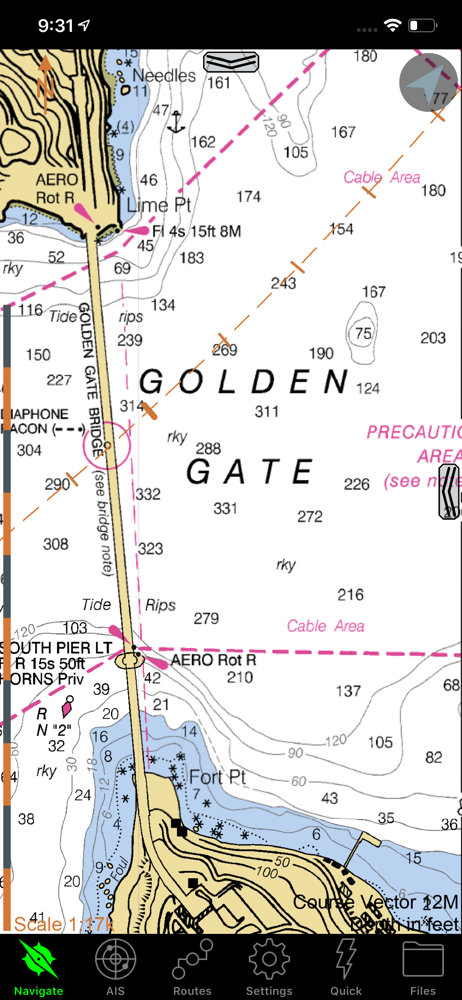
I have logged over 10k offshore sailing miles on SEAiq and consider it an essential piece of equipment. I highly recommend it to boaters wanting a highly reliable navigation app, which boasts tons of features in a clean and sensical interface. To start, it is incomparably more versatile than Navionics for plotting routes and waypoints, estimating AIS target crossing range, as well as visualizing vessel data. For the last bit I use a YDWR02 NMEA-Wifi router, which wirelessly transmits all vessel sensor output to SEAiq on my iPads (such as GPS, speed, wind, depth, etc.). Features I especially appreciate include ‘NMEA data smoothing’ (for an easier read on COG/AWS/SOG) and the ability to switch into ‘dark mode’ (to preserve your night vision). The app allows you to modify all kinds of parameters, enable alarms (wind speed, depth, AIS, anchor, etc.) and check tides, to name a few. Similar to OpenCPN, you can also load custom satellite charts (.kap files from GoogleEarth or VentureFarther) which are invaluable when navigating in places where vector charts are inaccurate (ie. Navionics in Fiji) and/or when anchoring around rocks/coral reefs. You can also load vector charts from subscription-based services like ChartWorld or NZ ENC, although I did find it quite complicated to setup initially (‘certificates’ and ‘user permits’ are required for each device). As a result, I often use SEAiq in tandem with Navionics while navigating in coastal waters, as the latter still offers great chart detail in most places. On the other hand, if you don’t plan on leaving US territorial waters, the NOAA charts in SEAiq are free and very easy to load. Furthermore, all chart files and tracks are saved in an easily accessible folder, so you can backup, modify or share them across devices. I have never had any charts accidentally disappear, nor has the app ever crashed on me (unlike Navionics, which does so constantly). Lastly, I am thankful to the developer, who was quick to answer any questions I have had thus far. The only request I would have is to add support for .MBTiles :) Thanks and keep up the good work! Highly recommend.
SEAiq is what I consider to be the only real navigation app around for iOS. The chart tool functionality (multiple EBLs, VRMs, and other markup functions) mean you can, if needed, perform similar operations that you might be used to on paper charts. I’ve added danger bearings, marked out anchorage areas, even plotted a running fix with it. (That last just involved creative use of a handful of EBLs.) The AIS functionality is also incredibly useful; the course vectors and rate of turn indicators make it very easy to visualize crossing situations. Also useful is the ability to attach a VRM or EBL to AIS targets. If you’re in the US you have free future access to all the official NOAA charts, and the tiling is handled reasonably well. I’ve also loaded New Zealand ENC charts as well as purchased others from Chartworld. My workflow involves planning and plotting on the laptop, then transferring the files to phone and iPad for reference underway. I see the same notes on every device. What could be improved is the overall app speed, and being able to use purchased charts across devices (I know that last is more a problem of the chart suppliers).
This the best nav software by far. It is ready apparent that it is coded by people who use it, and really know software. Navionics, TZiBoat, iNavX, this one is far better and its free no nonsense goodness! It does have few obtuse bits like downloading charts the first time. The chart updater is great. Thanks for the good coding!
SEAiq is a full-featured marine navigation app. It is the only marine navigation app that allows you to load your own charts in a variety of standard...
| Name | Price | Type |
|---|---|---|
| Upgrade for Premium Features | $49.99 | One-time |