Check the acquisition promise
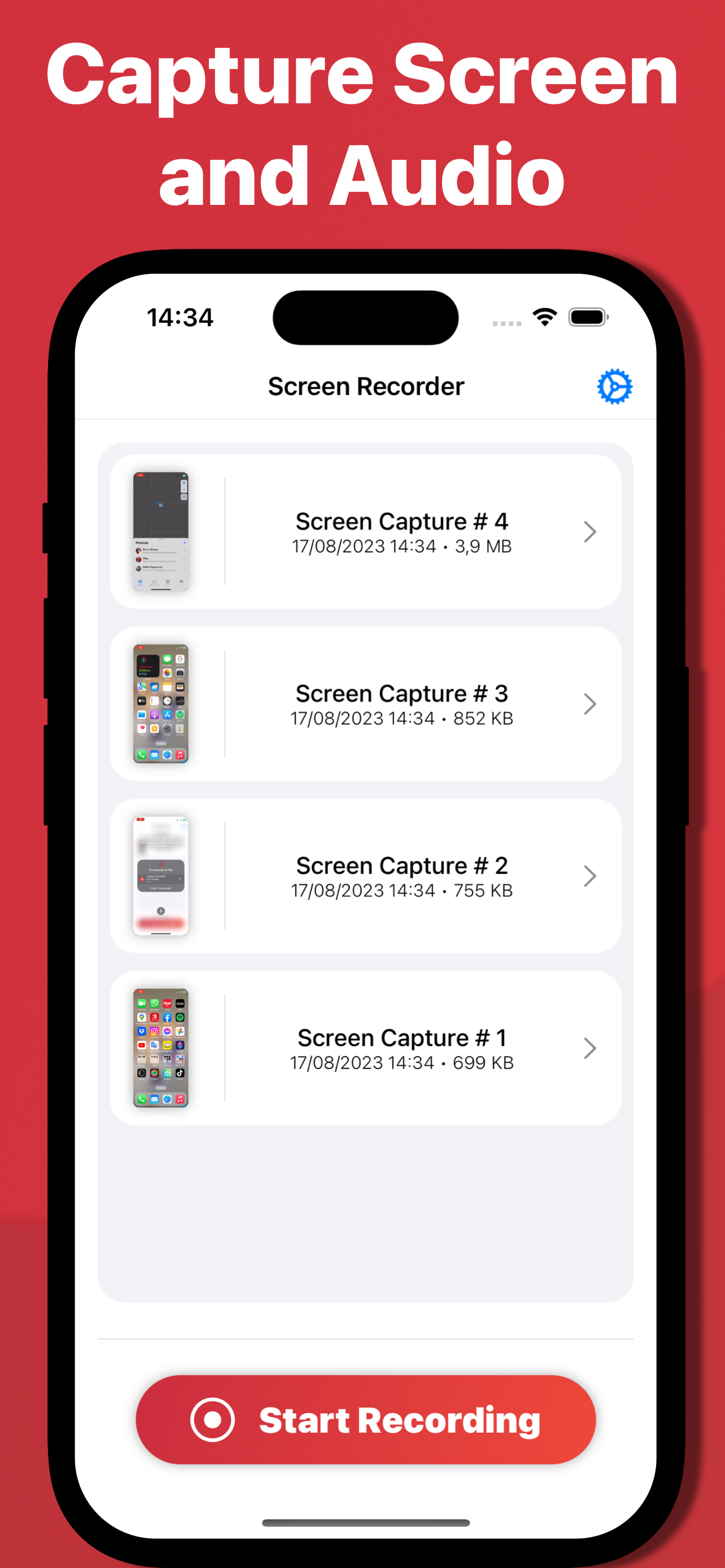
Read the store headline, screenshots and description. What problem is the app promising to solve?
Study the storefront ↗
Arthur Eduardo Skaetta Alvarez Desenvolvimento de Software LTDA. · iOS
Explore the ad evidence, study the storefront, and build your next acquisition hypothesis.
01 / Creative research
Read the store headline, screenshots and description. What problem is the app promising to solve?
Study the storefront ↗Explore apps with direct store-link matches. Compare their hooks and formats without assuming the same approach works here.
Browse observed advertisers ↗Store rankings and revenue estimates describe market context. They do not establish ad spend, conversions or ROAS.
Review the market context ↗02 / Storefront & product
Study the product story and store experience behind the acquisition funnel.



03 / Market context
Keep revenue, downloads and store rankings separate from advertising performance.
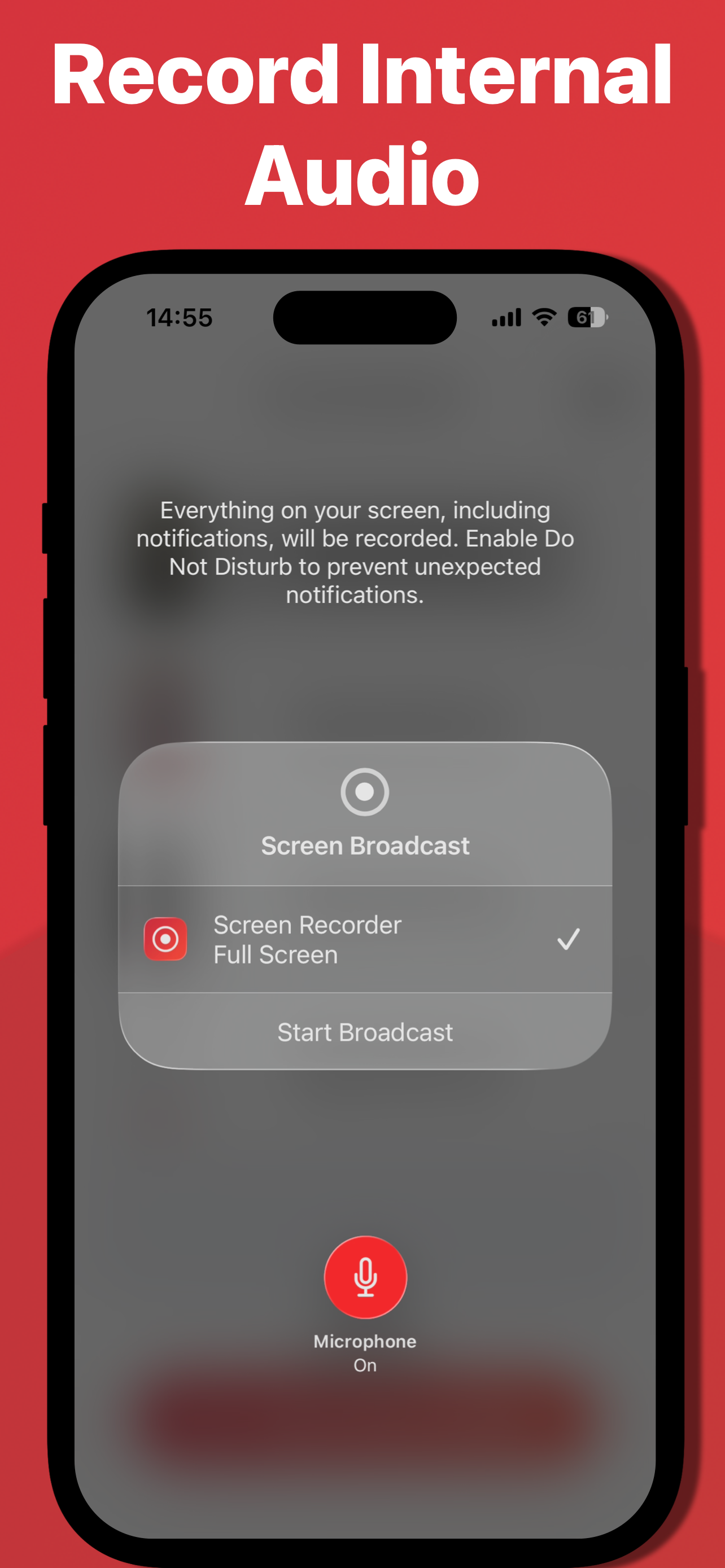
So, everyones saying that it records while your in the app trying to get it. IT DOESNT. All you have to do is go to settings, go to thw control center, now, if it doesnt show a bunch of apps with plus signs then you click the thing that says like allow apps or something and turn it on, next scroll up on the top right corner, then hold it down, then it shows a bunch of apps. So you click on the screen recorder app if you can find it. Then if you have a different type of ipad or phone, you go to control center then there is a bunch of apps with plus signs next to them. So then all you have to do is find screen recorder and press the plus button next to it. And if you want to add your voice or sound to the video you go to the top right corner the swipe down, then hold the screen recorder app, there will be a little microphone on the bottom that says mic off, and mic on, it will probaly say mic off so click it and it will say mic on. Hope this helped yall, and please stop giving this app bad reviews when you dont even know the meaning. Thank you for your time.
I really liked this app, but there’s a weird glitch where it doesn’t file my recordings in proper order. It switches them around. For example, if I record a video and it’s automatically labeled “video #1”, when I record a second video the second video suddenly replaces video # 1 and then video # 1 is swapped with video # 2, but video # 2 is titled “video # 1” instead. It gets even more confusing the more recordings I take. I can’t locate any of them anymore. They’re all scrambled. The newest video isn’t the highest numbered. Every time I take a new video they’re all rearranged again. The video I recognize to have been the third one I ever took then becomes number 45. It’s like trying to locate a needle in a haystack.
This app is great for any kind of screen recording you may to do. However, I do need for my videos and screen recordings to be able to be backed up onto my iCloud account. It would be a great convenience if I could back up the app including the videos stored in the app without having to to download them into my video library. Also, I would like to be able to rename the screen recordings. Please consider these features in future updates! 🙏 Thanks!
Introducing Screen Recorder – your all-in-one solution for seamless screen recording on your iPhone! Whether you're a content creator, educator, gamer...
| Name | Price | Type |
|---|---|---|
| Screen Recorder Premium | $4.99 | One-time |