Check the acquisition promise
Read the store headline, screenshots and description. What problem is the app promising to solve?
Study the storefront ↗
Appsverse Inc. · iOS
Explore the ad evidence, study the storefront, and build your next acquisition hypothesis.
01 / Creative research
Read the store headline, screenshots and description. What problem is the app promising to solve?
Study the storefront ↗Explore apps with direct store-link matches. Compare their hooks and formats without assuming the same approach works here.
Browse observed advertisers ↗Store rankings and revenue estimates describe market context. They do not establish ad spend, conversions or ROAS.
Review the market context ↗02 / Storefront & product
Study the product story and store experience behind the acquisition funnel.




03 / Market context
Keep revenue, downloads and store rankings separate from advertising performance.
I am a technological buffoon. That being said, I was able to navigate purchasing this at the App Store and adding it to my phone all by myself. Not bad for a boomer Luddite. The scanning part and the directions have been easy, and I would give you five stars. The problem is I don’t know if it will send yet because he asked me to write this review prior to seeing if every feature works correctly. But so far so good.
Better than good, actually. I’m creating a work space in a small condo into which I recently moved. I purchased a tv/monitor which prompted me to scan the product for registration purposes. I discovered your phone scanner app it worked perfectly for my needs. As a retired professor who wants to remain active in writing, I want technology to support my goals efficiently and effectively and the phone app did just that—effortlessly! To paraphrase a line from Halt and Catch Fire, technology is not the thing; it is the thing that gets you to the thing.
The app is simple to use with basic options. Nice being able to choose from taking a new pic to scan or just pulling from the gallery. I’m not sure how it functions on a phone, but I was using on iPad Pro tablet 2017 version with iOS 12.1.1. If I had anything negative to say, it would be that on this pad it was a bit tricky using the camera function because the view was reversed when trying to center the document! If there was an added option to reverse the camera so document centering was easier I would give it 5 stars! I ended up just taking a picture and pulling from the gallery to simplify the task. All in all worked very well for what I needed. G.M.
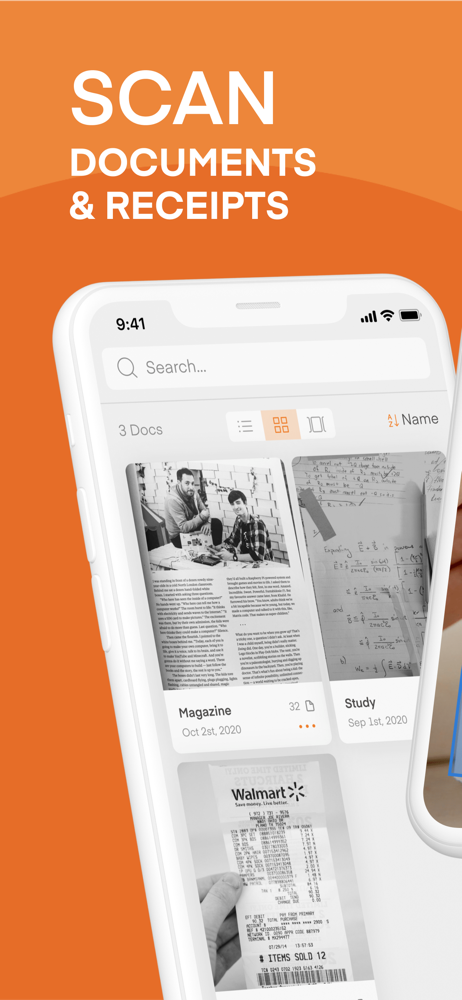
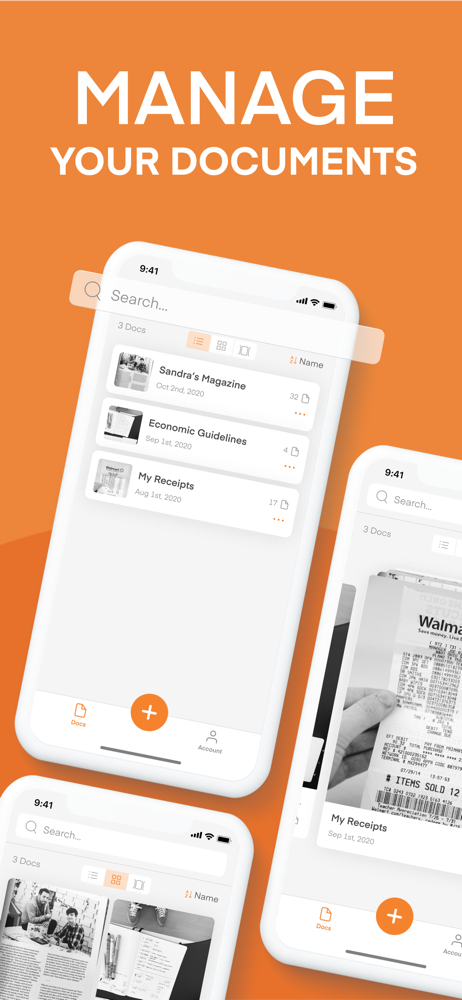
Scanner Vault scans printed or handwritten documents such as contracts, paper documents, books, receipts, business cards, etc with your iPhone or iPad...
| Name | Price | Type |
|---|---|---|
| Scanner Direct Premium (Annual) | $29.99 | Yearly |
| Scanner Phone Premium (Annual) | $49.99 | Yearly |
| Scanner Pro | $69.99 | One-time |