
Check the acquisition promise
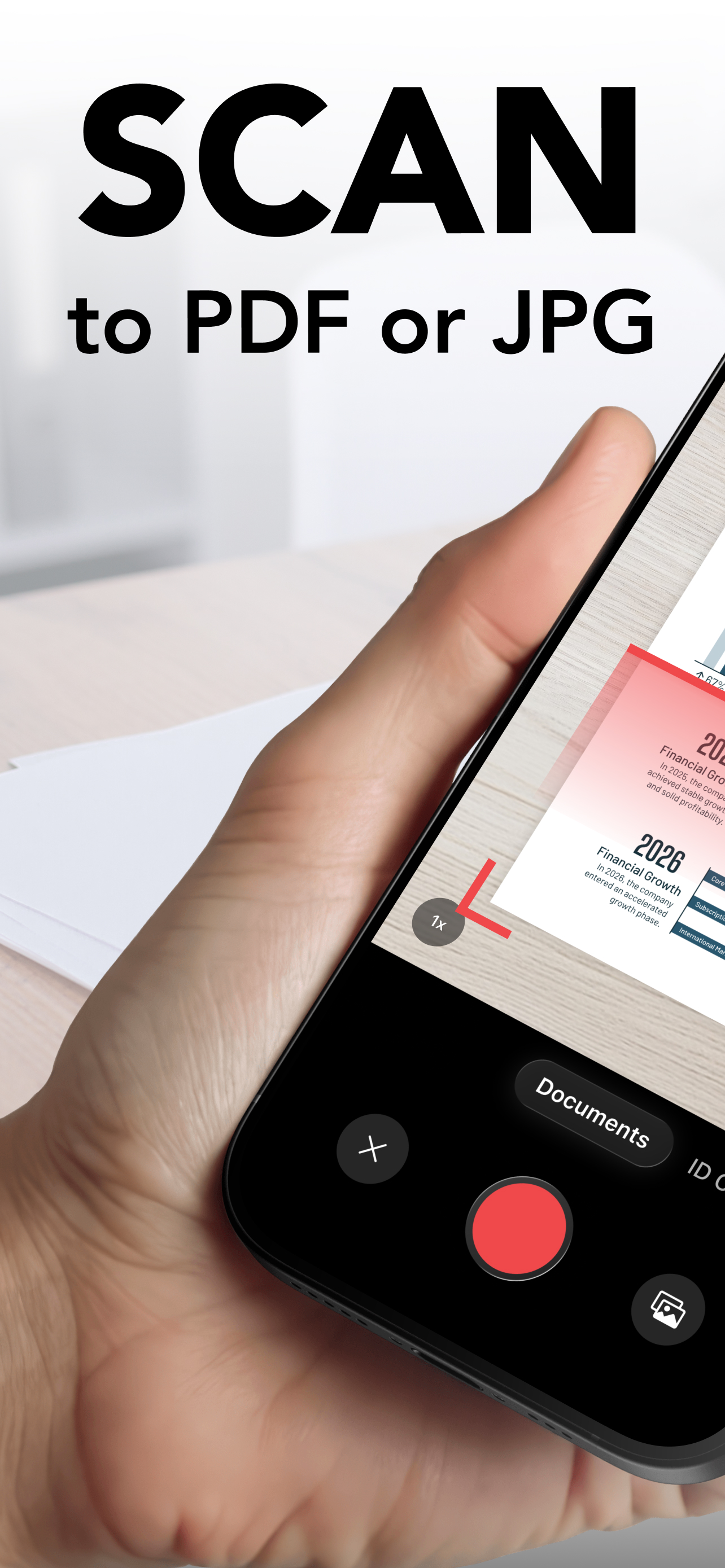
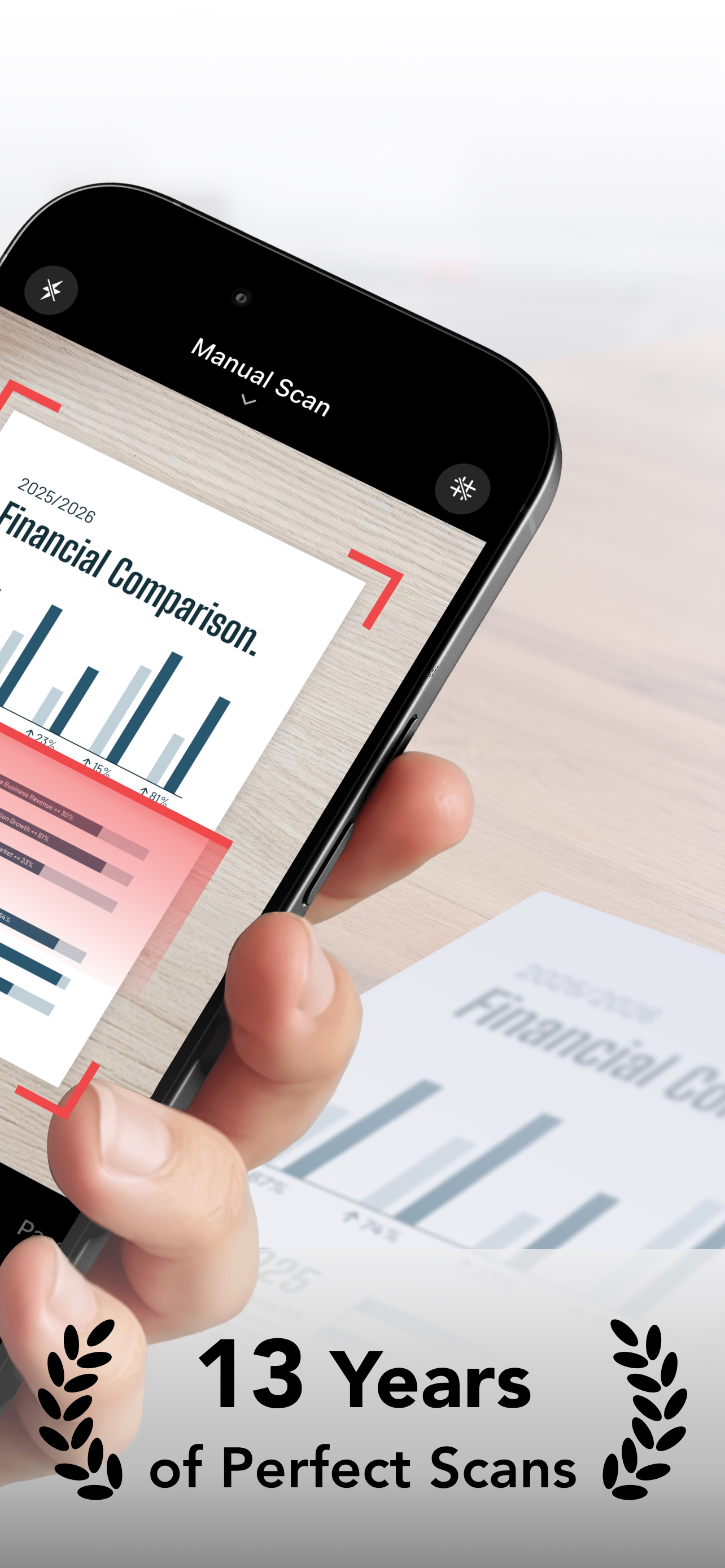
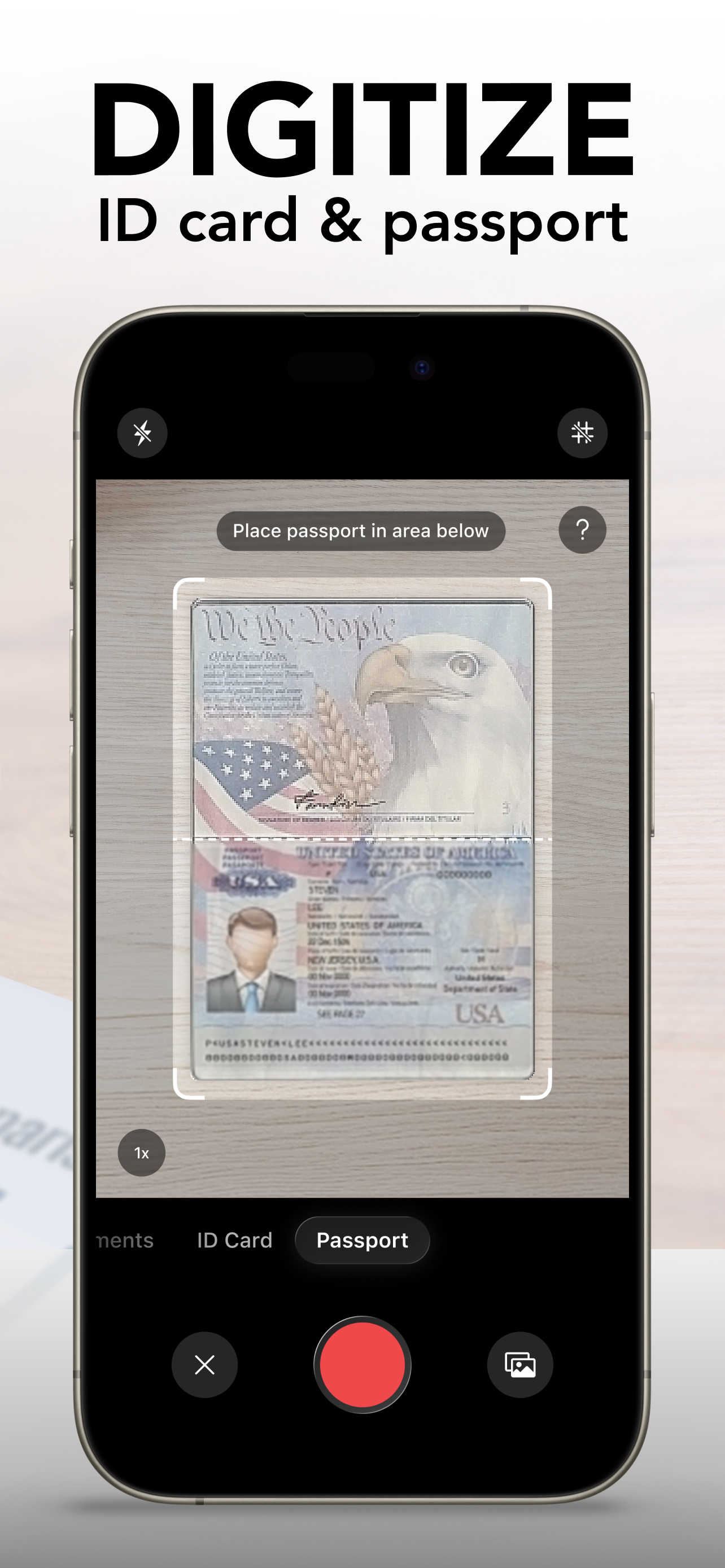
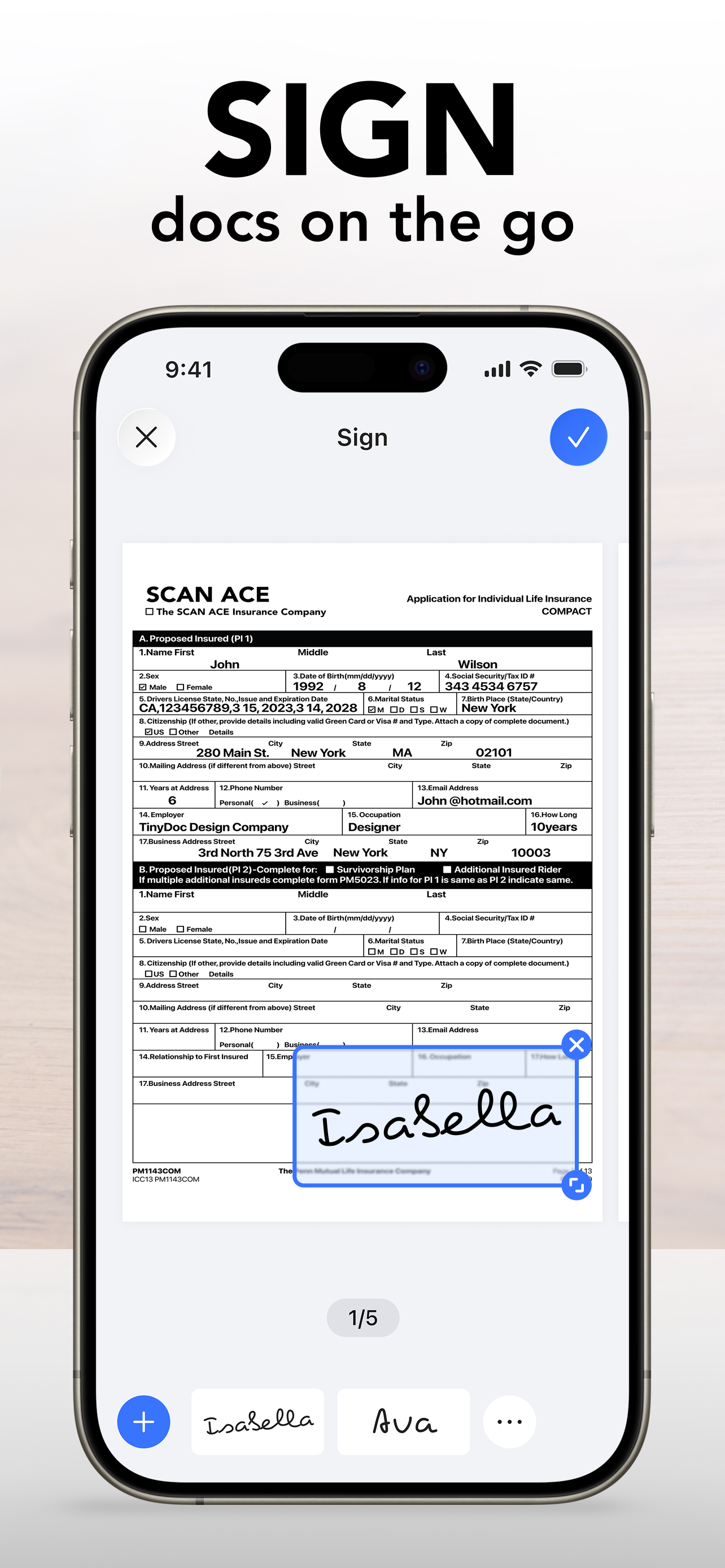
Read the store headline, screenshots and description. What problem is the app promising to solve?
Study the storefront ↗
NEO PIXEL LABS PTE. LTD. · iOS
Explore the ad evidence, study the storefront, and build your next acquisition hypothesis.
01 / Creative research
Read the store headline, screenshots and description. What problem is the app promising to solve?
Study the storefront ↗Explore apps with direct store-link matches. Compare their hooks and formats without assuming the same approach works here.
Browse observed advertisers ↗Store rankings and revenue estimates describe market context. They do not establish ad spend, conversions or ROAS.
Review the market context ↗02 / Storefront & product
Study the product story and store experience behind the acquisition funnel.



03 / Market context
Keep revenue, downloads and store rankings separate from advertising performance.
The iPhone’s photo app is already pretty good, and free. If I pay for the Tiny Scan app (as I did in the past and today), is to get better functionality, but I’ve become disappointed. 1/ I had to scan multiple ID’s, and I was having trouble letting the app recognize the contours of them. So when I saw there was an ID option with a built-in frame, I thought it was the solution. Except it wasn’t: even though in ID mode I saw a frame when taking the photo, the photo itself wasn’t limited to the frame; it had the orange lines all over the place. Why pay for an ID function if it’s the same as the non-ID function? Also, the ID function forced me to select a paper size, when I wanted to minimize the white area around the photo. 2/ But the worst was exporting the documents to my Mac. I had over 20 photos, and I couldn’t export them all at once! To send an email, I had to set up the Mail app, and I didn’t want to do that. When I tried to upload the PDFs to Dropbox or Google Drive, I got a “network error,” and no way to deal with it (my WiFi network was working perfectly). The easiest way to export everything is to use AirDrop or, if that’s not possible, to export everything to the Files app and use AirDrop from there. Except that I couldn’t! To use AirDrop, I had to export a single file at a time. Which I did more than 20 times (I had no choice), but left me highly disappointed with Tiny Scan. Had I used the Photo app, I would have done the same I did, faster, and without paying a dime.
My Aunt’s memorial service in WI, with attendees from WI, NY, Fl, and myself, (TX), saw the unveiling of my aunt’s 1936 diary complete with movie reviews, daily care of little sister (my Mom) Church & scout activities, for nearly the full year, made its debut. After telling all I’d make PDF of the nice but small handwriting, made a 120 page doc, with book open to both pages plus a color PDF of the leather cover; and a single for Mar 4-5, which I forgot on the first shooting, right at the dinner table - used FULL RESOLUTION, and this year finally emailed it to local FEDX Office, where they printed and bound it, with color PDF of cover (contrasty but made leather embossing easier to read) They printed it 93%, still bigger than the original diary pages; very readable; loved by my Mom. That was the HARDEST TEST; yeah I use single & up to a few pages for biz, receipt, completed tax docs; but to be able to procrastinate 2 years, have the files saved on Tiny Scanner, be able to Email it, with no glitches, lockups, or lost doc seemed amazing and was either God or a good product. Well, it is ALWAYS God, but it’s ALSO a good product! Sometimes use glass to squash down & hold pages flat to stop distortion - did so on this project; Beth happy
I cannot give enough stars or positive words to how awesome I think this product is! Especially for business owners and/or operators, it takes only a few seconds of your time t open this application, take a photo of your receipt(s), file them into a plethora of choices of different applications and locations (I.e. OneDrive, OneNote, Dropbox, Reading List, bookmarks, etc) where you might maintain your receipts to file taxes, customer receipts, etc. It saves me SO much time out of my average day by being able to easily photograph, frame/resize for cropping to accurate sizing, and instantly have a digital copy of all of my receipts, both for my expenditures, the IRS, and my customers, should a refund ever be necessary or if a customer simply needs a copy of one of their receipts. I was able to replace my outdated flatbed scanner with Tiny Scanner. (Oh- ha, ha!!! What a delightfully punny name!!). This application does it all and with such ease and total convenience (my phone has been an extension of my hand for years now!). I give all five stars for every aspect and functionality for this great product: from the nonexistent learning curve, just the basic idea of this application, and the amazing amount of time it saves me in doing the one part of my job that I despise the most – the office work. Thank you so much for creating this application and if you're looking for a good reason to get it aside from the fact that it's free – click the button that says get an install. You most definitely won't regret it. If you're not using it for business purposes, it's absolutely perfect for class papers, personal photos, you name it there's anything you need to retain a copy of, this application does it for you.
Turn a simple scan into perfect results - SCAN ACE Every file and image is consistently captured with clear, high-quality results. Trusted by millions...
| Name | Price | Type |
|---|---|---|
| Premium Plan - Monthly | $2.99 | Monthly |
| Premium Plan - Weekly | $4.99 | Weekly |
| Premium Plan - Weekly | $4.99 | Weekly |
| Premium Plan - Weekly | $5.99 | Weekly |
| Premium Plan - Weekly | $9.99 | Weekly |
| Premium Plan - Monthly | $9.99 | Monthly |
| Premium Plan - Yearly | $19.99 | Yearly |
| Premium Plan - Yearly | $29.99 | Yearly |
| Premium Plan - Yearly | $29.99 | Yearly |
| Premium Plan - Yearly | $49.99 | Yearly |


