
Check the acquisition promise
Read the store headline, screenshots and description. What problem is the app promising to solve?
Study the storefront ↗
SAFEINCLOUD SAS · iOS
Explore the ad evidence, study the storefront, and build your next acquisition hypothesis.
01 / Creative research
Read the store headline, screenshots and description. What problem is the app promising to solve?
Study the storefront ↗Explore apps with direct store-link matches. Compare their hooks and formats without assuming the same approach works here.
Browse observed advertisers ↗Store rankings and revenue estimates describe market context. They do not establish ad spend, conversions or ROAS.
Review the market context ↗02 / Storefront & product
Study the product story and store experience behind the acquisition funnel.

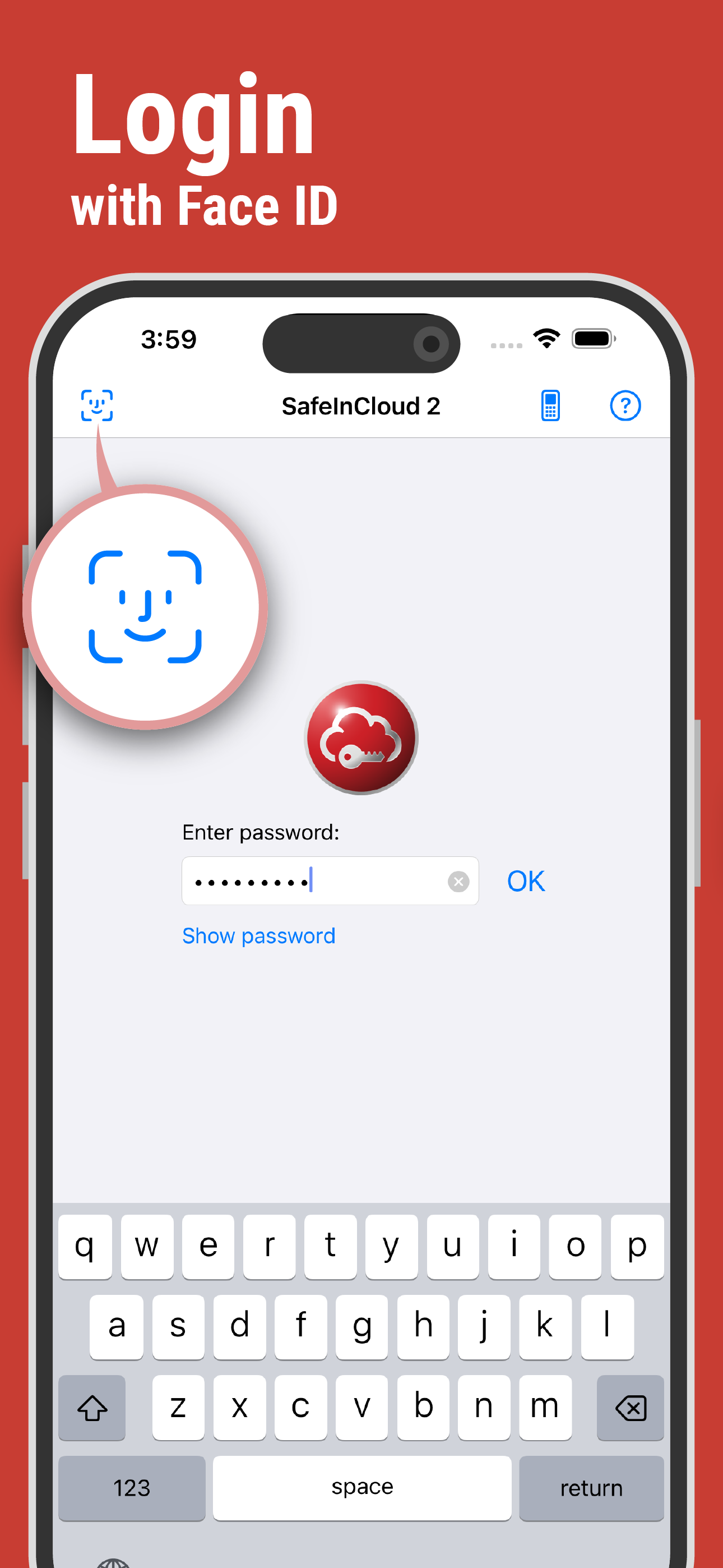


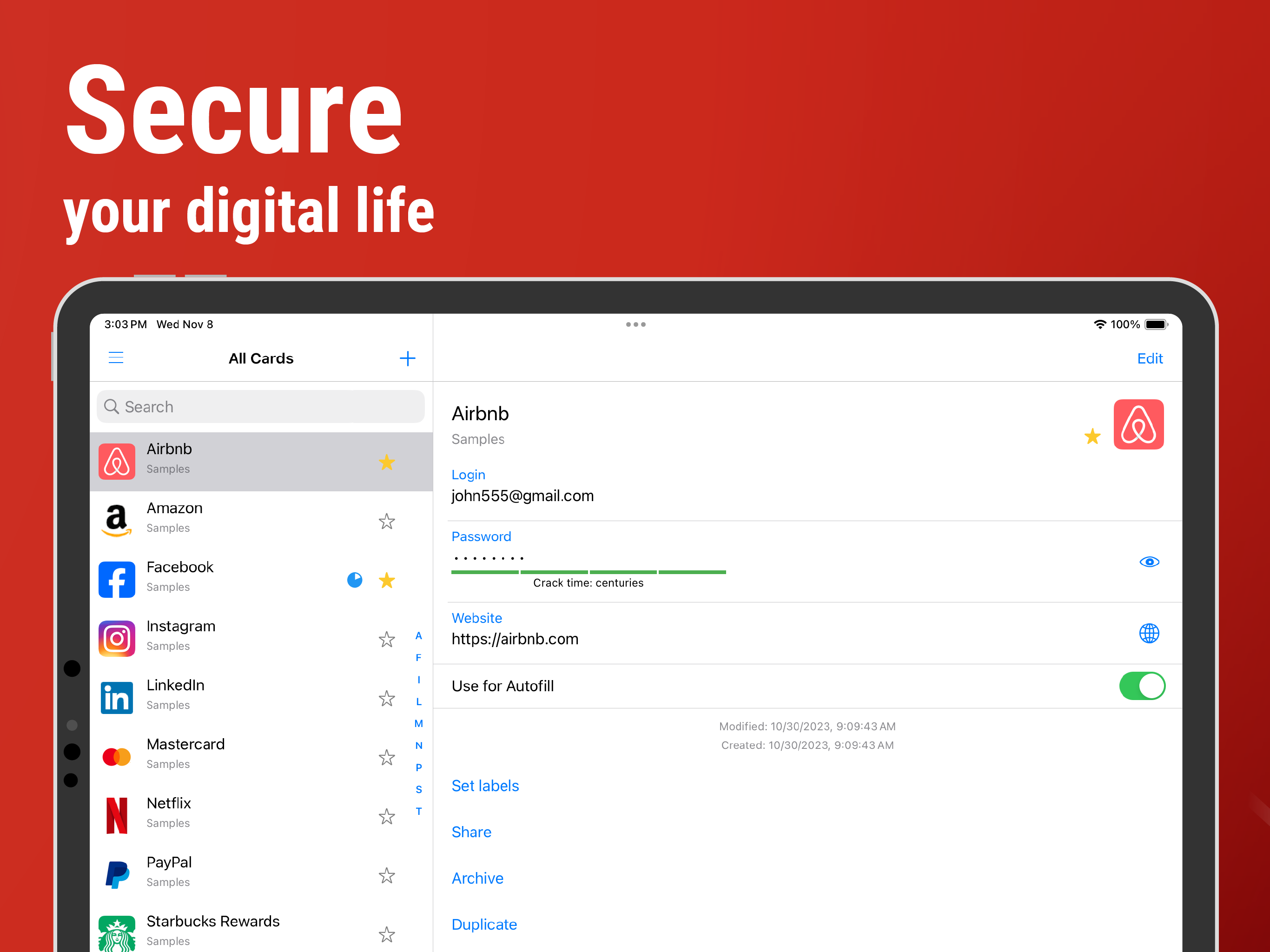
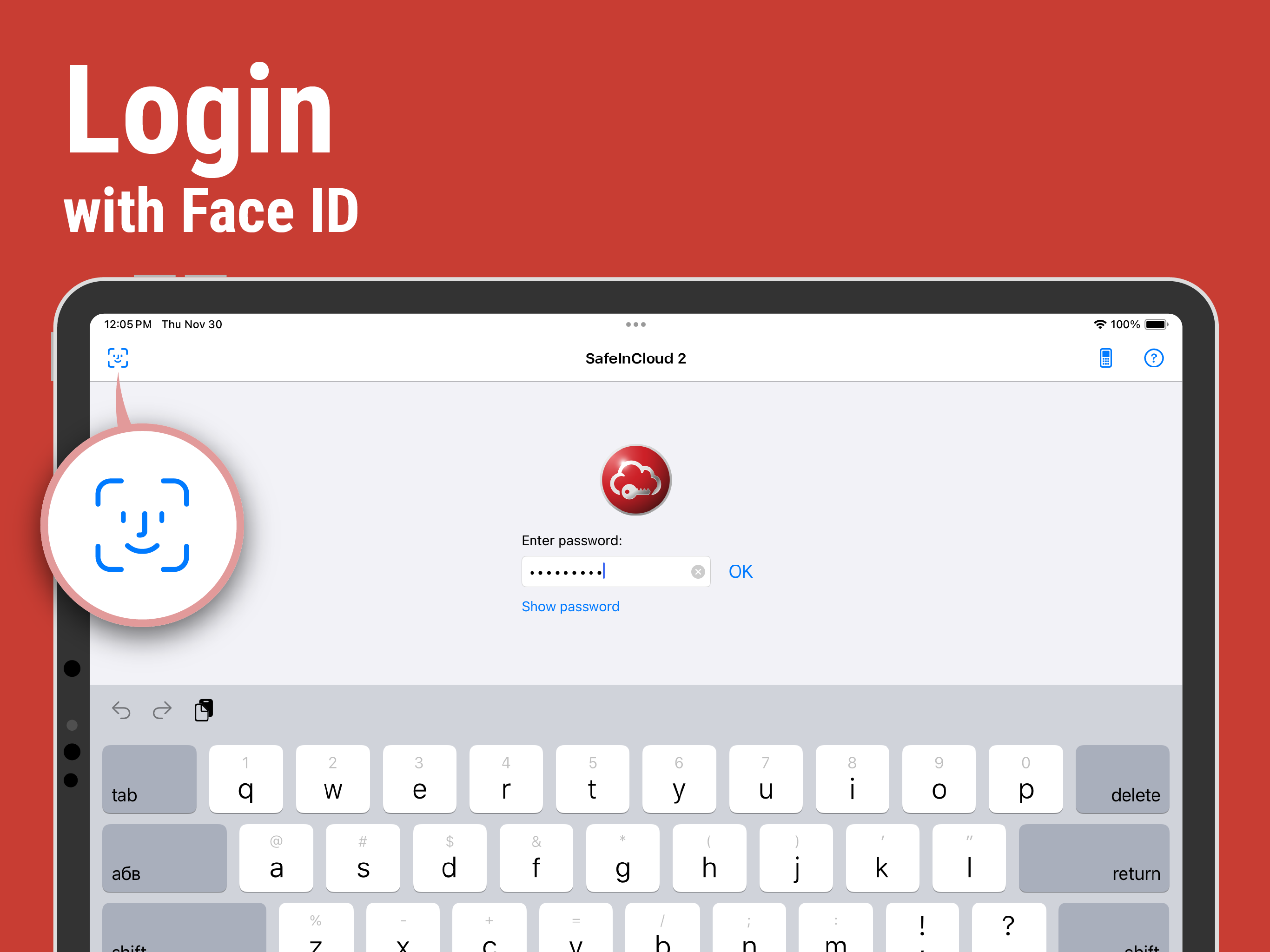
03 / Market context
Keep revenue, downloads and store rankings separate from advertising performance.
I purchased the full version of SafeInCloud Pro years ago. I typically access it on my iPhone; however, I also use it intermittently on my iPad Pro and MacBook Pro. The only issue I’ve experienced is with synchronizing the data. I have found that using my DropBox to synchronize has resolved that problem. I highly recommend this app for anyone who has the need for secure and reliable password storage. My wife used to use the Notes app on her iPhone, but I got her onboard with this app instead. The flexibility this app has is awesome!!! I maintain this app on my devices and my wife can access the passwords on hers as well. I should also mention that searching for the passwords is very easy. You can create separate “folders” for each type (ie. Work passwords, Wife’s passwords), or you can simply search for the password you’re looking for by typing it into the search field. Great app!!!
I'd be lost without this app!! I don’t understand why this app has less than a 5 ***** review. It is so easy to use. It automatically saves its database so you can go back at any date and find a password you may have deleted. You can securely save photos of your DL, Soc Sec card, IDs, License to Carry, Credit Cards, or even receipts. You can import a photo of anything from the photo app or take a photo straight from SafeInCloud. The interface is beautiful and super easy to use. If you add SafeInCloud extension to a browser, it will ask you if you want to save a password. Open a website needing a password you’ve already saved, and all you have to do is enter your ID and the password will fill in. You can edit in the app or open the database to edit. You can backup to a cloud or to your pc or to an external device. This is a 10* app imo.
Working in the field of Information Technology, you have so many security passwords and personal logins that you must keep up with. Ever since I’ve used and purchased the Pro version, I’ve been able to improve my password management. Sync with One Drive has been beneficial whenever I upgrade my phone as well. I steadily push this onto my coworkers everyday because some of them are still using actual paper or their messenger to account for all of their passwords. I was able to convert several of my end users onto this app and they love how easy they can access their passwords for both work and home. Much respect and appreciation to the developer of this app for constantly updating it and creating a necessary tool for anyone looking to secure their passwords/information.
SafeInCloud Password Manager allows you to keep your logins, passwords, and other private info safe and secure in an encrypted database. You can synch...
