Check the acquisition promise
Read the store headline, screenshots and description. What problem is the app promising to solve?
Study the storefront ↗
Royal Apps GmbH · iOS
Explore the ad evidence, study the storefront, and build your next acquisition hypothesis.
01 / Creative research
Read the store headline, screenshots and description. What problem is the app promising to solve?
Study the storefront ↗Explore apps with direct store-link matches. Compare their hooks and formats without assuming the same approach works here.
Browse observed advertisers ↗Store rankings and revenue estimates describe market context. They do not establish ad spend, conversions or ROAS.
Review the market context ↗02 / Storefront & product
Study the product story and store experience behind the acquisition funnel.



03 / Market context
Keep revenue, downloads and store rankings separate from advertising performance.
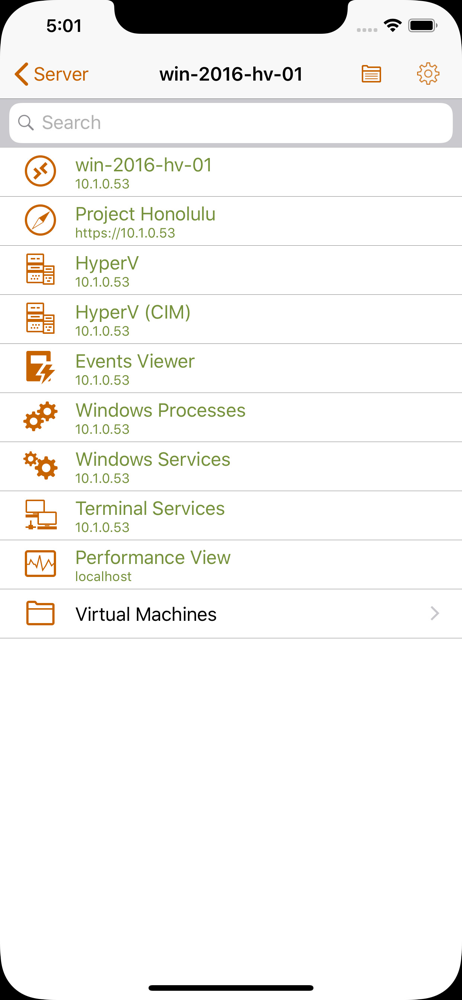
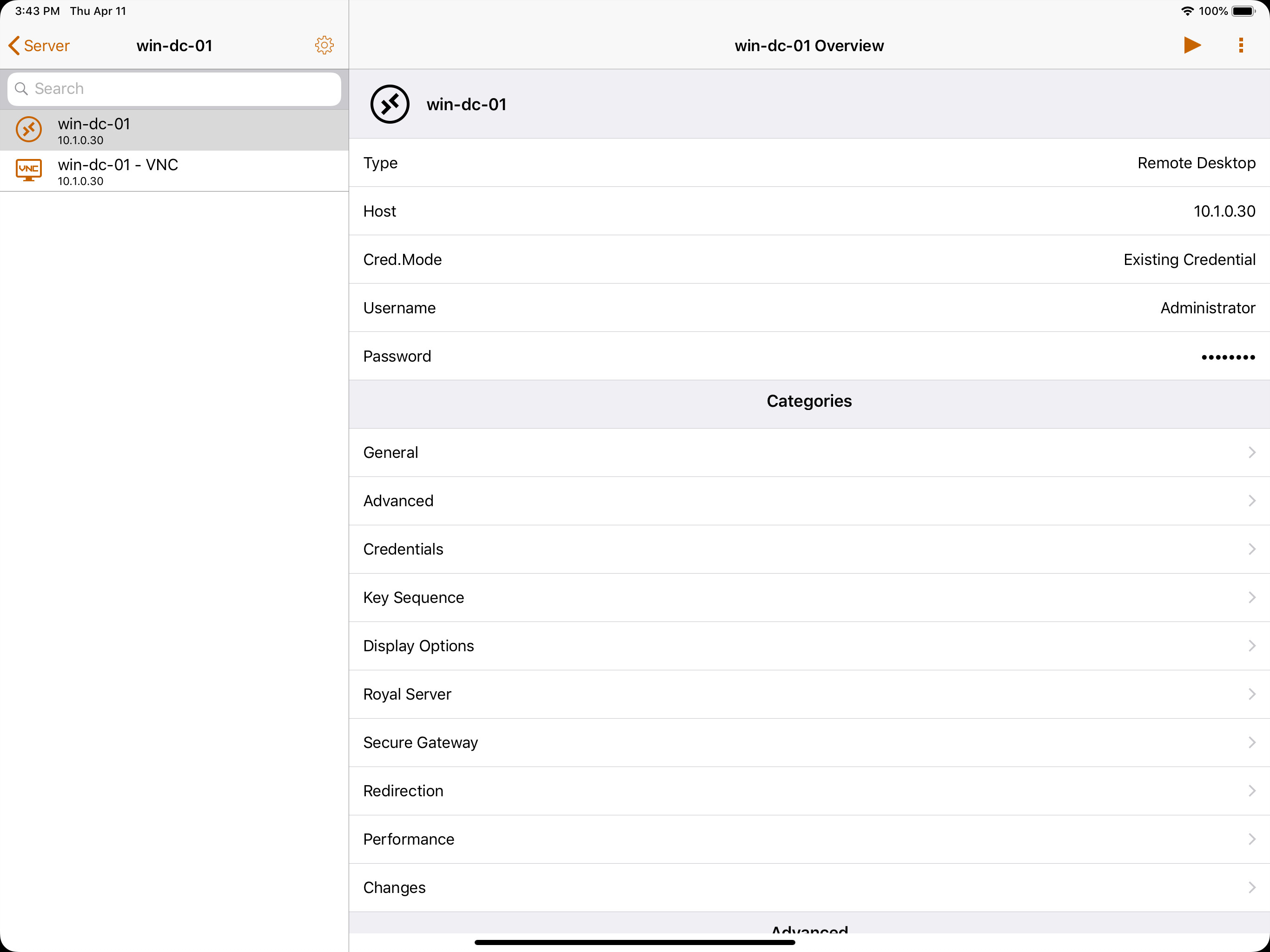
Unlike Royal TS, this app cannot be used to actually connect to any remote machines. It just lets you manage your documents, and I guess copy and paste into other apps? In theory it should at least be bridging you to an actual remote app if you have it installed, but that hasn’t worked well for me.
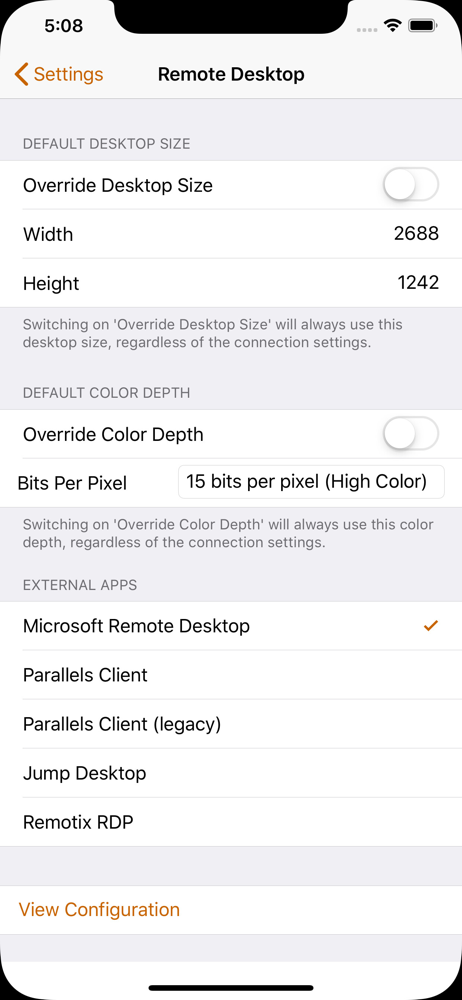
I use royal tsx on my desktop, and love it. I got this to use my iPad for on call work, but can't connect to anything. Our rdp connections work with a gateway, if I use Microsoft rdp it asks for credentials but never connects. Using 2x, it just stays connecting, but never does. I heard jump works but I don't want to pay 15$ for a test. Currently just rdp to my desktop and connect to the rest from there. PLEASE HELP WOULD LOVE TO USE THIS APP TO THE FULLEST. I'll buy jump if it is guaranteed to work.
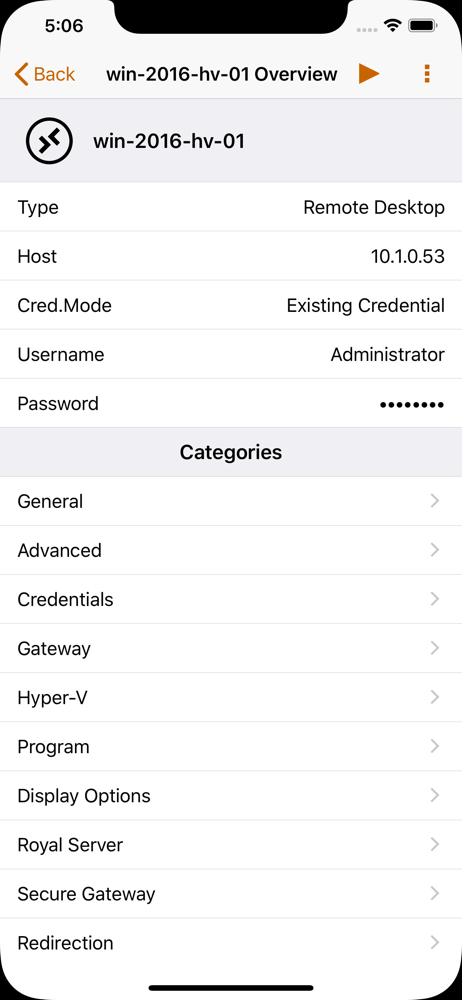
Royal apps on the desktop are fantastic, functionality on mobile is very limiting. It's important for the buyer to understand that found four dollars you're not buying an application that will connect you to your remote machines, rather manage their configuration documents. To RDP, for instance, you'll still need Microsoft's RDP app on your phone; when you click the play button on a machine in Royal TSi (paid) it will ask you which application you'd like to use, then it will (sort of) bridge you to your machine through the MS app. I say "sort of" because you'll still need to enter your passwords for the machine within MS RDP.
Royal TSi provides easy and secure access to your remote systems (RDP, VNC, SSH, etc.) by allowing you to open your Royal TS documents created with Ro...