
Check the acquisition promise
Read the store headline, screenshots and description. What problem is the app promising to solve?
Study the storefront ↗
Josh Angelsberg · iOS
Explore the ad evidence, study the storefront, and build your next acquisition hypothesis.
01 / Creative research
Read the store headline, screenshots and description. What problem is the app promising to solve?
Study the storefront ↗Explore apps with direct store-link matches. Compare their hooks and formats without assuming the same approach works here.
Browse observed advertisers ↗Store rankings and revenue estimates describe market context. They do not establish ad spend, conversions or ROAS.
Review the market context ↗02 / Storefront & product
Study the product story and store experience behind the acquisition funnel.
03 / Market context
Keep revenue, downloads and store rankings separate from advertising performance.
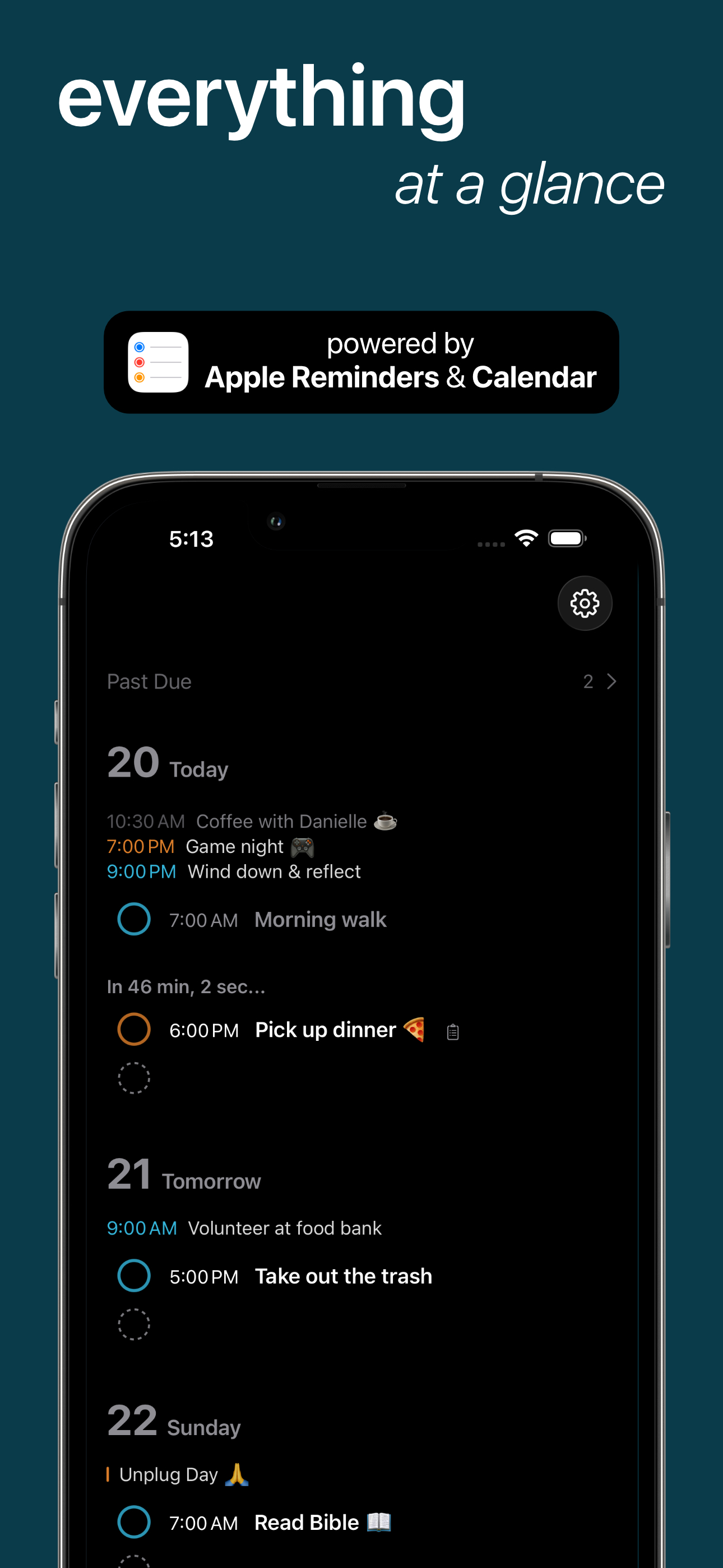
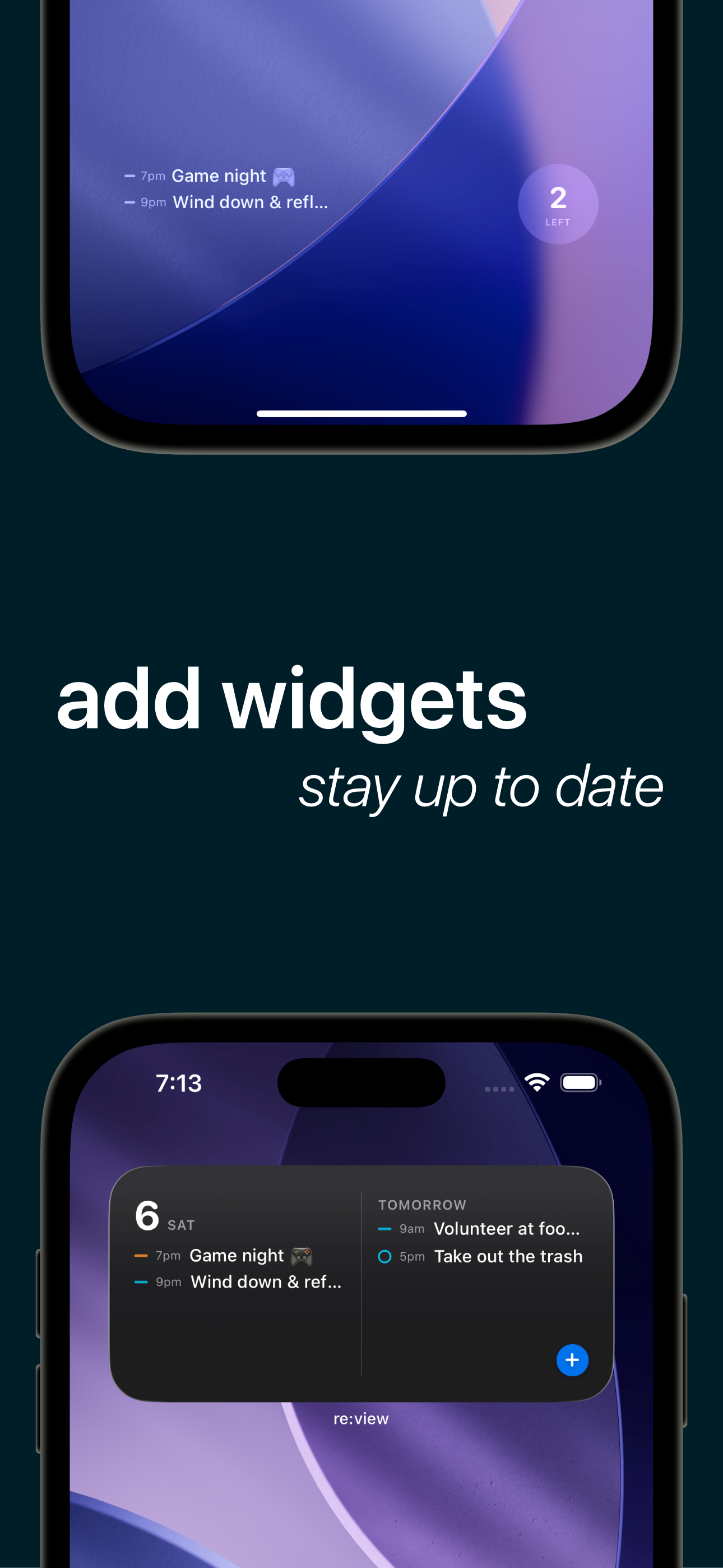
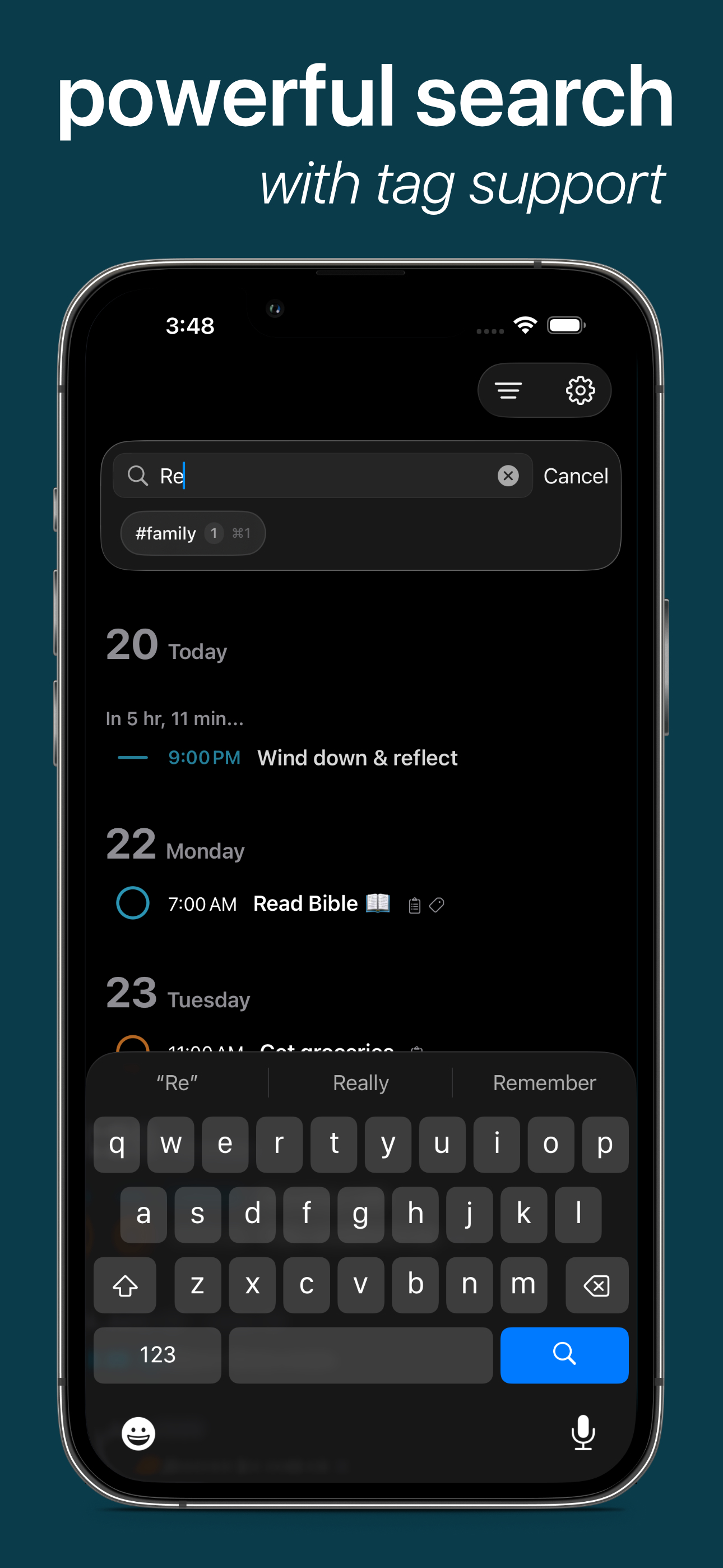
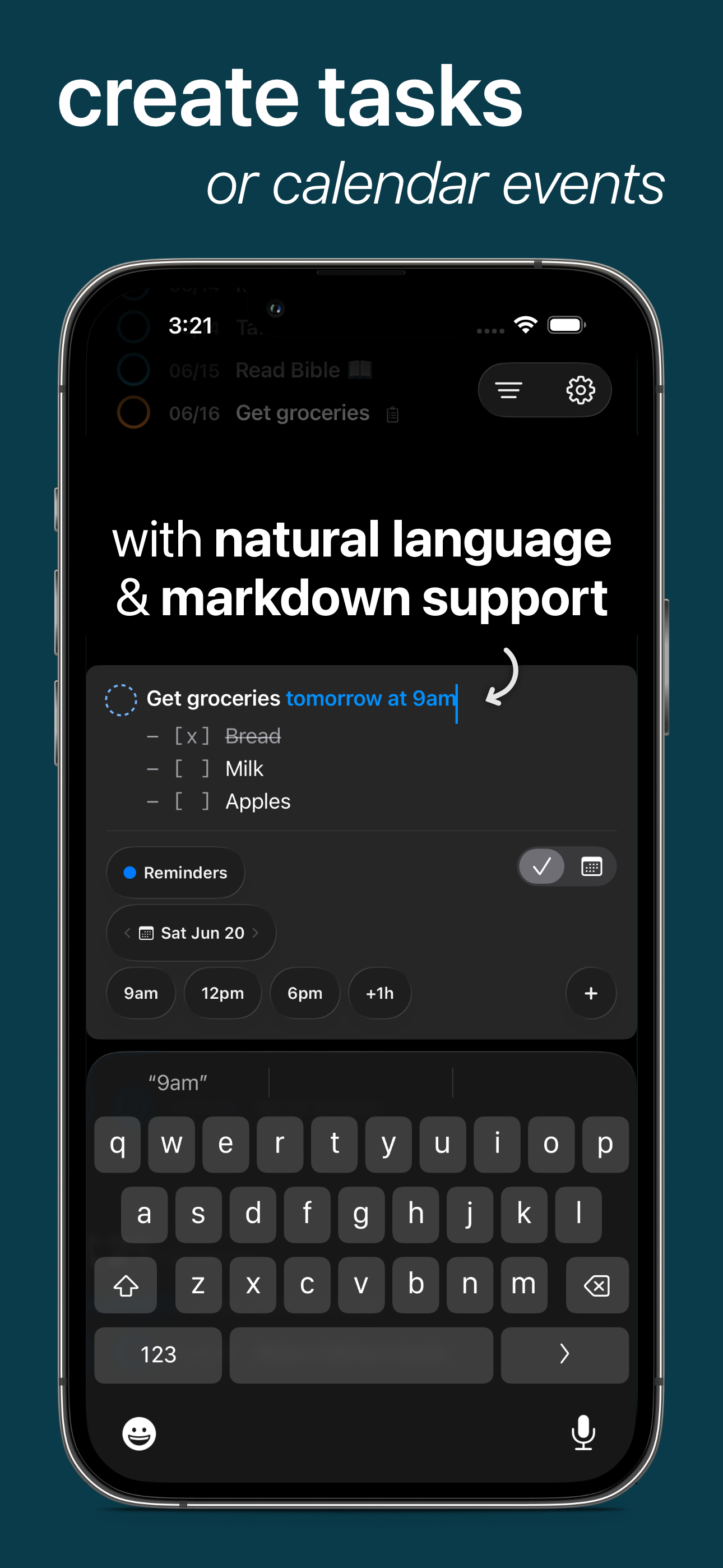
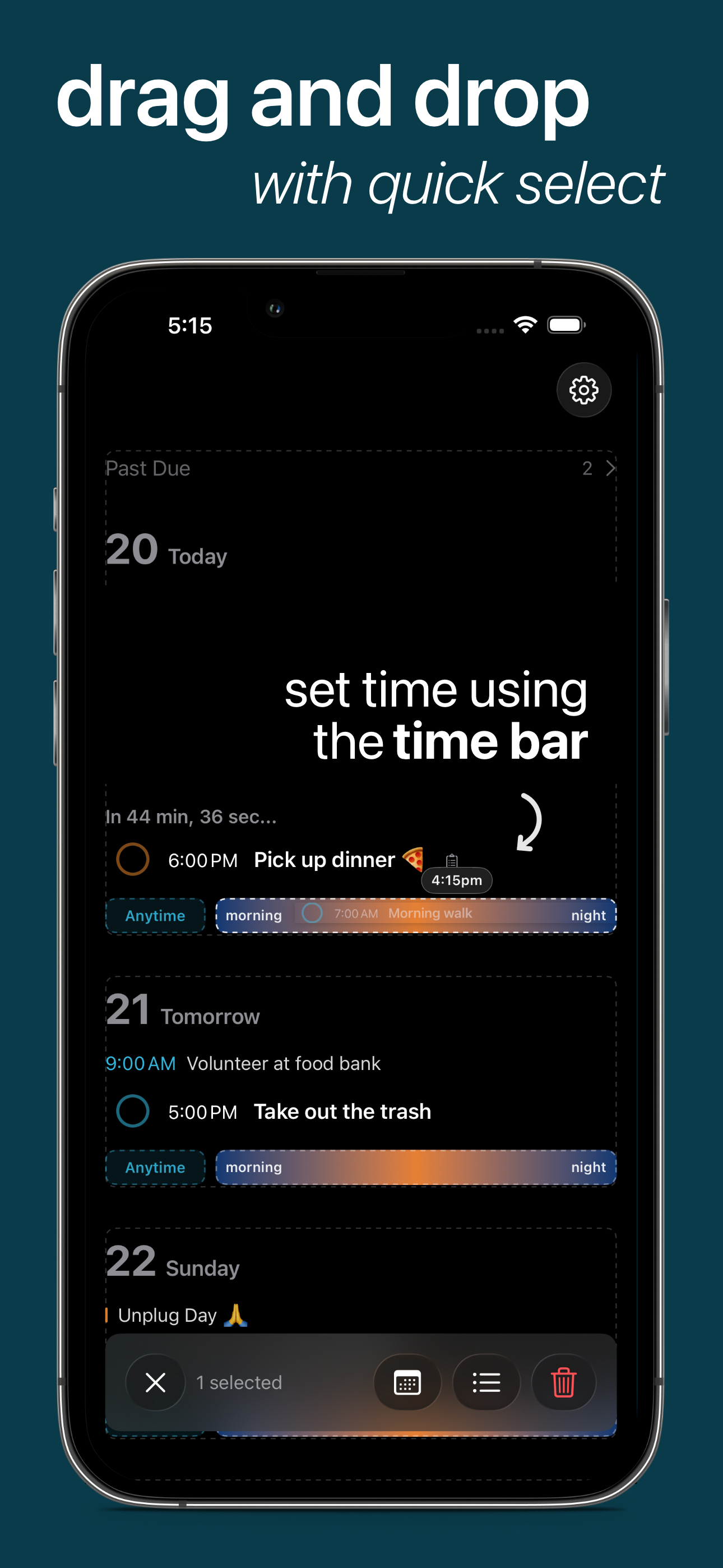
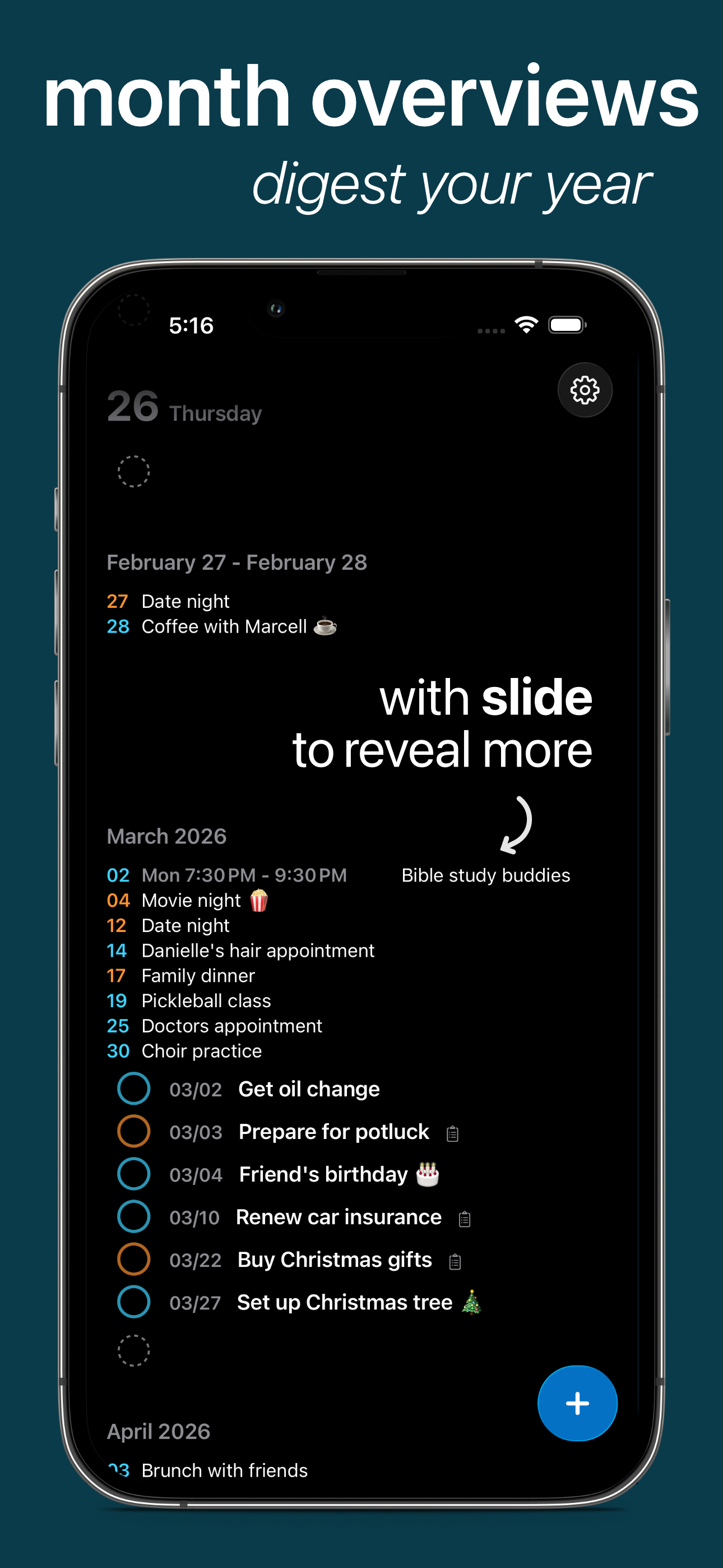
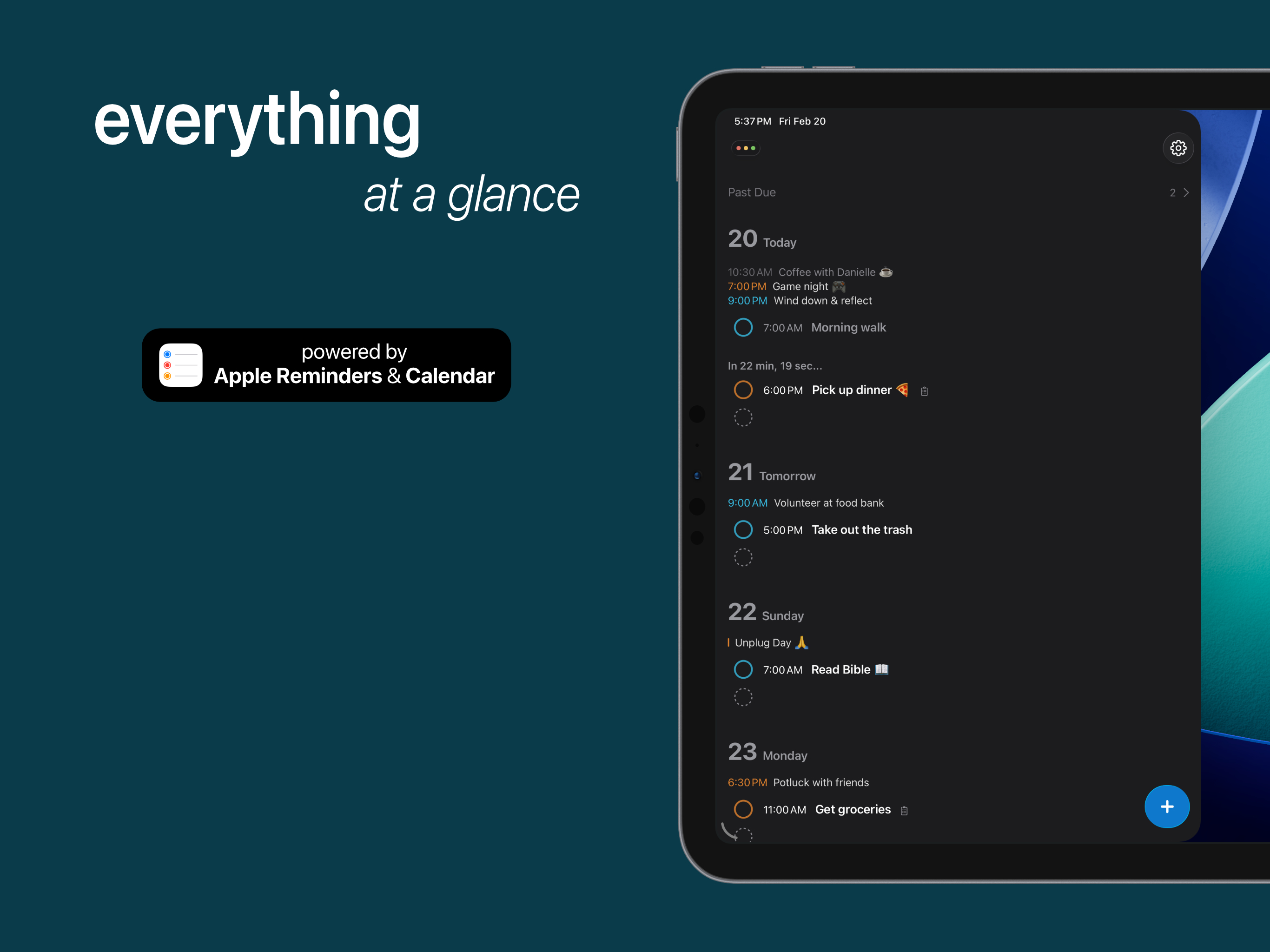
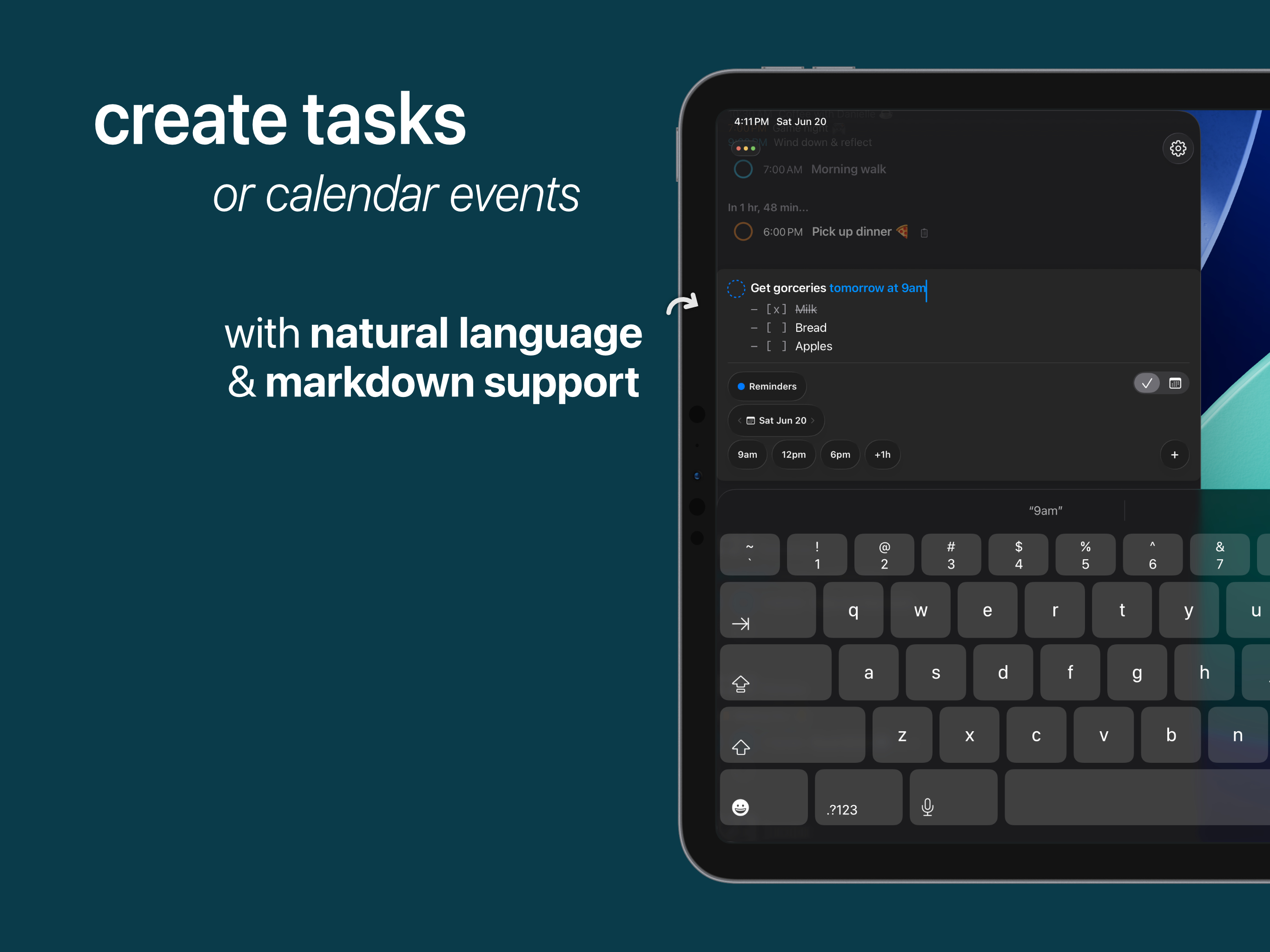
review³ harnesses the power of Apple Reminders and Apple Calendar to deliver a delightful experience that combines ease of use and functionality for fast scheduling. Since its inception, review³ has greatly improved to bring more functionality and pleasure to the scheduling experience, making review³ one of the best places to create Reminders on the App Store. When I first installed review³ (previously “re:view”, renamed as a nod to the Sorted³ and Things³ apps that inspired it), viewing Reminders and Events was the primary benefit of re:view, allowing for a nicer, simplified experience compared to the native-equivalent apps. During the transition period from re:view to review³, some much welcome upgrades were added to make review³ more efficient and more powerful. Among the inclusion of numerous standout OS features, such as Live Activities, Dynamic Island, Interactive Widgets, and more, came two of my favorite features: Quick Time Selection, and Swipe to Select (useful for multiple tasks). Quick Time Selection makes setting dates and times super fast. You can quickly tap on -1h, -15m, +15m, +1h buttons to easily input that adjustment to the time of a task, such as adjusting 7 PM to 6:45 PM with just one tap. Similarly, swiping left and right on the date portion of a task allows for quick switching of the current day, forwards or backwards, to simply adjust a task by a few days without needing to go through the Date and Time picker. The Date and Time picker is still there for tasks further along the line. Swipe to Select lets you quickly bulk select a set of tasks and adjust them, such as changing the date, the Reminders list, or simply deleting them. There’s much more to review³ that makes it worth the buy, but these are some of the things I am especially happy to use day in and day out for scheduling Reminders and Events using review³. Last, but certainly not least, review³ respects your Privacy, collecting no personal data to work properly, which is especially important for apps that handle Tasks and Events data. Ultimately, review³ is the BEST companion for scheduling Reminders and Events, and you seriously can’t go wrong with having review³ by your side!
Used in conjunction with Apple Reminders it gives me a comprehensive review of tasks and events for six days, then 6 months of tasks and events in comprehensive lists. It the best and easiest planner I have ever found and has been my primary planner since I started using it weeks ago. In addition, the developer informs me that he is working on further refinements. I’m looking forward to more releases.
Purchased right away as support and cuz seems like you will end up with a nice product! The Things3 + Sorted³ approach… is the right way to follow for a stunning design for a productivity app! Keep it up! Looking forward to this project!
Inspired by Things3 and Sorted³ and Apple Reminders - comes a beautiful way to view your schedule, all powered by Apple Reminders and Calendars! Want...


