Check the acquisition promise
Read the store headline, screenshots and description. What problem is the app promising to solve?
Study the storefront ↗
Greg Hewgill · iOS
Explore the ad evidence, study the storefront, and build your next acquisition hypothesis.
01 / Creative research
Read the store headline, screenshots and description. What problem is the app promising to solve?
Study the storefront ↗Explore apps with direct store-link matches. Compare their hooks and formats without assuming the same approach works here.
Browse observed advertisers ↗Store rankings and revenue estimates describe market context. They do not establish ad spend, conversions or ROAS.
Review the market context ↗02 / Storefront & product
Study the product story and store experience behind the acquisition funnel.

03 / Market context
Keep revenue, downloads and store rankings separate from advertising performance.
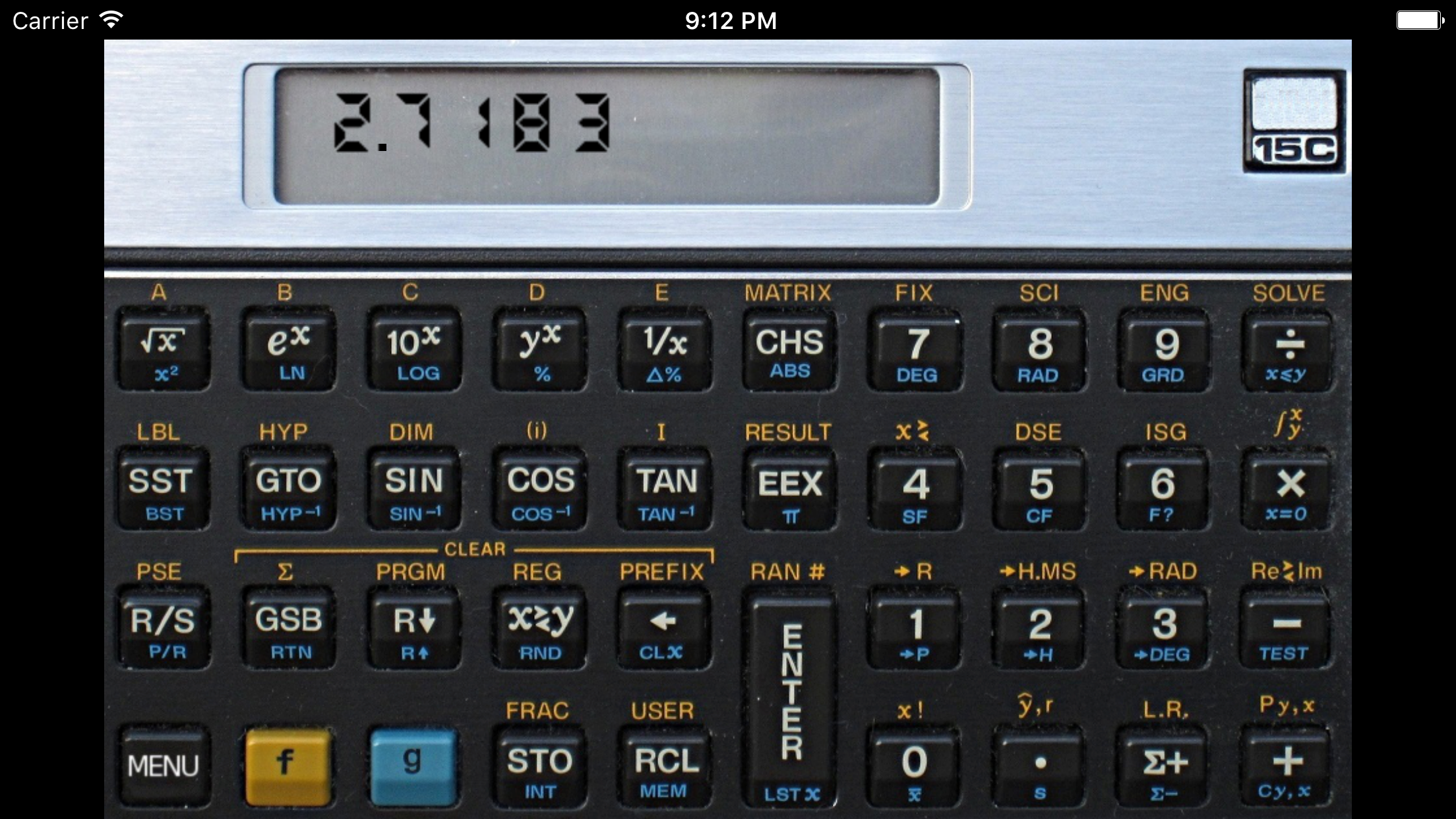
I am a long time HP owner (48Sx, 48Gx, 48gii, 33s, & 35s) and user as an engineer in the structural field. Two issues with this app that i’ve found: 1. I always write programs to do calculations and conversions. Sadly, this app clears the program memory every time the app is closed. If you must use programs then maybe the HP app is better choice). (Minus one star) 2. The HMS (hour/min/sec) conversion has a bug where it does not calculate the correct value. Do do not trust that. (Minus one star) Otherwise this is a great emulator in general and I use it often when I do not have my HP-35s in hand. It is my favorite RPN app. Sad news is HP is no longer developing new calculators and seems to have stopped production too. This was very sad to hear for those of us who love RPN and Hp. Good news is there is a company in Switzerland (Swissmicros) that is making their version of many HP models including a DM15L emulator of the 15c but with new hardware and better display. They even make a credit card sized mini version. They are pricey, but from the reviews they are build like the old HP calcs, made to last.
I grew up using HP calculators. Used an HP-45 for many years, then got a 15C for work. Still works great. Only changed the batteries twice since I got it in 1984. This little gem is absolutely wonderful to have on my phone. It gets used at work and home. RPN is so much faster and efficient for me. It's great to have a calculator like this with me all the time. Thank you for updating it to work with the new iOS. I was wondering what l would do if it didn't work anymore.
Good news: This app is still supported. With no updates (until now) since its original release in 2012, combined with that horrible splash screen iOS 10 slapped on it, that the app was no longer supported, I was a bit worried about the future of what has been my favorite calculator app. With this update, that fear goes away. The only flaw in this emulation is that the 15C emulator loses ALL data and programming if the app is exited by double-clicking the home key. I can think of NOTHING else wrong with this app. I am a bit concerned that (one) the name is changed to "Retro 15C," something about iTunes not allowing the word "free" in the name of an app. And (two), I am disappointed by the removal of "HP" in the "HP 15C" logo at the top right of the calculator. Likely, another problem either with iTunes or HP itself. Not a big issue, but I did really like the appearance of the original app, which was pretty much a photograph of a real 15C. ONE RECOMMENDATION, perhaps off-point, but the HP 15C was one of a pair of must-have calculators, the other being the HP 12C, essentially a financial version of the HP 15C. This would be the perfect complement of perhaps the two most useful and friendly calculators ever manufactured. Even to this day, I have both calculators. I love this 15C emulation. Wish I had a decent 12C emulation.
Students and scientists from the 1980s will remember the classic RPN scientific calculators. These calculators strike a perfect balance between functi...