
Check the acquisition promise
Read the store headline, screenshots and description. What problem is the app promising to solve?
Study the storefront ↗
SHENG TA TSAI · iOS
Explore the ad evidence, study the storefront, and build your next acquisition hypothesis.
01 / Creative research
Read the store headline, screenshots and description. What problem is the app promising to solve?
Study the storefront ↗Explore apps with direct store-link matches. Compare their hooks and formats without assuming the same approach works here.
Browse observed advertisers ↗Store rankings and revenue estimates describe market context. They do not establish ad spend, conversions or ROAS.
Review the market context ↗02 / Storefront & product
Study the product story and store experience behind the acquisition funnel.



03 / Market context
Keep revenue, downloads and store rankings separate from advertising performance.
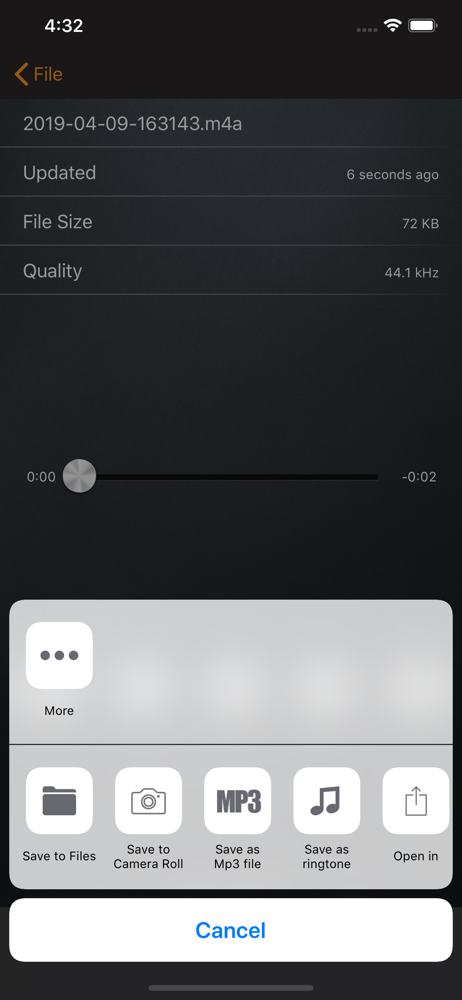
Does everything I could as for from an app! Records mp3, easily upload to my Google Drive (& into a specific directory within Google Drive!) Such a user-friendly alternative to iTunes. Edit / Trim sound files on the fly. Rename files before (or after) uploading! Also - a minor but greatly appreciated feature: Full "360° ORIENTATION" (e.g. even if you turn your iPhone upside down (home button on top))! Or email sound files! TERRIFIC FREE PROGRAM!
There is so much that I can say about this app. First, I love the fact that there are choices between two microphones, the default system microphone, which is built into the app, and the choice to use your iPhone microphone. This is the only app when it comes to audio recording, that I have seen a system microphone built into the app itself. There are probably others, but I haven’t found them yet. I find it amazing, that my recordings sound much better using the system default microphone then they ever have before when using my iPhone microphone. I thought that I would have needed to purchase a separate microphone in order to get this amazing quality, but this recording app is beautiful. Second, when I do my editing, I use Hokusai audio editor. Most of the time, even with fright recording studio, when I use the noise reduction feature that they have, sometimes it works, sometimes it doesn’t. With this app, however, once I add the noise reduction feature into a recording that I have done with RecorderHQ, it sounds much better. Probably because I’m using the system microphone. I would highly recommend this app for anyone who loves recording. Although, I have a question. In the description of the app, it says that you can merge multiple recordings into one. How are you able to do that? I thought that if I put multiple recordings into a folder, that it would merge the two recordings, but that’s not the case. neither is putting them into a playlist. So, in what ways, can this recorder app be a multi track recording app?
It is a good simple voice recorder that does what it says. I use this app to record my voice when I study; then I can do the reviews later effortlessly, by just listening to my voice when I walk or cook, etc. So, playback is also important for me, but it doesn’t work well, specifically on the lock screen. There is no way to go a couple seconds back or forth. I finally decided to transfer my recordings to another app for playback. Also, there’s no specific playback feature for Apple Watch.
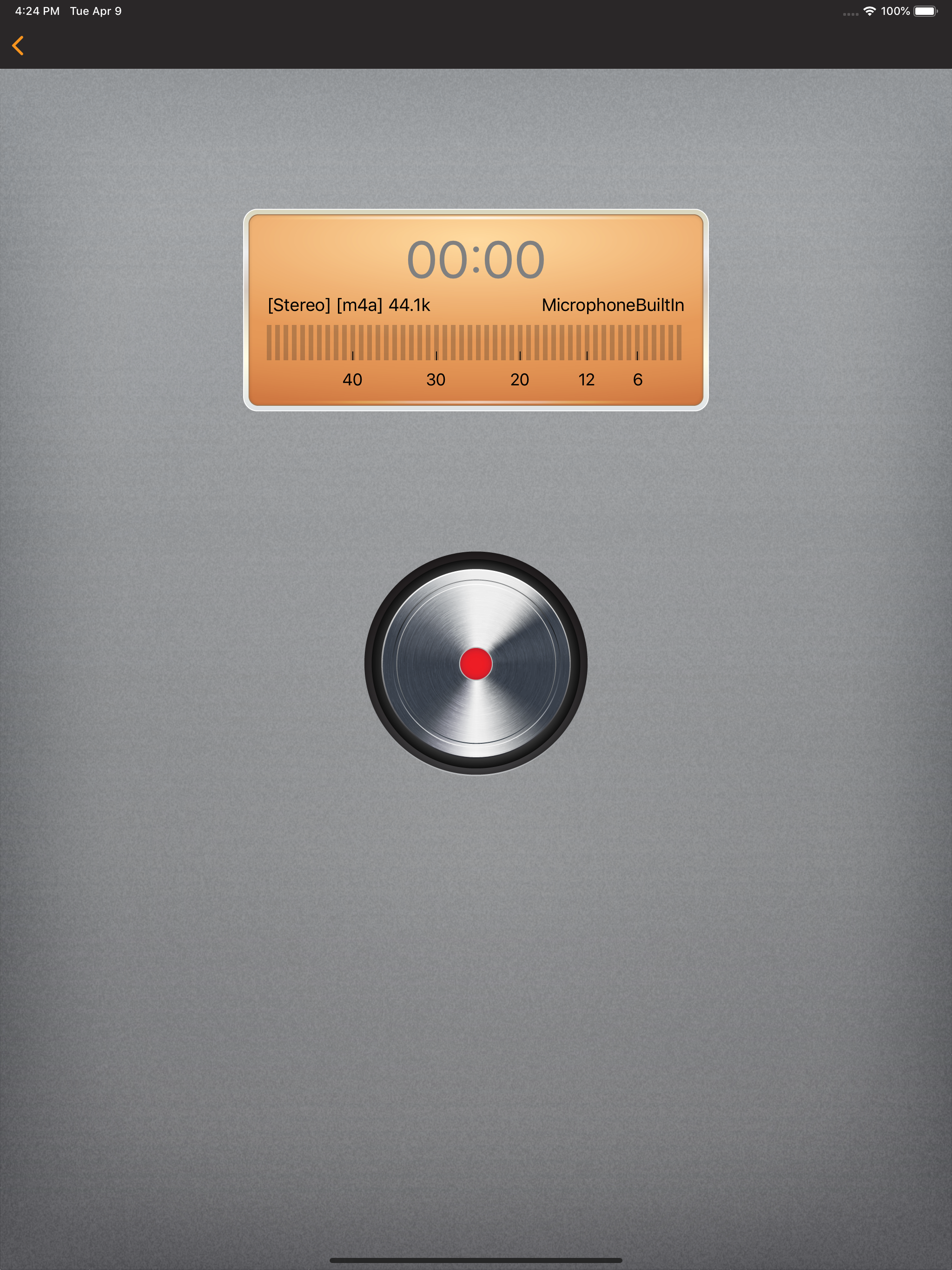
RecorderHQ make your iPhone or iPad an voice recorder. We support record mp3 m4a and wav format directly. Sharing audio files to iCloud Drvie, Dropbo...
| Name | Price | Type |
|---|---|---|
| Premium | $3.99 | One-time |


