Check the acquisition promise
Read the store headline, screenshots and description. What problem is the app promising to solve?
Study the storefront ↗
宁 金 · iOS
Explore the ad evidence, study the storefront, and build your next acquisition hypothesis.
01 / Creative research
Read the store headline, screenshots and description. What problem is the app promising to solve?
Study the storefront ↗Explore apps with direct store-link matches. Compare their hooks and formats without assuming the same approach works here.
Browse observed advertisers ↗Store rankings and revenue estimates describe market context. They do not establish ad spend, conversions or ROAS.
Review the market context ↗02 / Storefront & product
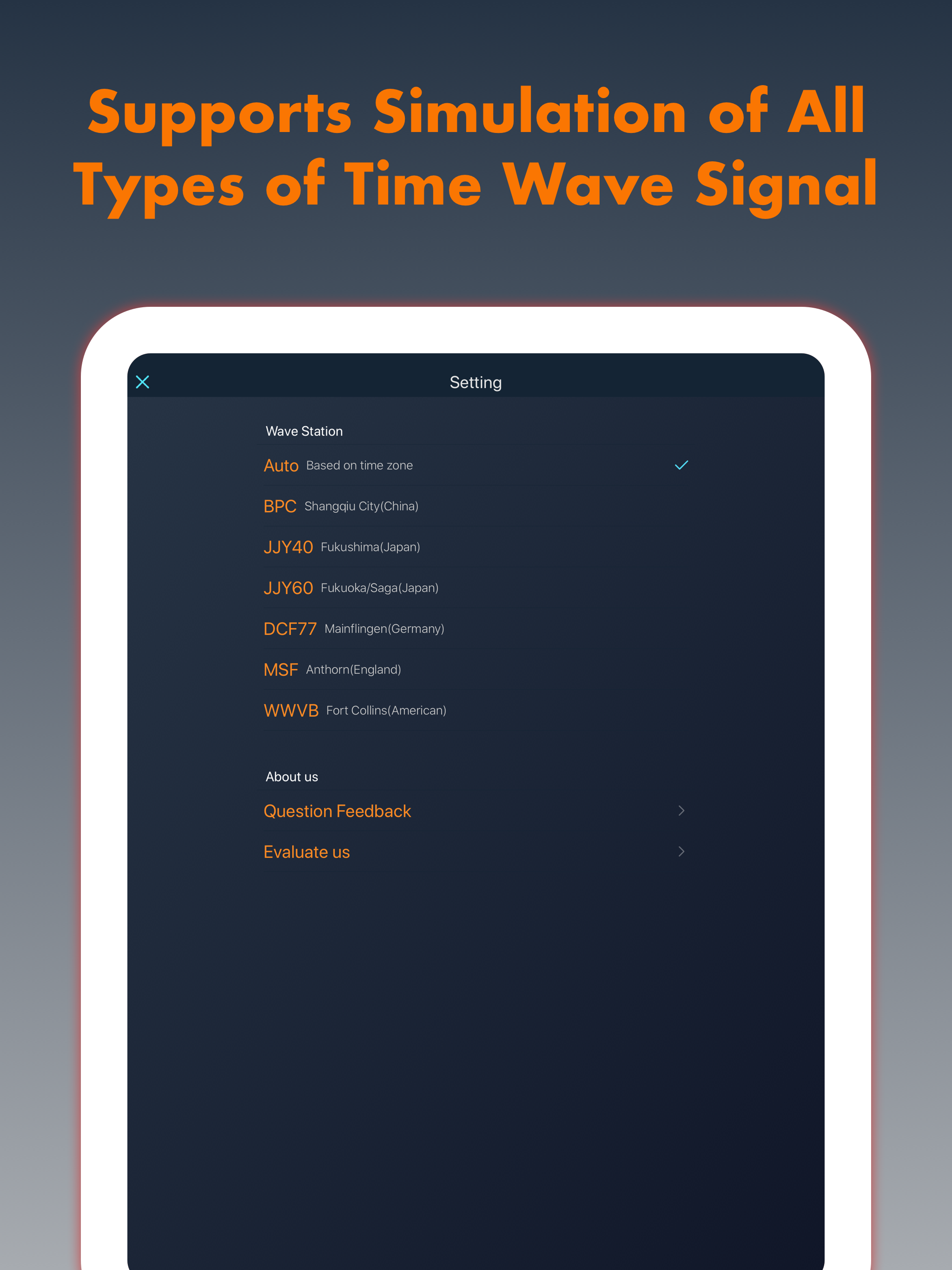
Study the product story and store experience behind the acquisition funnel.



03 / Market context
Keep revenue, downloads and store rankings separate from advertising performance.
Amazing! Used to sync my Citizen atomic timekeeping watch without any issues. Although it did take about 30-40 mins. Re title: It obviously uses the radio antenna inside the phone to tx the signal somehow. But what’s unclear is how the app is interfacing with the antenna to do this. Usually you need an SDR to tx and rx radio signals, and this is the only app on the App Store I can seem to find that can use the phones antenna to tx things. Now if only there were an app that allows you to tx anything at any frequency… oh the fun you could have! Would gladly pay for such an app if the developer wants to make it. :) Either way 5/5
I wasn’t expecting much. I didn’t think it would work, and the first attempt it did not. I have a Lacrosse weather station that can either be mounted on a wall or sit on a desk. I had it sitting on the desk and had my phone operating the app laying in front of the clock. The little atomic indicator was flashing without the signal bars. I restarted the atomic sync on the clock and decided to sit the clock on top of my phone. Then the atomic signal indicator started showing a signal. Within a few minutes, the clock set itself to the correct time and date. The clock was located in a basement around other electronic equipment that normally blocks the atomic signal…
I have never submitted a review of an app before, but I am impressed enough with this one to write this review. This app works as described. I used it for the first time this morning to sync my two Casio G-Shock 5610 watches. My first try, placing the watch on a table in my dining room and my iPhone 7 near the 12 o’clock position of my watch, did not work. I believe there was too much noise in that area. And maybe the phone position was wrong for my watch. I then went to a relatively quiet place - a bathroom - and placed the bottom of my iPhone a few inches from the 9 o’clock position of the watch, as described in the app help tutorial. The ticking of the app when activated was then clearly audible, and the sync was successful. Didn’t need to turn on Beast Mode. Great app. I paid for the Pro version mainly to thank the designer(s), and also to ensure I can keep using all the features of the app. It works as described here near the east coast of the USA, where for much of the year my watches don’t sync with the Ft. Collins clock automatically.
I have a Casio G-Series radio watch, but it is always unable to receive radio waves from time signal station, so I started to write an application to...
| Name | Price | Type |
|---|---|---|
| Pro Editon | $1.99 | One-time |