Check the acquisition promise
Read the store headline, screenshots and description. What problem is the app promising to solve?
Study the storefront ↗
Cross Utility Ltd · iOS
Explore the ad evidence, study the storefront, and build your next acquisition hypothesis.
01 / Creative research
Read the store headline, screenshots and description. What problem is the app promising to solve?
Study the storefront ↗Explore apps with direct store-link matches. Compare their hooks and formats without assuming the same approach works here.
Browse observed advertisers ↗Store rankings and revenue estimates describe market context. They do not establish ad spend, conversions or ROAS.
Review the market context ↗02 / Storefront & product
Study the product story and store experience behind the acquisition funnel.



03 / Market context
Keep revenue, downloads and store rankings separate from advertising performance.
In the phone version, if I click the test lag button, it can show some little icons, like plane and so on. However, in the iPad version, it doesn’t show. Is it a bug? Can you fix it or add it in next version?
To bundle and run a Quantumult quick connection directly through a "IOS shortcut", can the author add the shortcut that comes with the application? (as shadowrocket has this command) If you can, it should be very convenient to use Thank you ~
The concept of automation is great, and the policy system really help me to focus on what I want to browse and watch. I gotta switch tons of proxies before I met this app. But now, it’s all over, even though some scenarios are literally complicated.
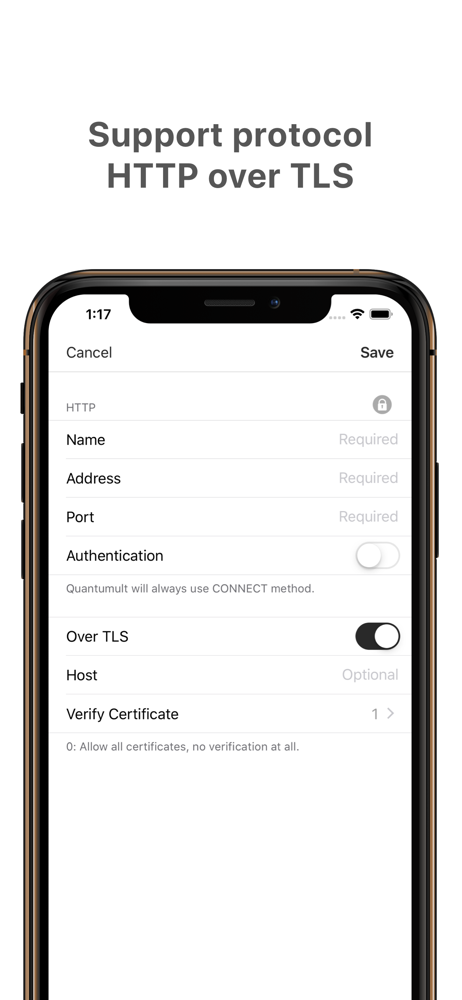
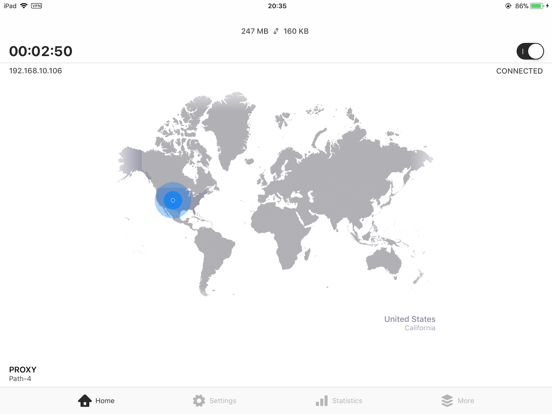
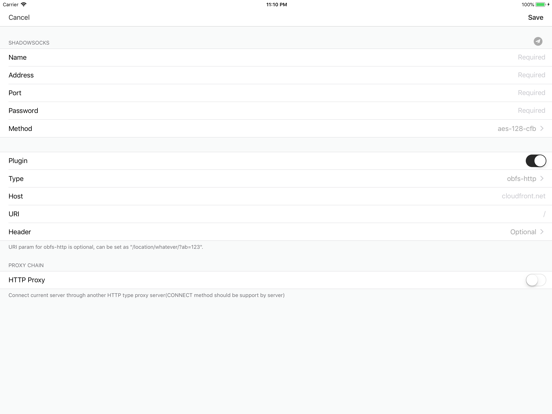
***THIS APPLICATION DOES NOT PROVIDE ANY SERVER SIDE SERVICE*** Quantumult is a powerful proxy client. • Right now supports protocol Shadowsocks(r),...