Check the acquisition promise
Read the store headline, screenshots and description. What problem is the app promising to solve?
Study the storefront ↗
Gulooloo Tech · iOS
Explore the ad evidence, study the storefront, and build your next acquisition hypothesis.
01 / Creative research
Read the store headline, screenshots and description. What problem is the app promising to solve?
Study the storefront ↗Explore apps with direct store-link matches. Compare their hooks and formats without assuming the same approach works here.
Browse observed advertisers ↗Store rankings and revenue estimates describe market context. They do not establish ad spend, conversions or ROAS.
Review the market context ↗02 / Storefront & product
Study the product story and store experience behind the acquisition funnel.



03 / Market context
Keep revenue, downloads and store rankings separate from advertising performance.
I really liked using this app and after my first 10 free QR codes were used I decided to upgrade to VIP. I purchased the lifetime subscription, it says purchase successful, NOTHING changes. It took the money out of my account too. BUT when I go to try purchasing again it says I’ve already purchased this, would I like it again for free? I click ok and still nothing happens. I’ve tried several different ways of getting it to work and nada. I contacted support via email a week ago now and still no response! Even weirder, when I checked my active subscriptions it said I was subscribed to the MONTHLY app subscription but even THAT doesn’t work in the app! So infuriating.
Dunno if it’s me, my machine, or what, but given the positive reviews on this app, I seem to be an outlier in any case. Ipad is running 16.2. I initiated the monthly paid subscription for this app immediately, before using. My problem is that, in trying to make Contact QRs for my team, after the first one, subsequent QRs scan on iPhone (iOS 16.1.1) as “no usable data.” I made the first one fine, but then the problem cropped up on the second, but after lots of futzing, I was able to get it to work, seemingly by hitting “done” on the contact info page before clicking “save.” I tried making a third Contact QR, but no matter which combo of operations and even deleting all the saved QRs, I was not able to make a readable Contact QR, i.e. the ones which were created all scanned as “contains no usable data.” Of course I tried quitting and restarting app, to no avail. Needless to say, I’ve canceled the VIP subscription and will delete the app. Actually, I will try restarting the iPad and trying again, but in any case, needing to do that is untenable for me, so this app is a loser, unfortunately, as there were elements which I liked; my least favorite thing was the absence of a custom color picker.
This QR and barcode creator is amazing and fun. The better version seems to be the VIP version and the best part is you can buy the lifetime version for one flat price and not have to worry about paying a subscription. The free version is great though and anyone that needs to make QR codes or barcodes will be pleasantly surprised by this app.
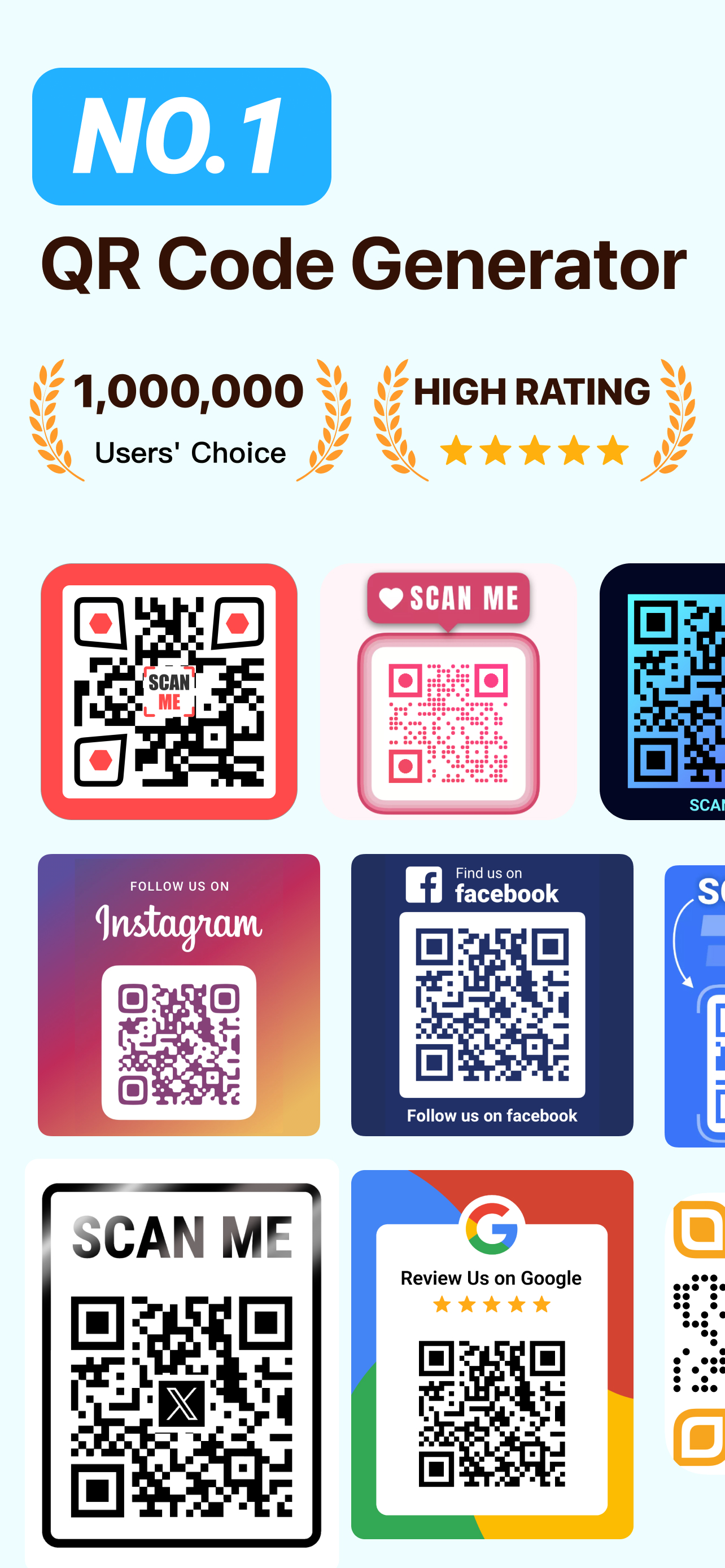
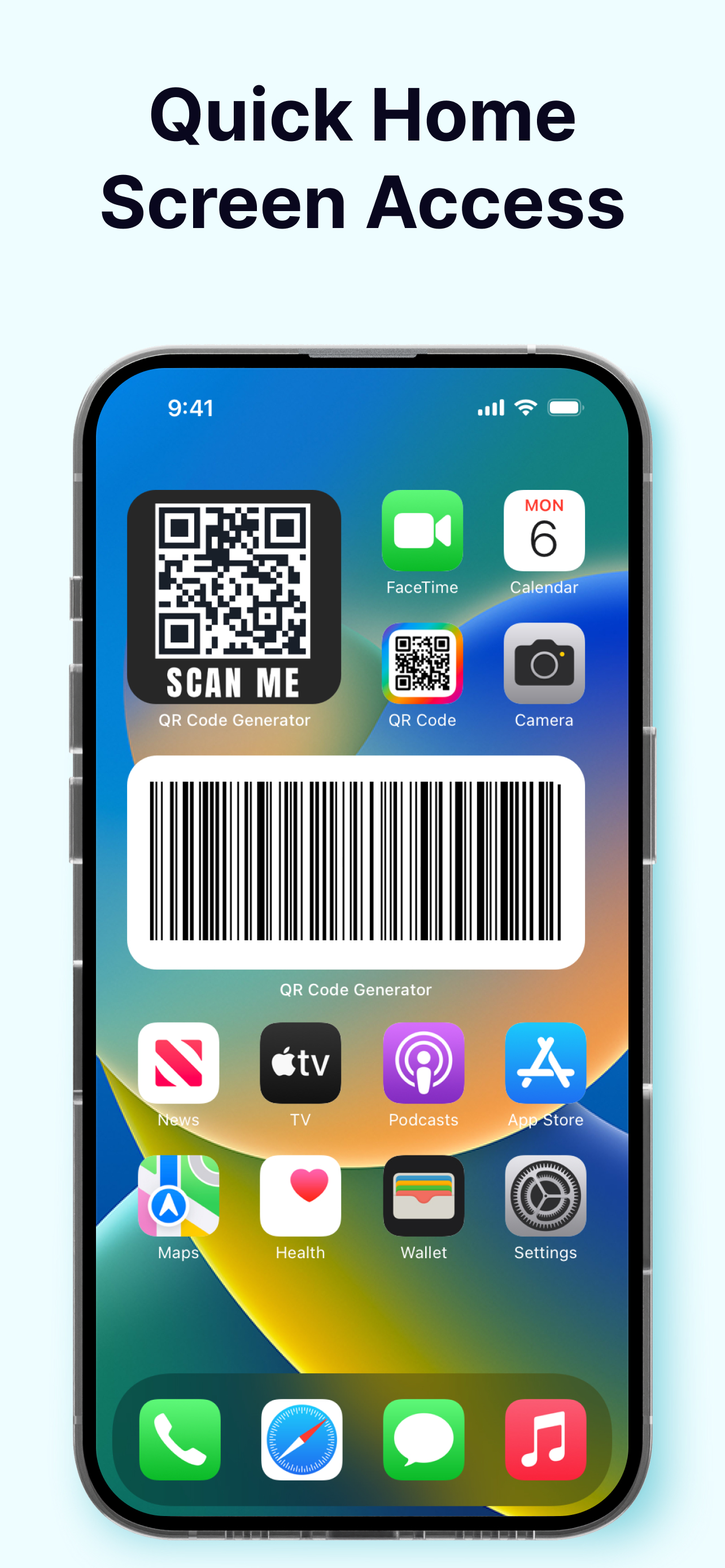
QR Code Generator & QR Creator is a useful tool for generating QR codes. With the well-designed QR templates, you can easily generate QR codes for web...
| Name | Price | Type |
|---|---|---|
| One-Month PRO | $5.99 | Monthly |
| One-Month PRO | $7.99 | Monthly |
| Monthly PRO | $8.99 | Monthly |
| Three Days Free Trial | $20.99 | Yearly |
| One-Year PRO | $20.99 | Yearly |
| Three Days Free Trial | $29.99 | Yearly |
| One-Year PRO | $29.99 | Yearly |
| 3-day Free Trial | $30.99 | Yearly |
| Lifetime PRO | $41.99 | One-time |
| Lifetime PRO | $59.99 | One-time |