
Check the acquisition promise
Read the store headline, screenshots and description. What problem is the app promising to solve?
Study the storefront ↗
Ebenezer Oteng · iOS
Explore the ad evidence, study the storefront, and build your next acquisition hypothesis.
01 / Creative research
Read the store headline, screenshots and description. What problem is the app promising to solve?
Study the storefront ↗Explore apps with direct store-link matches. Compare their hooks and formats without assuming the same approach works here.
Browse observed advertisers ↗Store rankings and revenue estimates describe market context. They do not establish ad spend, conversions or ROAS.
Review the market context ↗02 / Storefront & product
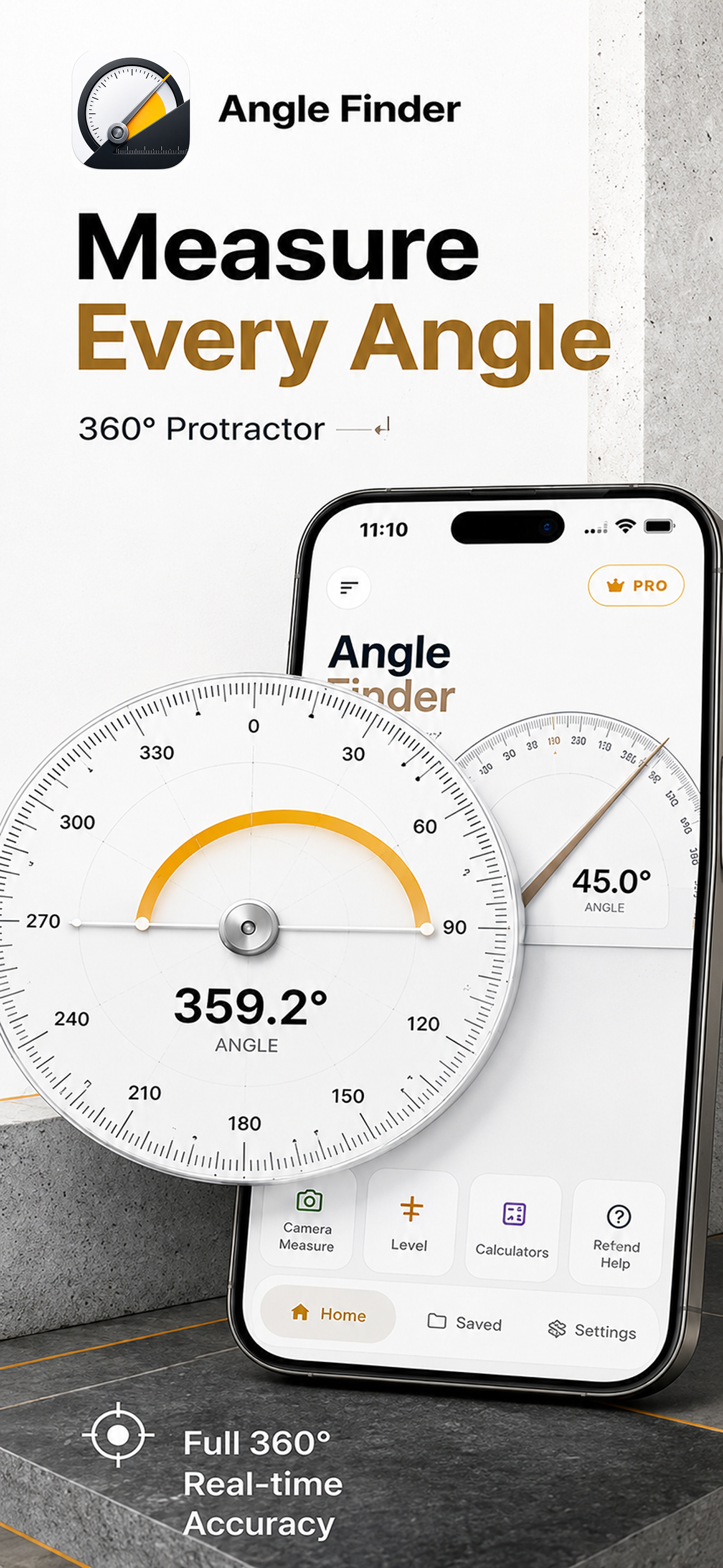
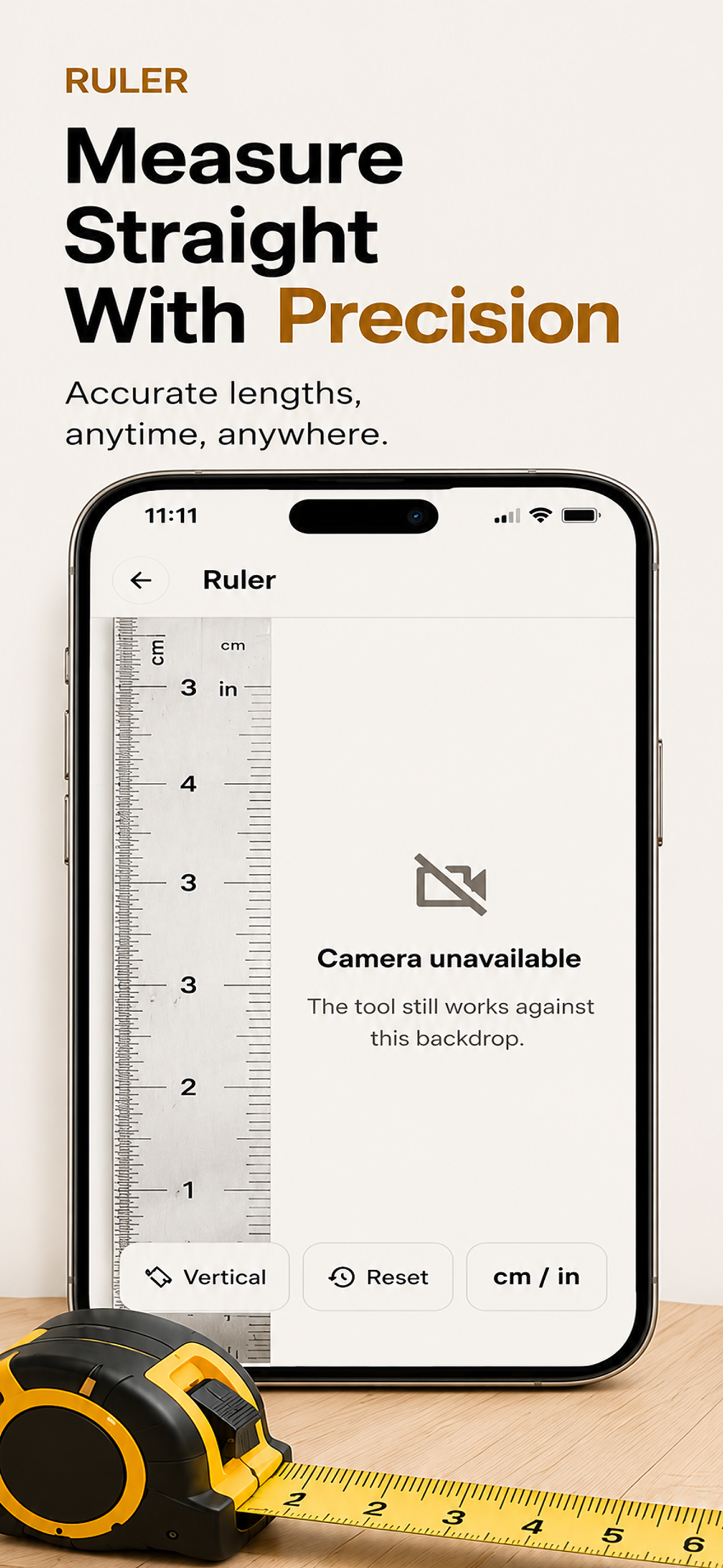
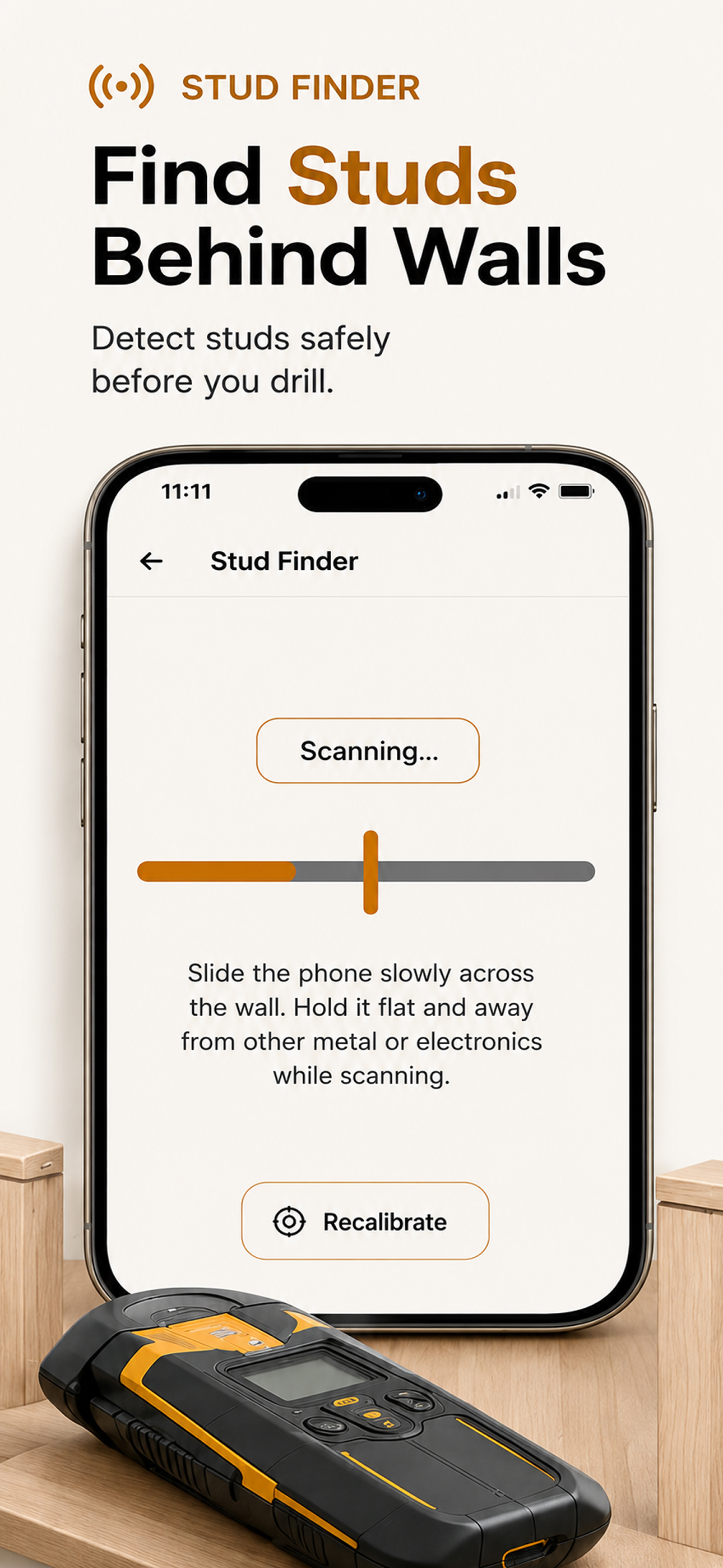
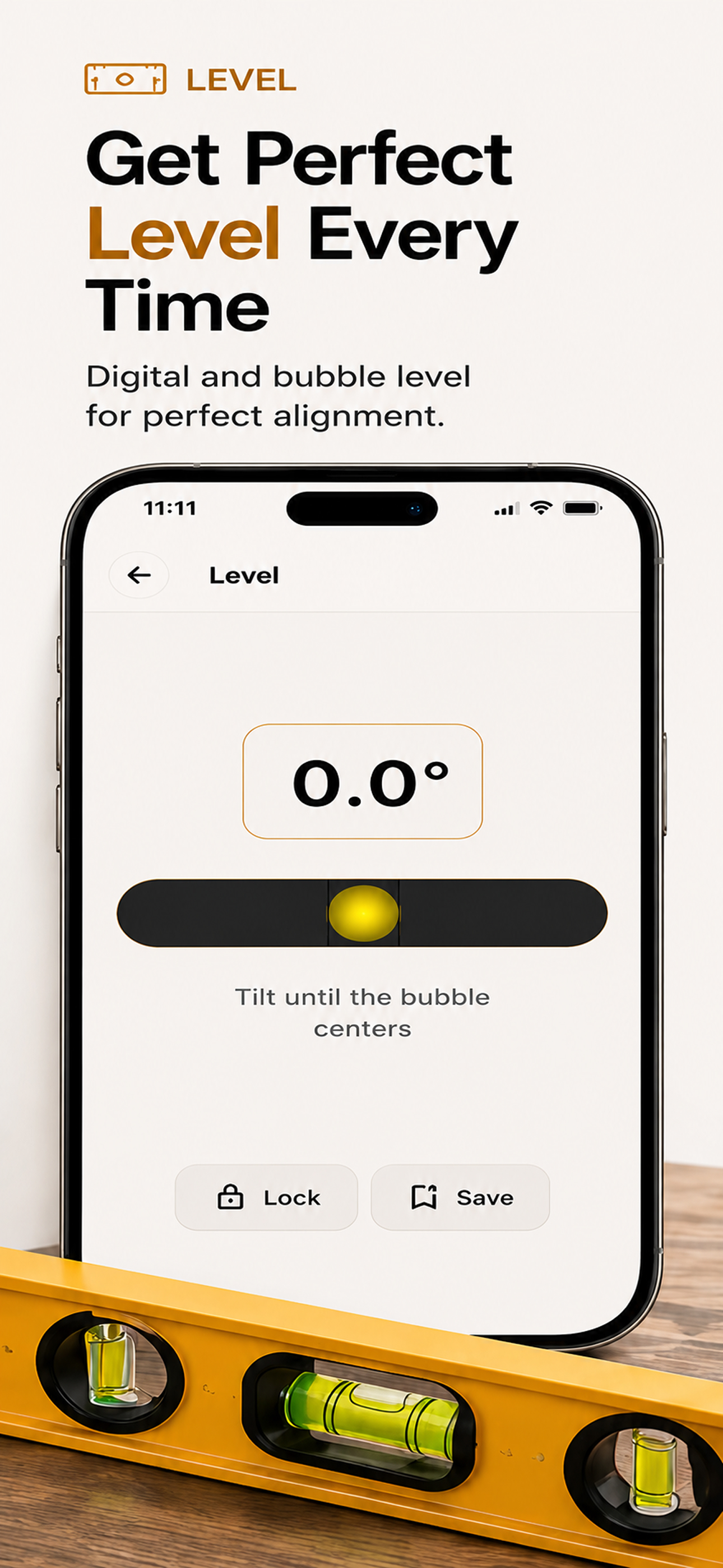
Study the product story and store experience behind the acquisition funnel.



03 / Market context
Keep revenue, downloads and store rankings separate from advertising performance.
The ad banner is placed directly on top of some features rendering them useless. The camera is used for all the features, but there is no way to turn the camera off within the app. I had to go in my phone settings to disable camera access. I used one of the angle calculators that uses the number keypad, but there’s no was to close keypad - even tried change to a different feature tab. The keyboard took up almost half of the screen.
Protractor: Angle Finder is a clean, simple, and accurate tool for measuring angles instantly. Designed for students, engineers, builders, DIY enthusi...
| Name | Price | Type |
|---|---|---|
| Premium Monthly | $7.99 | Monthly |
| Premium Yearly | $39.99 | Yearly |
| Lifetime access | $99.99 | One-time |


