Check the acquisition promise
Read the store headline, screenshots and description. What problem is the app promising to solve?
Study the storefront ↗
iWare Inc. · iOS
Explore the ad evidence, study the storefront, and build your next acquisition hypothesis.
01 / Creative research
Read the store headline, screenshots and description. What problem is the app promising to solve?
Study the storefront ↗Explore apps with direct store-link matches. Compare their hooks and formats without assuming the same approach works here.
Browse observed advertisers ↗Store rankings and revenue estimates describe market context. They do not establish ad spend, conversions or ROAS.
Review the market context ↗02 / Storefront & product
Study the product story and store experience behind the acquisition funnel.


03 / Market context
Keep revenue, downloads and store rankings separate from advertising performance.
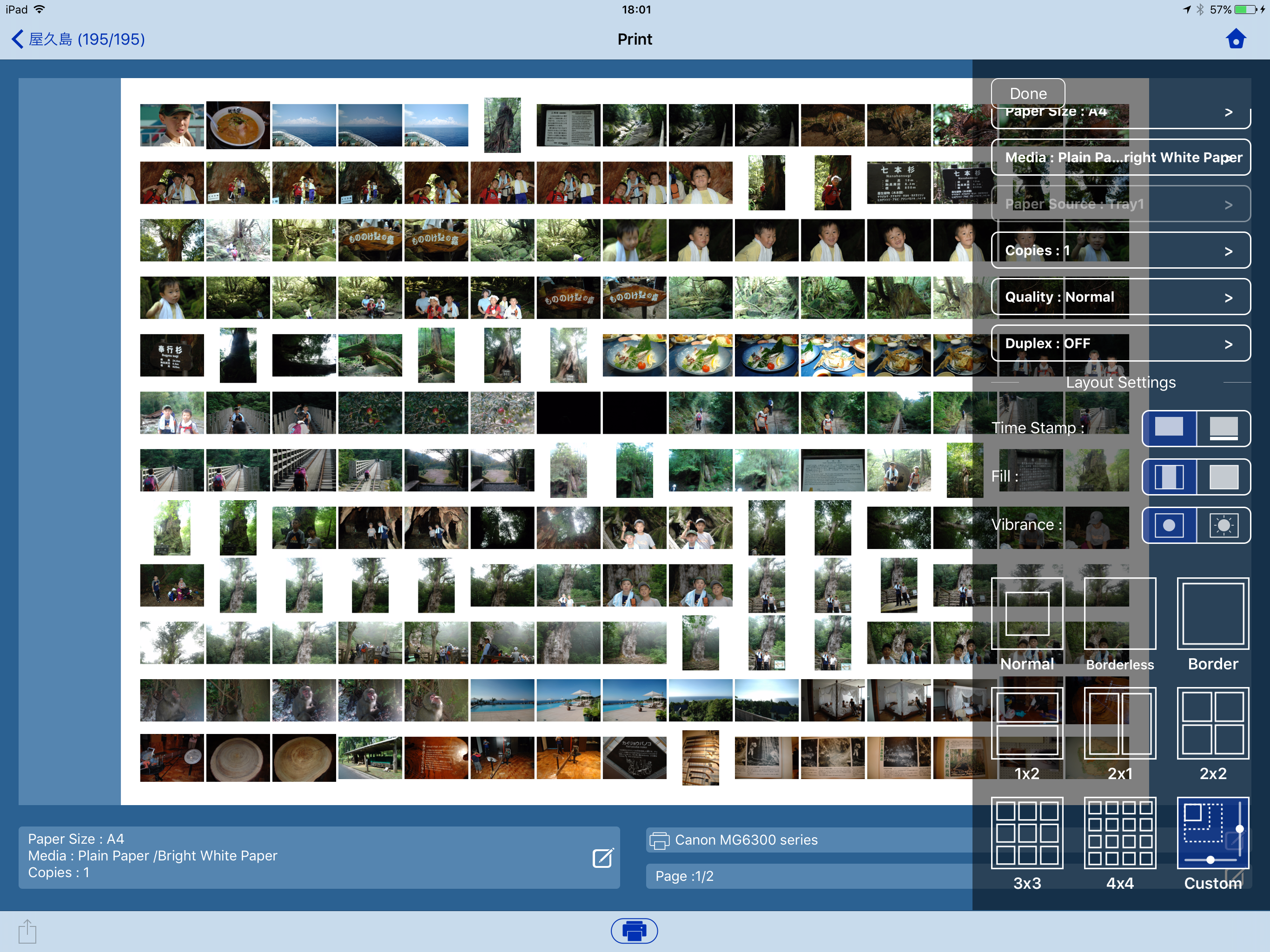
I think it may be a lack of testing, but I thought at first it was my network, the good thing that came out of that is I found it had a WPS feature and I synced it to my secondary router, which is connected to my transponders (wifi extender), but after I was able to print from the normal printer utility, apples, I tried it again and it just hanged. I was using it to print multiple photos on fewer pages, I was going to use it to arrange photos on a table so I could find the least jarring sequence for a slideshow, which would involve arranging the images by hand.. I suppose there must be an app online that can generate a PDF from multiple images then I could just use the pdf viewer to print the pages. I recall there was a php library that generates pdfs from images, so I just may make my own if I can't find one on the net.. The only thing I could imagine that prime print was doing was stuffing the printers spooler/cache with my massive 4MB Images and it was overloading the printer, but youd thing there would be enough memory in the printer to deal with that.. I gave it two stars cause I know this isn't all this program does, but I think they could do more testing or find some way to add a pdf generator feature in the case that the main driver fails, its called fault tolerance, give the consumer multiple output options.
I have got a perfectly usable inkjet printer that supports airprint, but I always wanted to use my HP 4 for most printing - it's faster, and dirt cheap to run. It is connected to my network via jetdirect/Ethernet, but most of the printing programs I tried, including everything HP offers, will not even talk to the printer, and the few that would talk printed gibberish. I finally located one program that managed to connect and print, but was $16, and I was hoping for something cheaper. This program accepted the IP address without a problem. It offered 2 flavors of PCL, which I expected to work, but didn't. However, and surprisingly, the Postscript option worked perfectly. It is really good that the developer offers a "lite" version so we can find if it works with a particular setup - many programs seem to rely on "trust me". I find the interface a bit klunky, but functional. Also, printing email requires entering your email info into the program giving full access to that account, which gives me pause. I would certainly prefer the simplicity of an airprint, but this program is the best solution for my situation at a reasonable cost. Kudos.
My printer is old and even the cannon app didn’t have it on the list to connect. I don’t have air printer ability either and I’m not so great with technology. I needed to print off resumes ASAP and this let me in less than 30 seconds from start to finish! Thank you so much! I’ve been looking for a way to print easily!
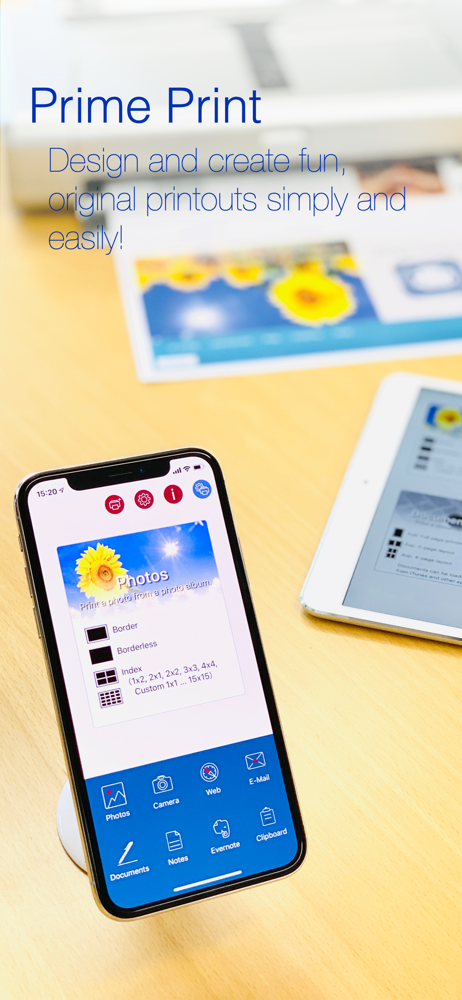
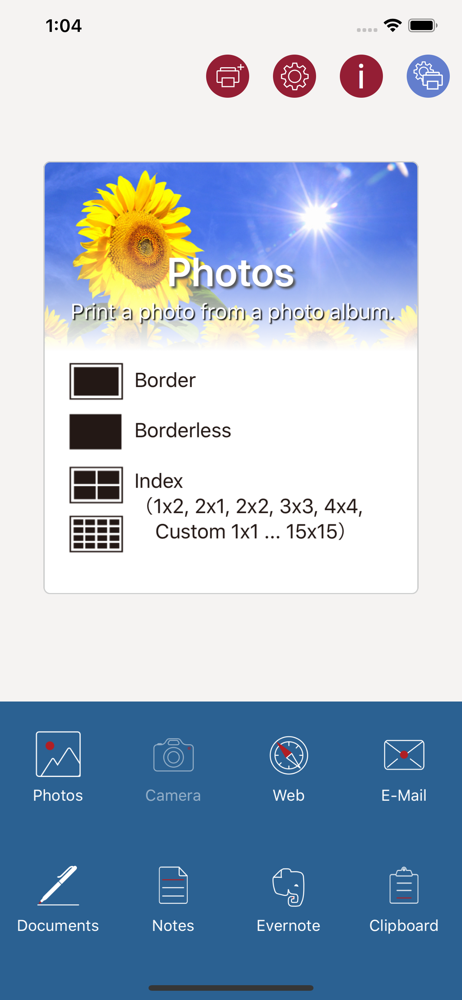
Directly print websites, documents, E-mail, photos, and more to a wide range of Wi-Fi printers with ease. Choose from a large variety of layouts to s...