Check the acquisition promise
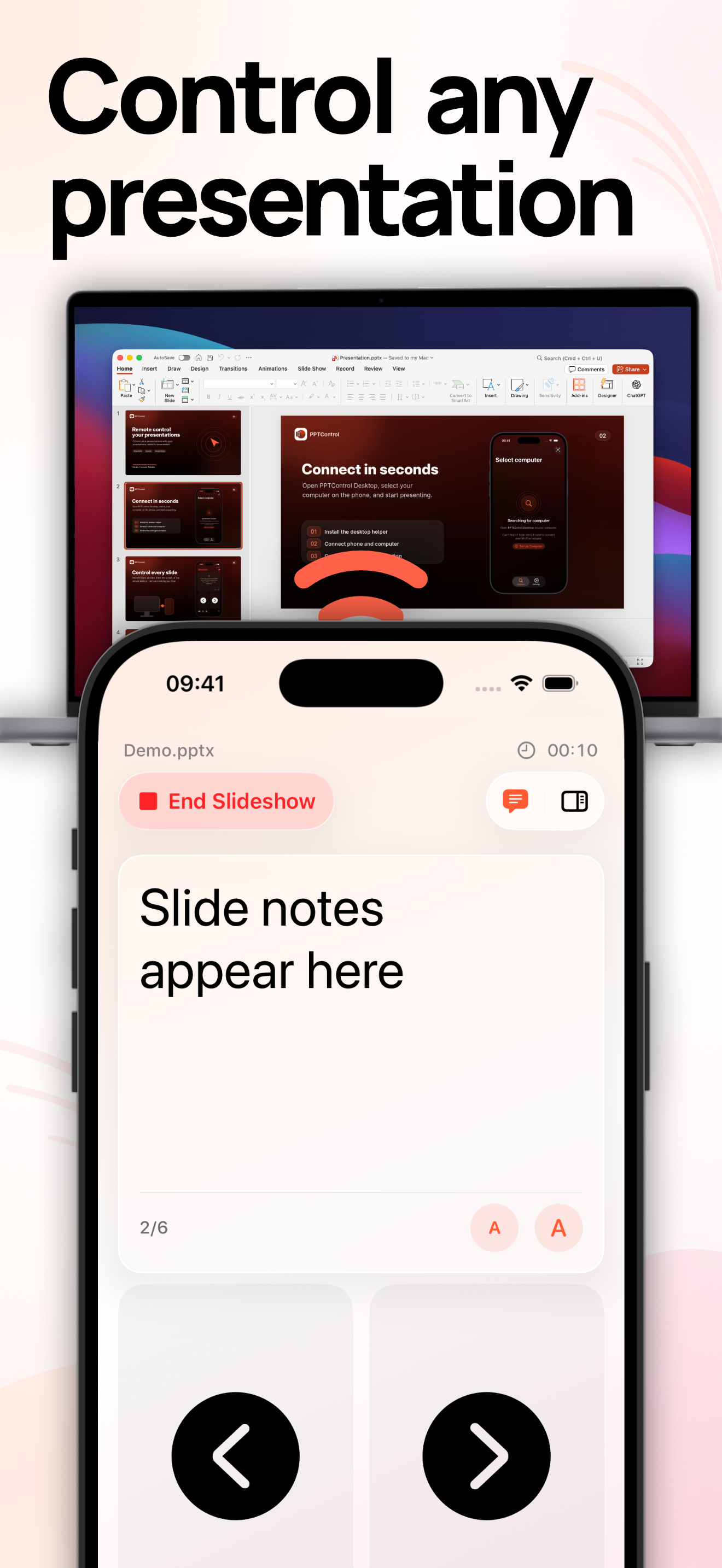
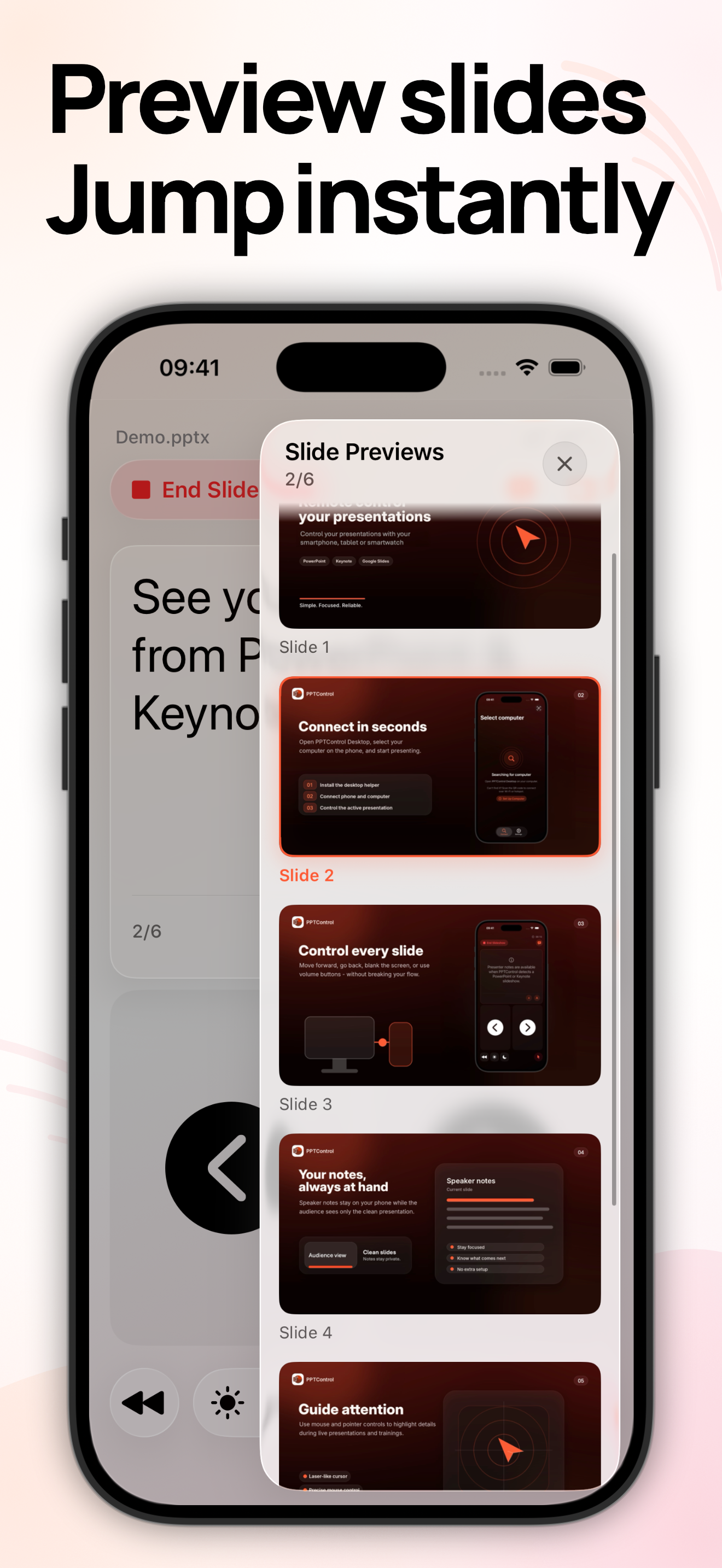
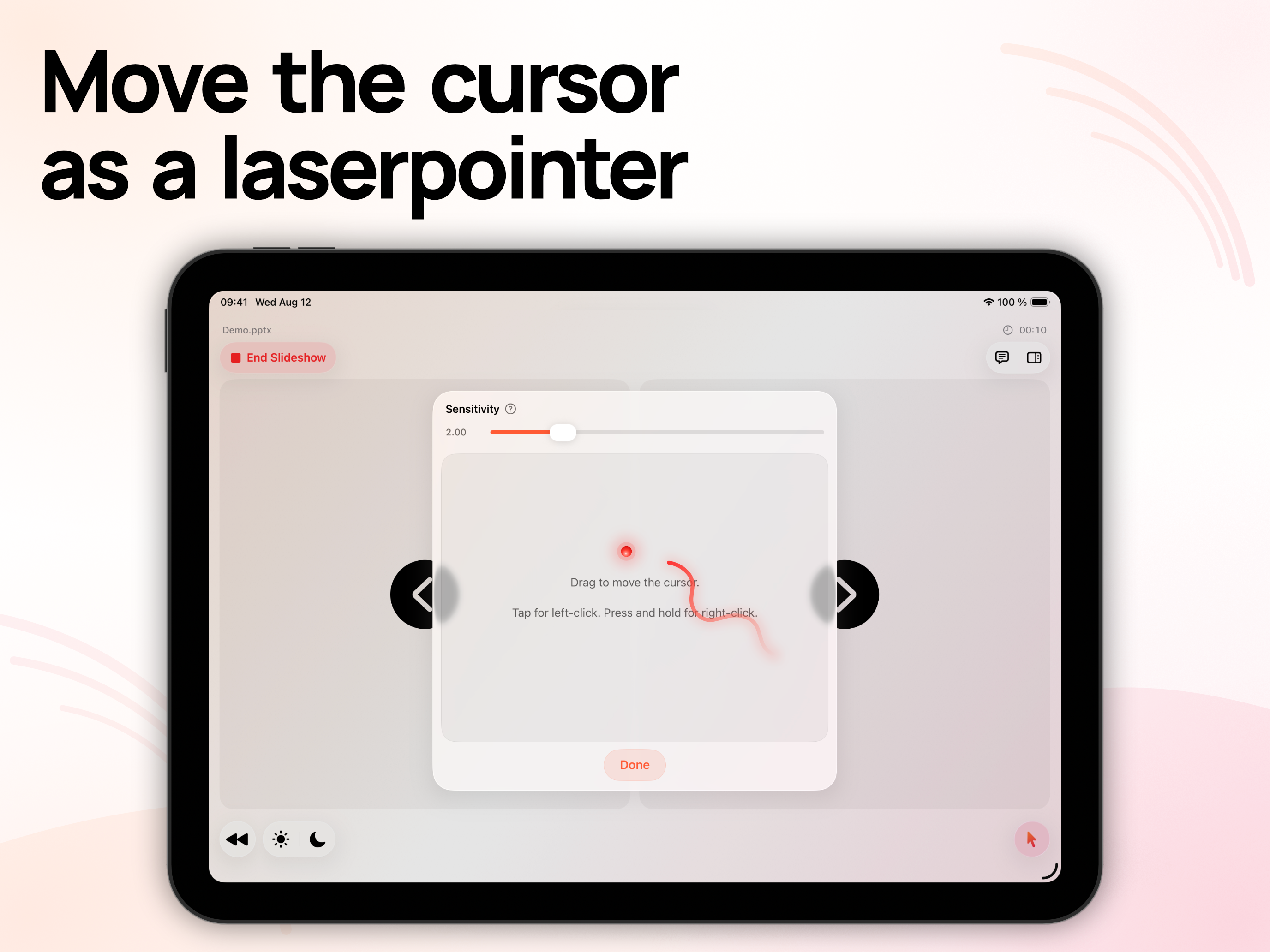
Read the store headline, screenshots and description. What problem is the app promising to solve?
Study the storefront ↗
Bastian Aunkofer · iOS
Explore the ad evidence, study the storefront, and build your next acquisition hypothesis.
01 / Creative research
Read the store headline, screenshots and description. What problem is the app promising to solve?
Study the storefront ↗Explore apps with direct store-link matches. Compare their hooks and formats without assuming the same approach works here.
Browse observed advertisers ↗Store rankings and revenue estimates describe market context. They do not establish ad spend, conversions or ROAS.
Review the market context ↗02 / Storefront & product
Study the product story and store experience behind the acquisition funnel.


03 / Market context
Keep revenue, downloads and store rankings separate from advertising performance.
It replaces a clicker and frees me from being tethered to my computer while presenting. I like that it is connected using Bluetooth as where I am at, WiFi can be spotty. If there was any knock on the device, it is with the pointer function. It doesn’t feel smooth or natural. But I think that is due to the limitations of iPhone or iPad mini screen size vs the size on the MacBook. But because I don’t necessarily need the laser pointer, it isn’t a huge issue.
Love the app, but is it possible to have the notes stay with the current slide when using it with PowerPoint using transitions. That would make this perfect!!!!
Truthfully, I was a little skeptical about downloading the app. However, there is hardly nothing else on the App Store that works. Especially not one that is free. This is an amazing software that is so simple to use with little to no latency. I highly recommend this app as I will be using it in my presentation tomorrow. P.S. for the creator, Just a helpful suggestion from the consumer perspective. Please let other consumers know in your instructions (which are very simple to follow along with) that when they first install the software on their computer, they will likely have to make sure their Bluetooth is turned on “before” opening the software as they will likely receive an error like I did, essentially telling them that the pairing status is “inactive”. Please recommend them to close the software, enable Bluetooth on computer, reopen app. Once I did that, worked flawlessly and connected easily. Thank you! 😁
More than a simple clicker: Control PowerPoint, Keynote, and Google Slides on Mac or Windows from your iPhone, iPad, or Apple Watch. Keep your slides...
| Name | Price | Type |
|---|---|---|
| Tip 1 | $0.99 | One-time |
| Tip 2 | $2.99 | One-time |
| Pro | $4.99 | One-time |
| Pro Monthly | $4.99 | Monthly |
| Tip 3 | $5.99 | One-time |
| Tip 4 | $7.99 | One-time |
| Tip 5 | $9.99 | One-time |
| Tip 6 | $14.99 | One-time |
| Pro Yearly | $19.99 | Yearly |
| Pro Lifetime | $49.99 | One-time |