Check the acquisition promise
Read the store headline, screenshots and description. What problem is the app promising to solve?
Study the storefront ↗
Saxonar GmbH Projektmanagement, Gerateentwicklung, Hard- und Software · iOS
Explore the ad evidence, study the storefront, and build your next acquisition hypothesis.
01 / Creative research
Read the store headline, screenshots and description. What problem is the app promising to solve?
Study the storefront ↗Explore apps with direct store-link matches. Compare their hooks and formats without assuming the same approach works here.
Browse observed advertisers ↗Store rankings and revenue estimates describe market context. They do not establish ad spend, conversions or ROAS.
Review the market context ↗02 / Storefront & product
Study the product story and store experience behind the acquisition funnel.


03 / Market context
Keep revenue, downloads and store rankings separate from advertising performance.
Power meter works well while connected to Garmin devices however unable to connect this App via my iPhone. Lacking features and any real value however not connecting to iPhone is definitely a deal breaker.
Seems either their latest update broke the back end or they haven’t paid their bills in a while for their server hosting. I continually get “Service interface could not be activated” even after a full reinstall.
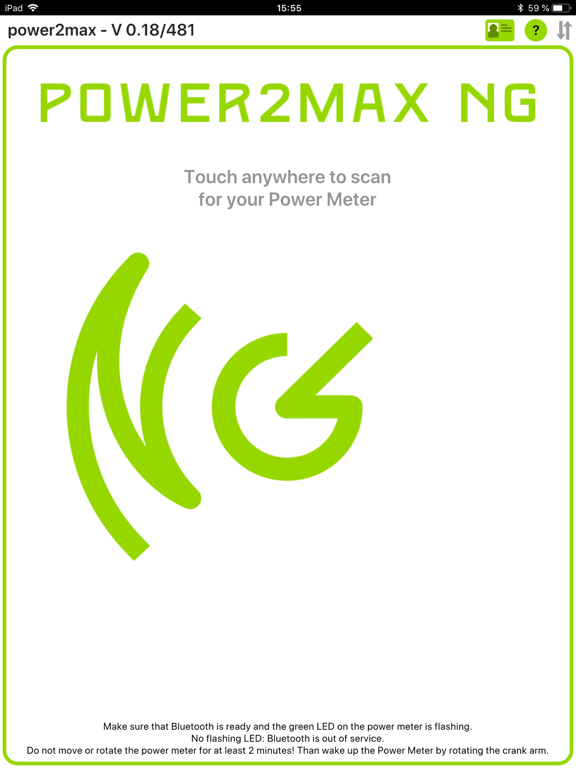
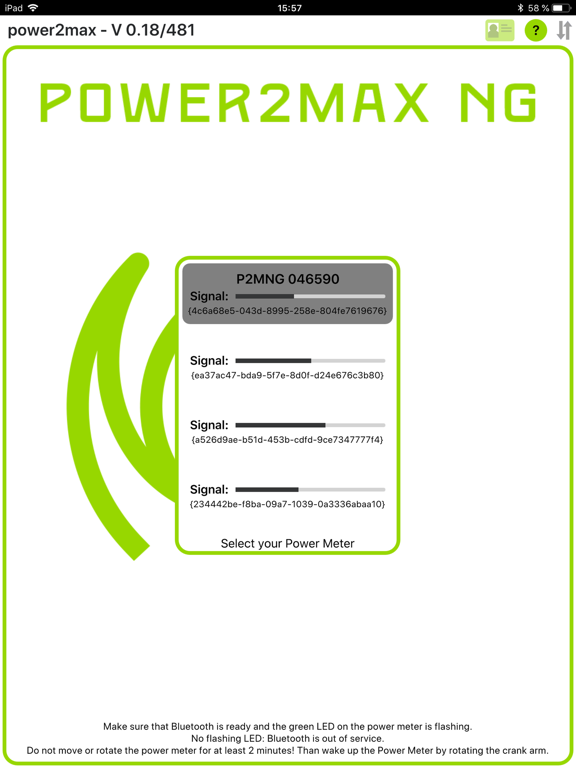
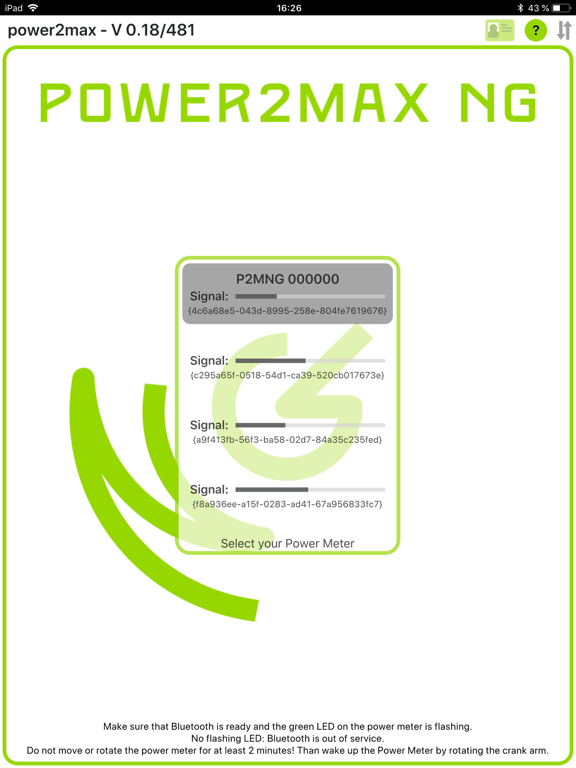
Confirmed app works as expected on iPad mini 14 iOS 15.6.1. I was able to create an account, activate Bluetooth, connect to powermeter and update firmware (no current firmware update on my device). Rating 3 stars because this device iOS combo is likely not easily accessible by most users. App functioned as expected on this device though.
Use this app to register your power2max power meter. Install upgrades and update the power meter firmware.