
Check the acquisition promise
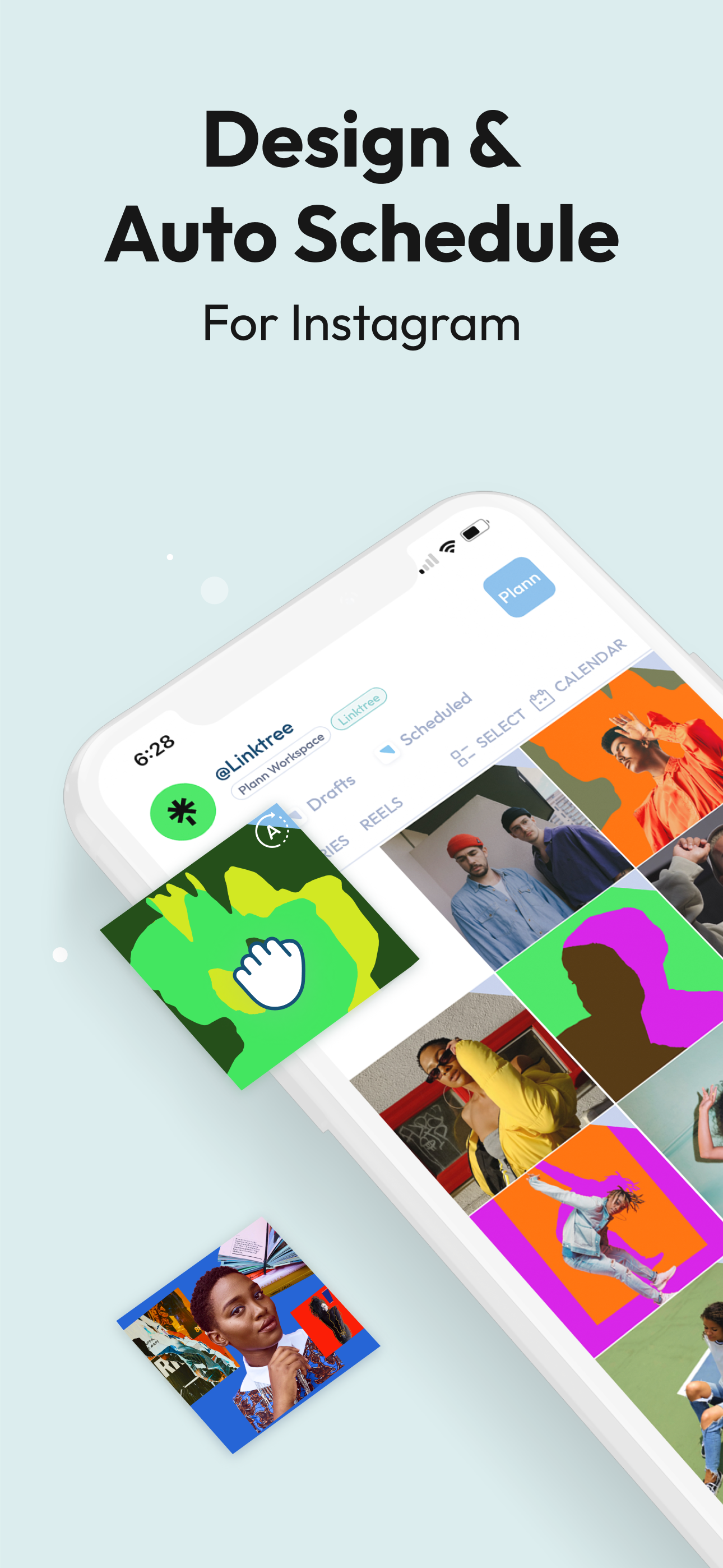
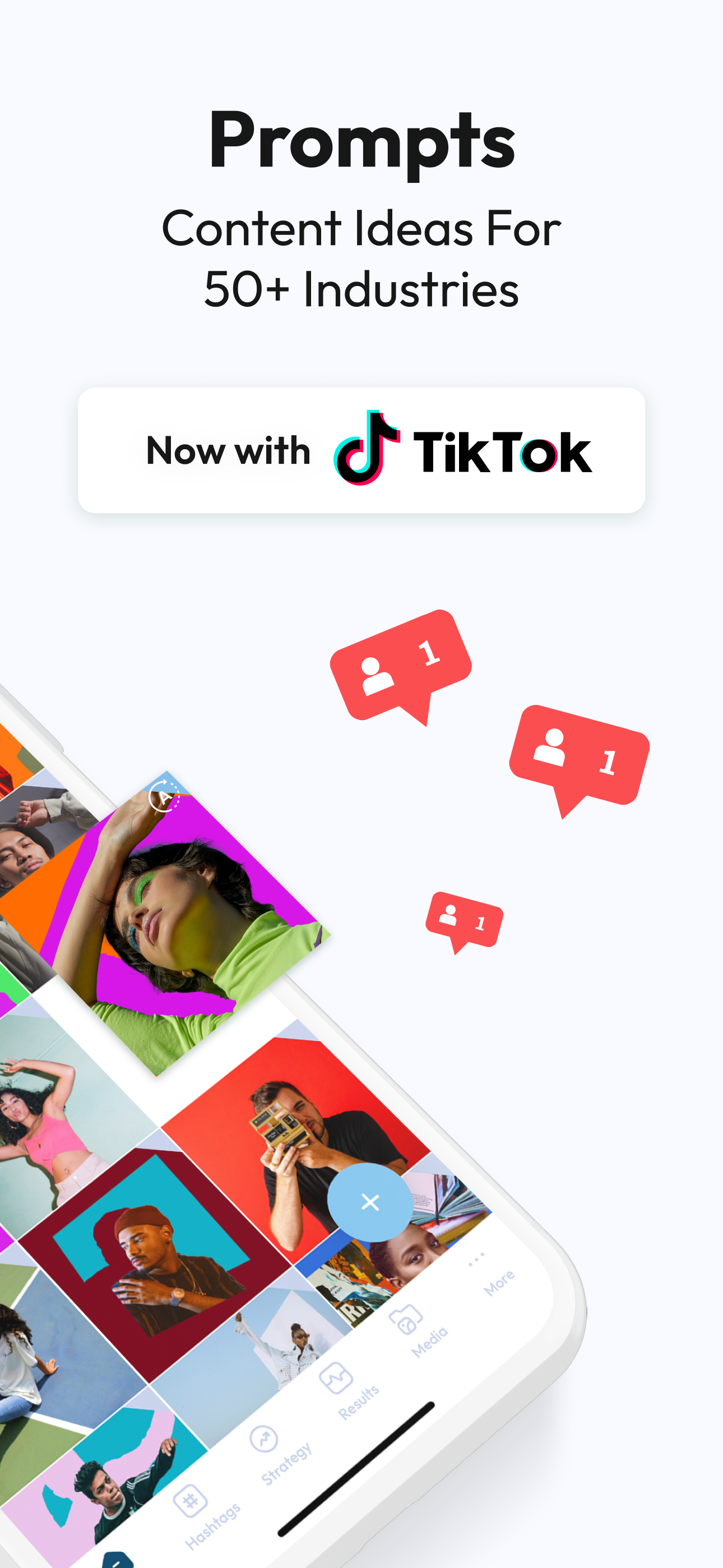
Read the store headline, screenshots and description. What problem is the app promising to solve?
Study the storefront ↗
Linktree · iOS
Explore the ad evidence, study the storefront, and build your next acquisition hypothesis.
01 / Creative research
Read the store headline, screenshots and description. What problem is the app promising to solve?
Study the storefront ↗Explore apps with direct store-link matches. Compare their hooks and formats without assuming the same approach works here.
Browse observed advertisers ↗Store rankings and revenue estimates describe market context. They do not establish ad spend, conversions or ROAS.
Review the market context ↗02 / Storefront & product
Study the product story and store experience behind the acquisition funnel.


03 / Market context
Keep revenue, downloads and store rankings separate from advertising performance.
I’ve contacted customer support 3 times and received 2 unhelpful canned responses. This new update wants me to connect a business Facebook page. Both my Instagram account and Facebook page are business. When I connect the Facebook page, my paid subscription turns into a trial and most of my content in the queue is missing. If I take Facebook off, the subscription shows up again but Instagram connection acts like a personal page and the features are no longer there (but the content reappears). I’m on the lookout for another app at this point. And before I get a canned response here, yes, I shook my iPad and contacted customer service with a bug report that way too. Clearly no one actually read it because Plann’s response was to connect Facebook- already connected and visible in the two screenshots I sent. Update: I got Plann to limp along. I am getting signed out a lot, but at least “restore purchases “ is working now an I can make it see my subscription. Still lost some content. I don’t plann as far ahead now so that the glitches don’t cause as much loss. Stopped using Plann at all while I checked out other options. I just wish it worked the way it used to. It used to make Instagram tastes easier. Now I find myself having to put more work into social media to make the program work. Another update: when it works, it’s my favorite Instagram planner. Still a tad glitchy, but if I close and restart the program, it usually works again.
This app has helped me organize my Instagram better than any other app I’ve ever tried! I love using the desktop version too, it’s easier for me when my photos are already on my computer. Honestly, it’s taken the stress out of posting to social media for my business, and makes it fun again for me! I recently had a problem with the desktop version, and I couldn’t figure out how to add media all of a sudden. I emailed their support team and received an email back IMMEDIATELY. Not only that, but they figured out my issue was the new laptop I was using had the incorrect timezone set, so it wasn’t letting me upload media?? It was such a random issue that I NEVER would have realized, and it was exactly the problem, and I was able to post again after fixing the time zone. Like what. They were so helpful, and I’m just stoked to have found a company that actually cares directly about their users! Sorry to ramble, I’m just really pleased with their customer service and excited to support a program like this ❤️
I really wanted to use this app. REALLY wanted to. I even paid to be able to take care of my three business accounts. But then I upload it and it won’t log in to all three of my accounts — only two. Then I read their FAQ’s, and they suggest clearing your phone’s cache. So I do that. Now it won’t log in to ANY of my Instagram accounts. It just keeps sending me through this cycle of entering my login information over and over with no result. Trying to find support led me first to something that said to contact Instagram for help (the problem isn’t with Instagram, as I can log into Planoly and Later just fine), and then I stumbled on an email to open a support ticket. It really bums me out because I wanted to use this, but if I can’t even log into the accounts I need, I don’t see how it’s even possible. Super disappointed. UPDATE: Their support was able to give me a few suggestions that logged 2/3 of my accounts in. I’m not thrilled that I can’t use the app for exactly what I wanted, and they also charged me for the premium subscription when I specifically asked to do the free trial, but I’m using Plann for my one account that I post to every day, and it is incredible for that. I added a star because I love how this app works. I just wish that the login issues weren’t so common.
Plann by Linktree – Intelligent ALL-IN-ONE Scheduler for Instagram, Facebook, LinkedIn, Pinterest, TikTok, and YouTube Shorts! Effortlessly rearrange...
