Check the acquisition promise
Read the store headline, screenshots and description. What problem is the app promising to solve?
Study the storefront ↗
PowerSchool Group LLC · iOS
Explore the ad evidence, study the storefront, and build your next acquisition hypothesis.
01 / Creative research
Read the store headline, screenshots and description. What problem is the app promising to solve?
Study the storefront ↗Explore apps with direct store-link matches. Compare their hooks and formats without assuming the same approach works here.
Browse observed advertisers ↗Store rankings and revenue estimates describe market context. They do not establish ad spend, conversions or ROAS.
Review the market context ↗02 / Storefront & product
Study the product story and store experience behind the acquisition funnel.




03 / Market context
Keep revenue, downloads and store rankings separate from advertising performance.
I have been using Planboard for years and love the flexibility it provides. My school previously had a three-day rotating schedule and this app helped me manage the schedule with ease. When our school schedule changed, it was easy to make the new one. I also love that I can reuse lesson plans super easily from year to year. An improvement I would suggest is for the mobile app to be able to access the unit description pages. Sometimes I have a note/idea I would like to leave myself for a lesson, and if I'm at a computer to access the web version, I will put ideas in the unit planning space. The mobile app doesn't have this option. Small fix, but would be great! Overall, I tell every teacher I know about how great Planboard is!
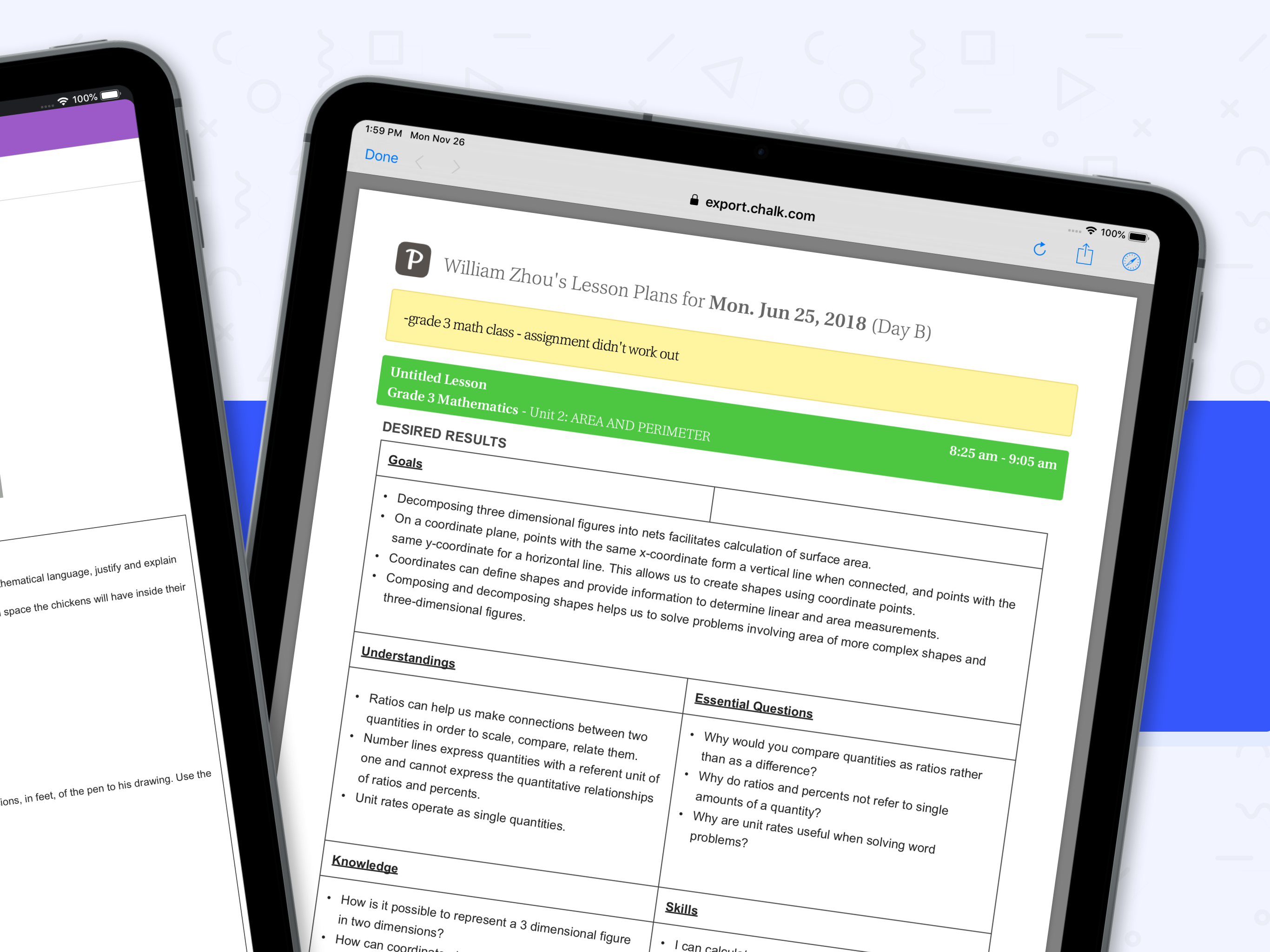
I kept reading such excellent reviews about this app that I had to try it. I have been using this app for the first time now since this year began and I am continuously getting frustrated about how un-user-friendly the UX/UI design for this app is. At least, for me. I created a template to use to make it accessibility-friendly for me, using different sized fonts, that now I regret. When filling in my plans, the text is always reverting to a small default serif font that I constantly need to be editing. My template is not just useless, but actually a headache. But it’s not just that creating a consistent layout is not easy to maintain, but also, the program doesn’t respond to my “undo” commands by menu or shortcut! So either I have to settle for this eye-sore or waste time fiddling with it. Another feature that marketing keeps tooting is how it’s accessible through all your devises. Yeah, sure. But what good is it if not all the features are available on the mobile app. I was looking forward using my iPad to lesson plan on the go, but since I mostly work in the unit planner view in desktop, the planning feature on the mobile does not help me at all. Unit planning isn’t available on it. Unit planning helps me teach with continuity and helps make planning seamless as I can see where I left off, copy and paste repeating elements of each lesson, and visualize how to build upon concepts clearly. I only use the weekly view to print the thing and the daily view to guide me while teaching. I love that I can toggle plan views this way and appreciate that feature, but that the unit planner is a MUST for the mobile app to make it truly as flexible and helpful as claimed. …At least, for people like me who need it.
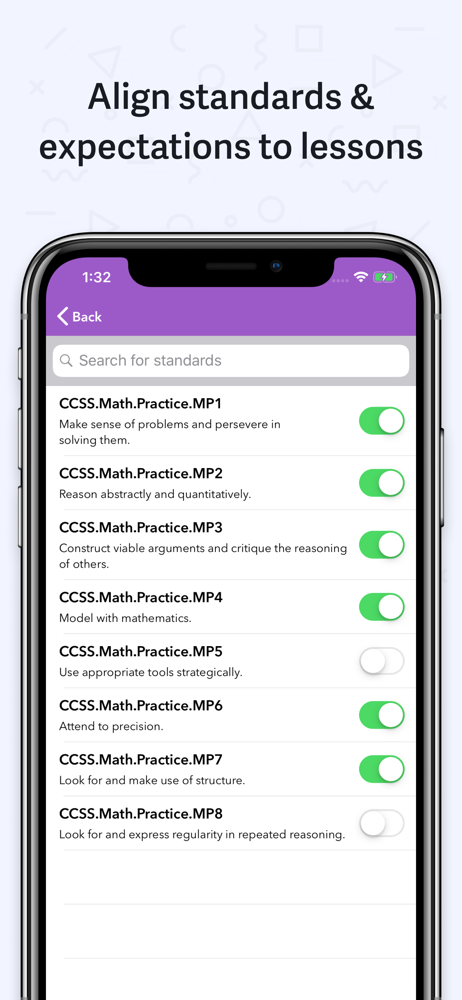
AMAZING customer support! I love the new feature of being able to add files from my phone- now I can FULLY plan lessons in the car (not while I am driving). Wonderful features and I am so glad I found this software! I love this program! I can create my lessons in a jiffy- dare I say lesson planning is almost *fun* now?! I can even do lesson planning while on the go because the program now syncs with the app- SCORE! I love being able to be out and about and not have to be tied to my computer, but if I think of something for a lesson, I can just plug it right in! Yes, it is a bit of a hassle to set up during the front end, BUT STICK WITH IT. Create your own template that YOU LIKE. I have my own that I have used for a couple of years so I can just plan away almost mindlessly because I know what goes where. I can organize my PDF and .docx attachments to keep my lessons organized and move them from day to day- EASY TO DO FROM THE UNIT SCREEN in the program. My county uses a modified CC standard and I was able to upload those to Planboard with no issues. Now they are in the system for all to access- and I can track my standards with my lessons. And all of this awesomeness is on the FREE version. I love this software!!!
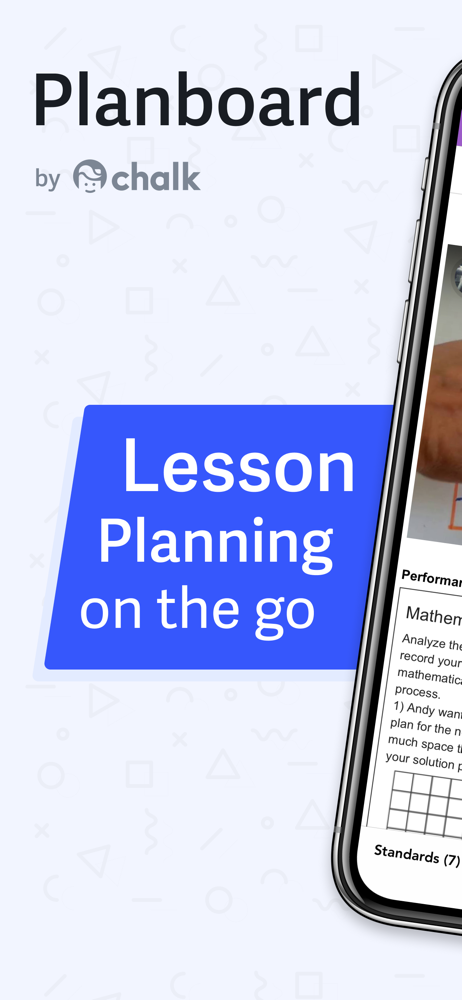
Plan lessons on the go in an easy-to-use editor with curriculum standards and attachments. Planboard organizes your lessons, subjects, and semesters i...