
Check the acquisition promise
Read the store headline, screenshots and description. What problem is the app promising to solve?
Study the storefront ↗
Toshihiko Arai · iOS
Explore the ad evidence, study the storefront, and build your next acquisition hypothesis.
01 / Creative research
Read the store headline, screenshots and description. What problem is the app promising to solve?
Study the storefront ↗Explore apps with direct store-link matches. Compare their hooks and formats without assuming the same approach works here.
Browse observed advertisers ↗Store rankings and revenue estimates describe market context. They do not establish ad spend, conversions or ROAS.
Review the market context ↗02 / Storefront & product
Study the product story and store experience behind the acquisition funnel.

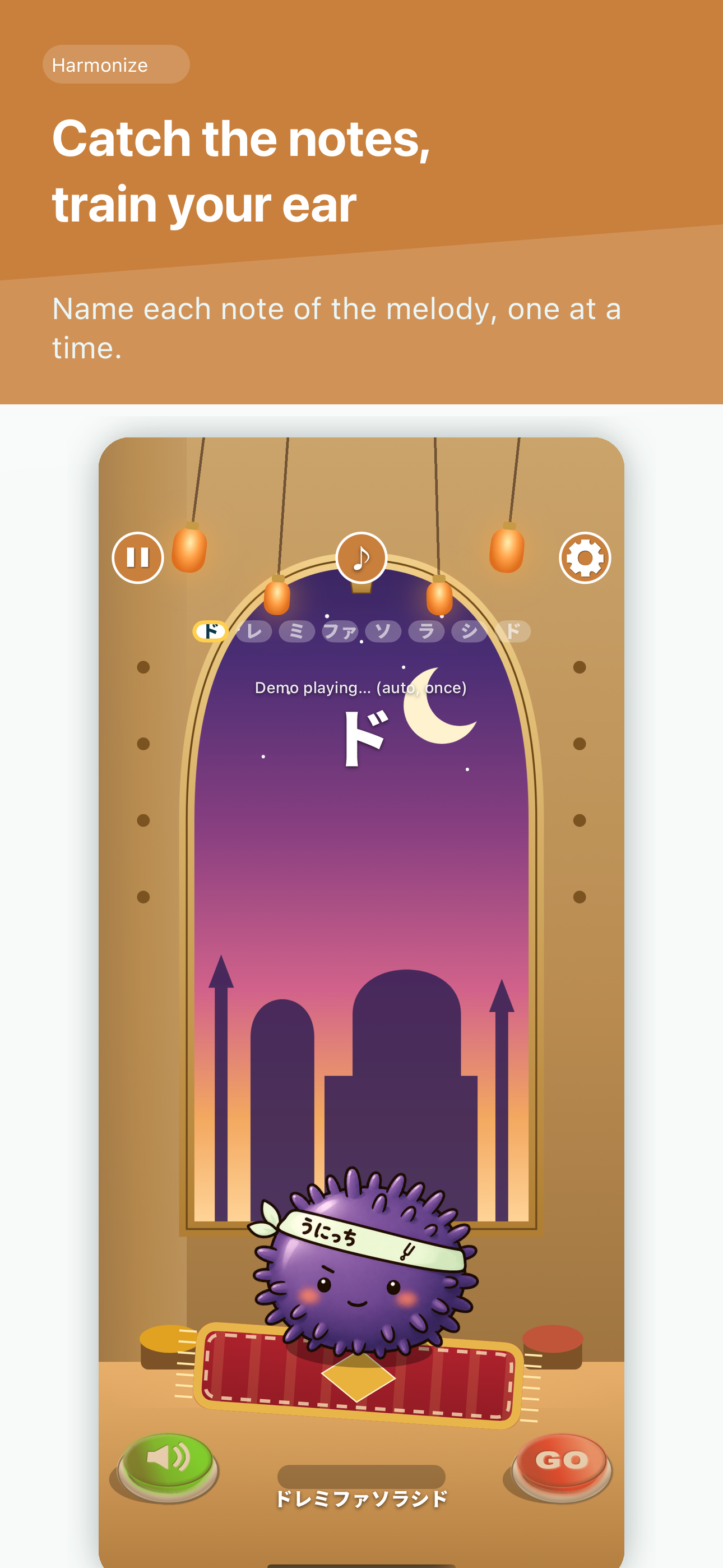


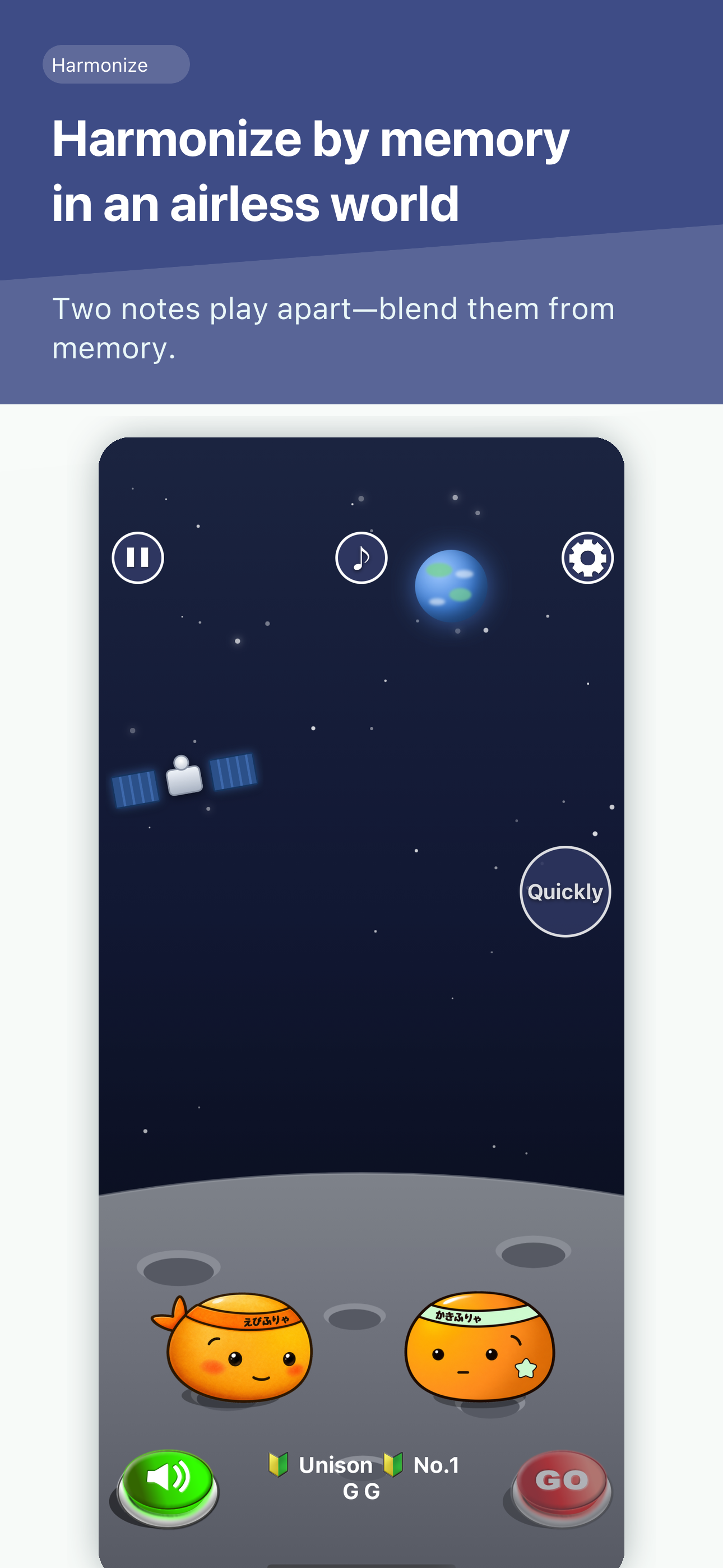
03 / Market context
Keep revenue, downloads and store rankings separate from advertising performance.
The sliders on the left and right provide no visual feedback if they are being changed, and their parameters extend beyond the screen. So at times it’s hard to tell if you’re actually successful in adjusting the tone. Having the slider be a wheel, (visualize a mouse middle click wheel) would be a better system. The left slider seems to go behind the pause button, it’s hard to tell where the sliders actually end on the screen. If you want to continue raising the tone once you hit the top of the screen, the game instructs you to start at the bottom again. It’s not clear if that’s the same case for continuing to lower the tone after you touch the bottom of the screen, since the pause button is there. Does it work this way only if you start at the edges, or can you change the upper/lower limits of the slider if you start closer to the center? The UI doesn’t make that clear, and the fact that it’s a text box telling you to start at the bottom again is already an example of bad UI. There are also ads after every screen, but those can be turned off for a single $9.99 purchase. It’s a neat game, but the instructions and interface are way to too awkward.
I really love this app, and it challenges me in a fun way, one that pushes me further and encourages my ears and spirit. I am fluent in the world of music, and play both trombone and percussion instruments. Our Band director encouraged us today to get this app, and it is great that it is free and so fun to use!! I recommend this app to anyone who wants to go farther in the impressive world of music.
I’d like the ability to choose different waveform types for the sound, or mix and match them (one note with a sine wave and another square, for example). It would be great to have more of everything, too! But this is fun.
Ear training, play by ear, intervals, chords and rhythm — 15 games in one app. Warm up your ears before singing, band, orchestra, choir, guitar or pia...


