Check the acquisition promise
Read the store headline, screenshots and description. What problem is the app promising to solve?
Study the storefront ↗
Ahmed Nabeeh · iOS
Explore the ad evidence, study the storefront, and build your next acquisition hypothesis.
01 / Creative research
Read the store headline, screenshots and description. What problem is the app promising to solve?
Study the storefront ↗Explore apps with direct store-link matches. Compare their hooks and formats without assuming the same approach works here.
Browse observed advertisers ↗Store rankings and revenue estimates describe market context. They do not establish ad spend, conversions or ROAS.
Review the market context ↗02 / Storefront & product
Study the product story and store experience behind the acquisition funnel.
03 / Market context
Keep revenue, downloads and store rankings separate from advertising performance.
I’ve been consistently impressed with how well this app performs! It gives me the exact info I need, when I need it. No jumping through digital, ad-infested hoops, no constant reminders to “try our other apps,” and no downtime to contend with. It does what it claims, and does it extremely well!
I’ve tried plenty of iOS-based network tools. Always looking for exactly what Pingers offers: Comprehensive, lightweight, and easy-to-digest tools. I don’t take the time to rate many apps, but this one deserved the five stars.
Very Straightforward, it does exactly what it needs to do. It’s actually quite fun learning about network security currently and then this comes along! I will definitely be recommending to my CCNA instructor
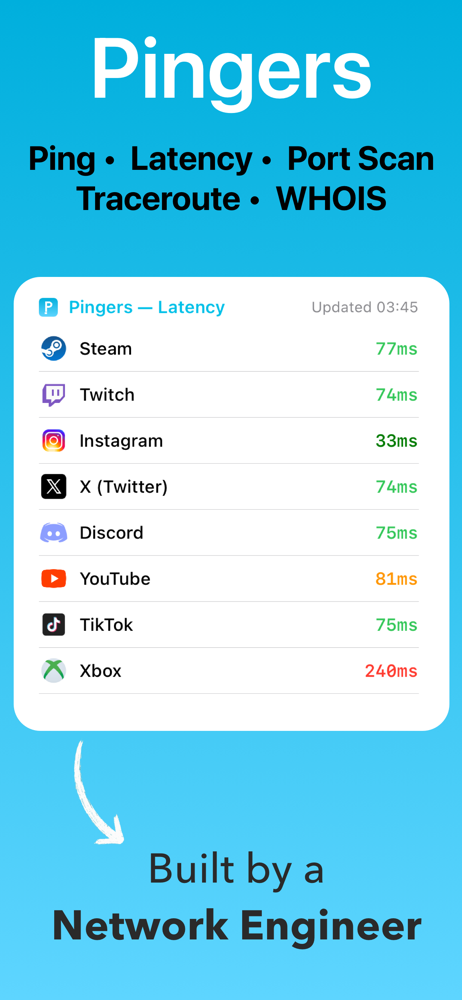
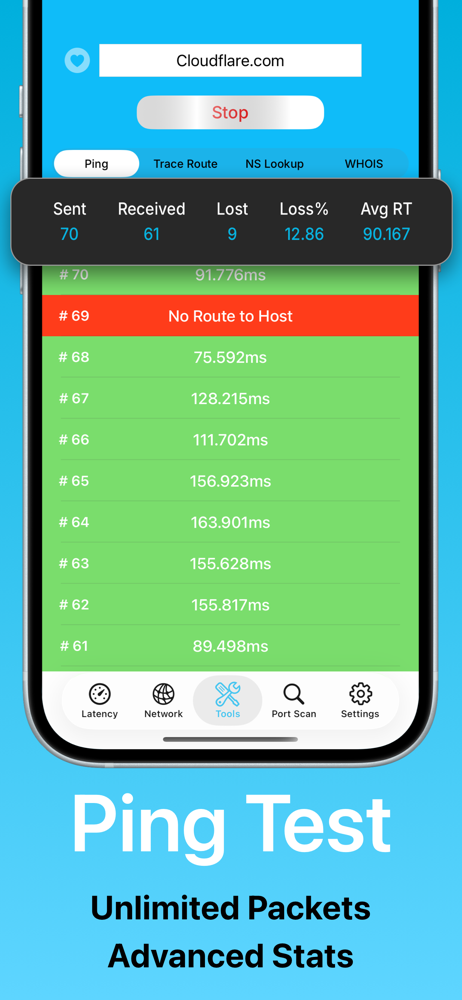
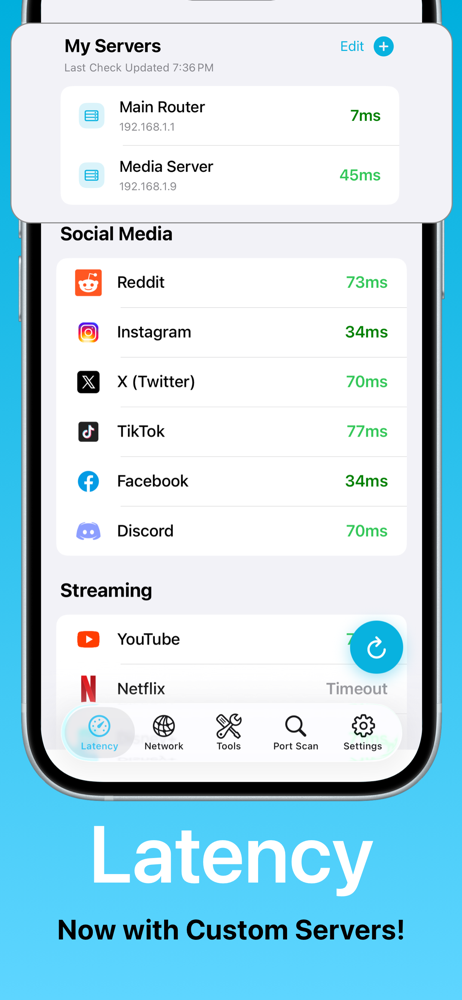
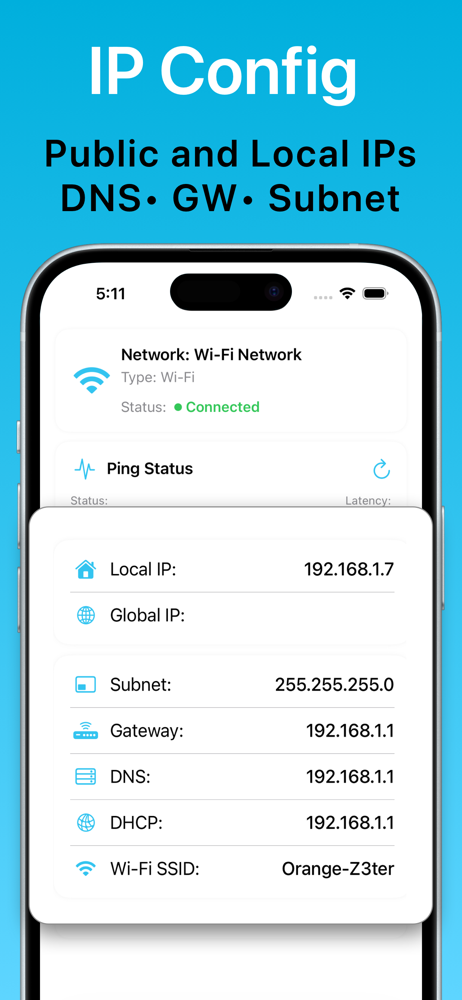
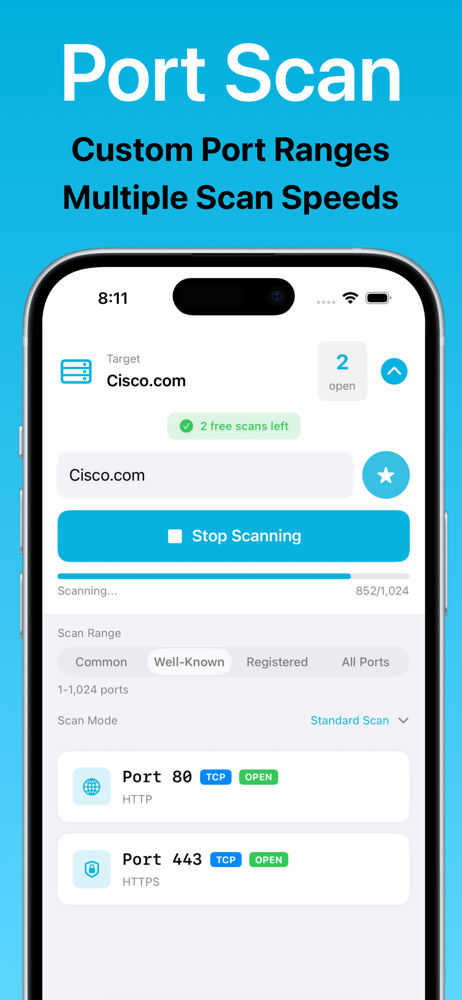
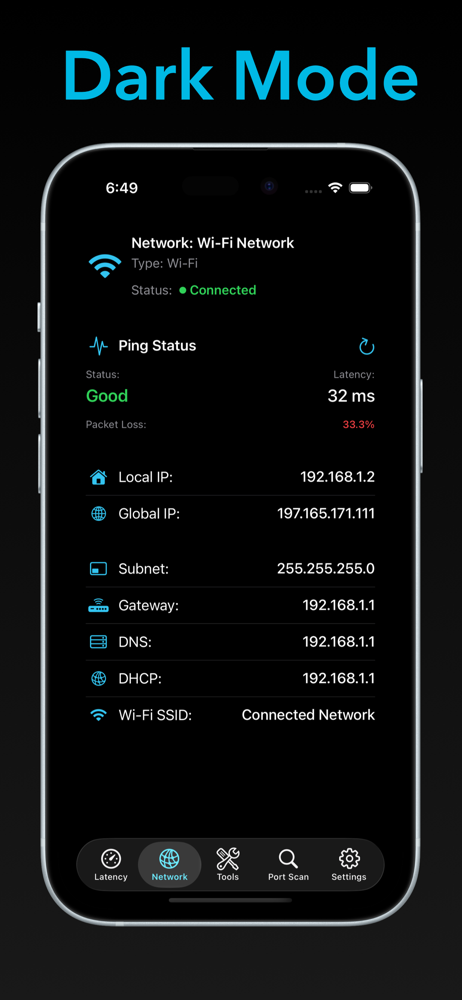
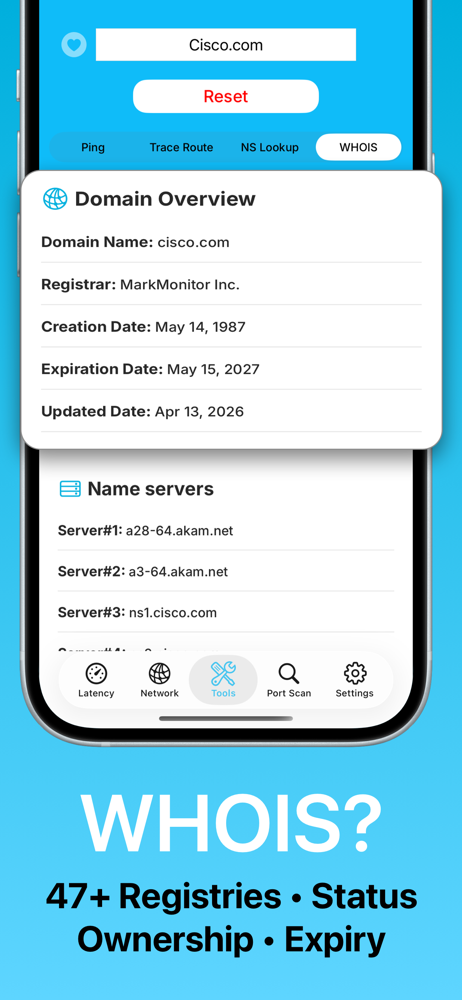
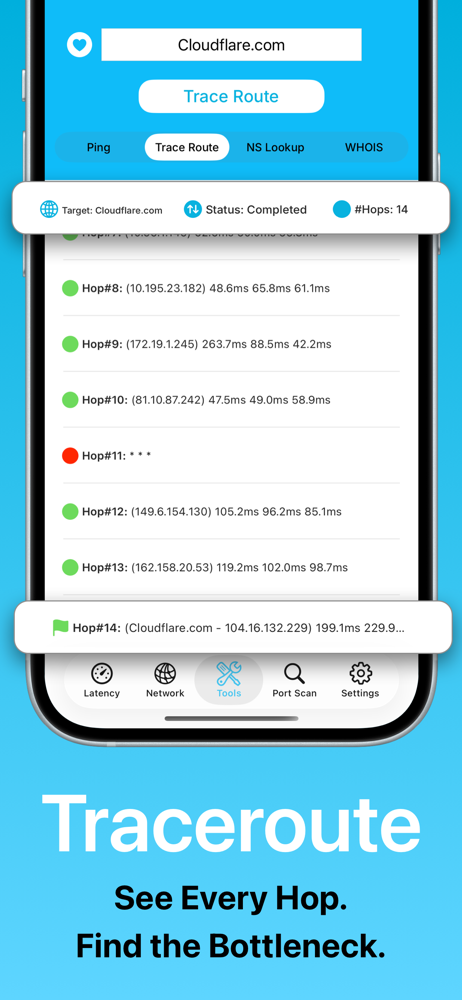
Pingers puts powerful network tools at your fingertips. Stop guessing and start troubleshooting from Ping and Traceroute to WHOIS, Port Scan, Latency...
| Name | Price | Type |
|---|---|---|
| Support Developers | $0.99 | One-time |
| Pingers Premium Lifetime | $4.99 | One-time |