Check the acquisition promise
Read the store headline, screenshots and description. What problem is the app promising to solve?
Study the storefront ↗
Rome Rock LLC · iOS
Explore the ad evidence, study the storefront, and build your next acquisition hypothesis.
01 / Creative research
Read the store headline, screenshots and description. What problem is the app promising to solve?
Study the storefront ↗Explore apps with direct store-link matches. Compare their hooks and formats without assuming the same approach works here.
Browse observed advertisers ↗Store rankings and revenue estimates describe market context. They do not establish ad spend, conversions or ROAS.
Review the market context ↗02 / Storefront & product
Study the product story and store experience behind the acquisition funnel.


03 / Market context
Keep revenue, downloads and store rankings separate from advertising performance.
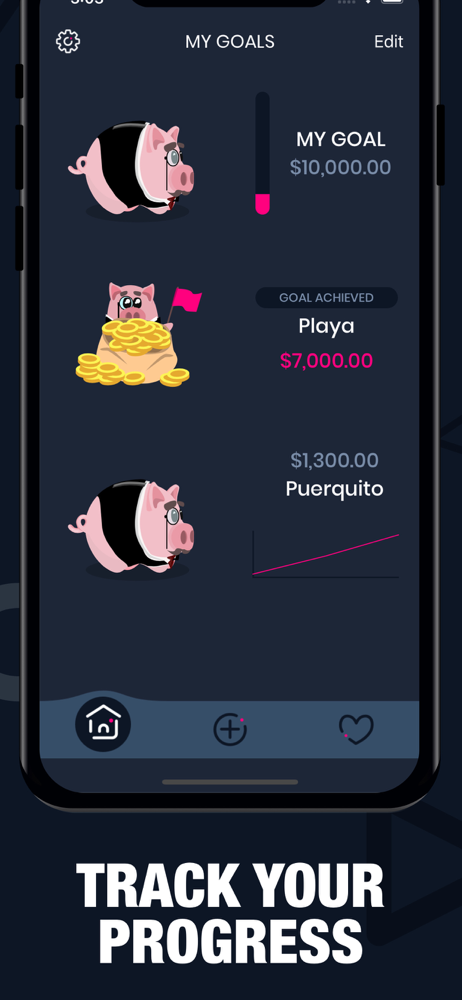
I get paid in cash sometimes because I’m a freelancer. I was having trouble finding an app to let me keep track of my savings while I wait to make it to a bank, until I found this one. It lets me divide my savings to see how much I have devoted to each account and how much I’ve saved of my cash paychecks. I highly recommend it if you get paid primarily in cash or need to know how much you have until you get to your bank. Also, it would be great to help kids learn to save their change for something special! I don’t have children (I’m 20) but I can imagine it would be very handy! The donation to remove ads is also 100% worth it 😊 To support the team and also make the app less annoying.
Such a great app for people like me who need to see what their money is being saved to. I started my money plan my senior year of high school…How I was going to budget my money when I got into my career. I like to have a physical representation of how much money I had where and how much I can spend. But any time I downloaded any other app or tried it on paper I would loose track and be right back at square one, unorganized, digging into other funds to afford that sheet music I needed after I blew my budget for spending on that top I wanted and not knowing how much I have left in each category. With this app I’ve been able to save so easily. My brain can see the numbers and know where all that money goes to without having to make a bunch of adjustments or look at a bunch of numbers. It’s so simple and by far the easiest method I’ve tried. 10/10 definitely recommend
It’s a great simple app. Glad to have come across this. Two quick things that would make this easily the best and easiest saving app on the App Store. First, ability to delete a savings/withdrawal. First trying out the app I accidentally saved $750 with one quick touch of a button. Had to withdraw that, and the history (which is a really nice feature) showed that when they were both really errors. Second would be the ability to share data between devices. My wife and I want to enter in some saving goals and work on them together, but we have to enter them separately. We use the same iTunes account, but the data doesn’t go between devices. I could see someone that wants their goals on a phone and iPad wanting this as well. Thanks for the great app. Keep up the great work.
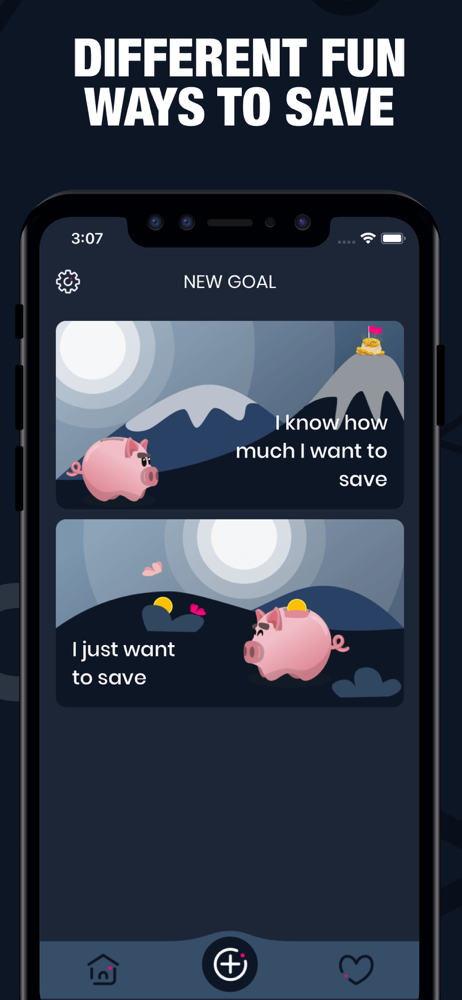
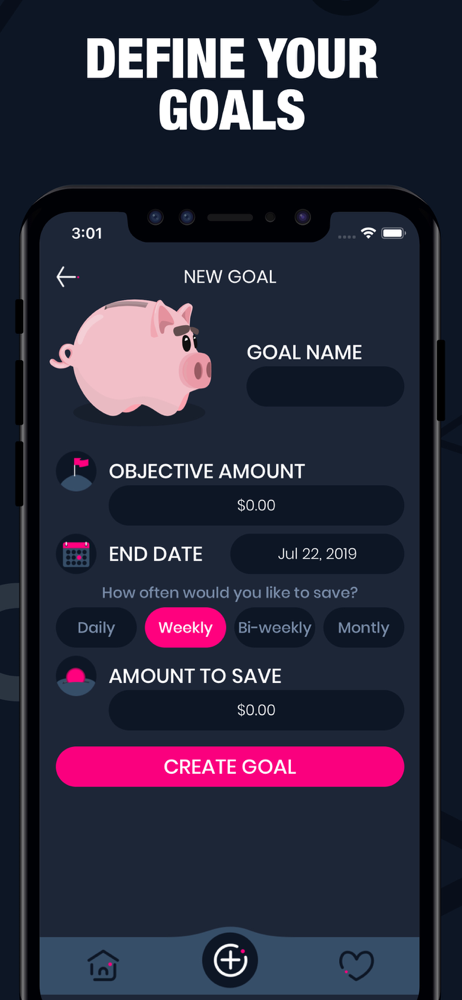
Piggy Goals: Money Saving is an app designed to motivate you and help you save money, by either having a piggy bank where you can save cash any time y...
| Name | Price | Type |
|---|---|---|
| Pro Features By Tip 1 | $2.99 | One-time |
| Pro Features By Tip 2 | $4.99 | One-time |
| Pro Features By Tip 3 | $6.99 | One-time |