Check the acquisition promise
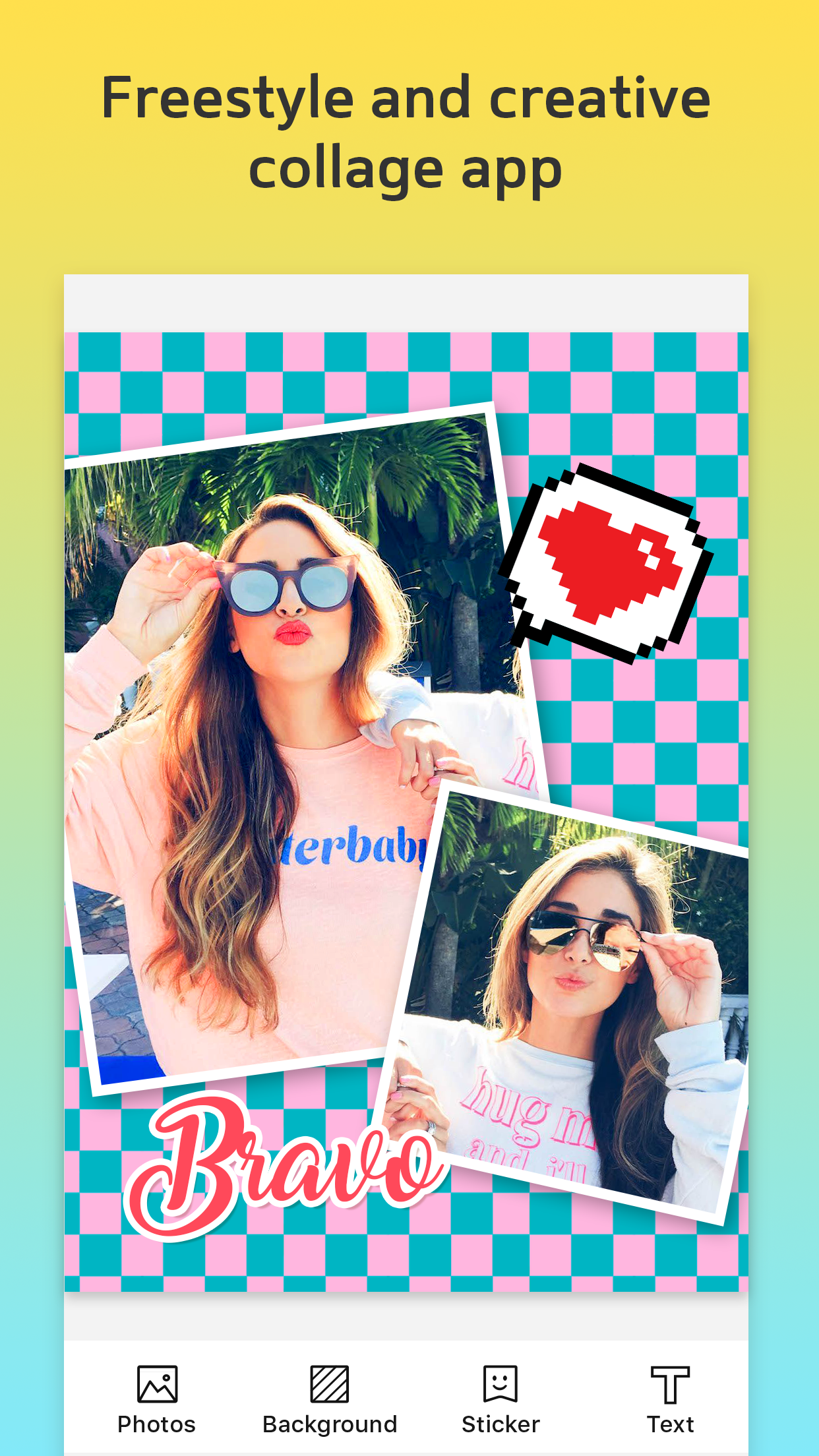
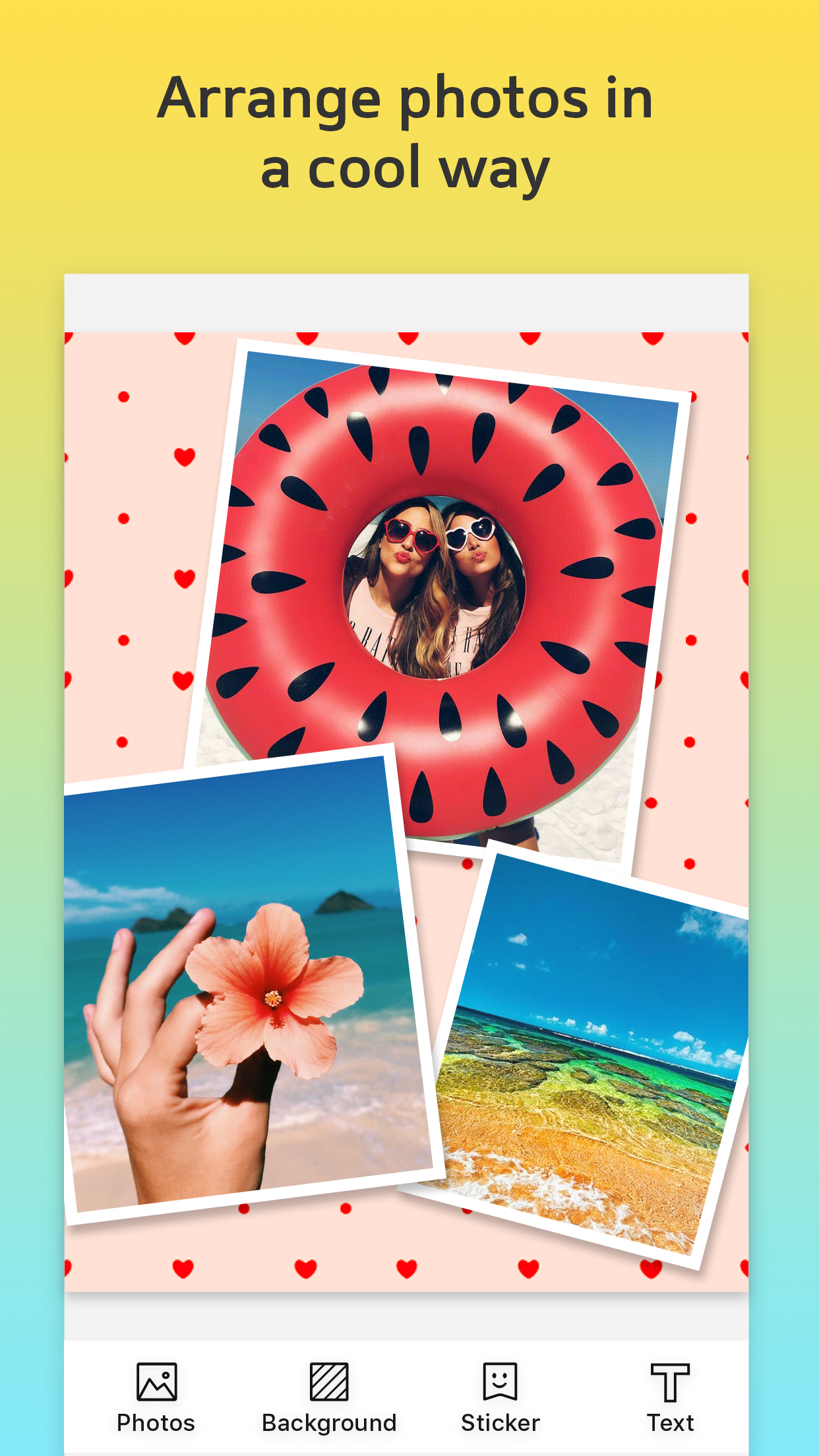
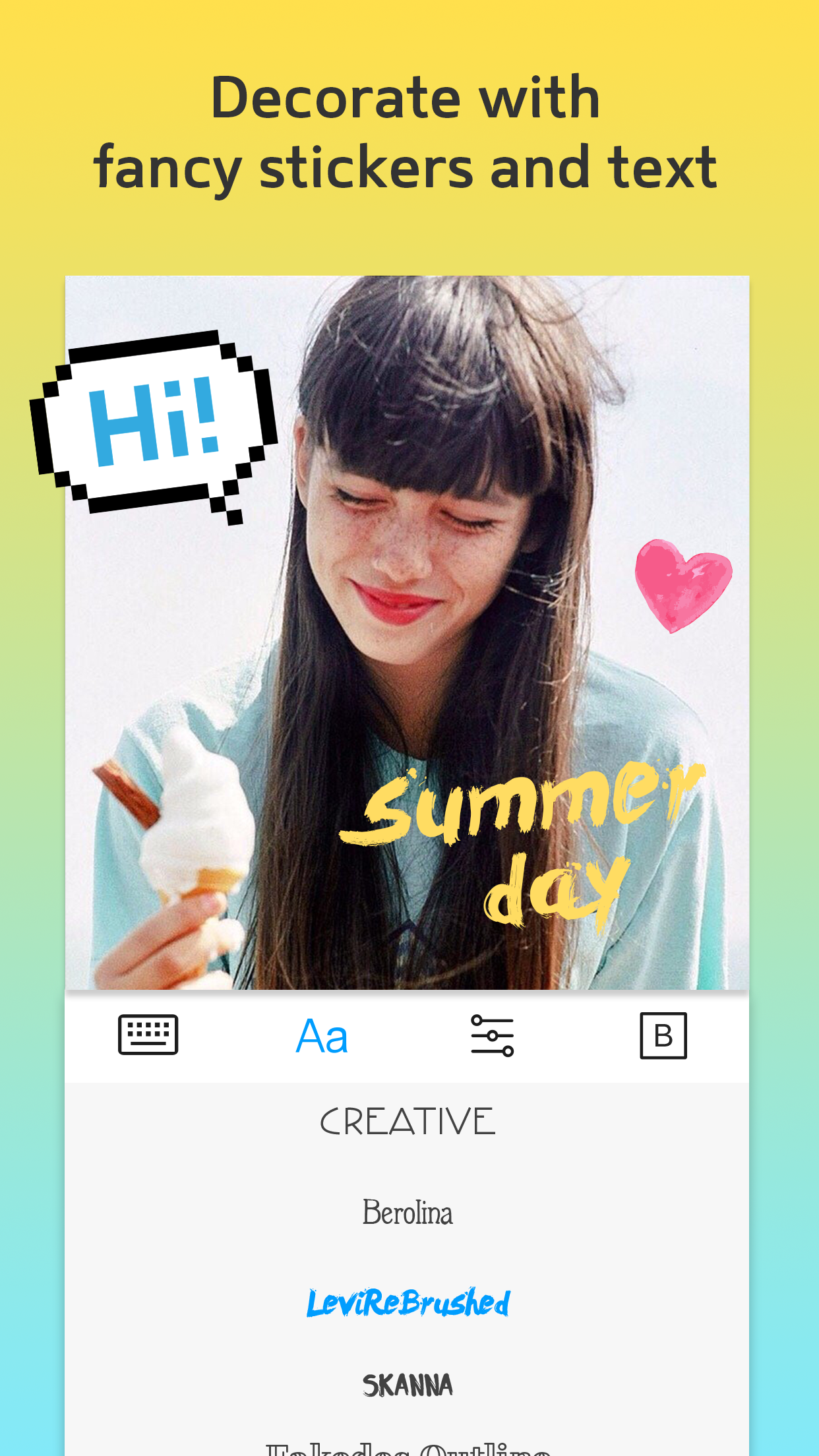
Read the store headline, screenshots and description. What problem is the app promising to solve?
Study the storefront ↗
JINMIN ZHOU · iOS
Explore the ad evidence, study the storefront, and build your next acquisition hypothesis.
01 / Creative research
Read the store headline, screenshots and description. What problem is the app promising to solve?
Study the storefront ↗Explore apps with direct store-link matches. Compare their hooks and formats without assuming the same approach works here.
Browse observed advertisers ↗Store rankings and revenue estimates describe market context. They do not establish ad spend, conversions or ROAS.
Review the market context ↗02 / Storefront & product
Study the product story and store experience behind the acquisition funnel.




03 / Market context
Keep revenue, downloads and store rankings separate from advertising performance.
This won't let me save and when I get the app it looks like a few innocent in-app purchases will fill me up on everything I'll need to find happiness within this app. Not so. First off- it gives me a single font and single color unless I buy more. I respond to generosity with generosity, stinginess turns me away. 2nd- there's many more than those few little purchases filling out the app. 3rd- I really don't want to be forced to use oooh!🌟✨ Instagram✨🌟 just because some people do. I prefer to save in my camera roll and decide from there … Mark Zuckerberg's companies have little place in my life. There's bunches of collage apps, excellent free fonts and motifs for tasteful stickers available online that be used - I need an app to help me put them together.
This app has allowed me to bend the rules when it comes to photo posting apps. Not only can I get in more than a single photo, but text limits are practically abolished. So why the two stars? When your composition is complete, and you hit the Export link, if you uncheck the “Made by Collage” X, the app will freeze. You will not be able to recheck it, select or even scroll through storage destinations. Nothing. The only way to unfreeze it is to minimize the app into the background, give another app your focus, and then return to Collage. From there, you can go back into the functional export feature. Do not uncheck the “Made by Collage” X or you will have to do the unfreeze process all over again.One *very* important feature has disappeared. Save to images. Sure, I can save to other locations, but you should always be able to save images to images. The app settings menu contains a switch that allows Collage to save to the phone images. I have it turned on, and the export to images option is still not there. So now, when I want to save an image to my images/photos, I have to pass through a mid-level bridge app. I generally send myself the image as an instant message and save it from there.I’ve paid for all the extras, and have even bought into another one of this developer’s app. I really like them. They have been clean and easy to use. Until now. I’m now turning to my computer for the creation of collages. If I have to go through a mid-level app, I might as well take advantage of a powerful desktop application.
I've thoroughly been enjoying using this collage app!! There are more things I know it can do than how I'm using it presently, but for my usage now it works perfectly, and I've been enjoying being creative with it!! I would recommend it to others👍😃
It helps you collage your multiple photos into a good looking one. This is a must-have photo editing app if you are keen on sharing amazing photos in...
| Name | Price | Type |
|---|---|---|
| Portrait Filters | $0.99 | One-time |
| Fonts Pack | $0.99 | One-time |
| Pixel Stickers | $0.99 | One-time |
| Classic Filters | $0.99 | One-time |
| Scenery Filters | $0.99 | One-time |
| Basic Bundle | $1.99 | One-time |
| Bubble Stickers | $1.99 | One-time |
| Remove Ads | $1.99 | One-time |
| Filter Bundle | $2.99 | One-time |