Check the acquisition promise
Read the store headline, screenshots and description. What problem is the app promising to solve?
Study the storefront ↗
Pavel Alekseev · iOS
Explore the ad evidence, study the storefront, and build your next acquisition hypothesis.
01 / Creative research
Read the store headline, screenshots and description. What problem is the app promising to solve?
Study the storefront ↗Explore apps with direct store-link matches. Compare their hooks and formats without assuming the same approach works here.
Browse observed advertisers ↗Store rankings and revenue estimates describe market context. They do not establish ad spend, conversions or ROAS.
Review the market context ↗02 / Storefront & product
Study the product story and store experience behind the acquisition funnel.



03 / Market context
Keep revenue, downloads and store rankings separate from advertising performance.
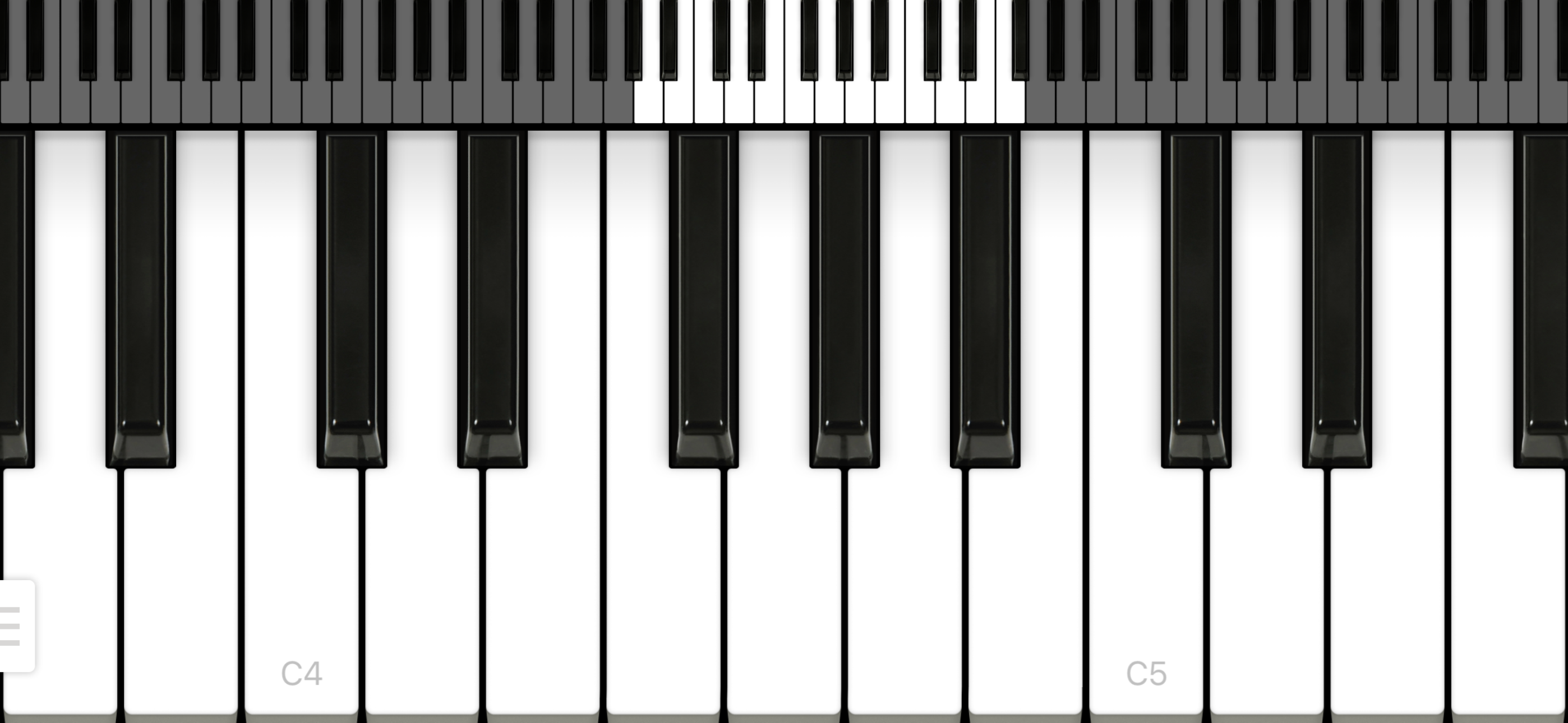
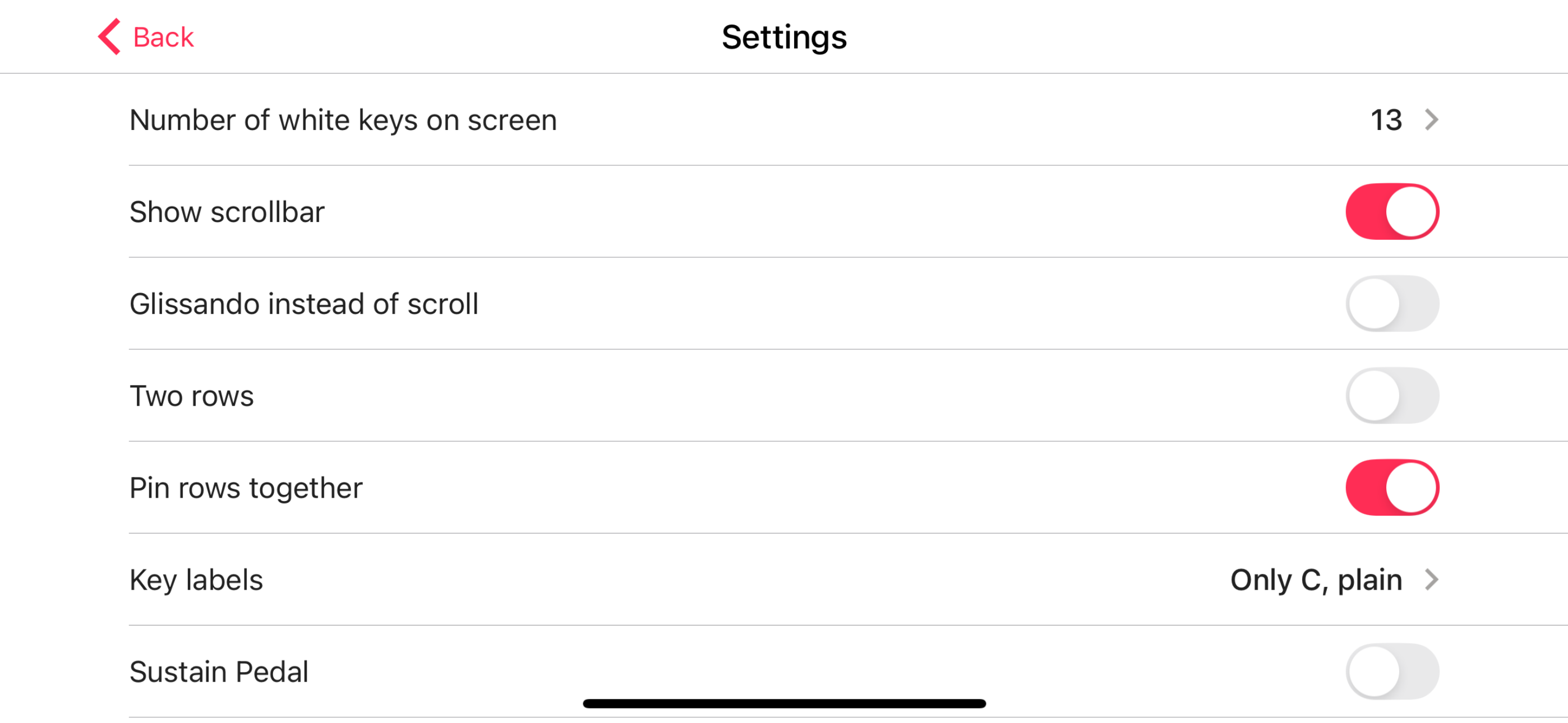
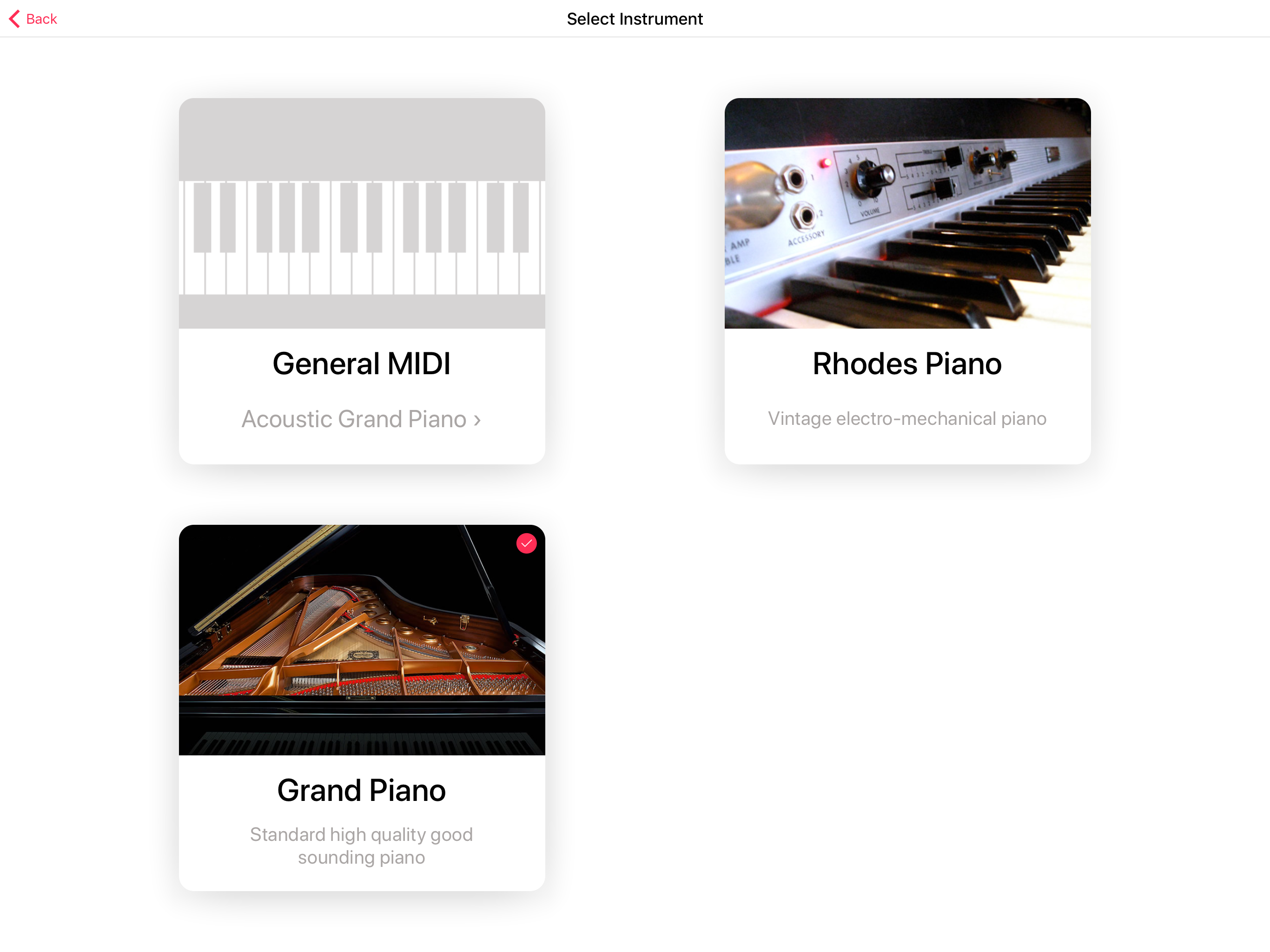
As a pianist wanting to play piano or come up with songs by messing with chords, I have gone through dozens and dozens of piano apps. This app has such amazing sound and good options. You can have two keyboards at the same time so you can glissando and still hit low and high notes quick. The black keys don’t have like 100th of an inch to press them so you CAN actually hit the black keys!! It remembers your settings and it’s just all around the best app I have found.
I‘ve been downloading and then uninstalling almost every popular piano app in the App Store because they all had cluttered UIs, were littered with ads, or were slow and glitchy. This app is perfect!! I can’t believe this app doesn’t have more downloads!! It is so simple and intuitive with no nonsense, the sound is nice and doesn’t glitch when you tap a single note repeatedly, and it opens very quickly. Thank you!!!
Like Apple products, this one “simply works.” Top marks for an elegant, functional piano app that I can depend on anytime I want. I love using this on my iPhone X. The ability to set how many white and black keys appear on the screen at any given time is much appreciated. Suggestion: I would love to see this app be able to do a “split screen” for the iPad … that is, one side Piano For You, and the other side, another app. It would be cool to be able to have sheet music on the other side of the screen, for instance. Thank you!
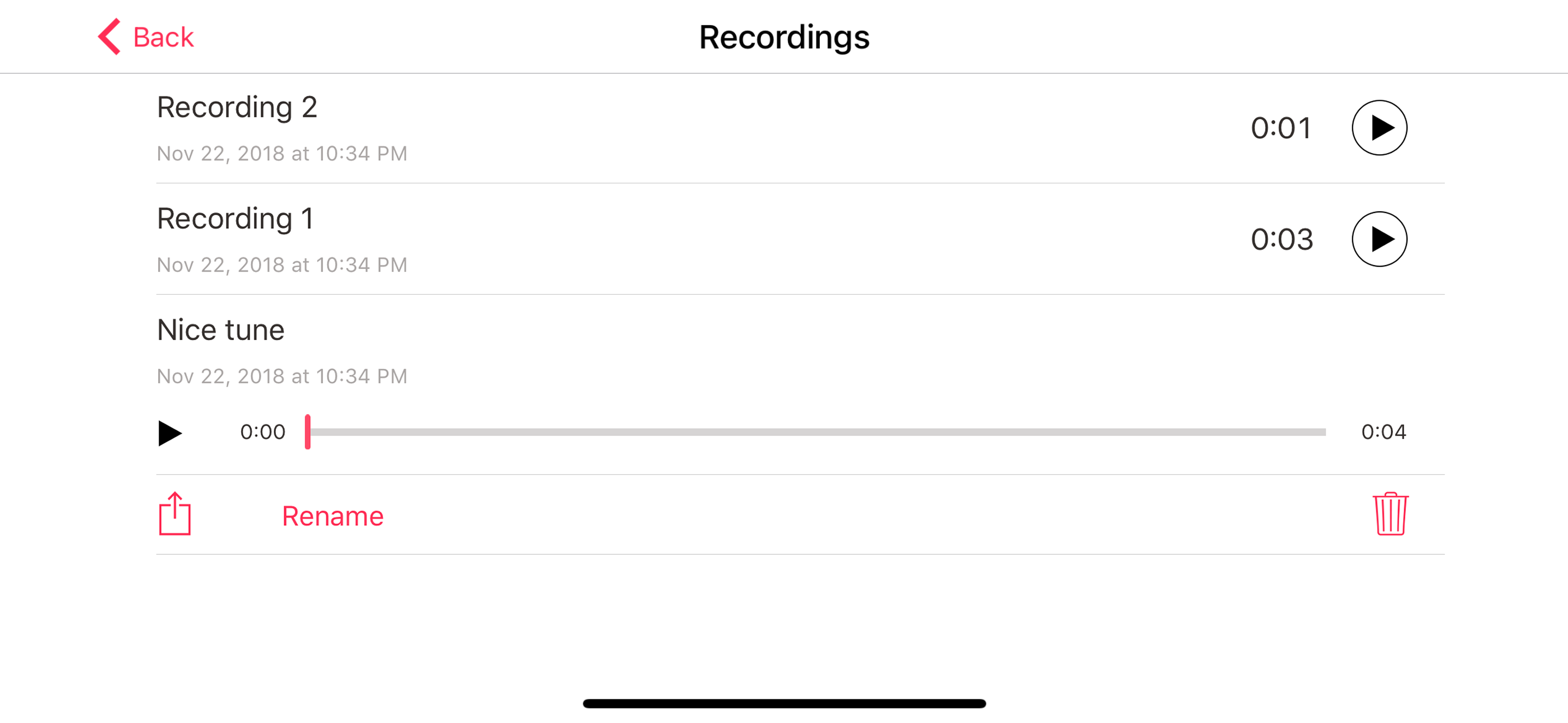
- Instant launch. - Home Screen widget! - Lowest possible latency. - Good looking. - Good sounding. - Option for two rows. - Recording. - Nice key lab...