Check the acquisition promise
Read the store headline, screenshots and description. What problem is the app promising to solve?
Study the storefront ↗
Vitalij Schaefer · iOS
Explore the ad evidence, study the storefront, and build your next acquisition hypothesis.
01 / Creative research
Read the store headline, screenshots and description. What problem is the app promising to solve?
Study the storefront ↗Explore apps with direct store-link matches. Compare their hooks and formats without assuming the same approach works here.
Browse observed advertisers ↗Store rankings and revenue estimates describe market context. They do not establish ad spend, conversions or ROAS.
Review the market context ↗02 / Storefront & product
Study the product story and store experience behind the acquisition funnel.




03 / Market context
Keep revenue, downloads and store rankings separate from advertising performance.
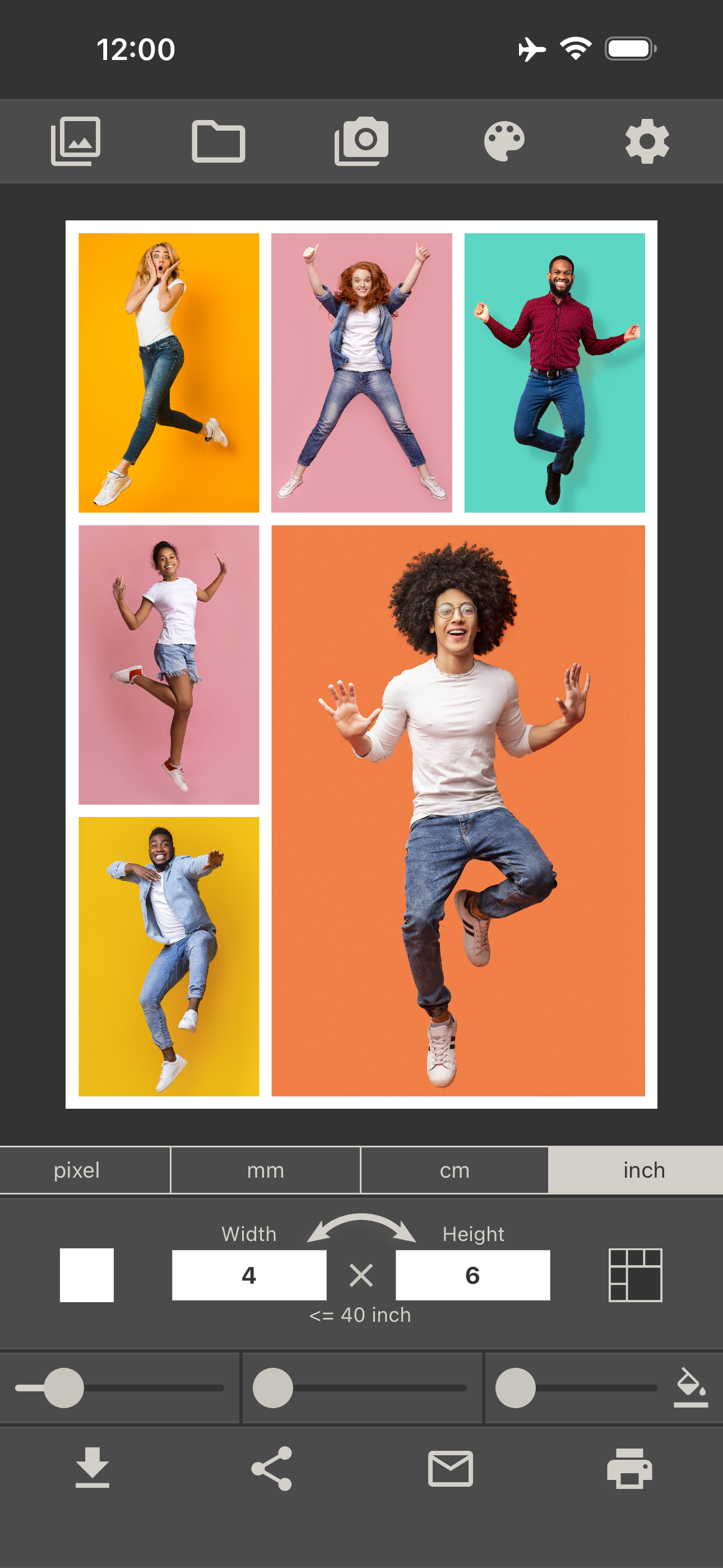
Hi there i love this app but it doesn’t print borderless on 4x6 from my phone (maybe other size as well) but it prints from my computer. so my workaround is to make your collage and save it to your phone. Then open the app that comes with your printer (mine is canon) and open that collage there and check your printer settings. My app automatically picked up that it is a borderless 4x6 and hit print. It’s super fast and ez to do. Love this app and been printing lots of tiny photos for my journals!
I purchased (unlock all for 5.99) this app on my iPad. Great app lots of options. However, app auto shared to my iphone X but didn’t carry over the purchase. Do I have to purchase all the features again for my iPhone to function with all features? And yes it is the same apple account. Update: Developer contacted me and advised me to “restore in-app purchase” and all is good. Plus I learned something today, always a good thing.
Recently I downloaded and tried more than a dozen collage apps for a project I was undertaking. I wanted a high-resolution image for printing, and I *love* this app’s ability to create high-quality collages for very specific dimensions. Mine looked great! However, for my use, one feature was missing—the ability to move borders left/ right or up/down to resize the cells of the collage. I like how the developer responds to these reviews, so I ask: Can we expect this feature, common to many collage apps, to be available soon in your Photo Collage app? If so, then you’re the one for me! If not, I’ll still use this when I don’t have need or desire to adjust cell sizes.
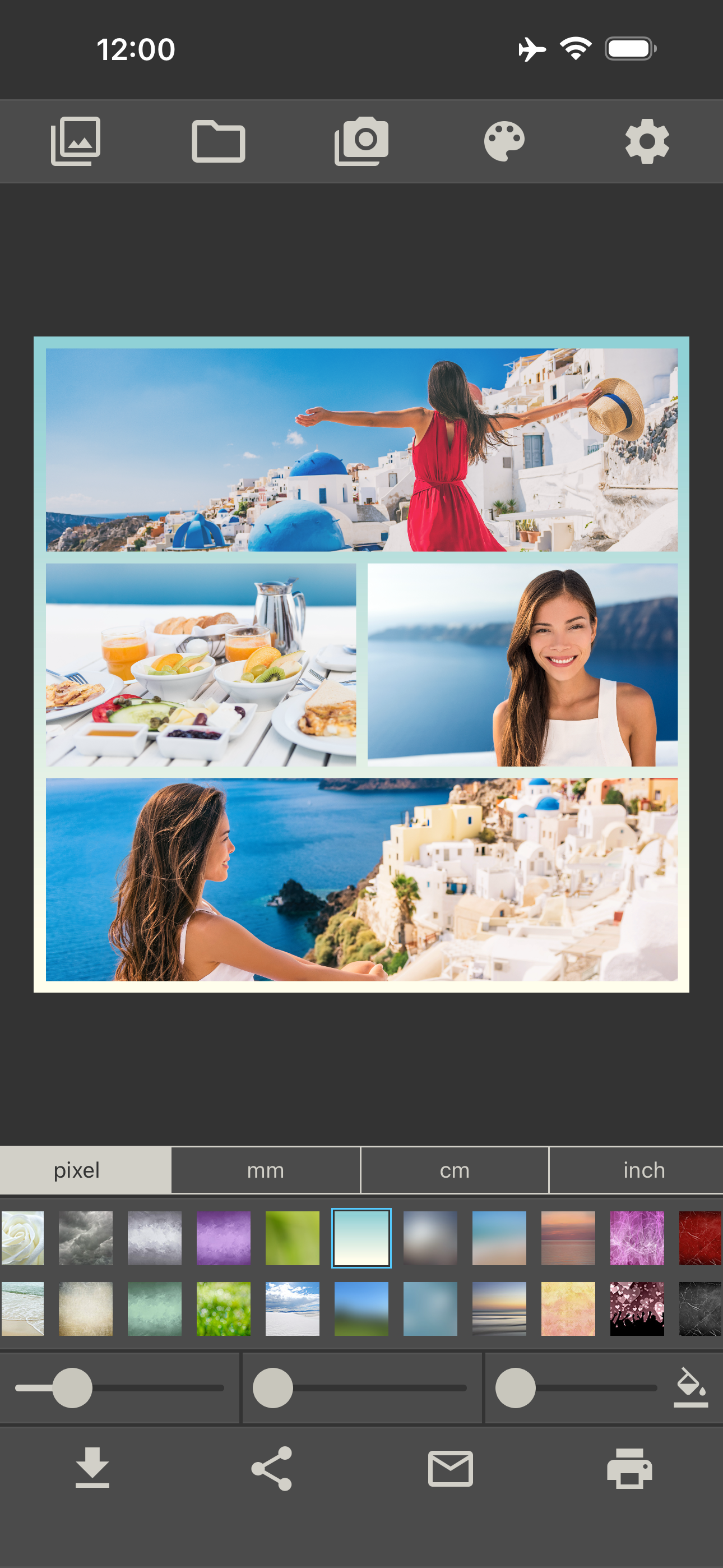
This is not just another collage app. This app creates photo collages in the exact size that you want! Do you need a photo collage in size 2560 x 14...
| Name | Price | Type |
|---|---|---|
| Unlock all collage layouts | $9.99 | One-time |
| Remove Ads | $9.99 | One-time |
| Unlock all background images | $9.99 | One-time |
| Unlock all features and remove ads | $29.99 | One-time |