Check the acquisition promise
Read the store headline, screenshots and description. What problem is the app promising to solve?
Study the storefront ↗
zhu xianlong · iOS
Explore the ad evidence, study the storefront, and build your next acquisition hypothesis.
01 / Creative research
Read the store headline, screenshots and description. What problem is the app promising to solve?
Study the storefront ↗Explore apps with direct store-link matches. Compare their hooks and formats without assuming the same approach works here.
Browse observed advertisers ↗Store rankings and revenue estimates describe market context. They do not establish ad spend, conversions or ROAS.
Review the market context ↗02 / Storefront & product
Study the product story and store experience behind the acquisition funnel.

03 / Market context
Keep revenue, downloads and store rankings separate from advertising performance.
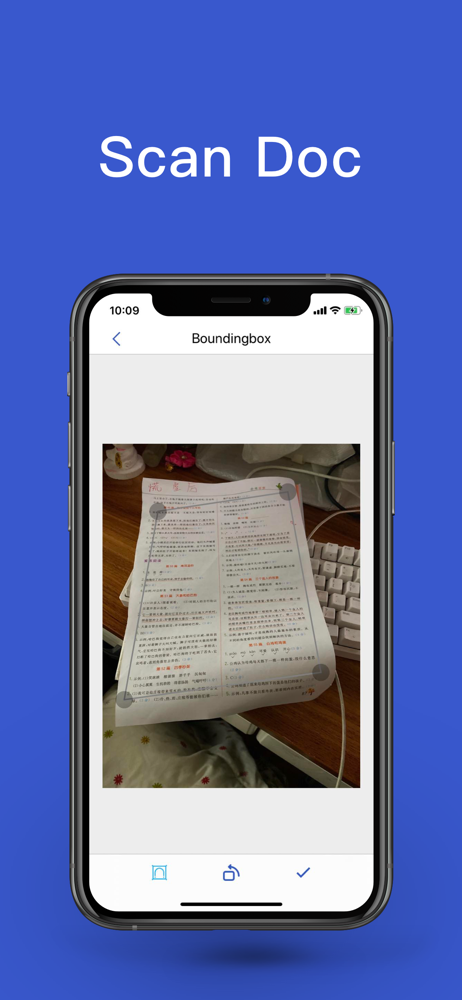
Bonjour, Le cloud de votre app porte le nom suivant : Boudingbox. Je ne trouve pas cela très correcte. Je n’ai pas la main pour effectuer les modifications. Pouvez-vous modifier avec une appellation plus correcte et plus neutre svp ? Veuillez agréer, Madame, Monsieur, mes salutations distinguées. Delphine Prost
I've been using this app for years, it is everything you could want from an app like this. It's easy to use, versatile, faxing is cheap and easy (I rarely use that function but the couple times I needed to it worked flawlessly) It's a 10 star app in a 5 star rating system. I have recommended this app to everyone I have spoken to that needs to scan, email or fax documents while not near a computer, scanner or fax machine!
I did a big scanning job for a court case. There were many pages of all different sizes. Some pages were 2 sided. This job was deemed impossible with a regular desktop scanner that could not accommodate small pages mixed with larger pages nor could it determine if a page was 2-sided. I used the basic Scanner Pro software to scan everything. This was several years ago and as I recall there were several thousand odd sized pages and the job took about 2-1/2 days. I just set up a work station and was able to rapidly flip and snap the pages. The small pages and 2-sided pages were under my control while I flipped and snapped. The job went smoothly.
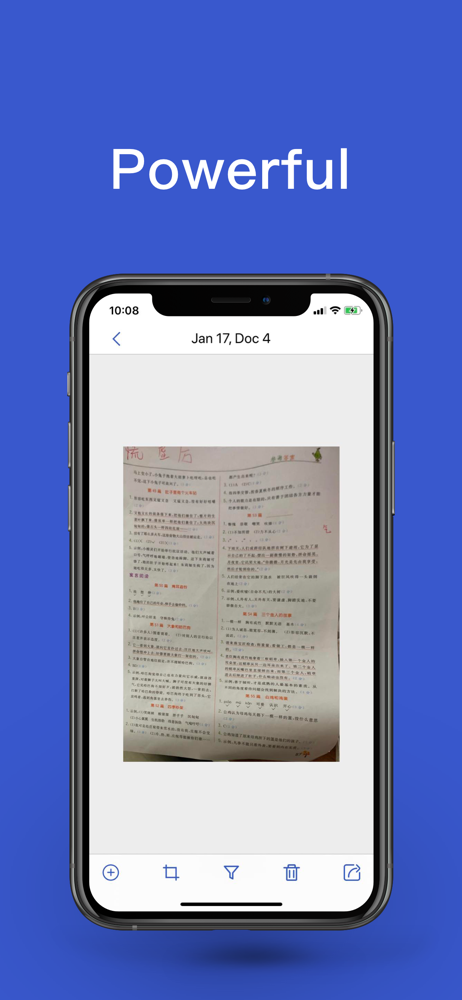
PDF Scanner App will turn your iPhone into a powerful mobile scanner. Quickly scan, edit, save, and share any document in PDF. Scan anything: documen...