Check the acquisition promise
Read the store headline, screenshots and description. What problem is the app promising to solve?
Study the storefront ↗
Danny Zacharias · iOS
Explore the ad evidence, study the storefront, and build your next acquisition hypothesis.
01 / Creative research
Read the store headline, screenshots and description. What problem is the app promising to solve?
Study the storefront ↗Explore apps with direct store-link matches. Compare their hooks and formats without assuming the same approach works here.
Browse observed advertisers ↗Store rankings and revenue estimates describe market context. They do not establish ad spend, conversions or ROAS.
Review the market context ↗02 / Storefront & product
Study the product story and store experience behind the acquisition funnel.

03 / Market context
Keep revenue, downloads and store rankings separate from advertising performance.
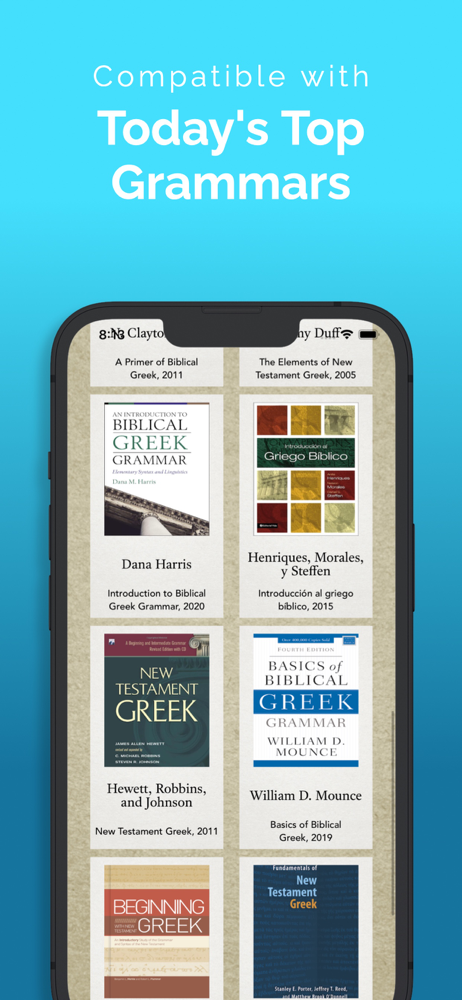
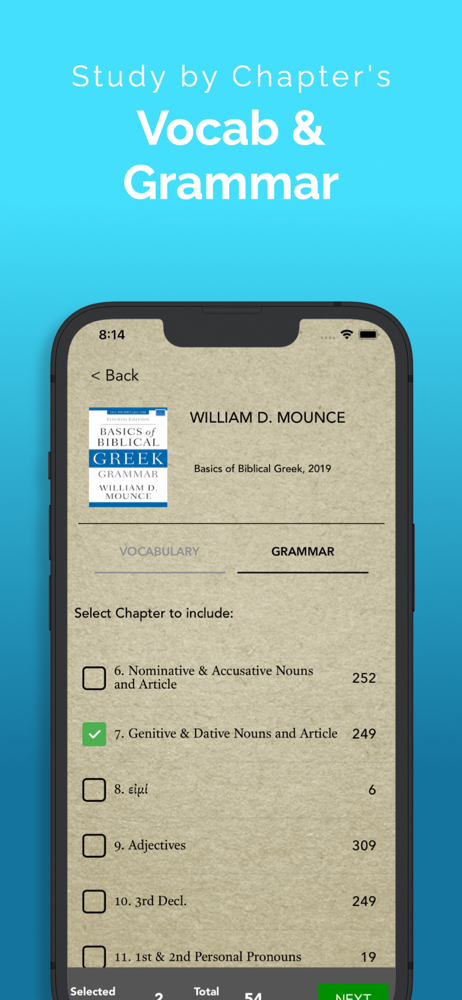
This is an excellent app overall, and works with many different grammar books. However, it doesn’t save your progress when going through lists, which is extremely frustrating! Hopefully the developer will address this. *** The developer let me know that you can use the filter to exclude certain words after getting them correct a user-defined number of times. In this way you can keep from having to do the same words over again if you can’t finish your current session. This works I suppose!
As another reviewer has said, I would send these concerns to the developer if there was a place for bug reporting, so call that a meta-bug. Another meta-bug is that there is no version information in the app so I have no way of knowing if I have the latest version, and there is no “update” feature in the app or on this page. How do we update? Bugs: there are parse errors, e.g., οιδασιν is listed as a perfect. More bothersome is that random presentations of more than one correct parsing accept only one of the solutions (this often comes up with AccSingMasc and Nom/AccPluralNeuter, e.g.). Answering the other one is marked “wrong.” Then when the word comes round again, it might be looking for the other solution. Or it might not, and the right solution must be guessed or it keeps coming back as a missed question. The case of multiple correct answers needs to be handled better. I also shut down for a while when I was being presented with questions that were outside the scope of my reading. I think participles might have popped up before I got there in my text. I am back to the app now, and bothering to write this review, because of the very useful feature of spanning verbal moods, e.g., indicative and participles. That is a tough skill for me, and I really appreciate ParseGreek’s help in learning it. I haven’t focused on the many great qualities of this app, but the drawbacks mentioned above have been pretty close to deal breakers for me.
This is a great app. But it has a bug and this was the only way to share the bug. Hoping for an update soon. The bug is that I can only get so far in a vocabulary set with the show lexical form selected in the settings. But when you try to select the lexical form there is sometimes no list to choose from...or there might be one or two words to choose from but the correct one doesn’t show up.....or the option to choose the lexical form appears but there is no list at all. Of course you can’t go on. I have to restart the app. But I will continue running into the same problem. I’ve tried the coo on vocabulary set or the Black set or the Mounce set, up but I will run into the same problem at some point. Some times its only 26 or 30 entries into the quiz at other times it’s longer. But it will always stop me dead at some point.
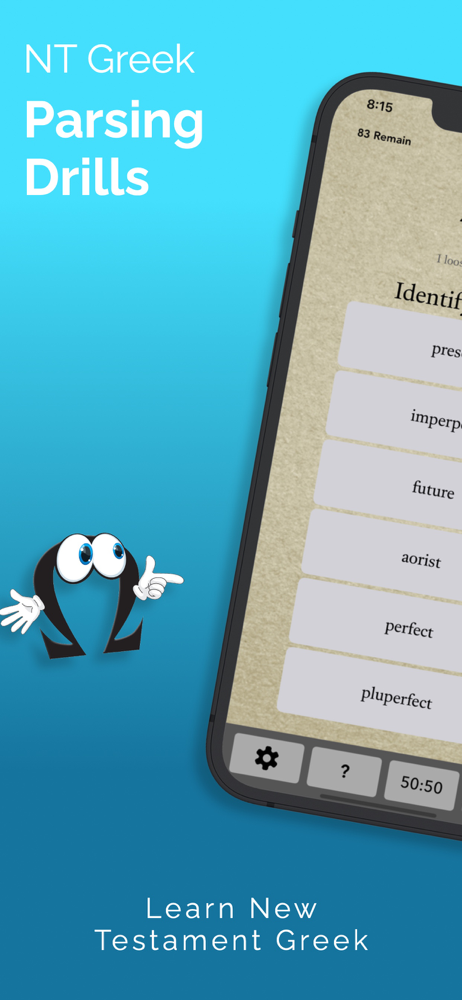
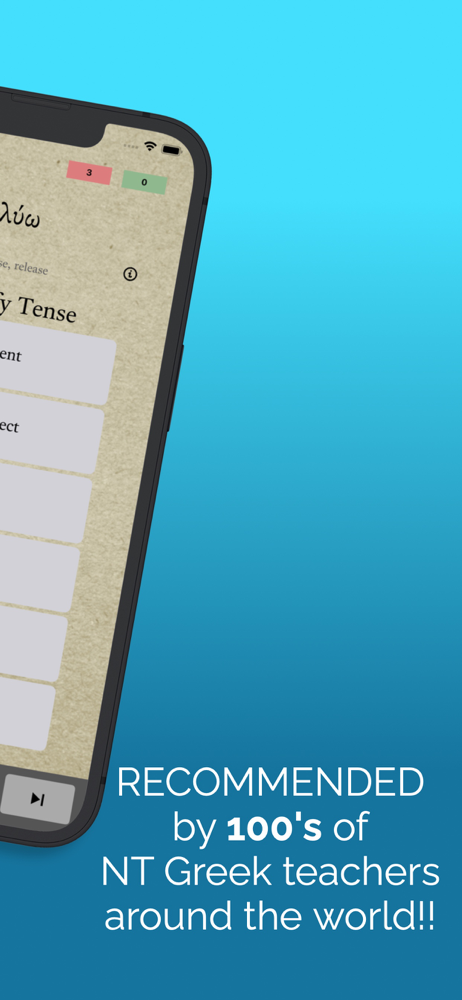
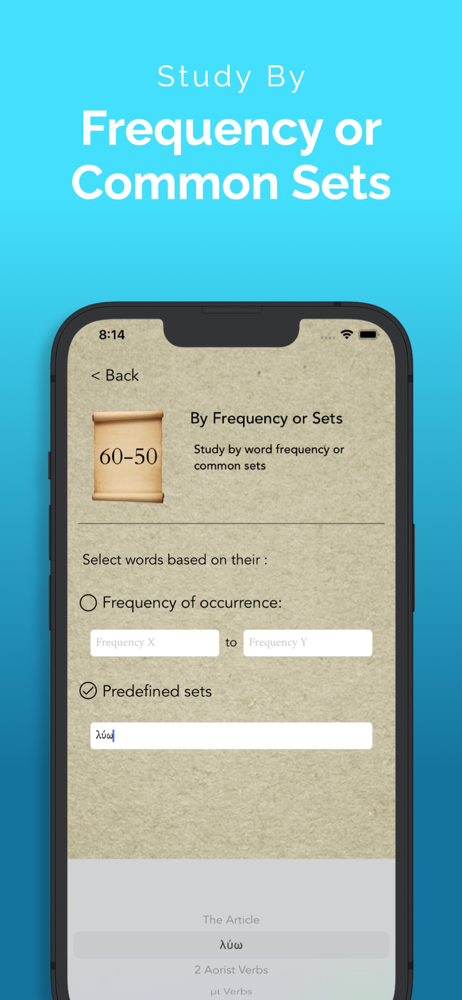
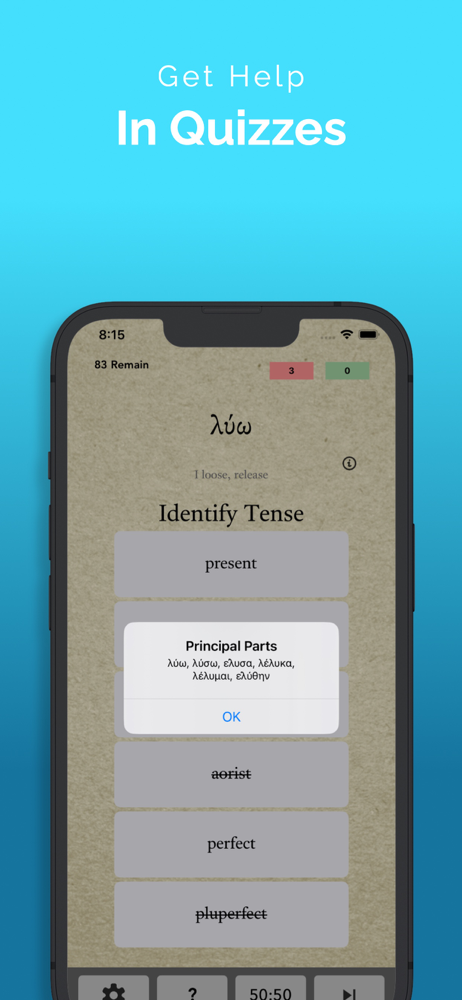
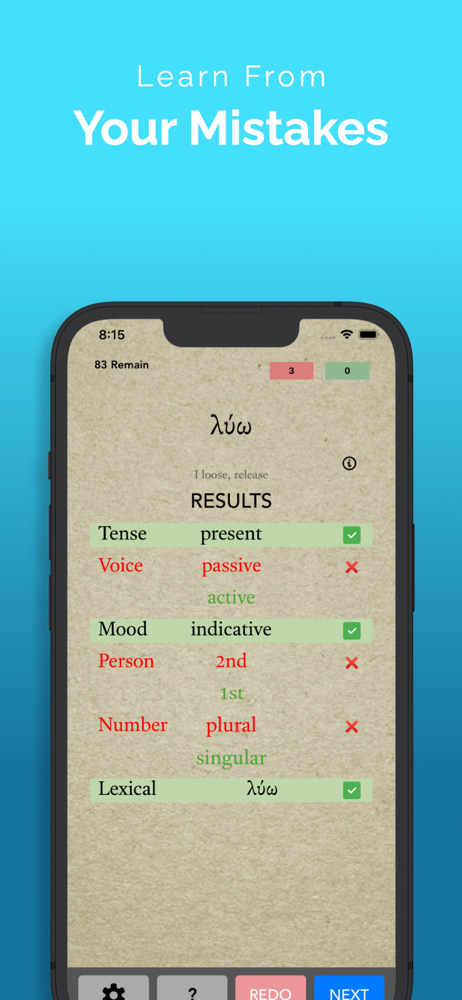
From the makers of FlαshGrεεk — ΠαrsεGrεεk is designed to help students of New Testament Greek by quizzing them on the parsing of verbs, nouns, adject...