Check the acquisition promise
Read the store headline, screenshots and description. What problem is the app promising to solve?
Study the storefront ↗
Sandro Pennisi · iOS
Explore the ad evidence, study the storefront, and build your next acquisition hypothesis.
01 / Creative research
Read the store headline, screenshots and description. What problem is the app promising to solve?
Study the storefront ↗Explore apps with direct store-link matches. Compare their hooks and formats without assuming the same approach works here.
Browse observed advertisers ↗Store rankings and revenue estimates describe market context. They do not establish ad spend, conversions or ROAS.
Review the market context ↗02 / Storefront & product
Study the product story and store experience behind the acquisition funnel.





03 / Market context
Keep revenue, downloads and store rankings separate from advertising performance.
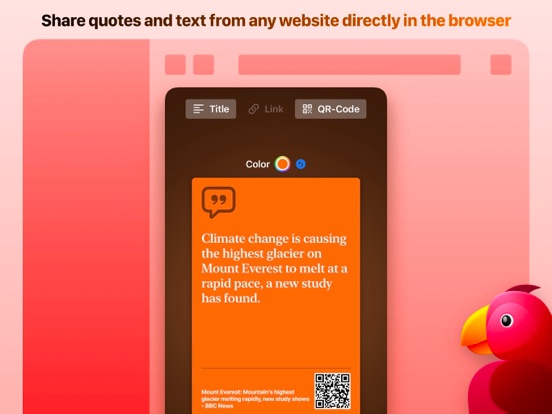
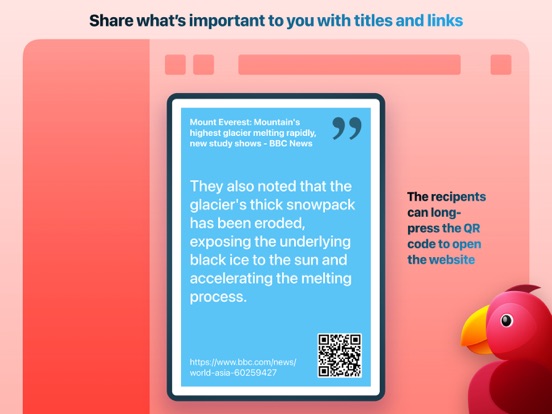
UPDATE: Ok! After a second iPhone reboot, Parrot now appears in the Share menu, right below Copy. Great way to capture some text, send it plus URL as a . PNG, to highlight or emphasize for your recipient. Teaser snippet rather than TL;DR summary. Original+first update: Nice idea, which worked (on my up-to-date-iOS iPhone) first time. But subsequently, Parrot disappeared from the Share menu, and it is not available under (either) Edit to add back in. Deleting/reinstalling doesn’t add it back oddly. Virtual toast, as far as I can see. Thanks for the suggestions, Sandro. Alas no change with fresh install of vers 1.3 or rebooting the phone. Parrot simply doesn’t appear as an option either for sharing or for adding to the share list.
Very low key application at this point. I thought developer will keep working hard to make it better but … My device: iPhone 14 Pro Max (Latest iOS), iPad Pro 12.9” (3rd generation, 2018, latest iPadOS) Note: I regularly update my review/rating for this application.
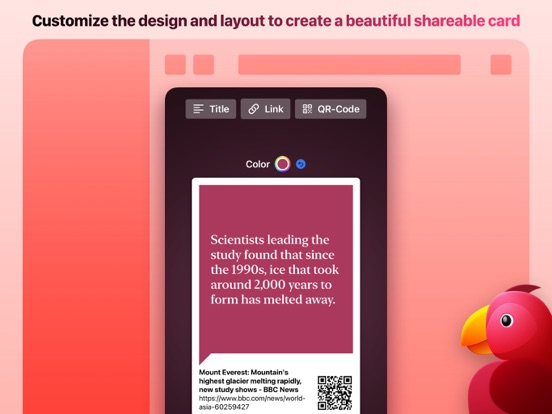
No more sharing screenshots of websites with selected text to highlight a selection or quote. With Parrot you're creating beautiful cards with just a...