
Check the acquisition promise
Read the store headline, screenshots and description. What problem is the app promising to solve?
Study the storefront ↗
Sergei Komarov · iOS
Explore the ad evidence, study the storefront, and build your next acquisition hypothesis.
01 / Creative research
Read the store headline, screenshots and description. What problem is the app promising to solve?
Study the storefront ↗Explore apps with direct store-link matches. Compare their hooks and formats without assuming the same approach works here.
Browse observed advertisers ↗Store rankings and revenue estimates describe market context. They do not establish ad spend, conversions or ROAS.
Review the market context ↗02 / Storefront & product
Study the product story and store experience behind the acquisition funnel.


03 / Market context
Keep revenue, downloads and store rankings separate from advertising performance.
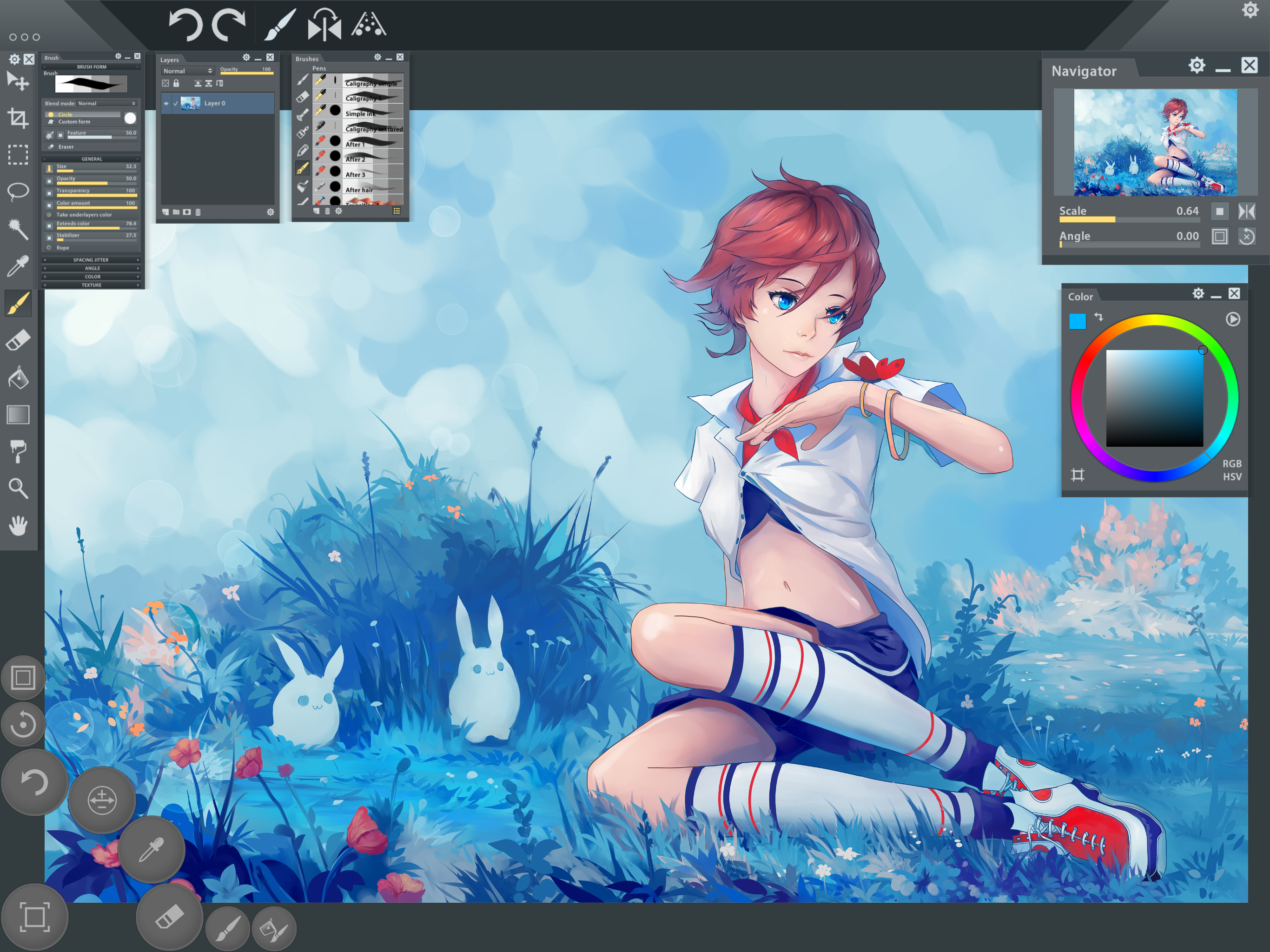
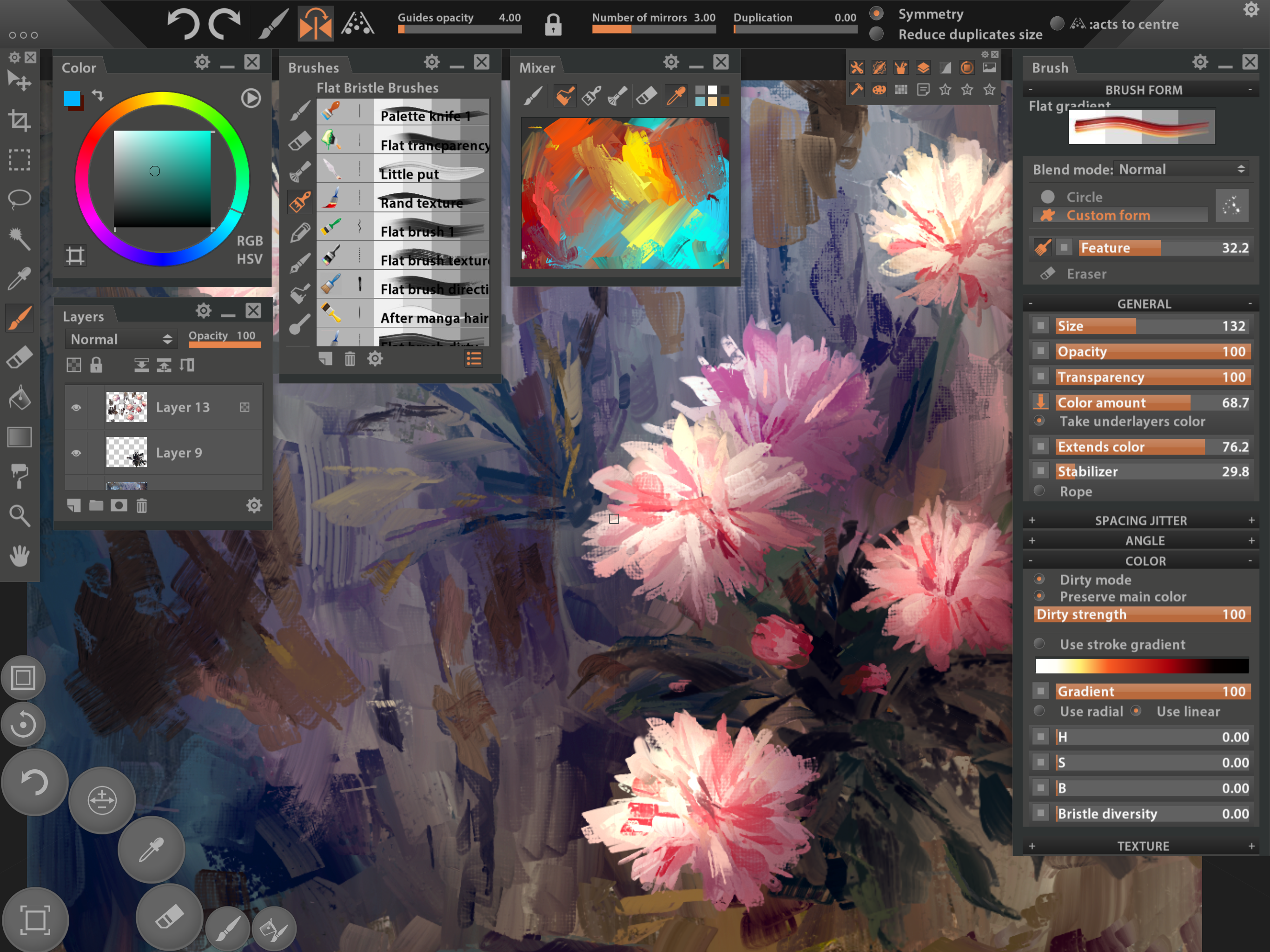
At its core, I’m incredibly impressed. It is the most desktop-like app I’ve worked with outside of a traditional computer environment. I’m running this on a 2020 iPad Pro 12.9 and the larger screen is much needed for all that’s going on with the interface. The good: The paint simulation is as good as anything else out there, including ArtRage, in my opinion. The amount of customization that can be done with the interface is superb. A lot of companies could learn from this design. Creating new documents with canvas textures is a breeze and looks great. Customization of brushes is, again, staggeringly good. There’s almost nothing you can’t change to your liking. The bad: Forget about working at high resolution. The app cannot handle anything beyond mid-rez sizes. At high resolutions, the app slows down to be completely unusable. Even at mid-size resolutions, once the brush gets large, it lags to the point of being unworkable. The app crashes more than any other app I’ve worked with. The interface freezes sometimes and other times certain functions cease to work without a complete restart. Despite the amazingly detailed interface, there are a lot of things that are pretty clunky. Working with a reference image in a separate panel, for example, is so convoluted. I don’t know why I can’t just pull in an image from my photo library like ArtRage. There have been very few recent updates and none over the past few years have addressed the serious lag while using bigger brushes. That leads me to believe it will not be addressed in software. Maybe the M1 and M2 iPads are not having the slowdown problem. With all of these negatives, I still love the app. If the lag issues could be resolved, it would be almost perfect. UPDATE: After using this app for a few weeks, I have decided to abandon it. While it has some amazing functionality, the crashes and bugs and sluggishness is way too anxiety-inducing.
First, let me say that I love this app. The interface and number of options are unique and fun to use. The only complaint I have at the moment is the brush lag, where the brush stroke comes behind where the Apple Pencil is on the screen. If this is fixed, I will likely give a five star rating. I don’t think I have seen any updates for this app in a couple of years, at least. Which is a shame, because it is a great app.
While I found myself disappointed in Procreates lack of features, this app was WELL worth the heftier price tag for me. Paintstorm was actually the first desktop art app ive purchased in many years, after happily using open source software, and i was delighted to see it, essentially in FULL, on the ipad pro. Paintstorm has one of the best brush engines I’ve ever used. Its the closest to Sai in its blending and stroke correction ive felt, personally. It also has a fantastic little hotkey menu down in the bottom left that I use constantly to resize my brush on the fly and switch between brush and eraser all without moving my pencil from the canvas. I do wish that it had more saving and export options, and the ability to import an image as a layer to make adding textures easier, and the ability to import textures for brushes from the camera roll. But these are all things I can happily deal with. Paintstorm strikes the balance I wanted. Enough features for serious painting, start to finish, a great brush engine, and a highly customizable interface. If youre used to drawing in full desktop apps and want that experience on your iPad, i highly recommend this app.
Paintstorm Studio is the first iOS App designed not only for simple sketches, but professional digital painting of any level, genre and technique. Pai...
