Check the acquisition promise
Read the store headline, screenshots and description. What problem is the app promising to solve?
Study the storefront ↗
Stephen Coyle · iOS
Explore the ad evidence, study the storefront, and build your next acquisition hypothesis.
01 / Creative research
Read the store headline, screenshots and description. What problem is the app promising to solve?
Study the storefront ↗Explore apps with direct store-link matches. Compare their hooks and formats without assuming the same approach works here.
Browse observed advertisers ↗Store rankings and revenue estimates describe market context. They do not establish ad spend, conversions or ROAS.
Review the market context ↗02 / Storefront & product
Study the product story and store experience behind the acquisition funnel.


03 / Market context
Keep revenue, downloads and store rankings separate from advertising performance.
I was excited to find this program where I could use linking to turn the music rather than facial gestures because I am a vocalist as well as play. I stumbled across this app in my search and downloaded it onto my phone to try. It worked beautifully. The app description showed it compatible with the iPad- has a screenshot of the fully customizable setting section- so I bought it. However, Upon downloading it to my iPad there is no option showing up for winking instead of mouth movement, which is most disappointing because I would be using my iPad for my music rather than my iPhone. I uninstalled and reinstalled the app hoping it was just a glitch but I have yet to find a successful way to find this particular feature- which was the whole reason I bought this app.
This app seems to detect my facial gestures better than others. I was hoping it might allow scrolling through a zoomed in page. I want to have a way to play music off my phone in landscape mode where I use gestures to scroll down one section of the zoomed in page at a time. I don’t have an iPad where a full page makes sense. Maybe in a future release!
UPDATED REVIEW: This is a great app for musicians! I was looking for something that would help me turn pages handsfree, and this one works great. You can use either your mouth or eyes to turn the page, and of course adjust the sensitivity of each. I use my eye by winking. It’s so great that it knows the difference between a blink and a wink. You also can wink your right eye to move forward, and your left one to move backward. I store all of my music in the cloud and then can access everything from there. I was having an issue with the app constantly crashing when I first got it, see previous review below, but after I left the review, Stephen, the developer reached out to me to see what he could do to fix it. We worked together to get it to stop crashing, and he went above and beyond to get it fixed. It works perfectly now, and I couldn’t be happier with it. I plan on using this on my iPad for most of my practicing now, it truly is a wonderful app. I would highly suggest this to all musicians, it’s worth it!! Excellent app when needing to play music and turn pages, but can’t recommend because if you’re in the middle of playing a song it crashes. It doesn’t work to have to reopen the app and try to find your place again in the middle of playing a piece. If they fix the constant “crashing” part, would highly recommend it so far.
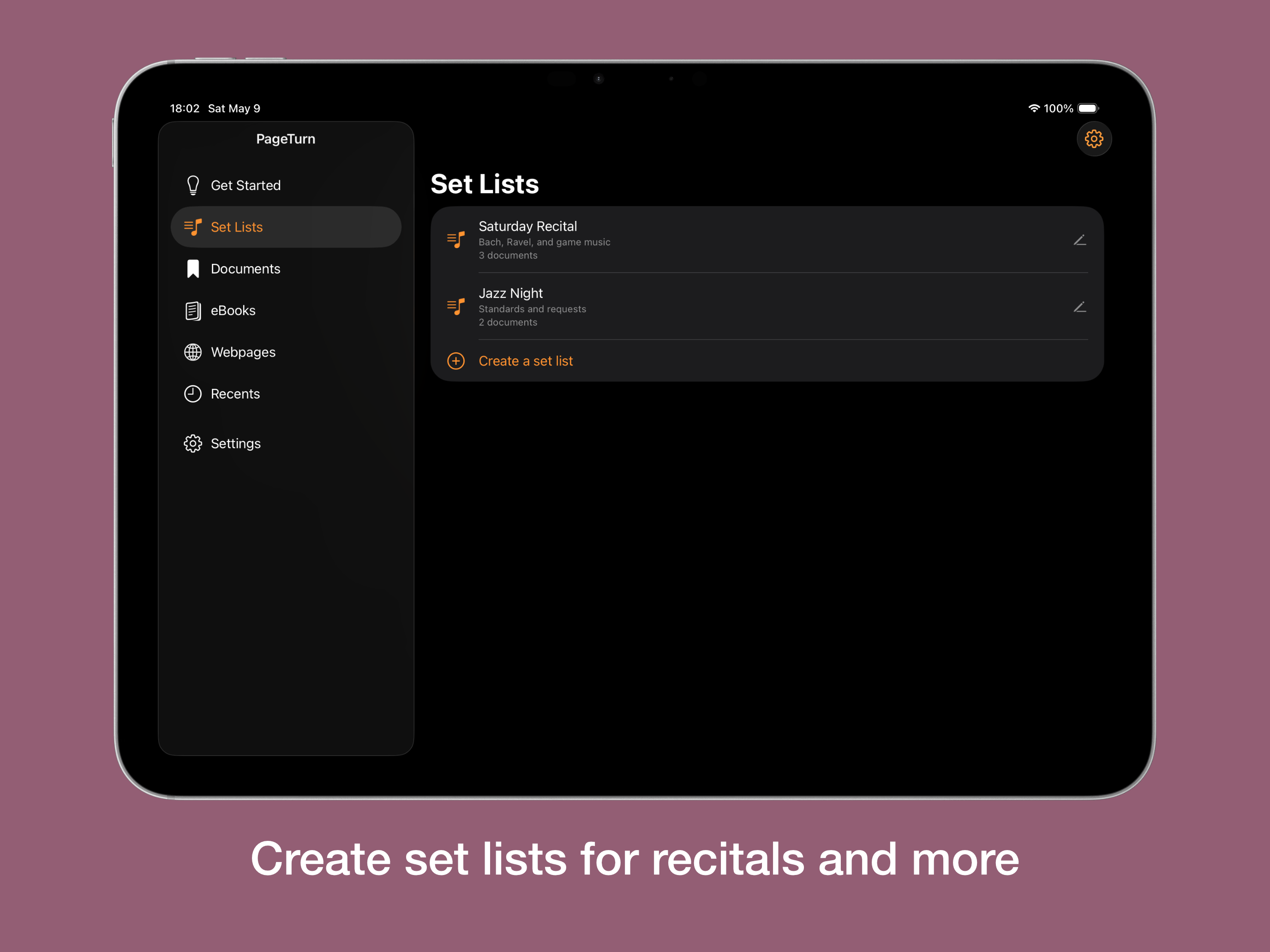
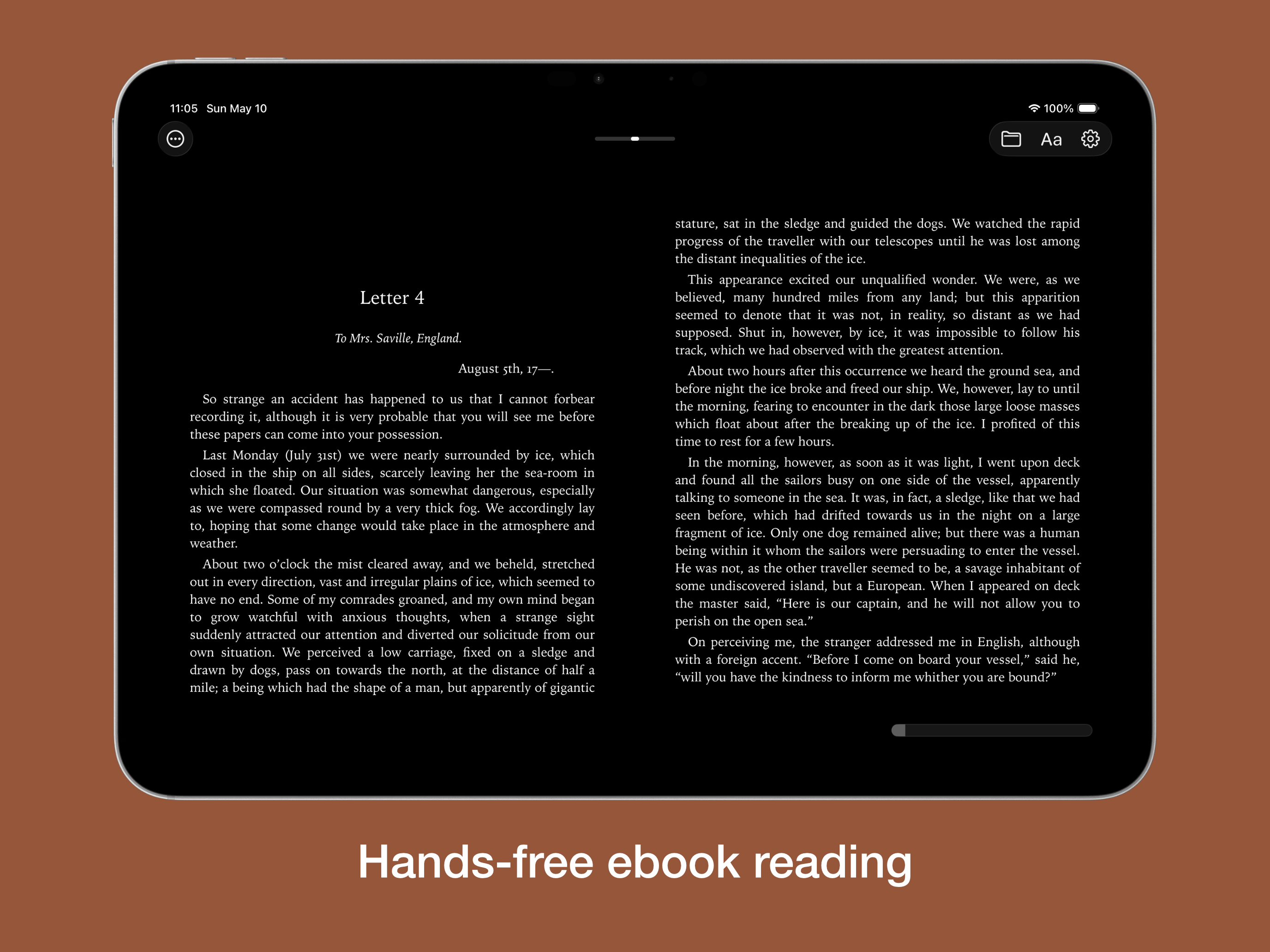
Navigate scores, PDFs, ebooks, and webpages hands-free with simple facial gestures. Designed with musicians in mind, PageTurn lets you turn pages or...
| Name | Price | Type |
|---|---|---|
| Feature Unlock - Monthly | $1.99 | Monthly |
| Full Feature Unlock | $9.99 | One-time |
| Feature Unlock - Yearly | $14.99 | Yearly |