Check the acquisition promise
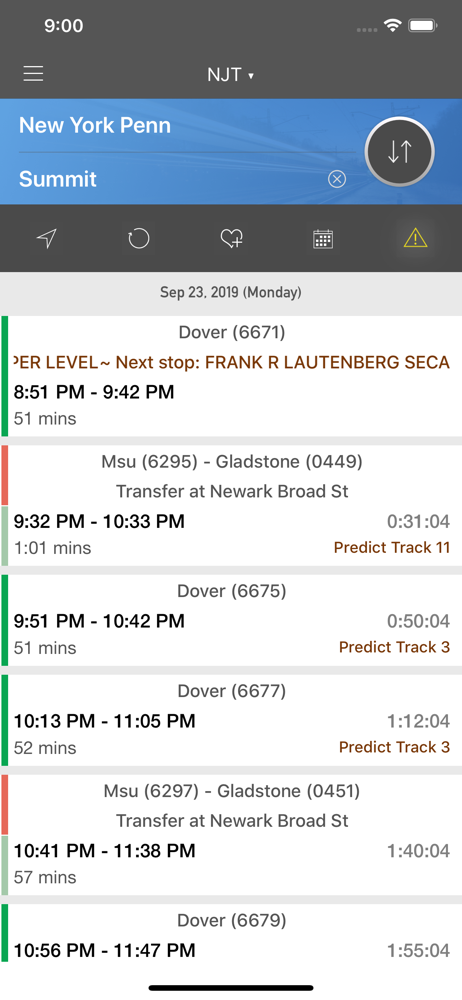
Read the store headline, screenshots and description. What problem is the app promising to solve?
Study the storefront ↗
Mobileware Inc. · iOS
Explore the ad evidence, study the storefront, and build your next acquisition hypothesis.
01 / Creative research
Read the store headline, screenshots and description. What problem is the app promising to solve?
Study the storefront ↗Explore apps with direct store-link matches. Compare their hooks and formats without assuming the same approach works here.
Browse observed advertisers ↗Store rankings and revenue estimates describe market context. They do not establish ad spend, conversions or ROAS.
Review the market context ↗02 / Storefront & product
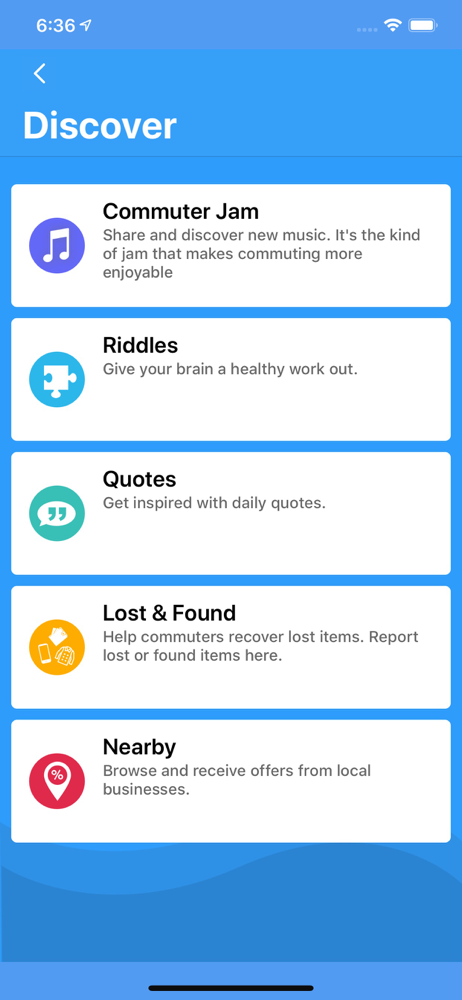
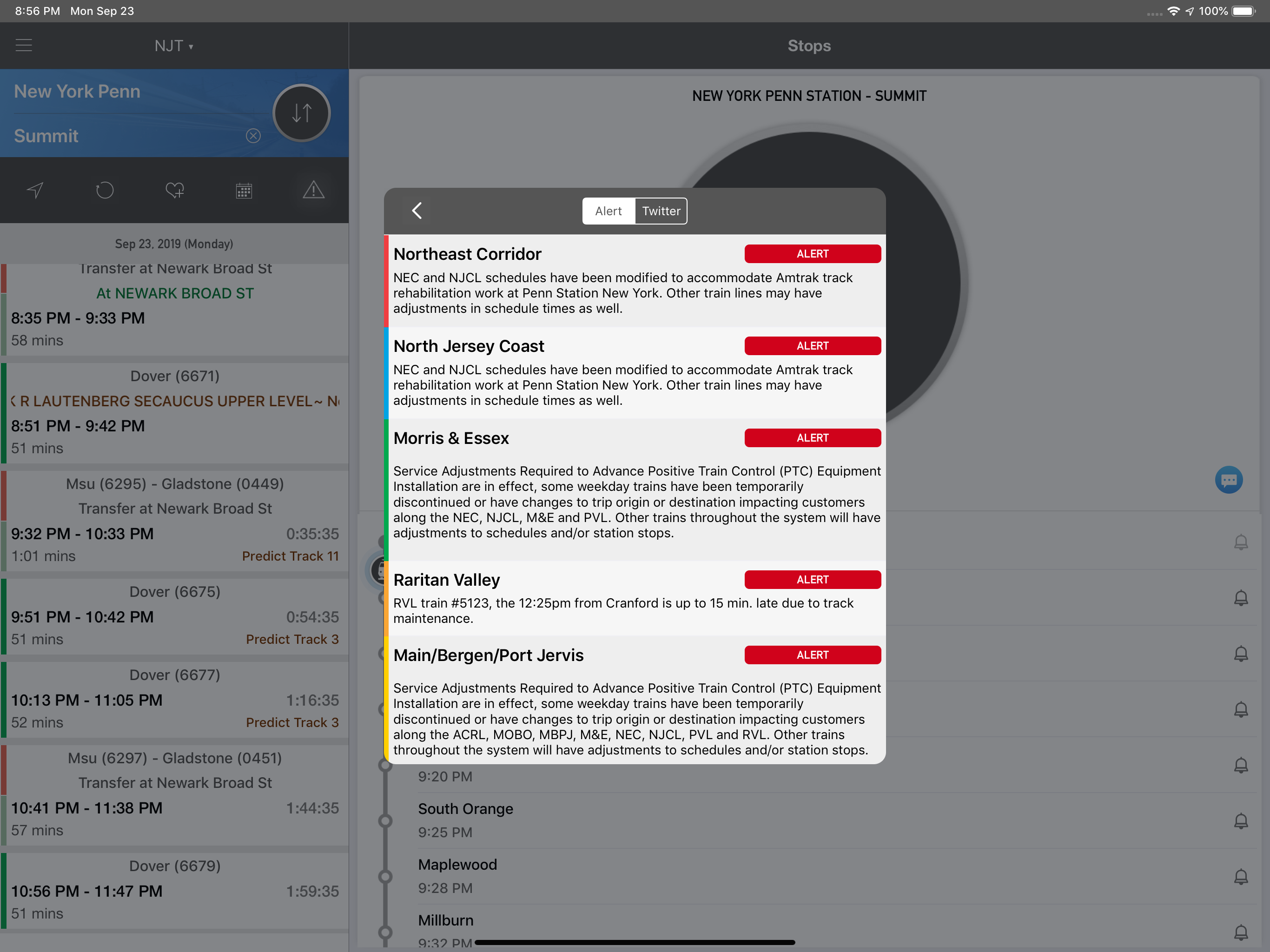
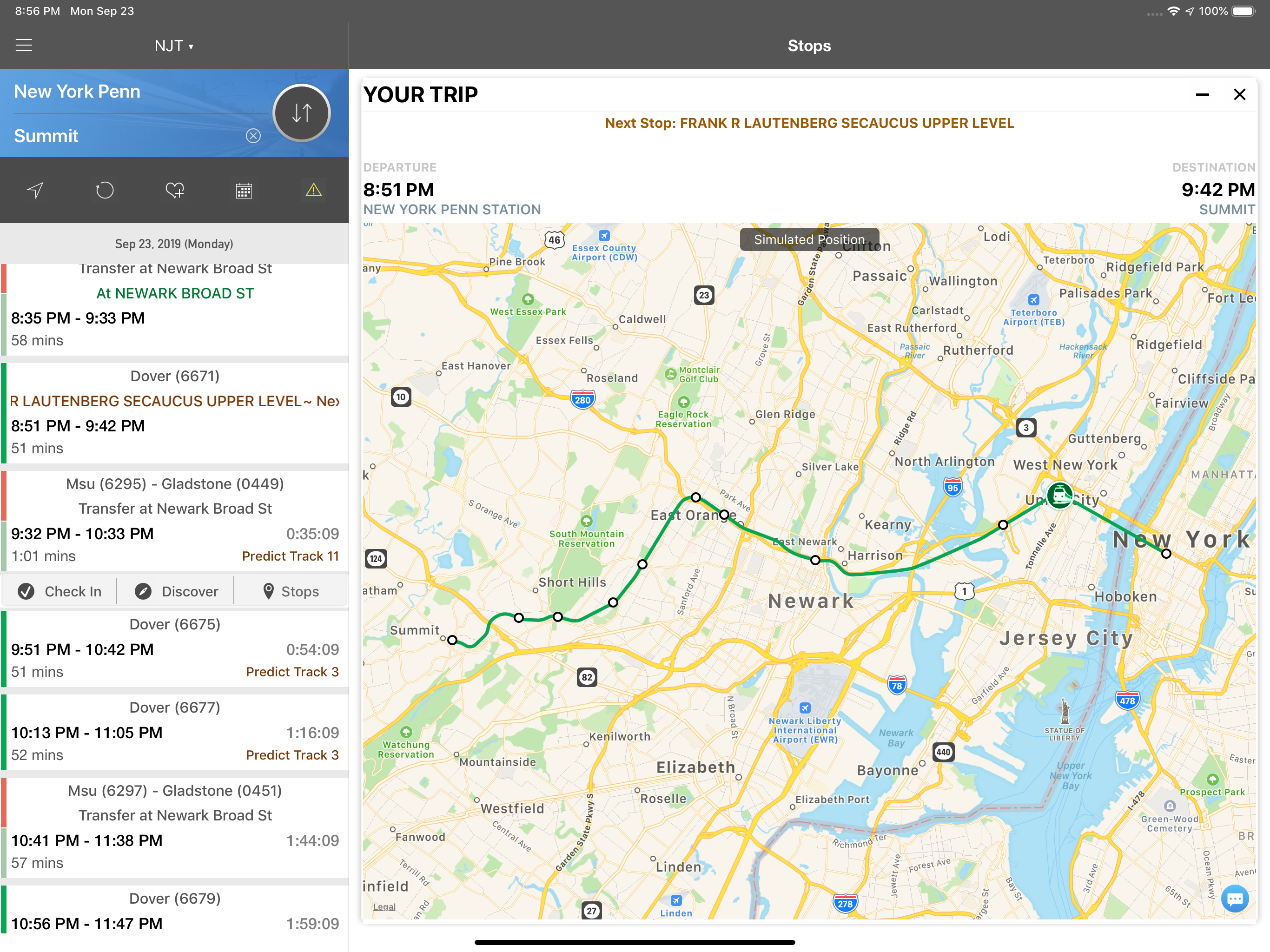
Study the product story and store experience behind the acquisition funnel.



03 / Market context
Keep revenue, downloads and store rankings separate from advertising performance.
Ad placement can transfer you to their scammy website when you're trying to adjust times/dates for the planner function. It's a great app and had all the things I needed, the updates have made it buggy, and sadly not as user friendly
Departure time from origin station is correct 60% of the time. Why? Operators run early or late (usually within a 5min window). That would be tolerable if not for the inconsistency. Pick one: early or late. The most egregious issue I have is with “weekend service changes!” WHY does the app NEVER update or adjust for “track work” timetable changes? One FOUR occasions; over the past few months, I was over a hour late because there is NO announcement on the schedule main screen. No pop up or warning indicator? Why must I DID every Saturday/Sunday to see if there are changes. Why can’t we get automated announcements on Thursdays & Fridays informing us of weekends work? NJ Transit buses are not much better but there I hove OPTIONS
Updates in early 2018 have made a reliable app not just visually confusing, but almost unworkable. When I want trains from Point A to Point B, the app gives me trains running in BOTH directions, including a few departing from Point C, and some that never stop at Point B at all. This app used to have simple, uncluttered interface with a clean look that told you exactly what you needed to know. It is now crowded with irrelevant or misleading information in a visually unappealing way. I would honestly rather get the schedule from my web browser than from this almost-broken app. Designers, please note: * simple, soothing color palette, ideally against a black background. This is a train schedule. * If someone wants trains FROM New York Penn Station, do not include trains TO New York Penn Station. “From” and “to” are important to get right when reading train schedules. * If someone wants trains TO New Brunswick, do not include trains that don’t stop at New Brunswick. * Having 6-7 visible countdowns for departing trains (most of which are irrelevant because of destinations of origin points) is visually stressful. I can look at what time the train departs, compare it to the current time, and have a rough idea. A countdown adds very little to a single train and is annoying when running for multiple trains simultaneously. I seldom write reviews, but the version of this app in 2017 was very solid and had a good UX. The current version is unpleasant and uninformative.
Get the next NJT train schedule in a New York Minute. onTime is fast and easy to use. It is designed with commuters in mind. With onTime : NJT, you ca...
| Name | Price | Type |
|---|---|---|
| Premium (Annual) | $4.99 | Yearly |