Check the acquisition promise
Read the store headline, screenshots and description. What problem is the app promising to solve?
Study the storefront ↗
OnTheClock.com, LLC · iOS
Explore the ad evidence, study the storefront, and build your next acquisition hypothesis.
01 / Creative research
Read the store headline, screenshots and description. What problem is the app promising to solve?
Study the storefront ↗Explore apps with direct store-link matches. Compare their hooks and formats without assuming the same approach works here.
Browse observed advertisers ↗Store rankings and revenue estimates describe market context. They do not establish ad spend, conversions or ROAS.
Review the market context ↗02 / Storefront & product
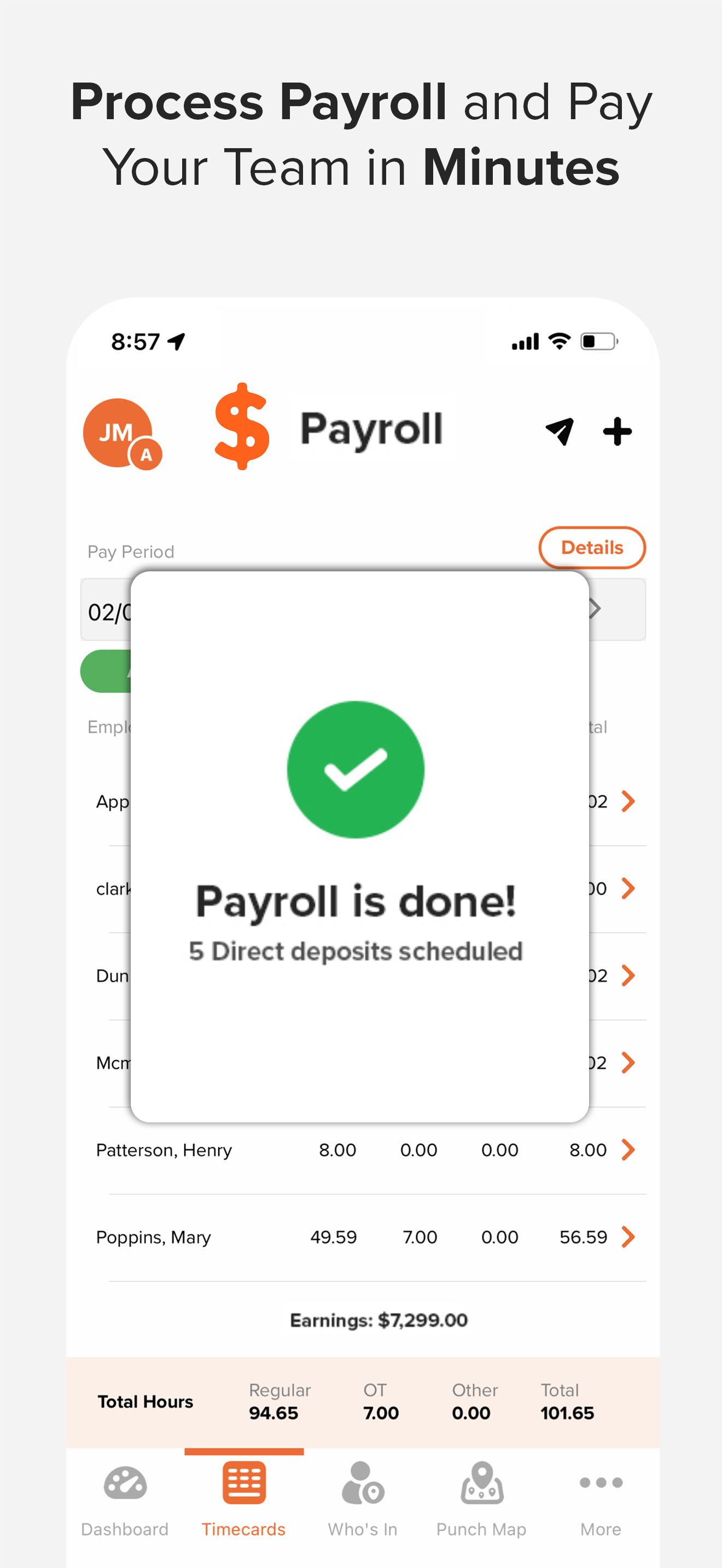
Study the product story and store experience behind the acquisition funnel.



03 / Market context
Keep revenue, downloads and store rankings separate from advertising performance.
I went through a bunch of apps to find the right one for my business - basically I wanted a simple app where I could set up an iPad for a few employees and they could clock in and out, and we could pull reports. The functionality for my purposes is great - however the interface could use some work. It would be great if there were some buttons for punch in/out for each employee for instance, and the biggest complaint I have is that the punch only works in portrait mode - our iPad is situated in landscape mode in a fixed position on our reception counter - so staff has to turn their head sideways to punch in and out. These small fixes will make it perfect for us!
The app is pretty good, I like being able to manage our 40 person office from an app. The two big issues I have are Paid Time Off accrual changes and authorizing a punch while using 2 WAN connections. Sometimes our primary internet goes down and our back up fails over. If an employee has 2 different IP addresses in the multi ip area (as sites with 2 internet connections would) then the employee can actually punch in from ANY IP address including a cellular one from home. This is not good so our punching is set to 1 IP address. If our primary goes out I have to log the punches manually. Once an employee has been here 5 years their accrual rate of time off changes. It’s not impossible to fix but you do need to essentially end the year for them, write down their current time off, change their accrual rate to today and then insert the time off that you hopefully wrote down as a positive starting value. Other systems allow this without the work around of ending a year. All in all it’s a good system with great access to speak to someone when needed. But the IP issue is a big deal that was present even in the old app versions before the rebuild.
We’ve used OnTheClock for over two years now at our multi-specialty medical & dental clinic. With close to 80 employees working from 8 states, the option to give people app access or strictly group punching access and the punch mapping functions have been invaluable. As a manager I also really appreciate the note function as employees can leave correction requests right in the timecard record rather than inundating me with separate requests. Correcting errors becomes a simple process of reading the note, determining if an adjustment should be made, and if so, making it in the very same screen. We started using OnTheClock because at the time it was the most function rich software that fit within our budget conscious search parameters. Definitely recommend!
OnTheClock: Your Ultimate All-in-one Tool for Employee Time Tracking, Scheduling, PTO Management, and Payroll Welcome to OnTheClock, the most user-fr...